Choosing the right desk size is one of the most important decisions you'll make when setting up a productive and comfortable workspace. Whether you're furnishing a compact home office corner or a spacious executive suite, the dimensions of your desk directly impact your workflow, posture, and overall satisfaction. A desk that's too small can leave you feeling cramped and disorganized, while one that's too large may overwhelm the room and make it difficult to reach essential items. This guide will walk you through everything you need to consider when selecting the ideal desk size for your space, from measuring your room to understanding ergonomic requirements.
At Omnidesk, we understand that every workspace is unique. Our range of standing desks, fixed height desks, and accessories are designed to fit a variety of room layouts and user preferences. By the end of this article, you'll have a clear framework for making an informed decision that balances function, comfort, and aesthetics.
Measure Your Space Before You Shop
Before you even start browsing desk options, grab a tape measure and map out your available space. The most common mistake people make is buying a desk that looks great in the showroom but doesn't fit their room. Start by measuring the width, depth, and height of the area where the desk will go. Don't forget to account for door swings, window placements, and traffic flow. A good rule of thumb is to leave at least 24 inches of clearance behind your chair for easy movement and another 12 inches on each side if possible.
Consider the shape of your room as well. Rectangular rooms often work best with standard rectangular desks, while L-shaped or corner rooms can benefit from a corner desk that maximizes unused space. If your room is narrow, a wall-mounted or floating desk might be the best solution. For small apartments or home offices, a compact desk around 40 to 48 inches wide can provide enough surface area for a laptop and a few essentials without dominating the room.
- Measure width, depth, and height of the intended area
- Account for door swings, windows, and furniture clearance
- Use painter's tape to outline the desk footprint on the floor
Standard Desk Dimensions and What They Mean
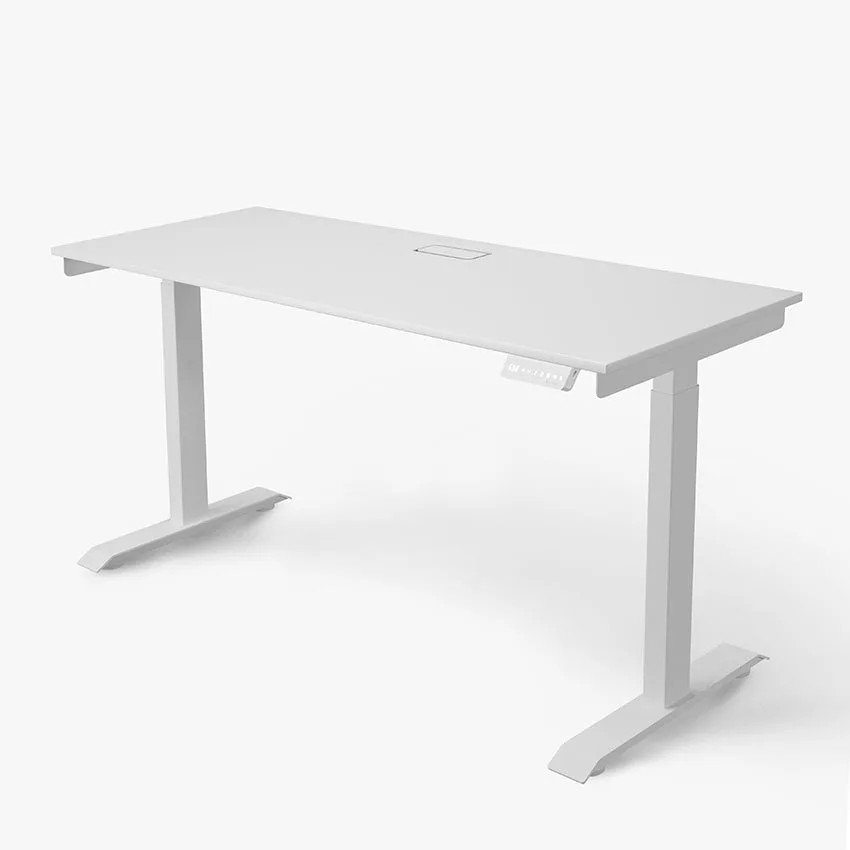
Most standard desks are 60 inches wide, 30 inches deep, and 30 inches tall. This size is considered the goldilocks of desk dimensions—it fits comfortably in most rooms, provides ample surface area for a monitor, keyboard, and paperwork, and accommodates ergonomic setups. However, not everyone needs or wants a standard size. Small desks, typically 40 to 48 inches wide, are perfect for tight spaces or for users who primarily work on a laptop. Large desks, ranging from 72 to 80 inches wide, are ideal for dual-monitor setups, creative professionals, or anyone who spreads out their work.
Depth is equally important. A 30-inch deep desk gives you enough room to position your monitor at arm's length (about 20 to 28 inches from your eyes), which is crucial for eye strain prevention. If you're using a monitor arm, you can sometimes get away with a shallower desk. For those who prefer a minimalist setup, a depth of 24 inches might suffice, but be cautious—you'll have less space for a keyboard and mouse. The Omnidesk range includes multiple depth options to suit different needs.
- Standard desk: 60"W x 30"D x 30"H – versatile for most users
- Small desk: 40–48"W – ideal for compact spaces and laptop work
- Large desk: 72–80"W – perfect for multi-monitor or creative workflows
Ergonomic Considerations for Desk Size
Your desk size directly affects your ergonomic setup. The most critical factor is the height of the desk relative to your seated or standing posture. For sitting, your elbows should form a 90-degree angle when your hands rest on the keyboard, and your feet should be flat on the floor. A fixed height desk at 30 inches works for many average-height users, but if you're taller or shorter, an adjustable standing desk is a game-changer. Standing desks allow you to alternate between sitting and standing throughout the day, which reduces back pain and improves circulation.
Desk depth also plays a role in monitor placement. The top of your monitor screen should be at or slightly below eye level, and the screen should be about an arm's length away. If your desk is too shallow, you might be forced to sit too close to the screen, causing eye fatigue. Conversely, a very deep desk can make it hard to reach your keyboard comfortably. Consider adding accessories like the classic-ergo-curve-157740">Classic Ergo Curve to improve your typing posture, or a monitor arm to free up surface space and achieve perfect screen positioning.
- Ensure your desk height allows for 90-degree elbow angle
- Monitor should be at arm's length and at eye level
- Consider a standing desk for height adjustability
Matching Desk Size to Your Work Style
Your work habits should influence your desk size choice. If you're a digital nomad or a minimalist who works primarily on a laptop, a small desk of 40 to 48 inches might be all you need. You can pair it with a sleek Logitech MX Master 3S mouse and a compact keyboard to keep your setup tidy. For gamers or creative professionals who use multiple monitors, a large desk of 72 inches or more provides the real estate needed for dual or triple monitor setups, a gaming mouse like the Logitech G Pro X Superlight 2, and additional peripherals.
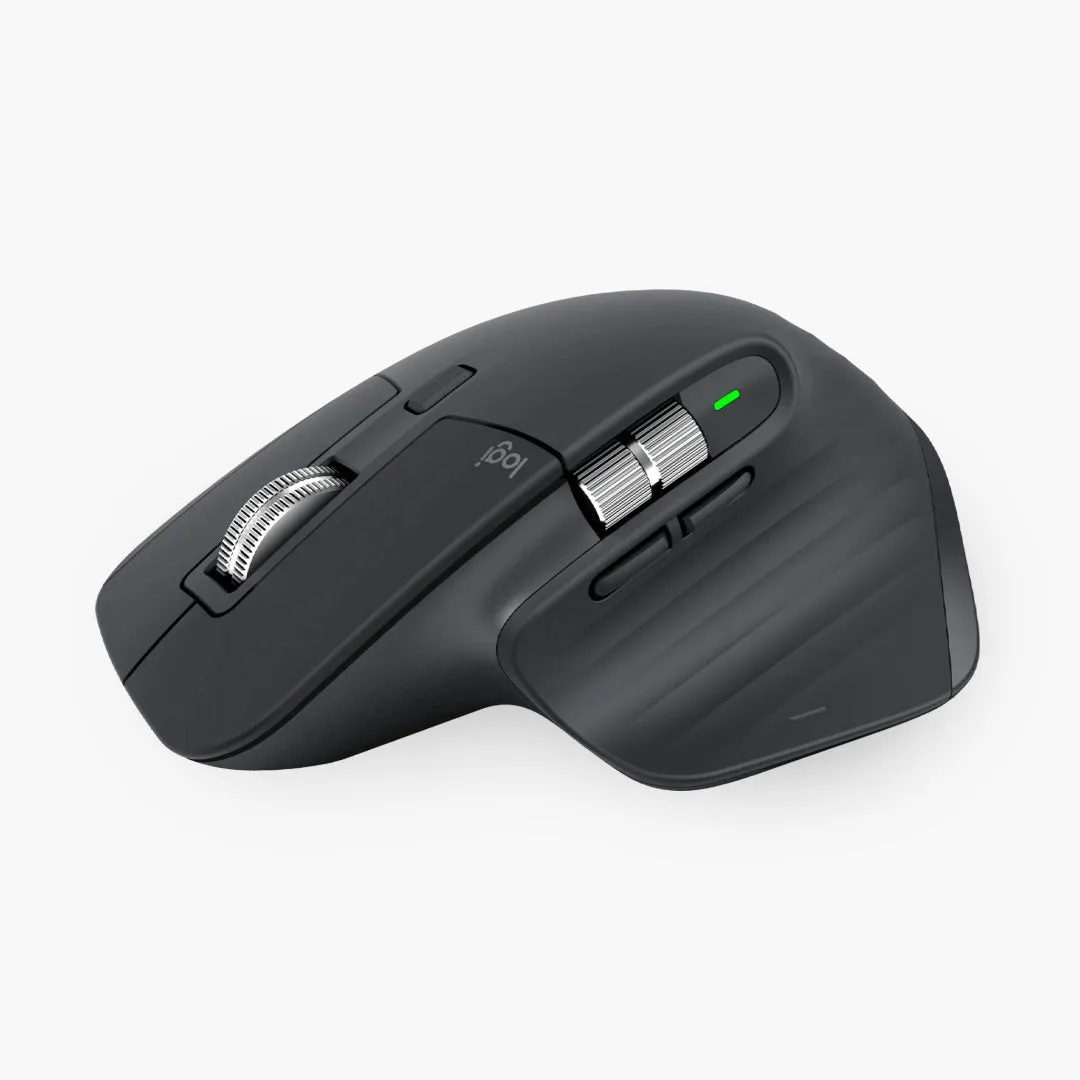
Logitech MX Master 3S
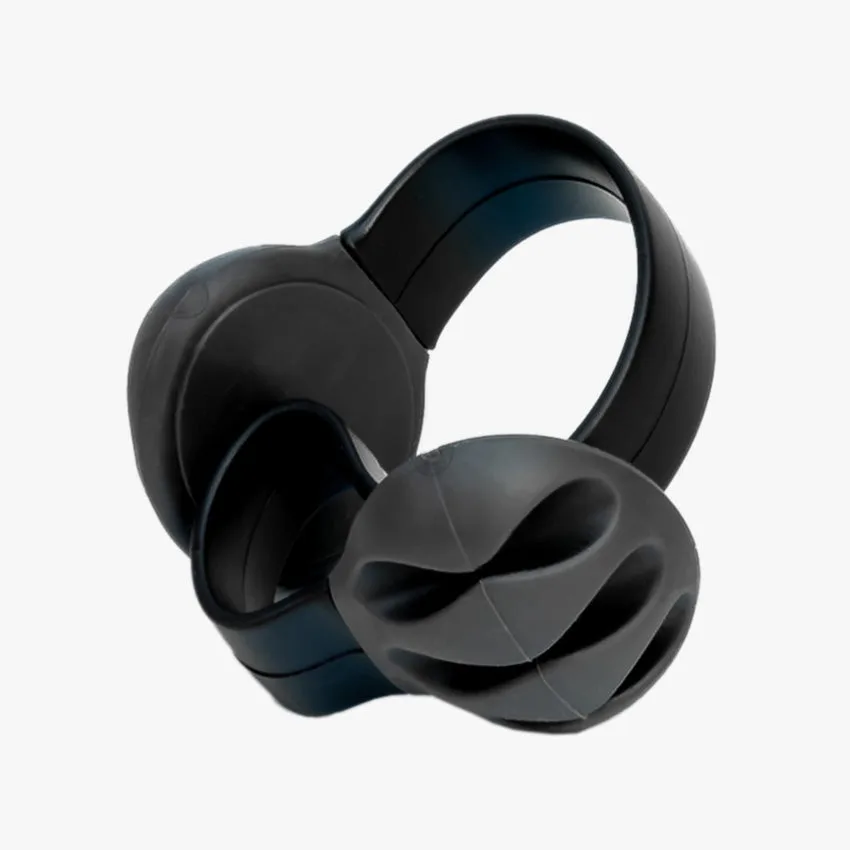
Think about storage needs as well. Do you need space for a printer, external drives, or paperwork? If so, a desk with a larger surface area or built-in shelving might be beneficial. Alternatively, you can use accessories like the Omnidesk Cable Spine to manage cables and keep your workspace organized, even on a smaller desk. If you frequently enjoy beverages at your desk, the Refresh Beverage Holder is a clever accessory that saves surface space while keeping your drink within reach.
- Small desk: best for laptop users and minimalists
- Large desk: ideal for multi-monitor setups and gamers
- Use accessories to maximize surface space and organization
Desk Size and Room Layout Tips
Once you've chosen a desk size, consider how it fits into your overall room layout. A desk placed against a wall is the most common arrangement, but if you have a larger room, you might float the desk in the center to create a more open, collaborative feel. For corner spaces, an L-shaped desk can utilize otherwise wasted square footage. Remember to leave enough room for your chair to slide in and out easily—at least 36 inches of clearance in front of the desk is recommended.
Lighting is another factor. Position your desk perpendicular to windows to reduce glare on your screen. If your desk is too large for the room, it can block natural light and make the space feel cramped. A well-proportioned desk enhances the room's flow and makes your workspace more inviting. For those with very limited space, a wall-mounted desk that folds away when not in use can be a brilliant solution.
- Allow 36 inches of clearance in front of the desk for chair movement
- Position desk perpendicular to windows to minimize glare
- Consider L-shaped or wall-mounted desks for corner or small spaces
Choosing the right desk size is about balancing your available space, ergonomic needs, and work style. By measuring carefully, understanding standard dimensions, and considering how you actually work, you can find a desk that enhances your productivity and comfort. Visit Omnidesk to explore our range of standing desks and accessories, and find the perfect fit for your home office. Whether you need a compact desk for a cozy nook or a spacious workstation for a dual-monitor setup, we have options that combine quality, adjustability, and style.