Standing desk converters have become a popular solution for those who want the health benefits of standing without replacing their entire desk. These add-on units sit on top of your existing desk and allow you to raise your monitor, keyboard, and mouse to standing height. However, not every desk is suitable for a converter. Choosing the wrong base desk can lead to instability, limited workspace, or even damage to your equipment. In this guide, we’ll walk you through the key factors to consider when selecting a desk that will work perfectly with a standing desk converter.
Whether you’re a remote worker, a gamer, or a professional in a shared office, the right combination of desk and converter can transform your productivity and comfort. We’ll cover desk dimensions, weight capacity, surface material, and ergonomic considerations. Plus, we’ll highlight some excellent products from Omnidesk that can serve as ideal foundations for your converter setup.
Understanding Standing Desk Converters and Their Requirements
A standing desk converter is a platform that sits on your existing desk and can be adjusted to different heights, allowing you to alternate between sitting and standing. Most converters come in two main types: those that lift the entire workspace (monitor, keyboard, mouse) and those that only lift the monitor while leaving the keyboard on the desk. The key requirement for any base desk is that it must be sturdy enough to support the converter’s weight plus your equipment, and large enough to accommodate the converter’s footprint when lowered.
Before buying a converter, measure your current desk’s depth and width. Converters typically require at least 30 inches of width and 20 inches of depth to function properly. Also, check the maximum weight capacity of your desk—most standard desks can handle 50-100 lbs, but a heavy converter with dual monitors may push that limit. If your desk is flimsy or has a particleboard top, consider upgrading to a more robust option like the Classic from Omnidesk, which offers a solid frame and ample surface area.
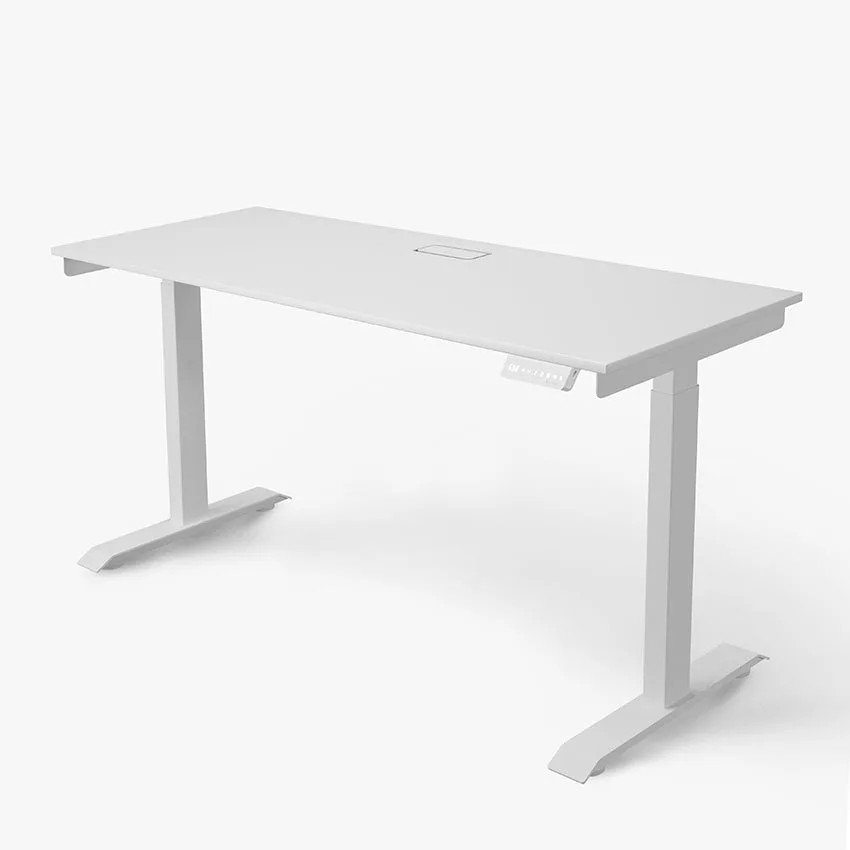
Classic
- Measure your desk’s width and depth before purchasing a converter.
- Ensure the desk can support the converter’s weight plus your monitor and accessories.
- Avoid desks with glass tops or unstable legs for converter use.
Key Factors to Consider When Choosing a Desk for a Converter
The most important factor is desk stability. A wobbly desk will make your converter feel unsafe and can cause monitor shake. Look for desks with a sturdy steel frame or a solid wood top. The Classic is a great choice because it features a heavy-duty frame and a spacious 60x30 inch surface, providing a rock-solid base for any converter. Another option is the Ascent Radiance, which combines a sleek design with reinforced legs for extra stability.
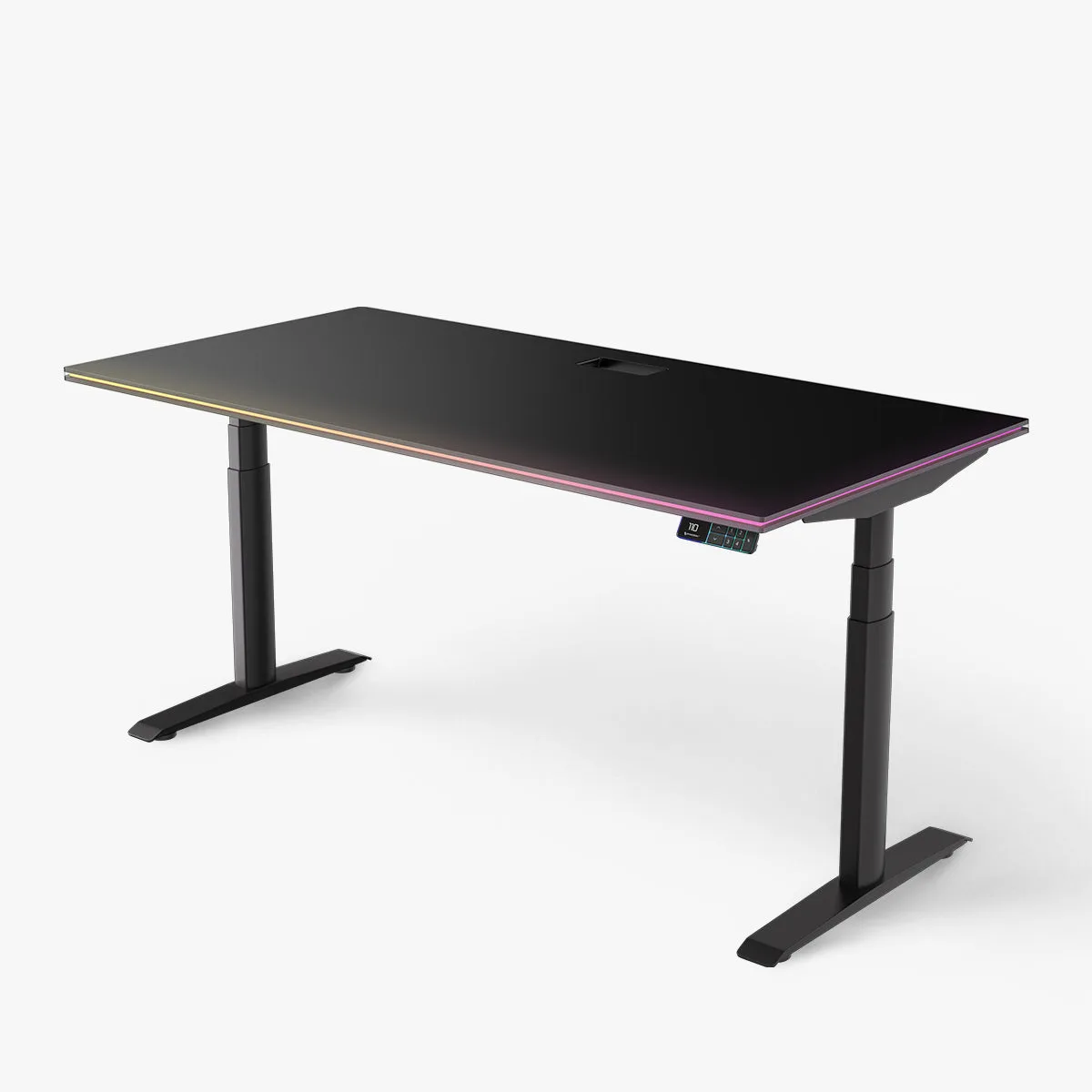
Ascent Radiance
Desk depth is equally critical. Many converters require at least 24 inches of depth to accommodate the keyboard tray when the converter is in the lowered position. If your desk is too shallow, you may not have room for your mouse or writing space. Additionally, consider the desk’s height adjustability—if you plan to use the converter with a fixed-height desk, ensure the desk’s height matches your seated ergonomic needs. For maximum flexibility, a height-adjustable desk like the Classic allows you to fine-tune your setup.
- Stability is non-negotiable—choose a desk with a solid frame.
- Ensure the desk depth is at least 24 inches for converter clearance.
- Consider a height-adjustable desk for ultimate ergonomic control.
Desk Surface Material and Its Impact on Converter Performance
The material of your desk top affects how well the converter grips and how much weight it can support. Wood and engineered wood desks are generally the best options because they provide a non-slip surface and can handle the clamping force of most converters. Avoid glass or glossy laminate tops, as they can cause the converter to slide or scratch. If you have a metal desk, check if the converter’s clamps are compatible—some converters require a flat, non-magnetic surface.
For a premium experience, consider a desk with a hardwood top like the Ascent Radiance. Its smooth yet grippy surface ensures your converter stays put, even during height adjustments. If you’re on a budget, a laminate desk with a textured finish can work well. Just be sure to use a desk pad or mat under the converter to protect the surface from scratches. The Hestia Mini Desktop Organiser can also help keep small items tidy without interfering with the converter’s footprint.
- Wood and engineered wood tops offer the best grip and weight support.
- Avoid glass or glossy surfaces to prevent sliding and damage.
- Use a desk pad to protect the surface if needed.
Ergonomic Considerations for Your Converter Setup
Your desk and converter should work together to promote proper posture. When the converter is in the raised position, your monitor should be at eye level, and your keyboard at elbow height. If your desk is too low or too high, the converter may not be able to achieve the correct ergonomic alignment. A height-adjustable desk like the Classic allows you to set the perfect base height, so the converter only needs to make minor adjustments.
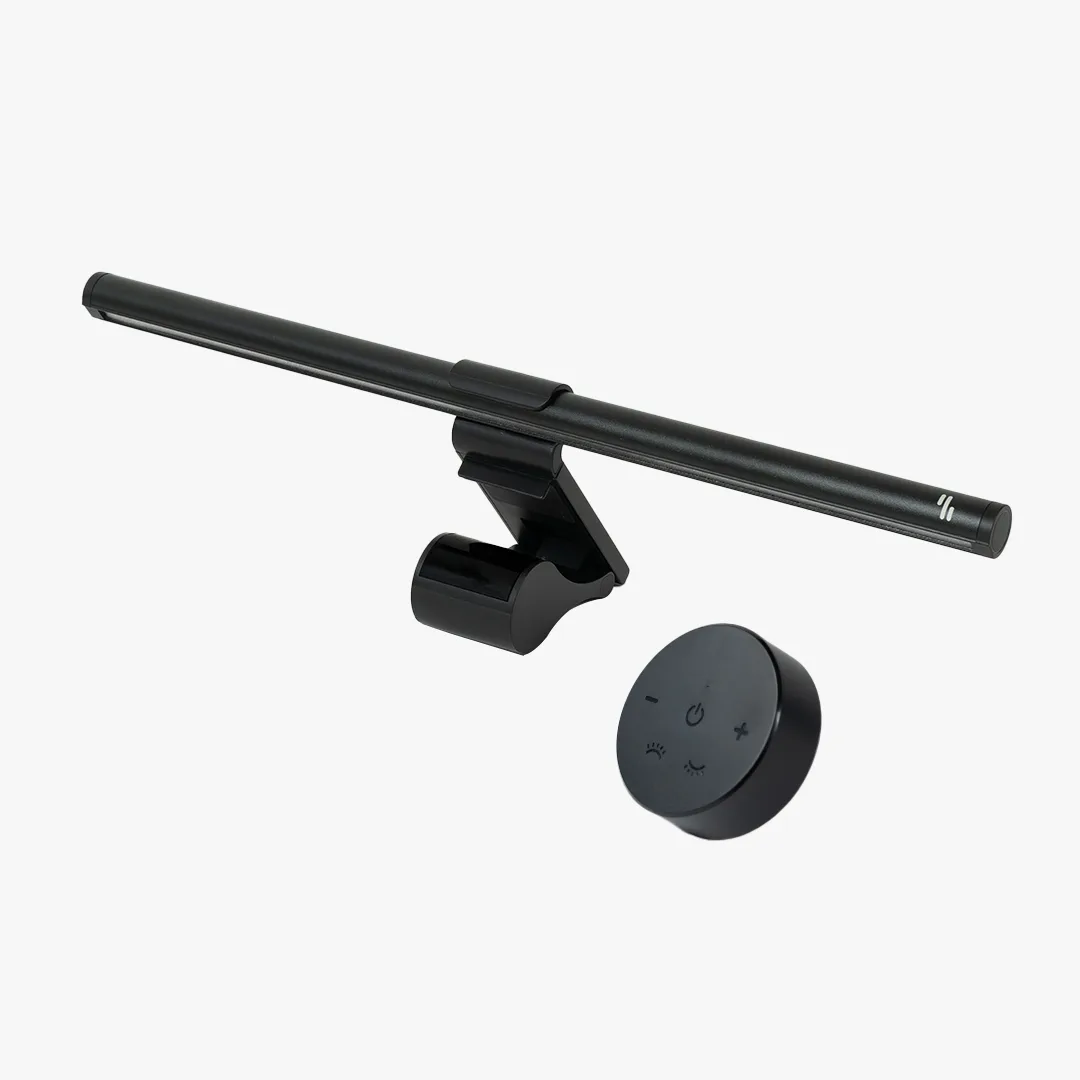
Additionally, consider the layout of your accessories. With a converter, your mouse and keyboard will be on the raised platform, so you need enough depth for comfortable arm placement. The Laptop Mount can be a helpful addition if you use a laptop alongside a monitor—it lifts the laptop screen to match the converter’s height. For a clutter-free workspace, the Spark Desk Lamp provides focused lighting without taking up valuable desk space.
- Set your desk height so the converter can achieve proper monitor and keyboard positioning.
- Use a height-adjustable desk for maximum ergonomic flexibility.
- Add accessories like a laptop mount or desk lamp to optimize your setup.
Recommended Desks from Omnidesk for Converter Use
Omnidesk offers several desks that are ideal companions for standing desk converters. The Classic is a top pick due to its robust construction, generous size, and smooth electric height adjustment. It provides a stable platform for even the heaviest converters, and its programmable memory settings let you switch between sitting and standing with ease. Another excellent choice is the Ascent Radiance, which features a sleek, modern design and a durable frame that minimizes wobble.
For those who prefer a fixed-height desk, Omnidesk’s fixed-height options are built with the same quality materials. Pairing a fixed-height desk with a converter can be a cost-effective solution, but ensure the desk height matches your seated posture. Whichever desk you choose, remember that the converter will add several inches to your overall height, so measure your ceiling clearance if you plan to stand frequently.
- The Classic offers stability, size, and adjustability for any converter.
- The Ascent Radiance provides a stylish, wobble-free base.
- Fixed-height desks work well if paired with a properly matched converter.
Choosing the right desk for your standing desk converter is essential for a safe, stable, and ergonomic workspace. Focus on desk stability, size, surface material, and adjustability to ensure a seamless fit. Omnidesk’s Classic and Ascent Radiance are excellent options that provide the foundation you need. Ready to upgrade your setup? Explore the Classic today and build the perfect standing workstation.