When you're building or upgrading your mechanical keyboard, the keycaps you choose have a huge impact on both the feel and the sound of your typing. But beyond the color and material, there's another critical factor: the keycap profile. The profile determines the height and shape of each keycap, which affects your typing angle, comfort, and even your speed.
If you're eyeing a set of Glorious GPBT keycaps, you might be wondering which profile is right for you. In this guide, we'll break down the most popular profiles—OEM, Cherry, and SA—and help you decide which one suits your typing style and gaming needs. Whether you're a seasoned enthusiast or a newcomer, understanding keycap profiles is essential for getting the most out of your keyboard.
What Is a Keycap Profile and Why Does It Matter?
A keycap profile refers to the shape, height, and angle of the keycaps on your keyboard. Most keycaps are sculpted, meaning each row has a different height and angle to accommodate the natural movement of your fingers. The profile affects how your fingers reach for the keys, how much travel you feel, and the overall ergonomics of typing.
Choosing the right profile can reduce finger fatigue during long typing sessions, improve accuracy, and even change the sound of your keyboard. For example, taller profiles like SA tend to produce a deeper, more thocky sound, while shorter profiles like Cherry are quieter and more responsive. Understanding these differences is key to personalizing your setup.
- Profile affects typing angle and finger reach.
- Taller profiles can change the acoustics of your keyboard.
- Your choice should align with your primary use—typing, gaming, or both.
OEM Profile: The Versatile Standard
OEM profile is the most common keycap profile found on pre-built keyboards. It features a slightly angled top surface and a moderate height, making it comfortable for most users. The sculpted rows are designed to guide your fingers naturally, reducing strain during extended typing sessions.
For those new to mechanical keyboards, OEM is a safe and familiar choice. It works well for both typing and gaming, offering a balanced feel that doesn't require an adjustment period. If you're upgrading to Glorious GPBT keycaps, many of their sets come in OEM profile, making them an easy drop-in replacement for your current keycaps.
- Great all-rounder for typing and gaming.
- Moderate height and angle, easy to adapt to.
- Most widely available, so you'll have plenty of options.
Cherry Profile: Lower and Faster
Cherry profile keycaps are similar to OEM but are slightly shorter and have a more uniform angle across rows. This lower height can reduce the distance your fingers need to travel, which some users find faster and more comfortable for rapid typing or gaming.
The shorter profile also brings the keys closer to the switch, which can make the keyboard feel more responsive. Many enthusiasts prefer Cherry profile for its sleek look and the fact that it's often used on high-end keyboards. If you're looking for a low-profile feel without switching to low-profile switches, Cherry is an excellent choice.
- Shorter height for faster key presses.
- Uniform angle can be more comfortable for some users.
- Ideal for gamers who want a quick, responsive feel.
SA Profile: Tall and Sculpted for a Retro Vibe
SA profile keycaps are the tallest of the three, with a pronounced spherical top and a steep angle. This profile is often loved for its retro aesthetic and the satisfying, deep sound it produces. The tall height means more travel, which some typists find gives a more deliberate, tactile feel.
However, SA profile can take some getting used to, especially if you're accustomed to lower profiles. The added height can increase finger travel and may cause fatigue during long sessions. But for those who enjoy a vintage look and a thocky sound, SA is a fun and stylish option. Glorious GPBT keycaps in SA profile are a great way to add personality to your board.
- Tallest profile, offering a unique retro look.
- Deeper sound due to more space inside the cap.
- Best for typists who prefer a deliberate, tactile feel.
How to Choose the Right Profile for Your Needs
When deciding between OEM, Cherry, and SA, consider your primary use case. If you're a gamer who needs quick, precise keystrokes, a lower profile like Cherry might be your best bet. For everyday typing and general use, OEM provides a comfortable, familiar feel. And if you're after a unique aesthetic and don't mind a learning curve, SA can be a rewarding choice.
It's also worth considering the keycaps you already have. If you're upgrading to Glorious GPBT keycaps, check the profile of your current set to ensure a smooth transition. Many users find that switching between profiles can feel awkward at first, so give yourself time to adjust. Ultimately, the best profile is the one that feels most natural to you.
- Gaming: opt for Cherry or OEM for speed and comfort.
- Typing: OEM is versatile, SA is for those who enjoy a taller key.
- Try before you buy: if possible, test different profiles on a friend's keyboard or at a meetup.
Choosing the right keycap profile is a personal decision that can significantly enhance your typing and gaming experience. Whether you prefer the versatility of OEM, the speed of Cherry, or the retro charm of SA, Glorious GPBT keycaps offer high-quality options in all these profiles. Explore the Glorious GPBT Grapefruit V2 Keycaps for a bold, colorful OEM set, or the GPBT Zero One Keycaps for a sleek, modern look. Find the profile that fits your hands and your style, and enjoy the difference it makes.
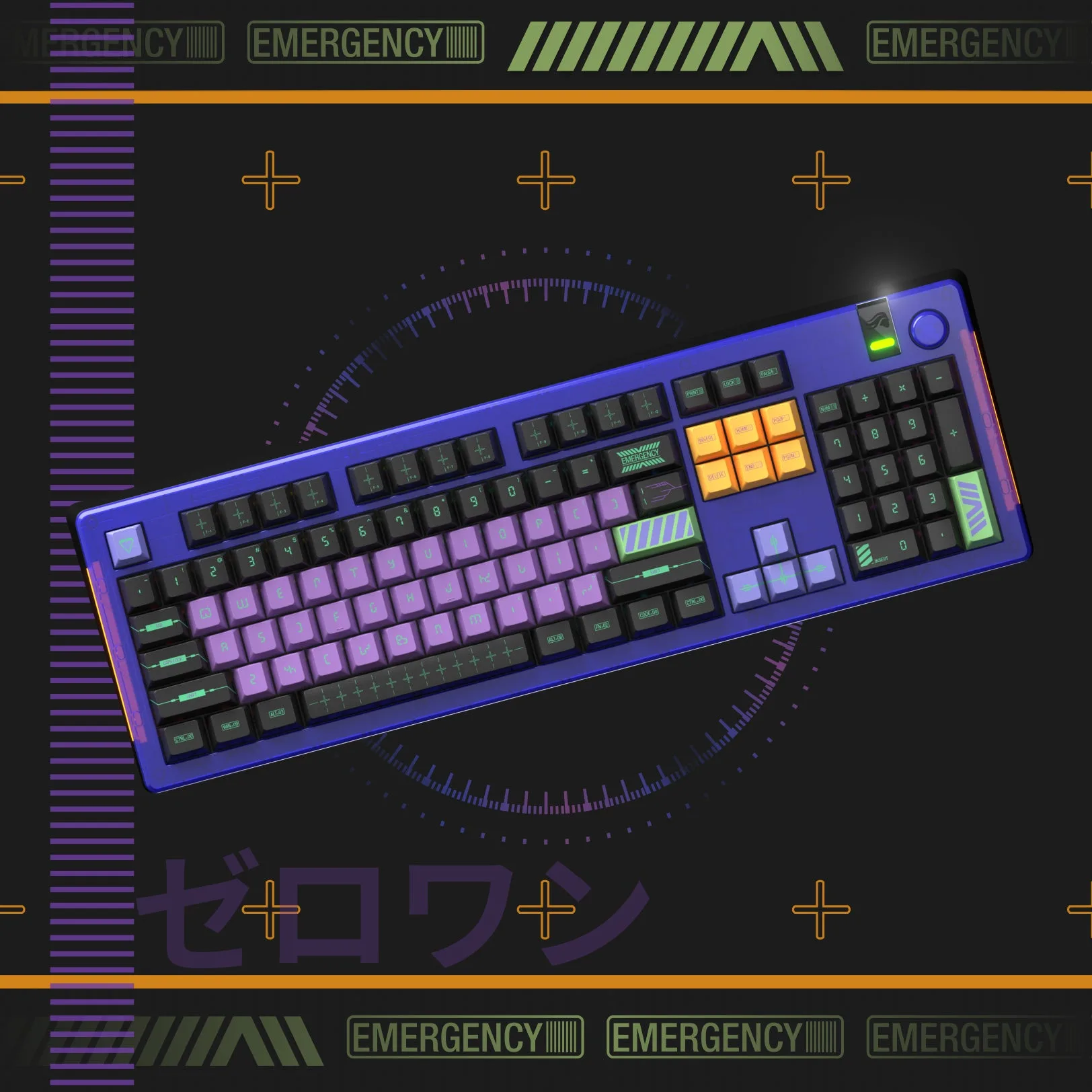
GPBT Zero One Keycaps