Quick Answer
Choose a monitor riser by first measuring your desk depth and the height you need to bring your screen to eye level. Then check the weight capacity against your monitor's weight, and decide if you need extra storage like drawers. For most single-monitor setups, a sturdy riser with a weight capacity of at least 20 lbs works well, while dual-monitor users need a wider top and higher capacity.
A monitor riser does more than lift your screen. It frees up desk space, improves posture, and can add storage for pens, notes, or a laptop. But with so many sizes and styles, it's easy to pick one that's too low, too small, or not strong enough for your gear.
This guide gives you clear decision rules so you can match a riser to your actual setup. You'll learn how to measure, what weight capacity to look for, and which features matter most—whether you use a single monitor, dual screens, or a laptop.
Start with the Right Height
The main job of a monitor riser is to bring the top of your screen to eye level. When you sit naturally, your eyes should align with the top edge of the monitor. Measure from the desk surface to that point, then subtract the height of your monitor's stand (if it has one). That difference is the riser height you need.
Most risers add between 3 and 6 inches. If you're tall or have a high chair, you may need a taller riser or a separate laptop stand to stack. Remember that adding a riser also raises your keyboard if it sits on the same surface—so plan to use a separate keyboard tray if your arms feel strained.
- Measure from desk to eye level, then subtract your monitor's built-in stand height.
Check Weight Capacity Before You Buy
Monitor risers have a maximum weight limit. Exceeding it can cause sagging or even damage your screen. Always check the spec: a riser rated for 44 lbs, like the Monitor Riser & Laptop Stand, can handle larger screens and heavier devices. A lighter riser might only support 10–15 lbs, which is fine for a slim laptop but risky for a big monitor.
If you plan to place a laptop on the riser alongside your monitor, add both weights together. Also consider the footprint: a wider riser distributes weight more evenly and gives you more usable surface. Don't guess—look for the stated weight capacity before purchasing.
- Add the weight of your monitor and any laptop or accessories you'll place on top.
Decide on Storage: Drawers, Shelves, or Open Space
Risers come with different storage options. Some have open space underneath to slide a keyboard or notebook. Others include drawers or compartments for pens, sticky notes, and small supplies. If you're short on desk space, a riser with drawers can replace a separate organizer.
Think about what you actually need within arm's reach. A pencil drawer is great for small items, but if you need to store a bulky external drive or a tablet, look for a riser with a larger open shelf. The trade-off: drawers add weight and cost, and they reduce the clearance for taller items underneath.
- For quick access to pens and clips, choose a riser with a shallow drawer.
Match the Riser to Your Monitor Setup
Single monitor users can pick almost any riser that meets height and weight needs. Dual monitor users need a wider top to hold both screens side by side. Measure the total width of your two monitors and add a few inches for comfort. If your monitors are very wide, a riser might not be enough—consider a dual monitor mount instead.
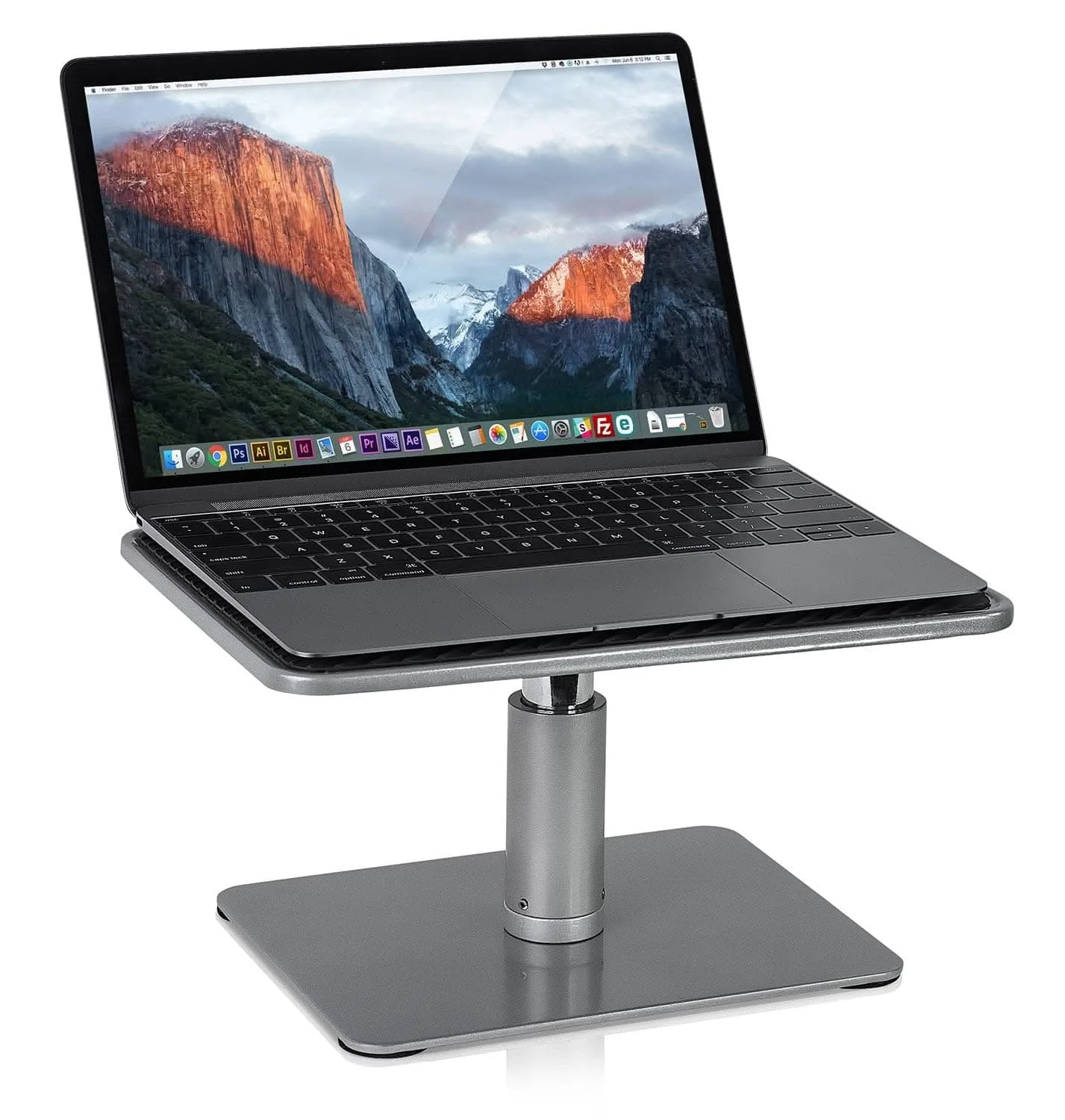
Laptop users have different needs. A riser that also holds a laptop can elevate the screen to eye level while leaving room for an external keyboard. Some risers, like the Monitor Riser & Laptop Stand, are designed for both. If you use your laptop's built-in keyboard, you'll need a riser that raises the laptop enough to type comfortably—or add a separate keyboard.
- For dual monitors, measure the combined width and ensure the riser top is at least that wide.
Decision Rules for Choosing a Monitor Riser
- Height rule: Choose a riser that brings the top of your screen to eye level. Measure from desk to eyes, subtract your monitor's stand height, and pick a riser that fills that gap. If you're between sizes, choose the taller option and use a laptop stand to fine-tune.
- Weight rule: Check the riser's weight capacity against your monitor's weight plus any laptop or accessories. Add 10–20% margin for safety. For screens over 25 lbs, look for a riser rated at least 30 lbs, like the Monitor Riser & Laptop Stand.
- Storage rule: Decide if you need drawers, open space, or a shelf. Open space is best for keyboards and larger items; drawers are for small supplies. If your desk is cluttered, pair a riser with an under-desk drawer to keep the surface clear.
Product Facts to Consider
- Monitor Riser & Laptop Stand: MI-7262 is compatible with screens up to 44 lbs. Glass and aluminum riser will look elegant in your workspace. Elevate your display to open up additional desk space. This riser handles heavy monitors and laptops, so you can trust it with larger screens. The glass and aluminum build adds a clean look while the high weight capacity gives you flexibility.
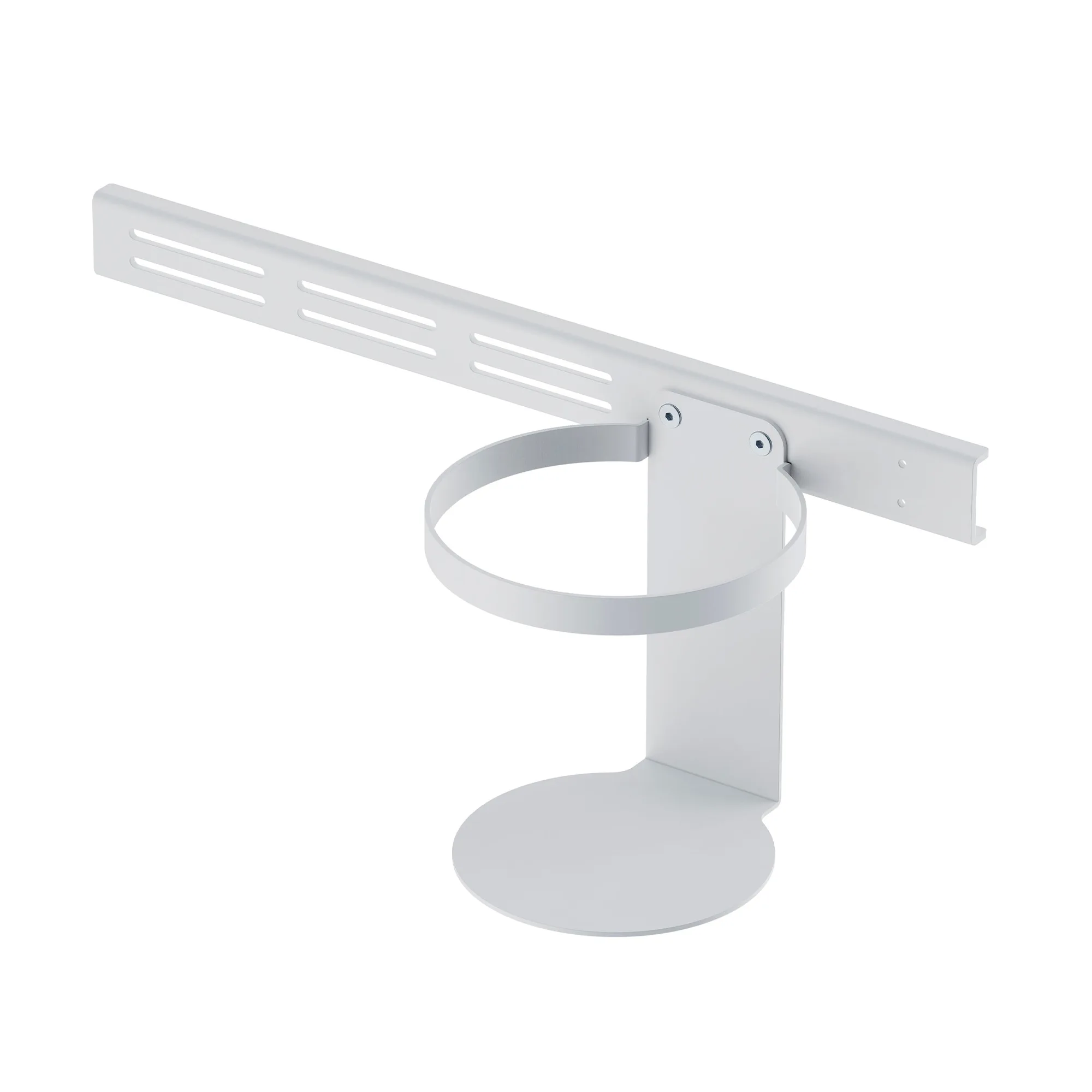
- Large Under Desk Pencil Drawer: Mounts securely to the underside of your table top, creating an easy way to add tray storage space. Attaches to desktops, tables and workbenches over 1" thick. If your riser doesn't have drawers, this under-desk option adds storage without taking up surface space. It's a good complement for risers that have open space underneath.
Who Should Buy What
Best for
- Single monitor users who want a clean, stable lift and extra desk space
- Laptop users who need to elevate the screen to eye level and have room for an external keyboard
Not for
- Dual monitor setups with very wide screens—a riser may not be wide enough; consider a dual monitor mount instead
- Users who need to constantly adjust height—a fixed riser won't offer that flexibility; look for a sit-stand converter
Choosing the right monitor riser comes down to three things: height, weight capacity, and storage. Measure your setup, match the riser to your gear, and pick a style that fits your workflow. If you follow these rules, you'll get a riser that improves comfort and keeps your desk organized for years.