When building or expanding a Lorex security system, one of the most important decisions you'll make is choosing the right NVR storage capacity. The hard drive inside your network video recorder determines how many days of footage you can keep, how many cameras you can support, and whether you can record in high resolutions like 4K without constant overwrites. Lorex offers NVRs with 2TB, 4TB, 6TB, and 8TB options, but which one is right for you? In this guide, we'll break down the differences between 2TB, 4TB, and 8TB capacities, explain how camera count and resolution affect storage, and help you calculate your own storage needs.
Whether you're a homeowner wanting a week of continuous recording or a business needing 30 days of evidence-grade video, understanding storage requirements is key. We'll also look at real-world scenarios using popular Lorex cameras like the Lorex 4K IP Wired Bullet Security Camera with Smart Security Lighting and Smart Motion Detection and the Lorex Connect X3 4K Motorized Varifocal PoE Turret Camera with Active Deterrence to illustrate how different capacities perform. By the end, you'll have a clear idea of which NVR storage size fits your security goals.
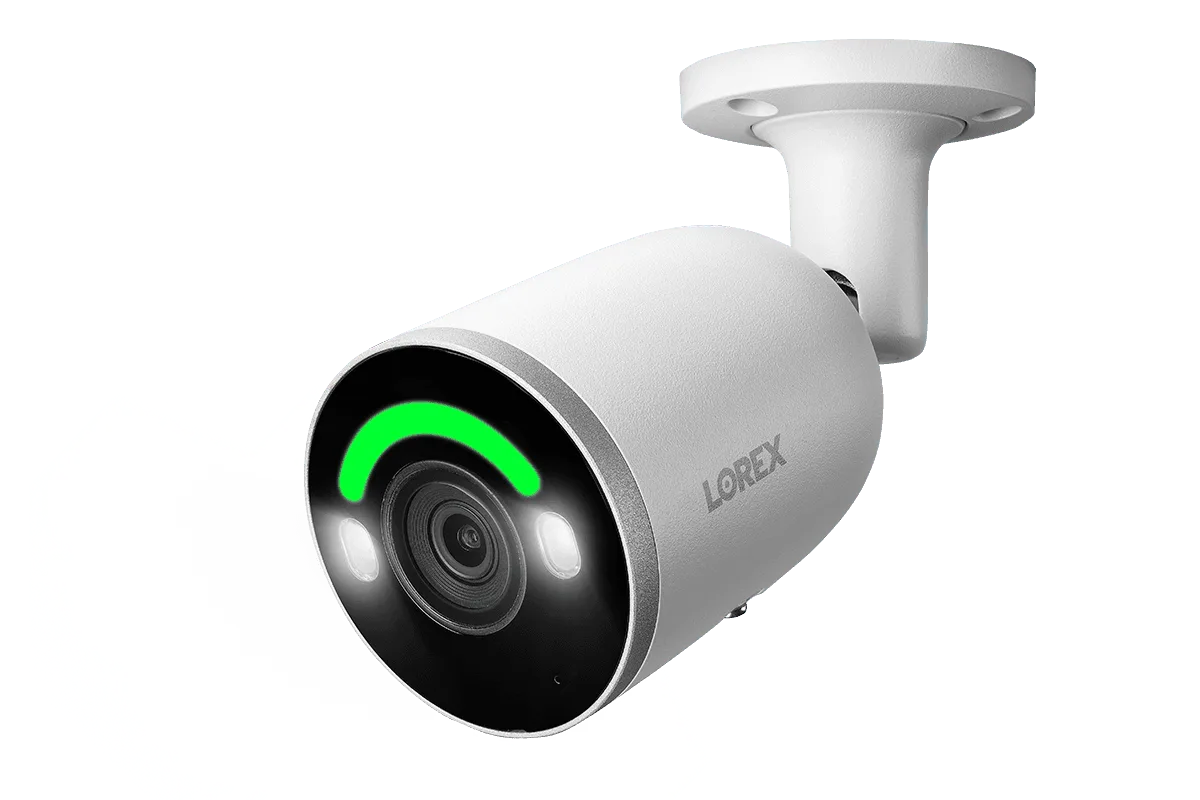
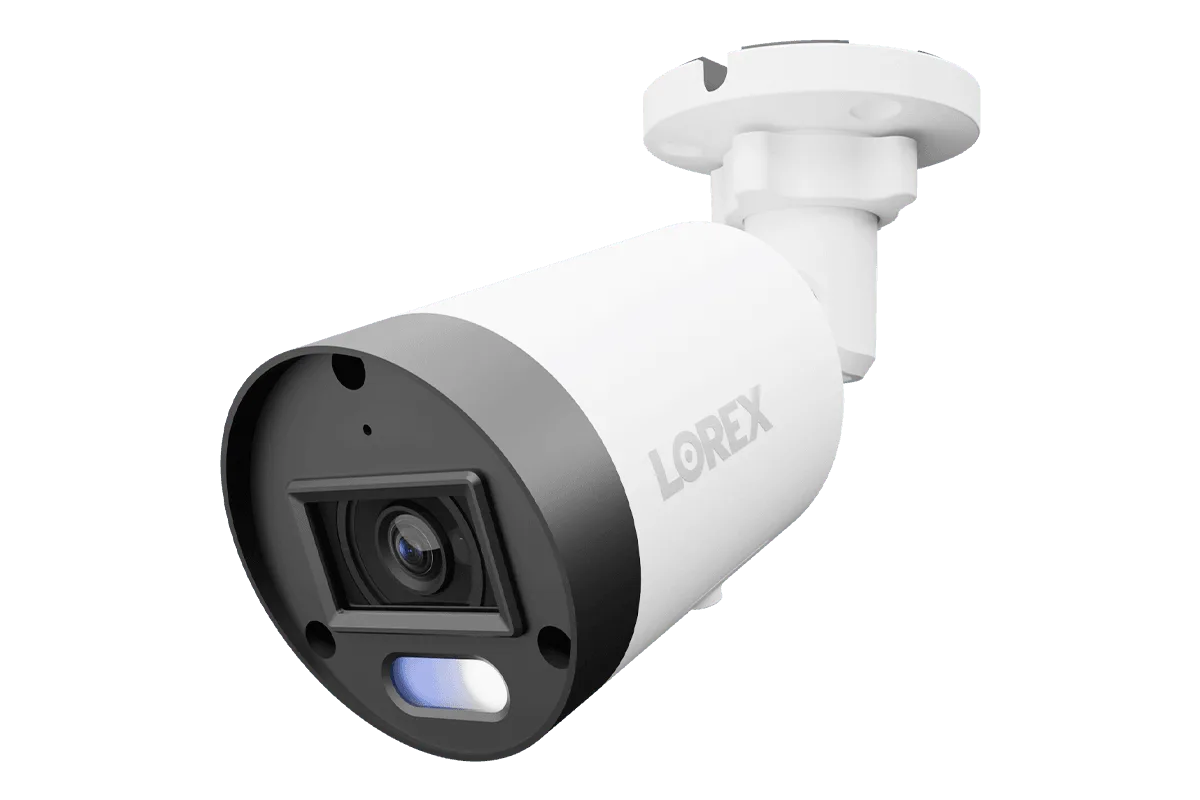
Lorex 4K IP Wired Bullet Security Camera with Smart Security Lighting and Smart Motion Detection
Understanding NVR Storage Basics
NVR storage is measured in terabytes (TB), where 1TB equals roughly 1,000 gigabytes. The amount of footage you can store depends on three main factors: the number of cameras, the resolution and frame rate of each camera, and the recording mode (continuous, motion-triggered, or scheduled). Higher resolutions like 4K (8MP) produce larger files than 1080p (2MP), so a system with eight 4K cameras will fill a 2TB drive much faster than one with eight 1080p cameras.
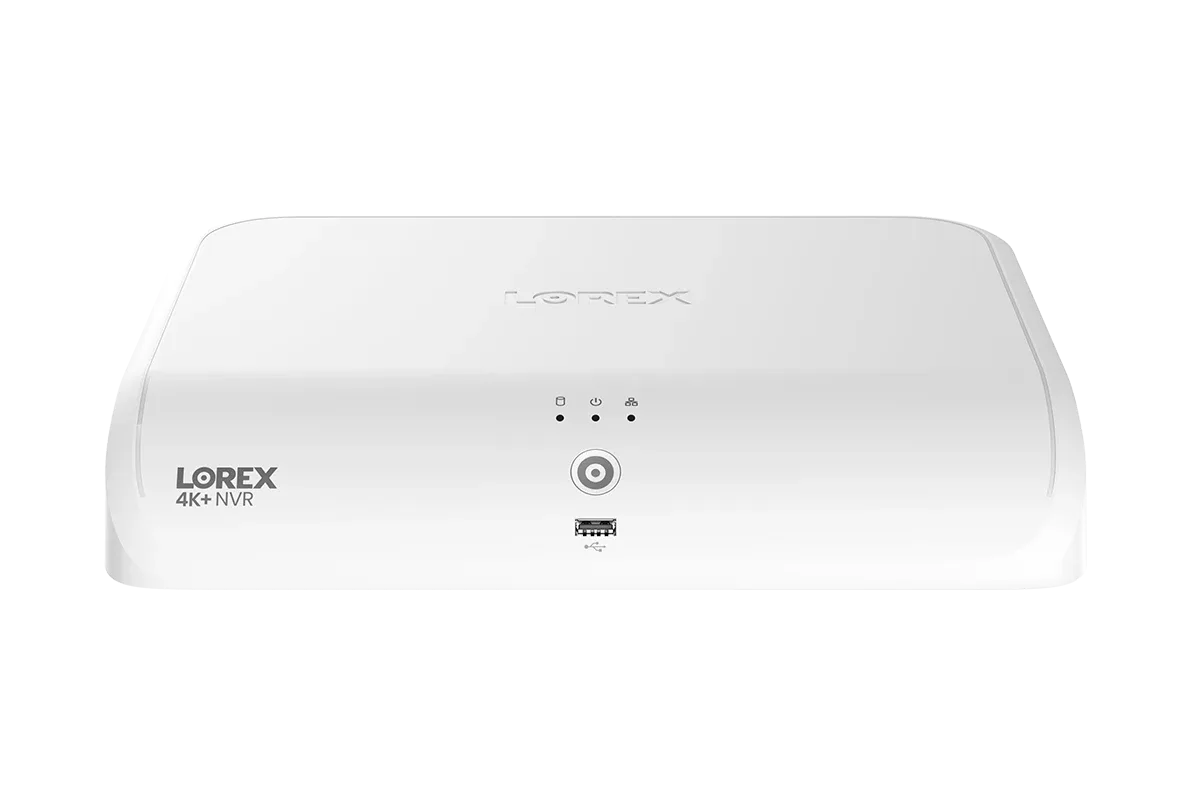
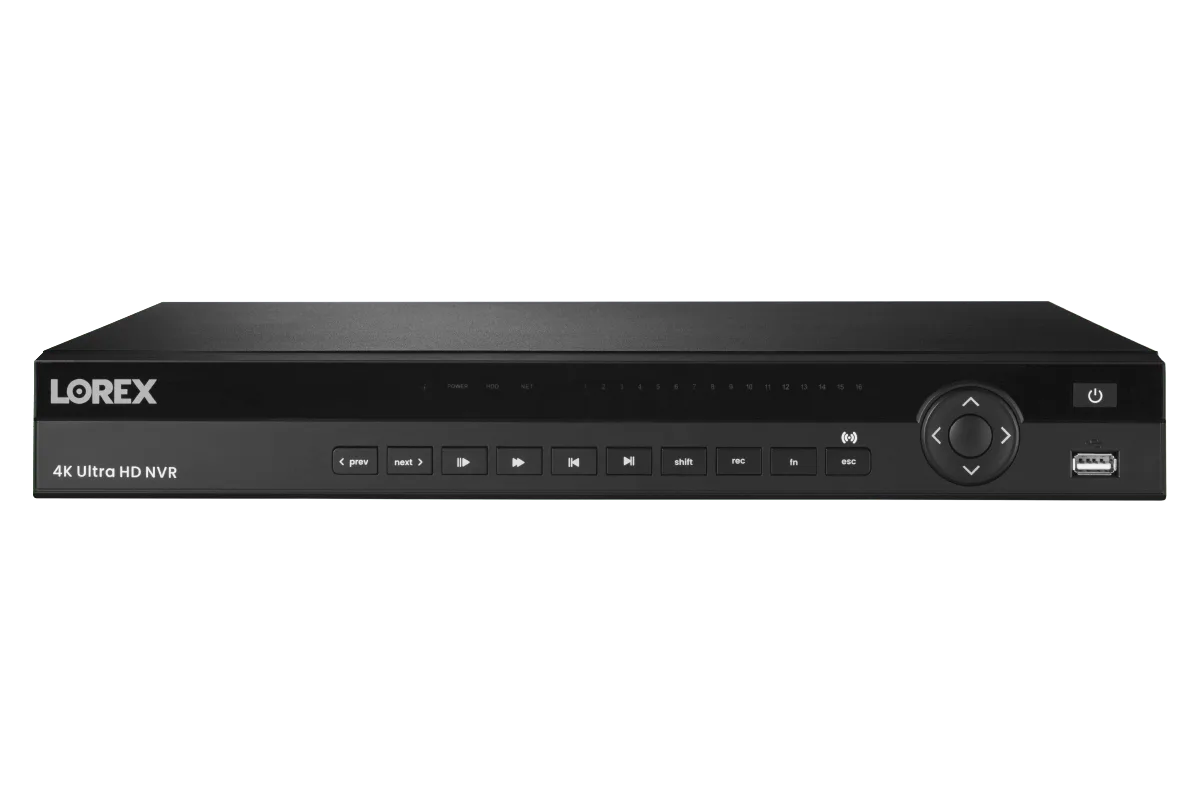
Lorex NVRs come with pre-installed hard drives, but many models allow you to upgrade or add additional drives. For example, the https://gadgetguardai.shop/products/lorex-4k-16-camera-capable-elite-series-6tb-nvr-218030Lorex 4K (16 Camera Capable) Elite Series 6TB NVR offers a large built-in capacity for high-camera-count setups. However, if you're starting with a smaller system, you might consider a 2TB or 4TB NVR and upgrade later. It's also important to note that NVRs use a dedicated hard drive format (often H.265 or H.265+ compression) to maximize storage efficiency without sacrificing quality.
- Resolution: 4K (8MP) uses about 4x more space than 1080p (2MP).
- Recording mode: Continuous recording uses the most space; motion-triggered recording can reduce storage use by 50-80%.
- Compression: H.265+ can cut file sizes by up to 50% compared to H.264.
2TB NVR Storage: Ideal for Small Homes or Low-Camera Setups
A 2TB NVR is a great entry-level choice for small homes or apartments with 2-4 cameras. For example, if you have four 4K cameras recording continuously at 15 frames per second (fps), a 2TB drive will store roughly 5-7 days of footage. If you switch to motion-triggered recording, that can extend to 2-3 weeks. Many Lorex starter kits, such as those bundled with bullet or turret cameras, include a 2TB NVR. This capacity is also suitable for users who only need a few days of video history and are comfortable with automatic overwrites.
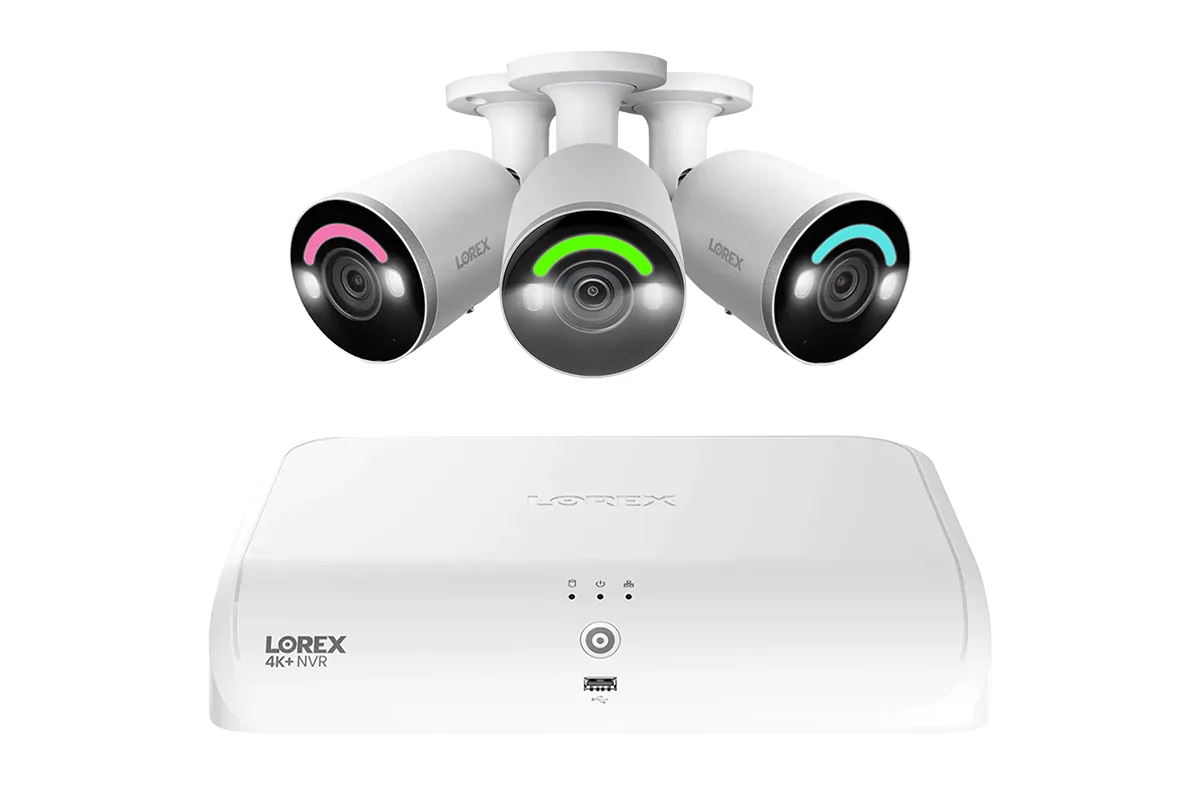
A real-world example: A homeowner installs a Lorex 4K Fusion 2TB Wired NVR System with 4K IP Dome Cameras for four cameras covering entry points. With motion-triggered recording, they can expect about 14-20 days of storage. However, if they add more cameras or upgrade to 4K+ (12MP) resolution, 2TB may become insufficient quickly. For most users with 4 or fewer cameras, 2TB offers a cost-effective balance of capacity and price.
- Best for: 2-4 cameras, 1080p or 4K resolution, motion-triggered recording.
- Estimated retention: 5-7 days continuous (4K), 2-3 weeks motion-triggered.
- Consider if: You have a small property or only need short-term footage review.
4TB NVR Storage: The Sweet Spot for Most Homes and Small Businesses
A 4TB NVR is the most popular choice for typical residential installations with 4-8 cameras. It provides roughly double the storage of 2TB, allowing you to keep 10-14 days of continuous 4K footage from 8 cameras, or up to a month with motion-triggered recording. For a system using eight Lorex 4K IP Wired Bullet Security Cameras with Smart Security Lighting, 4TB gives you enough room to capture important events without worrying about constant overwrites.
Small businesses also benefit from 4TB, especially if they need to retain footage for compliance or insurance purposes. For example, a retail store with six 4K turret cameras recording continuously can expect about 8-10 days of storage on a 4TB drive. If you use the Lorex Connect X3 4K Motorized Varifocal PoE Turret Camera with Active Deterrence, its smart motion detection can further reduce storage usage while ensuring critical events are recorded. Overall, 4TB offers a solid balance of capacity and cost for most users.
- Best for: 4-8 cameras, 4K resolution, continuous or motion-triggered recording.
- Estimated retention: 10-14 days continuous (8 cameras, 4K), 3-4 weeks motion-triggered.
- Consider if: You have a medium-sized home or small business with moderate storage needs.
8TB NVR Storage: Maximum Capacity for Large Properties or Extended Retention
An 8TB NVR is the top-tier option for large homes, multi-tenant buildings, or businesses that require weeks or months of footage. With 8TB, you can support 8-16 4K cameras with continuous recording for 20-30 days, or up to 60 days with motion-triggered recording. This capacity is ideal for users who need long-term archival for compliance, legal evidence, or detailed activity analysis.
For instance, a property manager with 16 cameras using the Lorex 4K (16 Camera Capable) Elite Series 6TB NVR (which offers 6TB, close to 8TB) can store over two weeks of continuous 4K footage. If you upgrade to an 8TB drive, you could extend that to nearly a month. For a system with the Lorex Fusion Series 4K+ 16 Channel (8 Wired + 8 Fusion Wi-Fi) 2TB Wired System, you might need an 8TB NVR to handle both wired and Wi-Fi cameras simultaneously. Keep in mind that higher capacities also allow for higher frame rates and resolutions without sacrificing retention time.
- Best for: 8-16 cameras, 4K or higher resolution, continuous recording for extended periods.
- Estimated retention: 20-30 days continuous (16 cameras, 4K), 60+ days motion-triggered.
- Consider if: You need long-term storage, have many cameras, or require compliance-grade retention.
How to Calculate Your Own Storage Needs
To determine the right NVR capacity for your Lorex system, start by identifying the number of cameras, their resolution, and your desired recording mode. Use the following formula as a rough estimate: (Number of cameras) x (Recording hours per day) x (Bitrate in Mbps) x (0.0078125) = GB per day. For example, one 4K camera at 15 fps with H.265 compression typically uses about 8-10 Mbps. If you record 24/7, that's roughly 80-100 GB per day per camera. For eight cameras, that's 640-800 GB per day. A 2TB drive would then hold about 2.5-3 days of continuous footage.
However, most users don't need continuous recording 24/7. Motion-triggered recording can reduce storage usage by 50-80%, depending on activity levels. For typical residential use, assume 30-50% of continuous usage. Lorex NVRs also support advanced compression like H.265+ and smart encoding, which can further reduce file sizes. To get a precise estimate, use Lorex's online storage calculator or check the specifications of your chosen cameras. For example, the Lorex 4K IP Wired Bullet Security Camera with Smart Security Lighting and Smart Motion Detection uses smart motion detection to minimize false triggers, saving storage.
- Tip: Always plan for 20-30% extra storage to account for future camera additions or increased recording needs.
- Tip: Use motion-triggered recording to extend retention without sacrificing coverage.
Choosing the right NVR storage capacity for your Lorex system depends on your camera count, resolution, and how long you want to keep footage. For small setups, 2TB works well; for most homes and small businesses, 4TB offers the best value; and for large properties or extended retention, 8TB (or 6TB) is the way to go. If you're still unsure, consider starting with a 4TB NVR—it's the most flexible option. Browse our selection of Lorex NVRs to find the perfect match for your security needs.