Quick answer
Start by measuring your device and deciding where you want it to sit, then pick the ToughTested mount that matches that spot. A phone up to large-case size fits the Roto Claw Grip XT or MagTough mounts, while a tablet up to 12.5 inches needs the Tough Grip tablet mount. If you already own a compatible ToughTested mount, the 4-Prong Talon Mount Head Replacement can restore it instead of replacing the whole unit.
A car mount only works if it fits your device, your dashboard, and the way you actually drive. Buying the wrong one usually means a phone that slips on hard braking, an arm that blocks a vent, or a suction cup that lets go in the heat.
This guide walks through a simple order of decisions: measure the device, choose the mounting surface, match the mount type, and confirm compatibility before you buy. Each step includes the mistake that causes most returns.
Step 1: Measure your device before anything else
Screen size is not the same as device size, and a thick case adds width. Measure the full width and height of the phone or tablet with the case on, because a mount that fits a bare phone may not fit the same phone in a rugged case. For tablets, the ToughTested Tough Grip mount fits devices up to 12.5 inches, so a 13-inch tablet is outside its range.
If you use a magnetic mount, the back of the device matters more than the edges. MagSafe and Qi2 phones snap on directly, while other phones need the included magnetic ring. Check whether your case is MagSafe-compatible before assuming a magnetic mount will hold.
- Common mistake: measuring the screen instead of the whole device with the case on.
- Checkpoint: write down width, height, and whether the case is MagSafe-compatible.
Step 2: Choose where the mount will live
Windshield, dashboard, and vent mounts each have tradeoffs. Windshield mounts put the phone high for easy glancing but can block visibility and are more exposed to sun. Dashboard mounts sit lower and are less obtrusive, but they need a flat, clean surface for suction or adhesive. Vent mounts keep the dash clear but can interfere with airflow and are limited by vent blade strength.
If your dashboard is textured or curved, a suction mount may not seal. The ToughTested Adhesive Dashboard Mounting Pad is designed to create a smooth mounting area for compatible suction mounts on flat surfaces, which solves that problem without drilling.
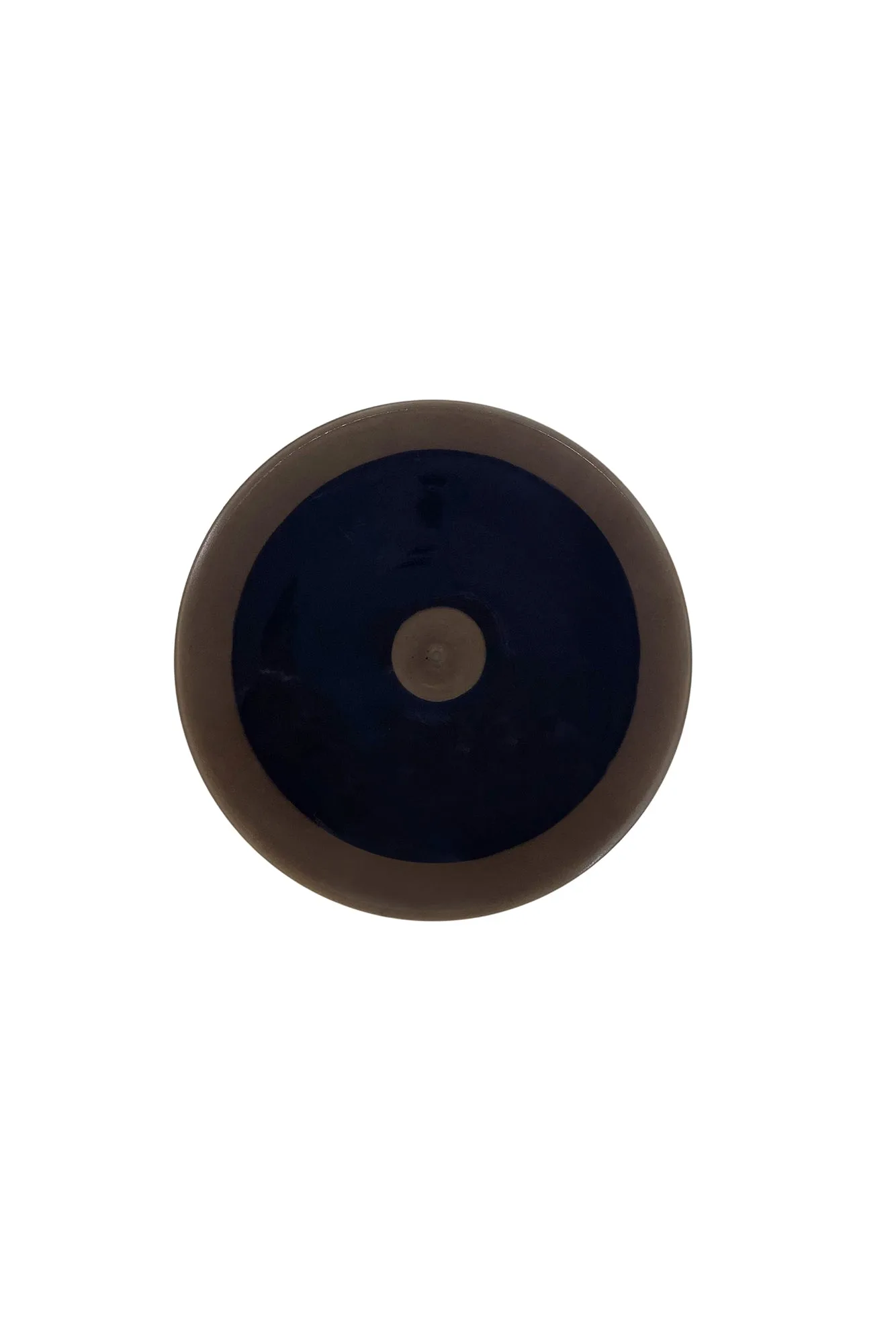
ToughTested Adhesive Dashboard Mounting Pad
- Common mistake: mounting on a curved or dusty dash and blaming the suction cup.
- Checkpoint: clean and dry the surface, then test the mount empty before adding the device.
Step 3: Match the mount type to your phone or tablet
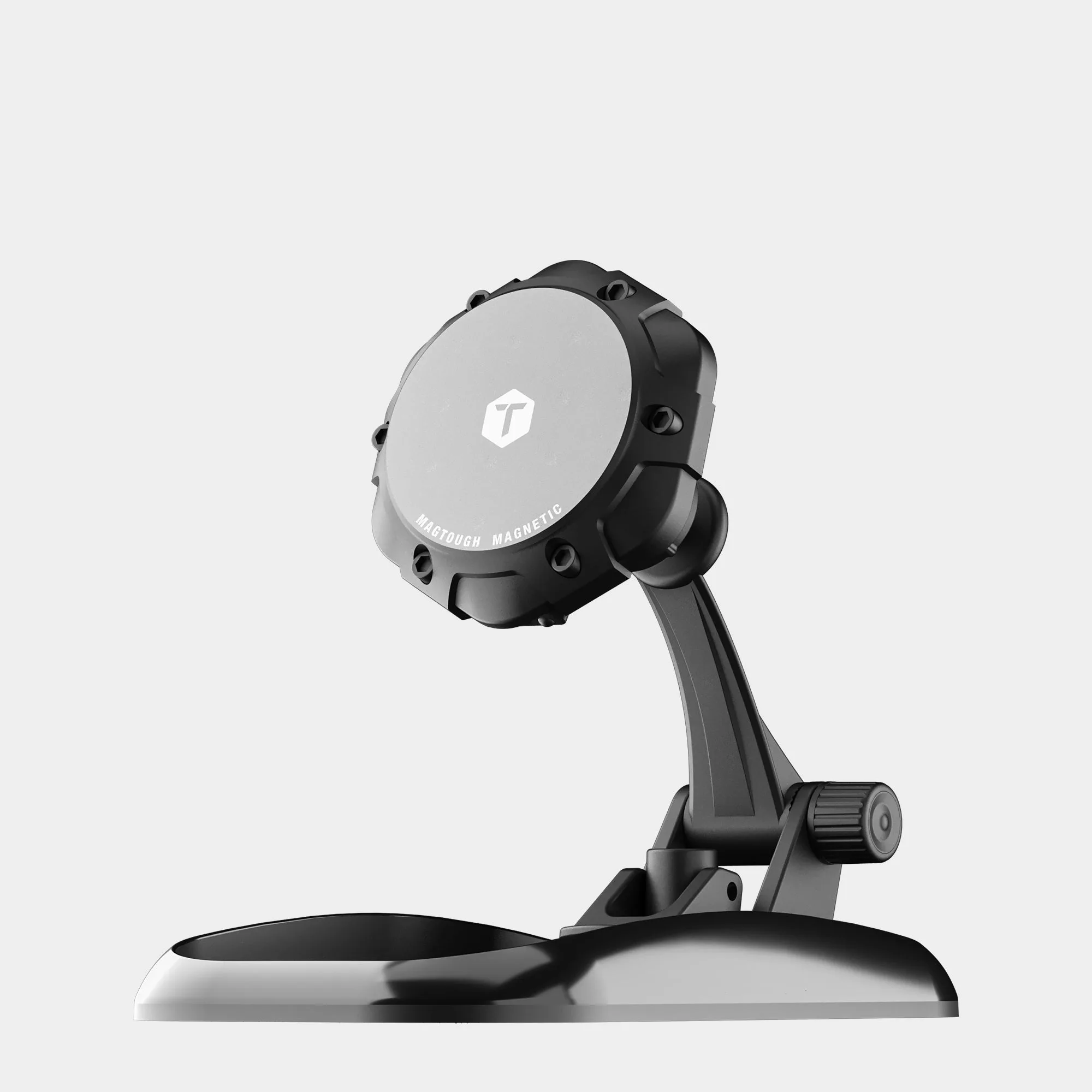
For phones, decide between a clamp-style holder and a magnetic holder. Clamp mounts like the Roto Claw Grip XT grip the sides and fit large phones and cases, with an extendable arm that pivots 4 to 7 inches and a rear security lock for extra hold. Magnetic mounts like the MagTough Dash MagSafe Car Mount use an N52 magnet and a cradle-free design, so you mount and release with one hand.
For tablets, the Tough Grip Windshield & Dash Tablet Mount is the dedicated option. It fits devices up to 12.5 inches, uses a large vacuum-lock suction base, and offers 360-degree rotation, which matters when you want a tablet in landscape for navigation or a passenger screen. A phone mount will not safely hold a tablet, so do not try to stretch one.
- Common mistake: using a phone clamp for a tablet and overtightening the arms.
- Checkpoint: confirm the mount's stated device size range covers your tablet.
Step 4: Check compatibility and replacement parts
If you already own a ToughTested mount, you may not need a whole new unit. The 4-Prong Talon Mount Head Replacement is a snap-in replacement head for compatible ToughTested mounts, with an Off-Road Lock for device stability and a release button for easy removal. Before buying it, verify that your existing mount uses a 4-prong connection, because it will not fit other head designs.
For magnetic mounts, compatibility is about the phone and case, not the mount. The MagTough 3-in-1 and MagTough Dash mounts are MagSafe and Qi2 compatible and include a magnetic ring for non-MagSafe devices. If you use a thick non-magnetic case, the ring needs to go on the case or the phone directly, and adhesion depends on a clean, flat surface.
- Common mistake: ordering a replacement head without checking the prong count.
- Checkpoint: match the replacement part to the mount you already own, or buy a complete mount if unsure.
Step 5: Install, test, and adjust before you drive
Install the mount on a clean, dry surface and let any adhesive or suction base set before adding weight. With the device in place, test the arm and pivot by pushing gently in all directions. The Roto Claw Grip XT has a rear security lock, and the MagTough Dash mount has a 2-point pivot arm, so tighten or lock these before driving rather than adjusting at speed.
Do a short low-speed drive on a rough road or over a speed bump to confirm the hold. If the device moves, reposition the mount rather than adding force. For trucks and stiff suspensions, a mount with a locking mechanism or a strong magnetic hold is usually the better choice than a basic friction clamp.
- Common mistake: adjusting the mount while driving instead of before you start.
- Checkpoint: if the device shifts on a test drive, change the mounting location or mount type.
Your mount selection checklist
- Measure device with case: Record width and height, and note whether the case is MagSafe-compatible. If the device is a tablet over 12.5 inches, no ToughTested tablet mount in this guide fits.
- Pick the mounting surface: Choose windshield, dash, or vent based on visibility, dash texture, and airflow needs. Textured or curved dashes may need the Adhesive Dashboard Mounting Pad first.
- Match mount type: Clamp for large phones and cases, magnetic for one-hand MagSafe use, tablet mount for tablets. Do not use a phone clamp for a tablet.
- Verify compatibility: For replacement heads, confirm the 4-prong connection. For magnetic mounts, confirm MagSafe or use the included ring. Wrong compatibility is the most common reason a mount gets returned.
- Install and test drive: Clean the surface, lock or tighten the arm, and test on a rough road before relying on it. If it shifts, change the location or mount type rather than forcing it.
ToughTested mounts at a glance
- ToughTested Roto Claw Grip XT Extended Dash & Windshield Phone Mount: Extendable arm pivots 4 to 7 inches, rear security lock, anti-slip silicone grips, fits large phones and cases. Good for drivers who want a clamp-style phone mount with reach and a lock for rough roads.
- ToughTested Tough Grip Windshield & Dash Tablet Mount: Fits devices up to 12.5 inches, large vacuum-lock suction base, heavy-duty adjustable arm, 360-degree rotation. The dedicated choice when you need a tablet mount for car use rather than a phone holder.
- ToughTested MagTough 3-in-1 Dash, Screen & Vent Phone Mount: 3-in-1 magnetic mount for dash, screen, or vent, 4 lb magnetic hold, nano gel suction cup, MagSafe and Qi2 compatible with a ring for non-MagSafe phones. One unit covers multiple mounting spots, useful if you are unsure where the phone will live.
- ToughTested MagTough Dash MagSafe Car Mount: N52 magnet, non-slip tray, cradle-free one-hand mounting, 2-point pivot arm, compatible with iPhone 13 through 17 and MagSafe cases. A clean dashboard option for MagSafe users who want quick one-handed placement.
The right ToughTested mount comes down to three things: the size of your device, where you want it mounted, and whether you need a clamp, magnet, or tablet-specific holder. Measure first, match the mount to the surface, and test it before you trust it on the road.