Quick Answer
Choose a surface cleaner that is alcohol-free, pH-neutral, and designed for electronics. For daily smudges, a microfiber cloth with a gentle spray is best; for deep cleaning, opt for pre-moistened wipes that are safe for screens and coatings.
Your phone, tablet, and laptop collect more than just fingerprints. Dust, oils, and grime can build up on screens and cases, making them look dull and feel sticky. But not every cleaner is safe for your devices. Harsh chemicals can strip oleophobic coatings, damage rubber seals, or leave streaks on displays.
This guide breaks down what to look for in a surface cleaner for electronics, how to match the product to your device, and when to skip the spray altogether. You'll leave with clear rules for choosing a cleaner that protects your gear and keeps it looking new.
What Makes a Cleaner Safe for Electronics?
The safest cleaners for electronics are alcohol-free, ammonia-free, and pH-neutral. Alcohol can break down the oleophobic (oil-repelling) coating on smartphone screens, making them more prone to smudges and harder to clean over time. Ammonia, often found in glass cleaners, can cause similar damage and may also harm plastic components.
Look for products specifically labeled as safe for screens and electronics. These are formulated to evaporate quickly, leave no residue, and won't harm the protective coatings on your device. Avoid generic household cleaners, which may contain abrasive particles or strong solvents.
- Check the label for 'safe for electronics' or 'screen-safe' before use.
- When in doubt, use a dry microfiber cloth first; it removes most smudges without any liquid.
Wipes vs. Sprays vs. Cloths: Pros and Cons
Pre-moistened wipes are convenient for on-the-go cleaning, but they can dry out quickly and may contain more liquid than needed. Sprays give you control over how much product you use, but you must apply them to a cloth first—never directly on the device. Microfiber cloths are the safest option for everyday dust and smudges, and they're reusable.
For deep cleaning, a combination of a gentle spray and a microfiber cloth works best. If you're cleaning a device with a rugged case, you may need to remove the case and clean it separately, as dirt can accumulate in the crevices.
- Always turn off and unplug your device before cleaning.
- Avoid getting moisture in ports, speakers, or buttons.
How to Match the Cleaner to Your Device
Smartphones with glass screens and oleophobic coatings benefit from alcohol-free sprays and wipes. Tablets and laptops with plastic or matte displays may require special care—check the manufacturer's guidelines. For devices with fabric or leather components, such as smartwatch bands, avoid liquid cleaners and use a slightly damp cloth instead.
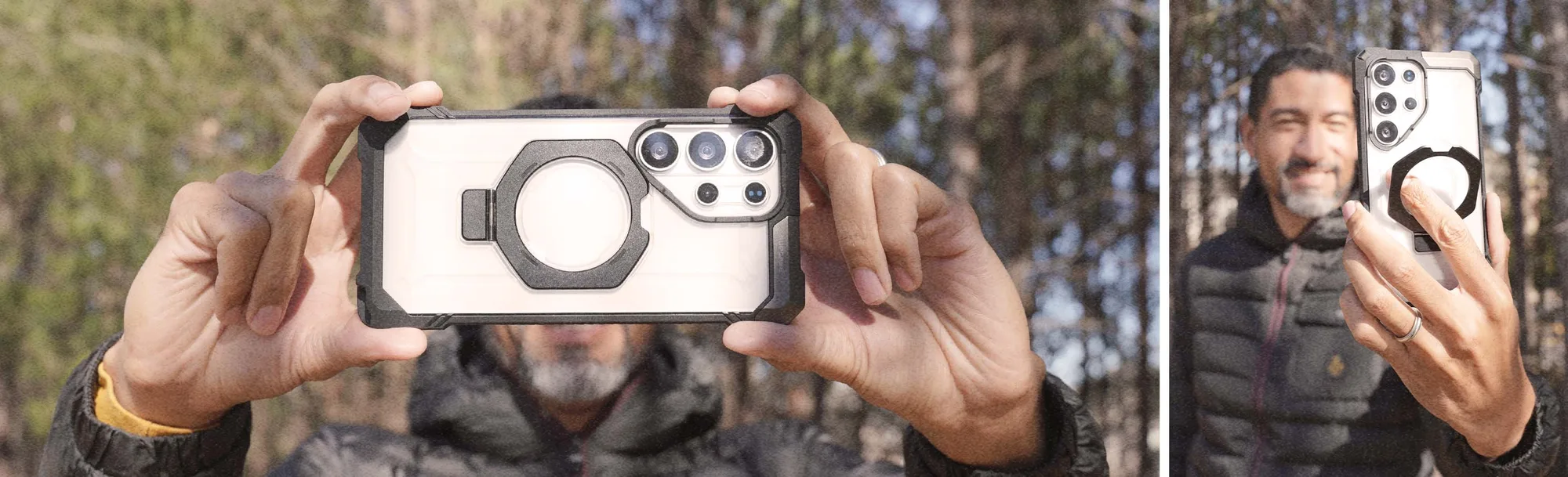
Your phone case also needs attention. Clear cases can yellow over time, but using the right cleaner can help slow that process. For rugged cases with textured surfaces, a soft brush or toothbrush can dislodge dirt before you wipe them down.
- When cleaning a rugged case, remove it from the device and clean it separately.
- For camera lenses, use a dry microfiber cloth or a lens-specific cleaner.
Decision Rules for Choosing a Surface Cleaner
- Check the ingredients: Avoid alcohol, ammonia, and bleach. Look for pH-neutral, non-abrasive formulas. If the label doesn't say 'safe for electronics', don't use it on your devices.
- Consider the form factor: Wipes are great for travel, sprays for home use, and microfiber cloths for daily maintenance. Choose the form that fits your routine; a cloth is the most versatile.
- Match the cleaner to the surface: Use gentle cleaners on screens with oleophobic coatings, and avoid liquids on fabric or leather parts. When in doubt, use a dry microfiber cloth.
Products That Protect Your Device While You Clean
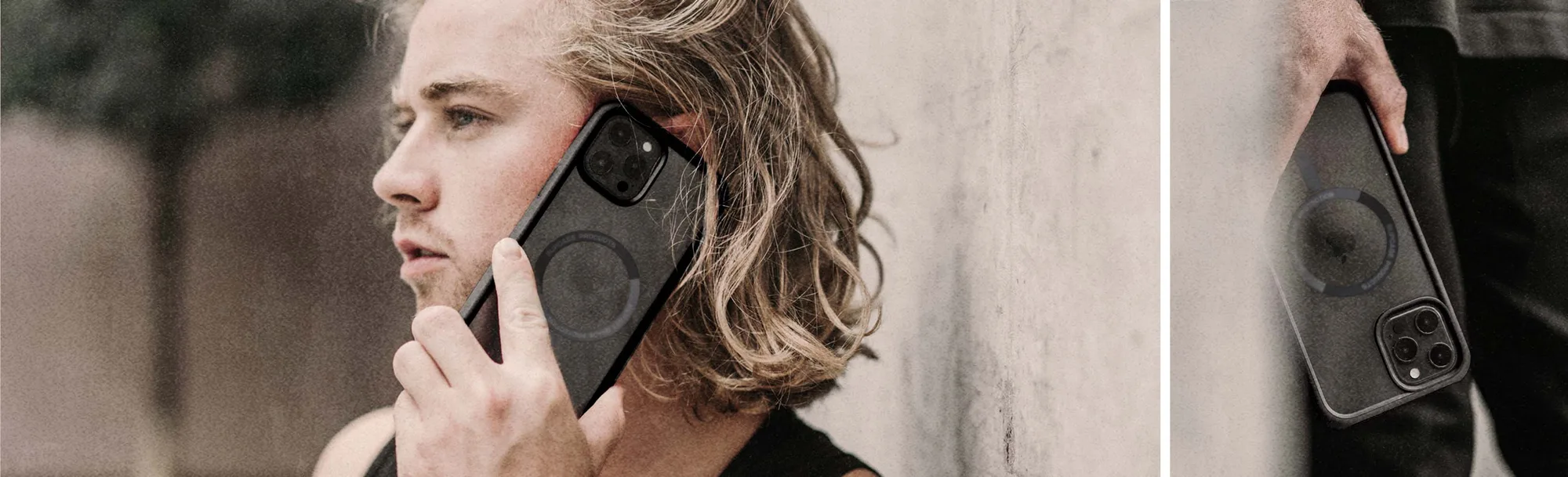
- iPhone 14 Pro Max 6.7 inch Unicorn Beetle MAG Slim Clear MagSafe Case-Black: This slim, clear case is designed to showcase your phone while providing durable protection. It is MagSafe compatible for easy wireless charging and accessory attachment. A clear case shows smudges easily, so using a safe surface cleaner helps keep it looking transparent and new. The MagSafe compatibility means you can attach a magnetic wallet or charger without removing the case, reducing the need to handle the phone directly.
- iPhone 14 Pro Max 6.7 inch Unicorn Beetle PRO MAG Rugged MagSafe Case-Gun Metal: This case is designed to offer robust protection while maintaining a sleek, tactical look. It features MagSafe technology for easy attachment of compatible accessories. Rugged cases have more texture and crevices where dirt can hide. A device-safe cleaner helps you clean these surfaces without damaging the case's finish or the phone's screen, and the MagSafe feature means you can keep accessories attached while cleaning.
Who Should Use Which Cleaner?
Best for
- People who clean their phone daily and want a quick, safe solution—use a microfiber cloth and a mild screen-safe spray.
- Travelers or commuters who need a portable option—choose pre-moistened wipes that are safe for electronics.
Not for
- Devices with exposed ports or speakers—avoid liquid cleaners and use a dry brush or cloth instead.
- Fabric or leather surfaces—stick to a slightly damp cloth and avoid soaking the material.
Choosing the right surface cleaner for your devices comes down to three things: reading the label, matching the product to your device, and knowing when to skip the liquid. With these rules, you can keep your phone, tablet, and cases clean without risking damage. Remember, a dry microfiber cloth is often the only tool you need.