Quick Answer
For most gamers, a medium or large cloth pad with a smooth surface offers the best balance of control, comfort, and price. If you play FPS games, opt for a larger pad to allow low-sensitivity flicks. For MMOs or productivity, a smaller pad may suffice. Consider your desk space, grip style, and preferred mouse sensor before buying.
Your mouse pad affects more than just aesthetics—it influences sensor tracking, comfort, and even your aim. With so many sizes, surfaces, and materials available, choosing the right one can feel overwhelming. This guide breaks down the key factors to help you make an informed decision.
We'll cover how to choose the right size based on your playstyle and desk space, the pros and cons of different surface materials, and what to look for in terms of durability and edge stitching. By the end, you'll know exactly what to look for in a gaming mouse pad.
Why Mouse Pad Size Matters
The size of your mouse pad determines how far you can move your mouse before hitting the edge. For FPS players who use low sensitivity (e.g., 400-800 DPI), a larger pad is essential for making wide flicks without running out of space. A standard medium pad (around 360x300mm) works for most, but if you need more room, consider an XXL pad that covers a large portion of your desk.
Your desk space also dictates the maximum size you can use. Measure your desk and consider how much room you need for your keyboard. If you have a compact setup, a smaller pad might be better. However, an XXL pad can double as a desk mat, protecting your desk and providing a consistent surface for both mouse and keyboard.
- Measure your desk before buying to ensure the pad fits.
- Consider your sensitivity: lower sensitivity = larger pad.
- XXL pads offer extra space and protect your desk surface.
Surface Material: Cloth vs. Hard vs. Hybrid
The surface material affects glide, control, and durability. Cloth pads are the most popular due to their balance of speed and control. They provide a comfortable surface for long sessions and are typically quieter. Hard pads (plastic or metal) offer faster glide and are easier to clean, but they can be loud and may wear down mouse feet faster. Hybrid pads aim to combine the best of both worlds with a textured surface that offers speed and control.
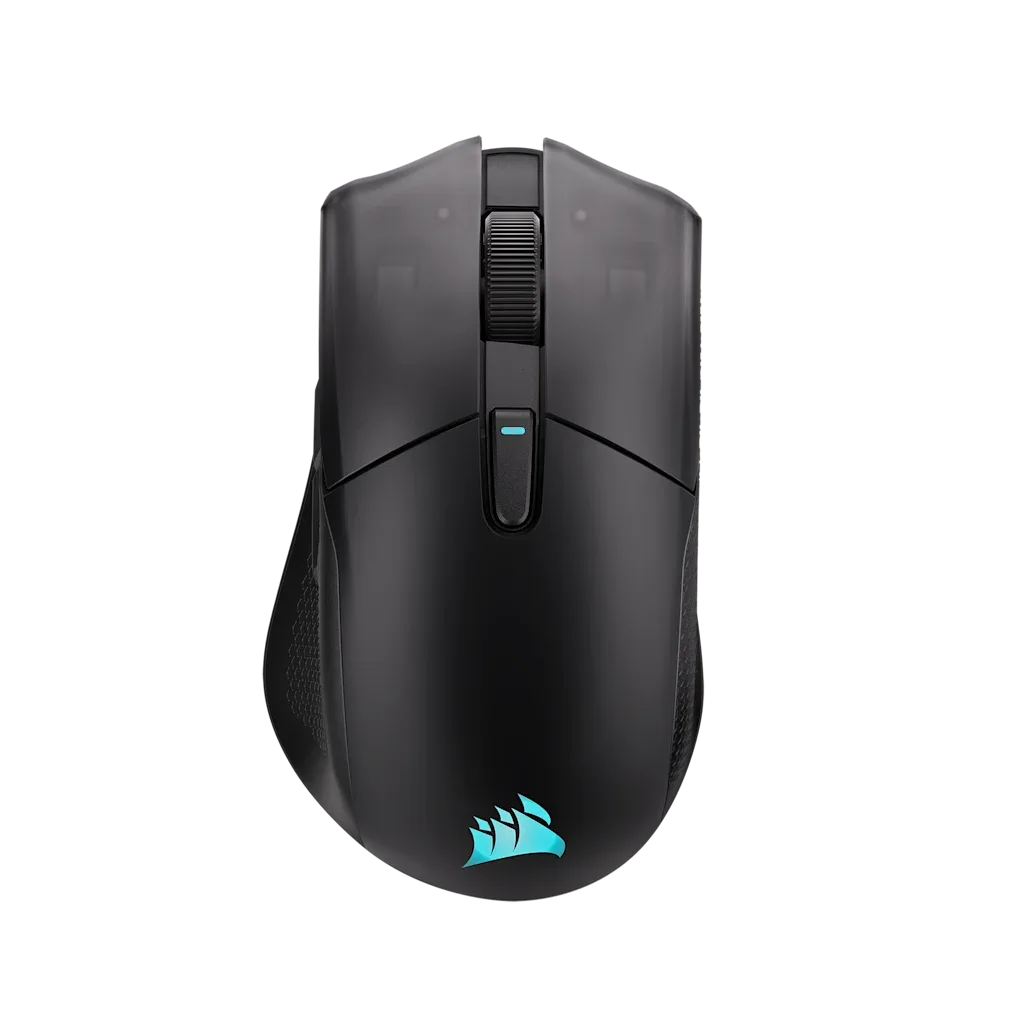
Your mouse sensor also plays a role. Some sensors perform better on certain surfaces. For example, the CORSAIR HARPOON v2 WIRELESS features a 26K DPI CORSAIR MARKSMAN sensor, which is designed to work well on a variety of surfaces. However, for optimal tracking, a cloth pad with a consistent texture is usually a safe choice.
- Cloth pads offer a good balance of control and comfort.
- Hard pads provide speed but can be noisy and wear mouse feet.
- Hybrid pads are a versatile middle ground.
Materials and Build Quality: What to Look For
The base material of a mouse pad should provide a non-slip grip. Most pads use a rubber base, but the quality varies. A high-quality base will keep the pad in place during intense gaming sessions. The top surface should be made of a durable fabric that resists wear and is comfortable for your wrist. Look for stitched edges to prevent fraying over time.
Stitched edges are a sign of a well-made pad. They not only prevent fraying but also create a smooth transition between the surface and the edge, which can be more comfortable for your wrist. Some pads also feature a water-resistant coating, making them easier to clean. These details can extend the life of your pad significantly.
- Check for stitched edges to prevent fraying.
- A non-slip rubber base keeps the pad in place.
- Water-resistant coatings make cleaning easier.
Decision Rules: How to Choose Your Mouse Pad
- If you play FPS games with low sensitivity: Choose a large or XXL cloth pad to give yourself plenty of room for wide flicks. Go for at least 400x400mm or larger.
- If you have limited desk space: Measure your desk and choose a medium pad that fits without crowding your keyboard. A 360x300mm pad often works well.
- If you prefer speed over control: Consider a hard or hybrid pad for faster glide, but be aware of potential noise and mouse feet wear. Test a hybrid pad if you're unsure.
- If you want durability: Look for stitched edges and a non-slip rubber base to ensure the pad lasts. Stitched edges are a must-have.
Product Facts: How CORSAIR Peripherals Complement Your Mouse Pad
- HARPOON v2 WIRELESS Gaming Mouse: The HARPOON v2 WIRELESS Gaming Mouse features a 26K DPI CORSAIR MARKSMAN sensor for serious gaming, 6 programmable buttons, and CORSAIR’s iconic ergonomic shape. This sensor is designed for precision across various surfaces, so pairing it with a quality cloth pad ensures consistent tracking and control.
- HS35 v3 Gaming Headset - Carbon: The HS35 v3 Gaming Headset is essential gear for a gamer looking for comfortably great sound across all their 3.5mm compatible devices. While not directly related to mouse pads, a comfortable headset ensures you can focus on your game without distractions, making your entire setup more effective.
Who Should Buy What
Best for
- FPS gamers who use low sensitivity and need a large surface area.
- Gamers who value comfort and control for long sessions.
Not for
- Travelers who need a compact pad that fits in a backpack.
- Players who prefer a very fast glide and don't mind a hard surface.
Choosing the right gaming mouse pad comes down to your playstyle, desk space, and personal preference. Prioritize size for low-sensitivity gaming, choose a surface that matches your control/speed needs, and invest in a durable pad with stitched edges. With these guidelines, you'll find a pad that enhances your gaming experience without breaking the bank.