Quick answer
To choose the right monitor mount, first check your monitor's VESA pattern and weight, then measure your desk to decide between a clamp and a grommet mount. Match these specs to a mount that supports your screen size and weight, and verify your desk can handle the mounting style you prefer.
A monitor mount can free up desk space and improve your viewing angle, but only if it fits your monitor and your desk. The three most important checks are the mount's weight capacity, the VESA pattern on your monitor, and whether your desk edge or grommet hole can support the mounting style you choose.
This guide walks through each of those checks and gives you simple decision rules so you can buy the right mount the first time. We'll also compare clamp vs grommet mounting so you can pick the option that works with your desk.
Check your monitor's VESA pattern and weight
The VESA pattern is the square arrangement of screw holes on the back of your monitor. Common sizes are 75x75 mm and 100x100 mm, but larger monitors may use 200x100 or 200x200 mm. To find yours, check the monitor's manual or look for the holes on the back panel. If there are no holes, your monitor is not VESA-compatible without an adapter.
Also weigh your monitor (including any attached camera or soundbar) and compare it to the mount's weight capacity. A mount rated for a heavier monitor will feel more stable, but even a mount rated for your exact weight will work if the VESA pattern matches. If you're planning a dual or triple monitor setup, add the weights of all screens and check the total capacity of the mount.
- Measure the distance between the four screw holes horizontally and vertically to get your VESA size.
- Weigh your monitor with its stand removed, if possible, for the most accurate number.
Measure your desk for clamp or grommet mounting
Clamp mounts attach to the edge of your desk, so you need a flat, accessible edge and enough clearance for the clamp's C-clamp. Measure the thickness of your desk top—most clamps support a range like 0.4 to 3.5 inches. If your desk has a lip or a rounded edge, the clamp may not sit flush, so check the mount's specifications.
Grommet mounts fit through a hole in your desk, usually one that's already there for cable management. You'll need to know the hole's diameter and make sure the mount's grommet base fits that size. If your desk doesn't have a hole, you can drill one, but that's a permanent change. Clamps are easier to install and move, while grommet mounts are more secure if you have a thick desk or a lip that prevents clamping.
- For a glass desk, avoid both clamp and grommet mounts unless the mount is specifically rated for glass—most are not.
- If you have a standing desk, check that the mount doesn't interfere with the desk's lifting mechanism.
Match the mount to your monitor setup
Single monitor mounts are the simplest and often the most adjustable. If you use one ultrawide monitor, look for a mount that supports its width and weight. Some single mounts include extra features like a USB port for easy access to connections, which can reduce cable clutter.
For a multi-screen setup, you can choose a dual mount that holds two monitors, or a mount that holds a monitor and a laptop. These save space and let you align screens side by side. If you need to position screens at different heights, consider a mount with independent arms. Pneumatic arm designs allow smooth height and tilt adjustments, making it easier to fine-tune your viewing angle.
- For a laptop plus monitor, make sure the laptop tray is large enough for your laptop's screen size.
- If you plan to change monitors later, choose a mount with a higher weight capacity and a VESA pattern that supports multiple sizes.
Decision rules for choosing a monitor mount
- Check VESA compatibility first: Find your monitor's VESA pattern (e.g., 75x75 or 100x100). If there's no pattern, you'll need an adapter or a non-VESA mount. Only consider mounts that list your VESA size as compatible.
- Match weight capacity with margin: Weigh your monitor(s) and choose a mount with a capacity at least 20% higher. This ensures stable adjustment and room for accessories. A mount rated for 20 lbs can safely hold a 16 lb monitor.
- Clamp vs grommet: measure your desk: For a clamp, measure the desk edge thickness and ensure a flat area. For a grommet, measure the hole diameter. Pick the style that fits your desk's existing features. If you can't clamp or drill, consider a freestanding mount.
Monitor mounts that fit common setups
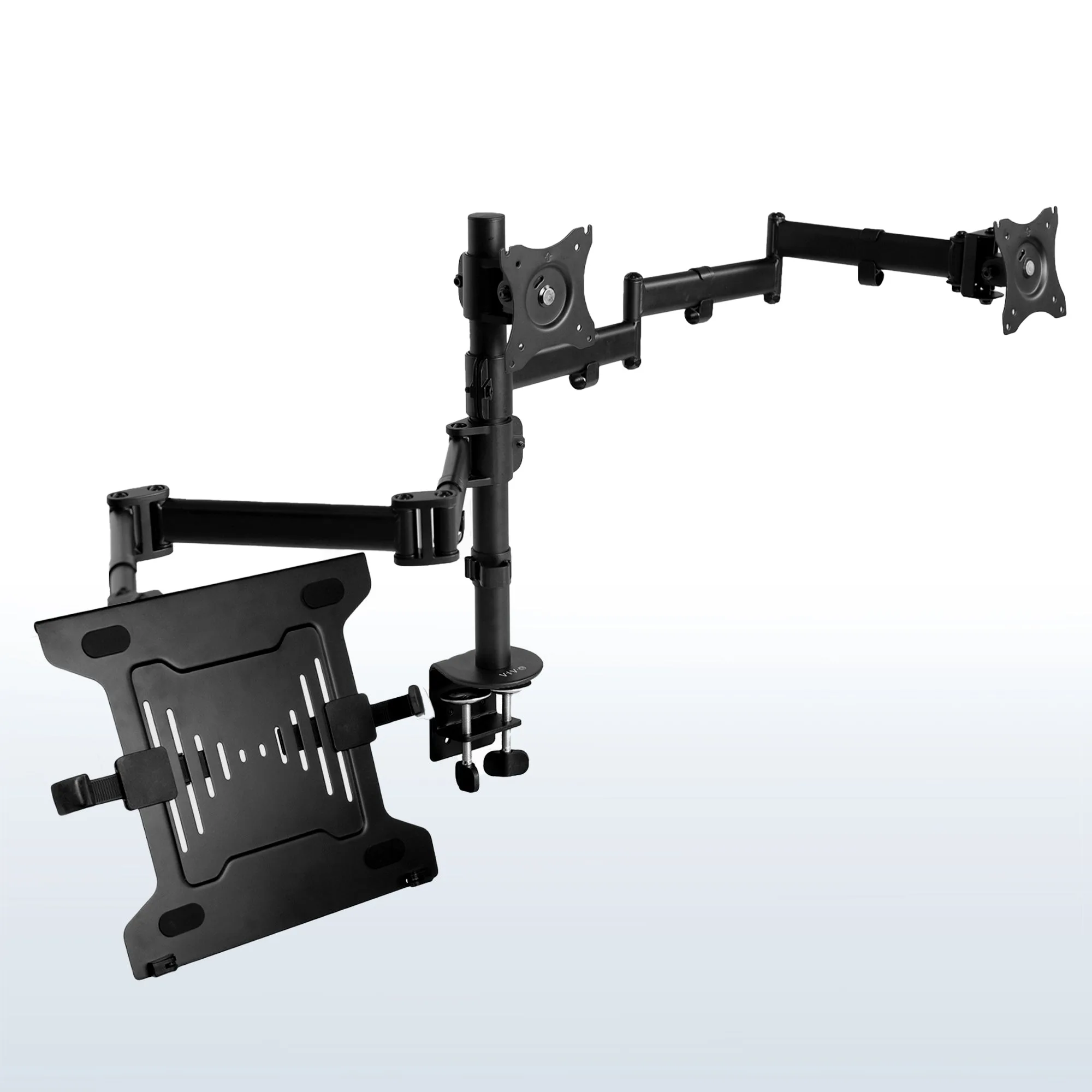
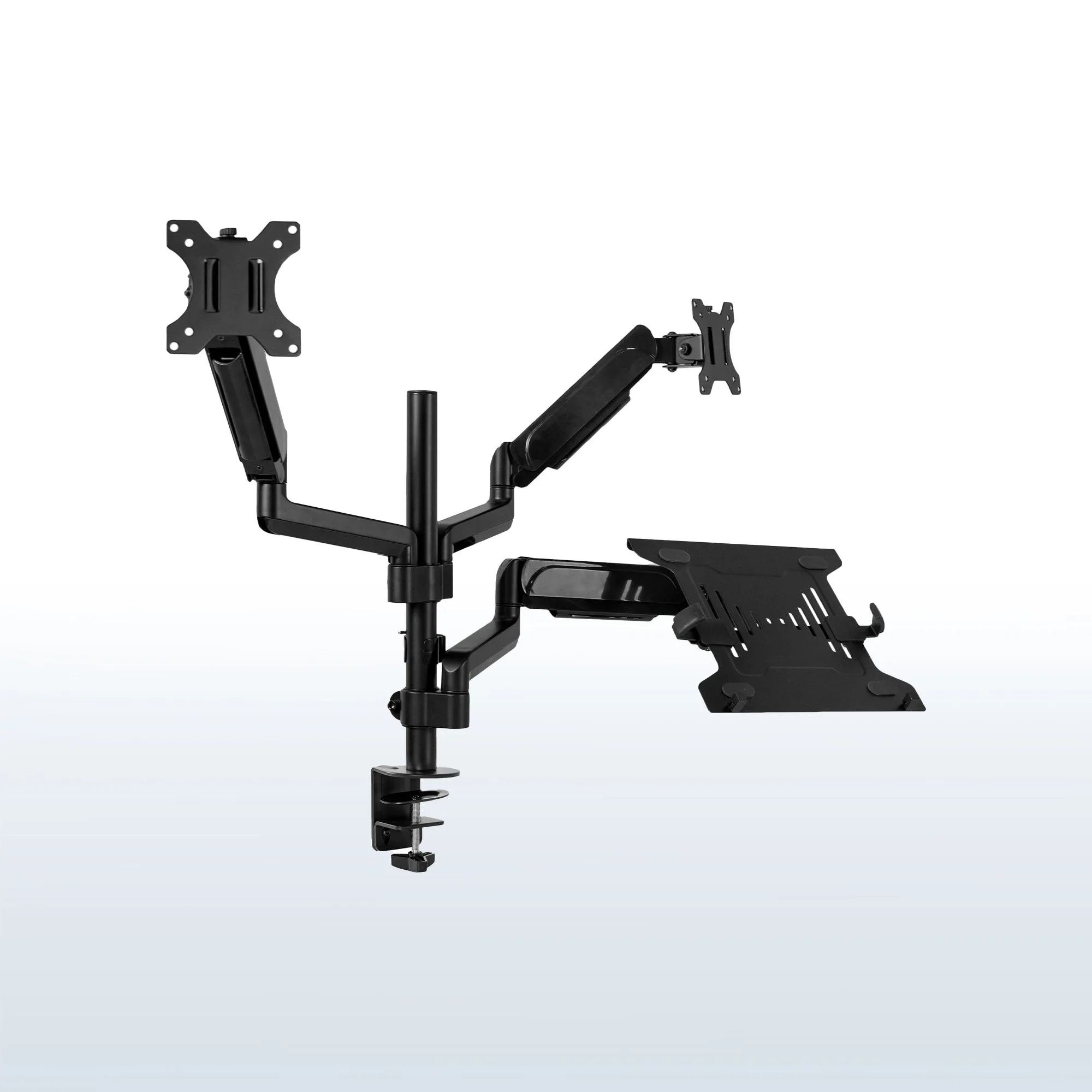
- Pneumatic Arm Dual Monitor and Laptop Desk Mount: This mount holds two monitors and a laptop, and the pneumatic arm design allows for smooth height and position adjustments. If you work with two screens plus a laptop, this mount consolidates all three into one adjustable setup, saving desk space and making it easier to align screens for comfortable viewing.
- https://auraspacelyai.shop/products/pneumatic-arm-single-ultrawide-monitor-desk-mount-with-usb-318242Pneumatic Arm Single Ultrawide Monitor Desk Mount with USB: This mount holds a single ultrawide monitor, features a pneumatic arm for smooth height adjustment, and includes a USB port for convenient connectivity. For an ultrawide monitor, this mount supports the wide screen and adds a USB port at the arm, which is handy for plugging in peripherals without reaching behind the monitor.
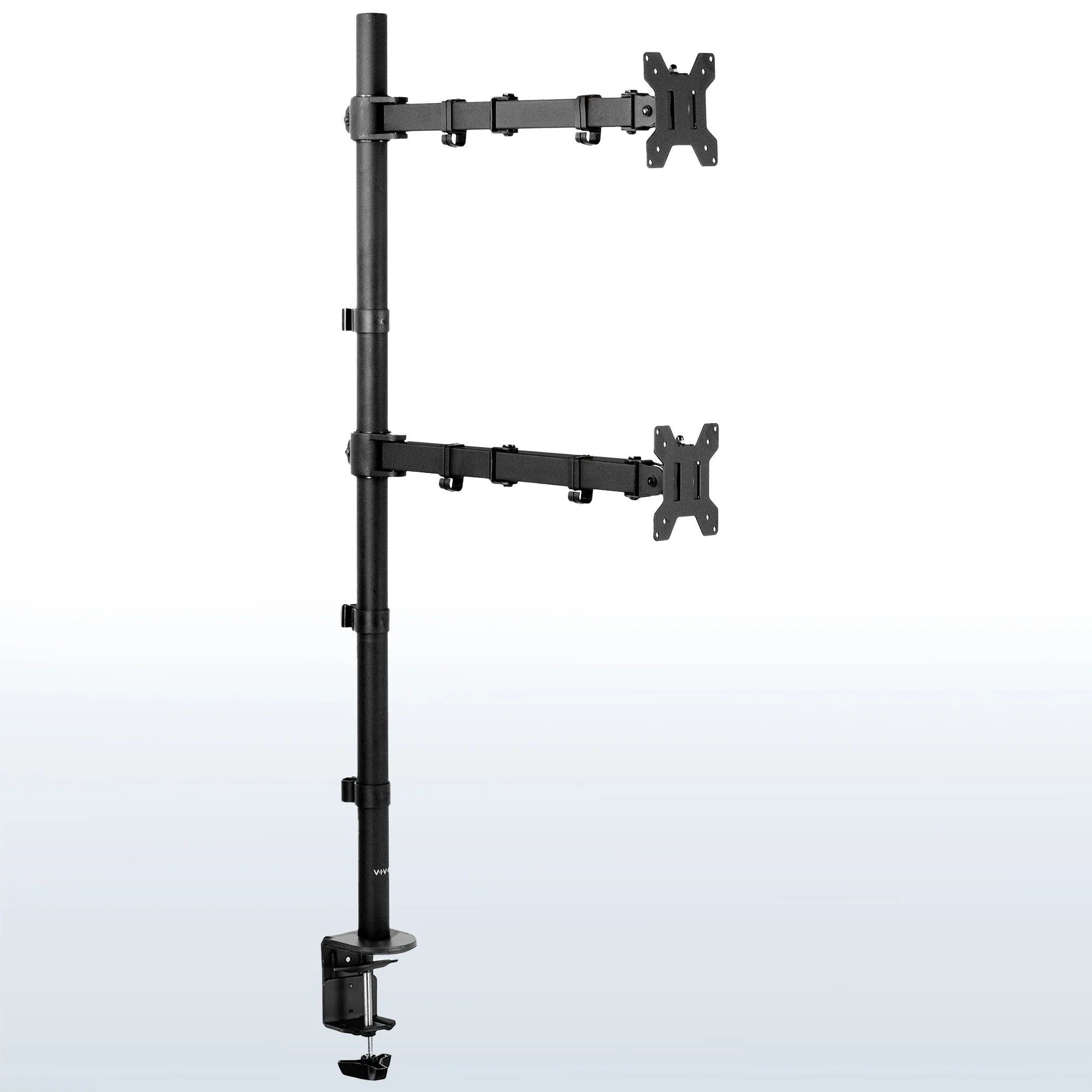
- Pneumatic Arm Ultrawide Monitor and Laptop Extra Tall Desk Mount: This extra tall mount supports an ultrawide monitor and a laptop, and the pneumatic arm mechanism enables smooth height and tilt adjustments. If you prefer to stand while working or have a taller desk, the extra tall design gives you more vertical range to position both screens at eye level.
Which mount style is right for you?
Best for
- Clamp mounts: desks with a flat, accessible edge and a thickness within the clamp's range.
- Grommet mounts: desks with an existing hole or when you want a more permanent, secure installation.
Not for
- Clamp mounts: glass desks or desks with thick lips that prevent a secure grip.
- Grommet mounts: desks without a hole if you don't want to drill into the surface.
Choosing the right monitor mount comes down to three numbers: your monitor's VESA pattern, its weight, and your desk's thickness or hole size. Once you match those, you can confidently pick a clamp or grommet mount that fits your setup and improves your comfort.