Start with Your Setup
The right USB-C cable length depends on where you use it. A 3ft (1m) cable works well for connecting a laptop to a nearby charger or hub on a desk. An 8ft (2.5m) cable gives you more reach across a desk or to a distant outlet. This guide compares two Hyper cables to help you decide.
Two Cables, Two Lengths
-
HyperJuice 240W Silicone USB-C to USB-C Cable (3ft/1m): Available in 3ft/1m or 6ft/2m lengths. Supports 240W charging with PD 3.1 EPR technology. The 3ft version is compact for travel or a tight desk, while the 6ft version offers more reach for charging from a distant outlet.
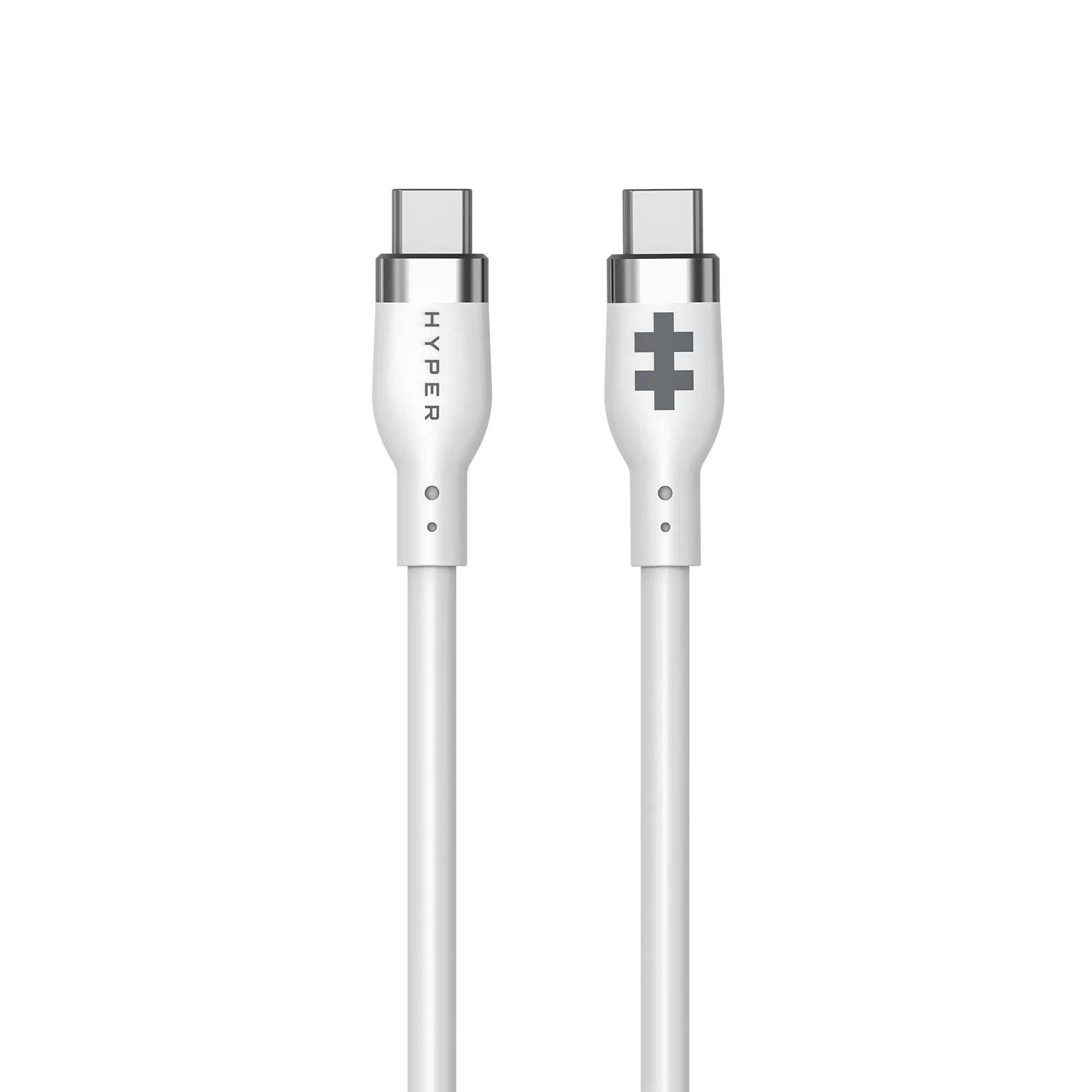
HyperJuice 240W Silicone USB-C to USB-C Cable (3ft/1m)
-
HyperDrive USB-C to HDMI 4K60Hz Cable (8ft/2.5m): Features an 8ft/2.5m braided cable. Supports 4K60Hz HDR video and data via USB-C to HDMI. The 8ft length is ideal for connecting a laptop to a monitor or TV across a desk or room, without needing an adapter.
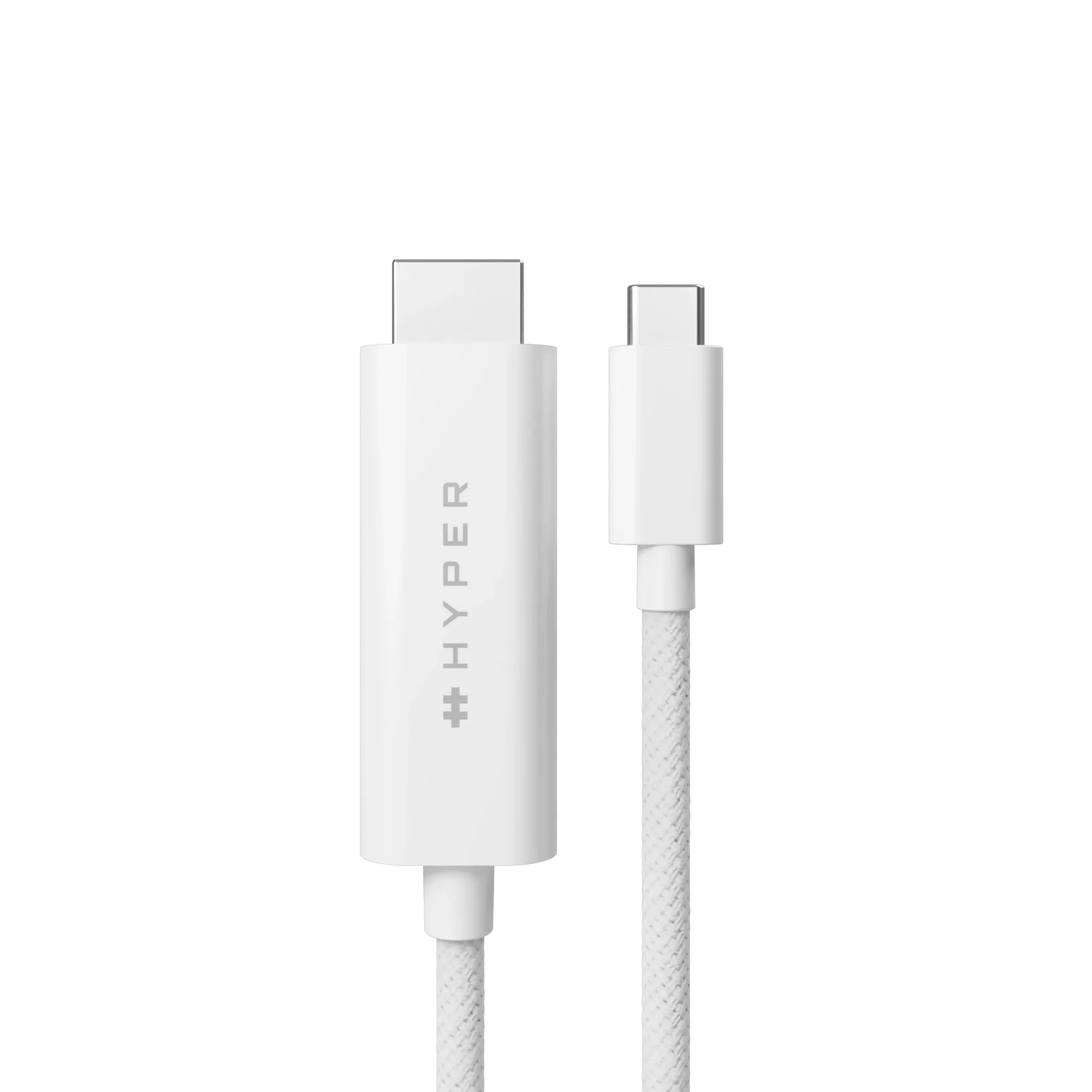
HyperDrive USB-C to HDMI 4K60Hz Cable (8ft/2.5m)
When 3ft or 6ft Makes Sense
If your charger sits on the same desk as your laptop, a 3ft cable keeps things tidy. The HyperJuice 240W Silicone USB-C Cable is soft-touch and tangle-resistant, with a silicone jacket tested to withstand over 25,000 bends. It's a good choice for daily charging of a MacBook, PC laptop, tablet, or phone. For a bit more reach, the 6ft version gives you flexibility without the clutter of a very long cable.
When 8ft Gives You Freedom
For connecting a laptop to a monitor or projector across a desk, an 8ft cable avoids pulling your device close to the display. The HyperDrive USB-C to HDMI 4K60Hz Cable is braided for durability and tested to 25,000 bends. It supports 4K HDR10 content, making it useful for presentations, video editing, or gaming. Note that it requires USB-C devices with DP Alt Mode support.
Travel vs. Desk Decision
For travel, a shorter cable (3ft) packs easily and works with most hotel desks or airport outlets. For a permanent desk setup, an 8ft cable lets you route the cable around furniture or reach a wall outlet behind your desk. If you need both charging and video in one cable, the HyperDrive USB-C to HDMI Cable covers video but not charging—keep that in mind when planning your setup.