Quick answer
Clean your AirPods case with a soft, lint-free cloth slightly dampened with water or isopropyl alcohol, and avoid submerging it or using abrasive cleaners. For a Quad Lock AirPods Case, you can also remove the shell and wipe the inside to keep the locking mechanism free of debris.
Why regular cleaning matters
Dust, earwax, and pocket lint can build up on your AirPods case over time. This buildup can get into the charging port or the lid hinge, making it harder to close or charge reliably. Regular cleaning keeps the case looking good and helps it function properly.
The Quad Lock AirPods Case adds a protective shell with a locking lid. That extra layer means dirt can also collect between the shell and the charging case, so it's worth cleaning that area too.
What to avoid
Don't use harsh chemicals like bleach or solvents, and avoid abrasive pads or brushes that can scratch the surface. Never submerge the case in water or run it under a tap. Moisture can get into the charging contacts and cause damage.
Also avoid using compressed air directly into the charging port, as it can push debris further inside. A soft brush or a dry cotton swab is safer for tight spots.
Step-by-step cleaning routine
- Remove the case from your AirPods: Take the AirPods out of the charging case and set them aside. If you use a Quad Lock AirPods Case, remove the protective shell from the charging case so you can clean both parts. Check that the shell is fully dry before putting it back on.
- Wipe the exterior with a damp cloth: Use a soft, lint-free cloth slightly dampened with water or 70% isopropyl alcohol. Gently wipe the outside of the charging case and the protective shell. Avoid getting moisture into the charging port or the lid hinge. Don't use bleach or abrasive cleaners—they can damage the finish.
- Clean the inside and crevices: Use a dry cotton swab or a soft-bristled brush to remove dust and debris from the inside of the charging case, the lid hinge, and the locking mechanism. Be gentle and avoid pushing dirt deeper. If the lid doesn't click shut, check for trapped debris around the latch.
- Dry and reassemble: Let all parts air dry completely before putting the AirPods back in and reattaching any protective shell. Make sure the lid opens and closes smoothly. A quick visual check now can prevent charging issues later.
Product spotlight
-
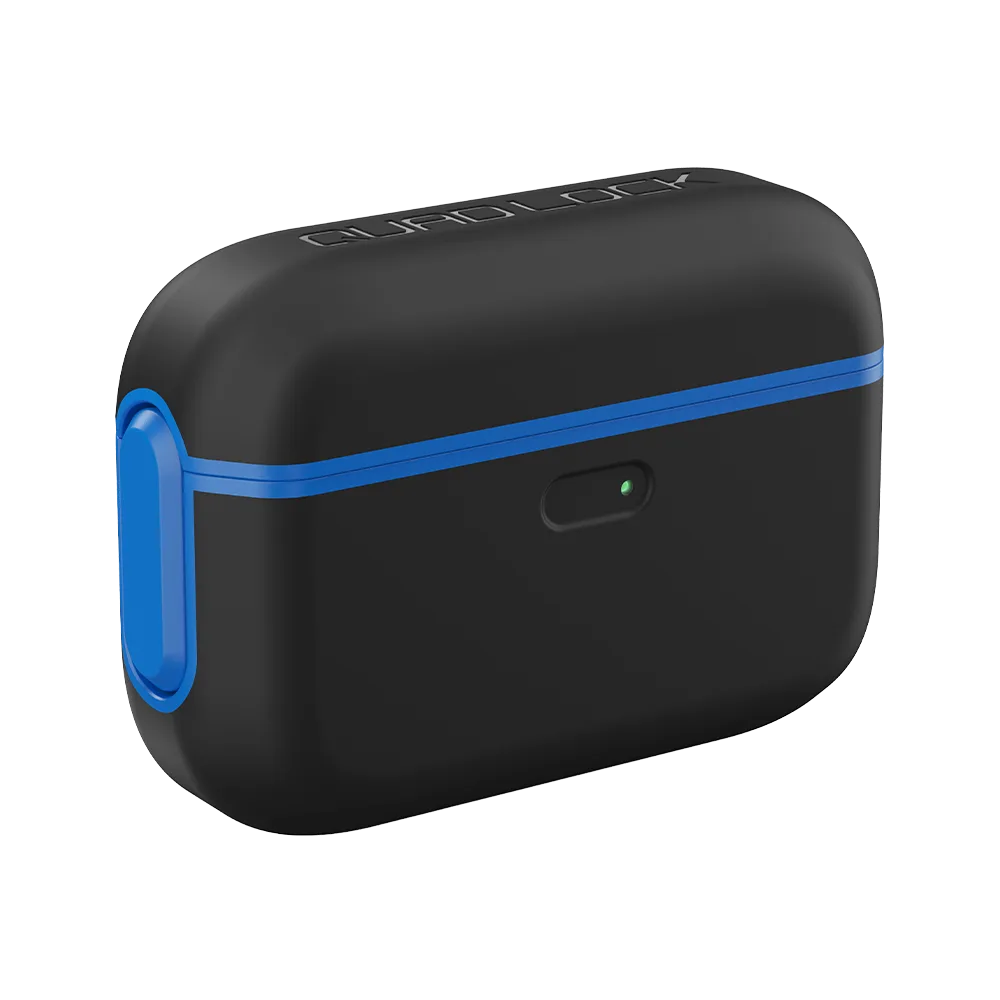
Cases - AirPods: The Quad Lock AirPods Case wraps the charging case in a shock resistant shell with a locking lid that stays shut on impact. This means you can clean the shell separately and check that the lid mechanism is free of dirt, so it keeps locking securely.
Cases - AirPods