What You Need to Know About the Rainbow Doodler
The Rainbow Doodler from B. toys is an LCD drawing tablet that lets kids draw in rainbow colors, then wipe the screen clean with one click. It comes with a two-tip stylus for fine and bold lines, plus three stamps (car, happy face, house) to add extra fun. The tablet is portable and has a built-in handle, making it easy to take on trips or to restaurants. Keeping it clean is straightforward, but a few simple habits will keep it looking and working like new.
Daily Cleaning Routine
A quick wipe after each use is usually enough. No special cleaners are needed.
- Wipe the screen: Use a soft, dry cloth (like a microfiber cloth) to gently wipe the LCD screen. This removes fingerprints, dust, and light smudges. Avoid using paper towels, which can scratch the surface.
- Clean the stylus and stamps: The two-tip stylus and the three stamps (car, happy face, house) can be wiped with a slightly damp cloth if they get sticky. Dry them thoroughly before storing. Do not submerge them in water.
- Check the erase button: The erase button is the main control. If it feels sticky or hard to press, wipe around it with a dry cloth. Do not use liquid cleaners near the button.
What the Manufacturer Tells Us
-
Rainbow Doodler: The Rainbow Doodler is recommended for children 3 years and over. It uses an LCD screen that clears with one click of the erase button. Knowing the age recommendation helps you decide if the tablet is right for your child. The one-click erase feature makes it easy for little hands to start over without mess.
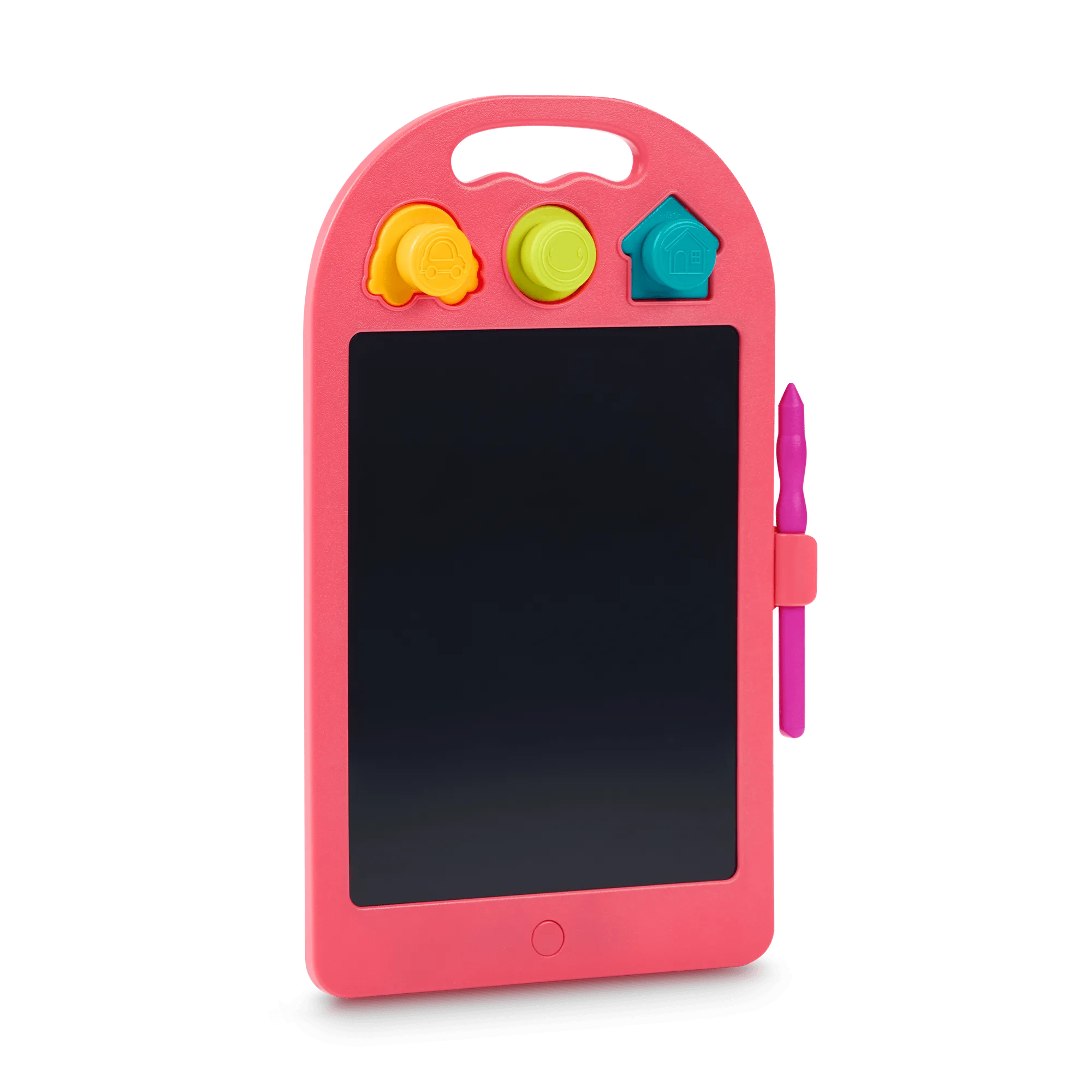
Rainbow Doodler
-
Rainbow Doodler: The tablet comes with a two-tip stylus for fine and bold lines, and three stamps: a car, a happy face, and a house. Colors of stamps and stylus may vary. The stylus and stamps are the main accessories. Keeping them clean ensures they work properly and don't transfer dirt to the screen.
Storage Tips to Keep It Safe
The Rainbow Doodler is portable, but storing it properly prevents scratches and damage. Keep it in a dry place away from direct sunlight, which can affect the LCD display over time. The built-in handle makes it easy to hang on a hook or carry in a bag. If you're traveling, place it in a padded compartment to avoid pressure on the screen. Avoid storing it with sharp objects that could scratch the surface.
What to Avoid
- No water or liquid cleaners on the screen: The LCD screen is sensitive to moisture. Only use a dry or slightly damp cloth on the frame and stylus, never on the screen itself.
- No abrasive materials: Paper towels, rough sponges, or cleaning wipes can scratch the screen. Stick to a soft microfiber cloth.
- No heavy pressure: Pressing too hard on the screen with the stylus or fingers can damage the LCD layer. Let the stylus do the work.