Quick Answer
Clean your magnetic keycaps every few months with a gentle soap-and-water soak, dry them completely, and reinstall them carefully to keep the magnetic signal strong and the legends crisp.
Why Magnetic Keycaps Need a Different Cleaning Approach
Magnetic keycaps rely on a hall-effect sensor beneath each switch. Unlike mechanical stems, the magnet sits inside the keycap, so you need to avoid water getting trapped inside the cap or any residue that could interfere with the magnetic field. A simple wipe-down won't remove the oils and grime that build up over time, but a full soak is safe if done correctly.
PBT keycaps are more resistant to heat and chemicals than ABS, but the dye-sub legends need gentle handling to stay sharp. Abrasive brushes or harsh solvents can dull the surface and fade the print, even on a durable set.
Understanding Your Keycap Material
The Basic Law 1.7mm Thick Dye-Sub PBT Original Magnetic Keycaps are made from thick PBT walls that add stability and reduce hollow resonance. This means they can handle regular cleaning without warping, but the dye-sub legends are still best preserved with mild soap and water.
If you're unsure about the exact plastic blend or coating on your keycaps, stick to the safest method: lukewarm water, a few drops of dish soap, and a soft cloth or brush. Avoid acetone, alcohol, or any citrus-based cleaner.
Step-by-Step Cleaning Routine
- Remove the keycaps safely: Use a wire keycap puller or your fingers to gently lift each keycap straight up. For magnetic keycaps, pull evenly from both sides to avoid bending the switch stem. Place them in a bowl or container in a single layer. Check that the magnet is still seated at the bottom of the keycap after removal.
- Soak in lukewarm soapy water: Fill a bowl with lukewarm water and add a few drops of mild dish soap. Submerge the keycaps and let them soak for 10–15 minutes. Do not use hot water, as it can warp PBT over time. Never soak for more than 20 minutes; extended soaking can weaken the adhesive holding the magnet.
- Scrub gently with a soft brush: Use a soft-bristled toothbrush or a dedicated keycap brush to lightly scrub each keycap, paying attention to the sides and the underside where grime collects. Avoid pressing hard on the top surface to protect the dye-sub legends. If you see stubborn stains, add a tiny drop of soap directly to the brush instead of scrubbing harder.
- Rinse and dry thoroughly: Rinse each keycap under cool running water to remove all soap residue. Shake off excess water, then lay them on a clean towel. Let them air dry completely for at least 24 hours before reinstalling. Moisture inside the keycap can interfere with the magnetic signal, so make sure they are bone dry.
- Reinstall and test: Press each keycap firmly onto its switch until you hear a click. After reinstalling, test every key to ensure the magnetic actuation works. If a key feels off, remove and reseat it. Re-calibrate your keyboard's software if it offers a key reset function.
Product Fact
-
Basic Law 1.7mm Thick Dye-Sub PBT Original Magnetic Keycaps: Dye-Sublimated Permanence: Legends will not scratch or bleach; remain crisp through long-term heavy input. You can clean these keycaps repeatedly without worrying about the legends fading, as long as you avoid abrasive scrubbing.
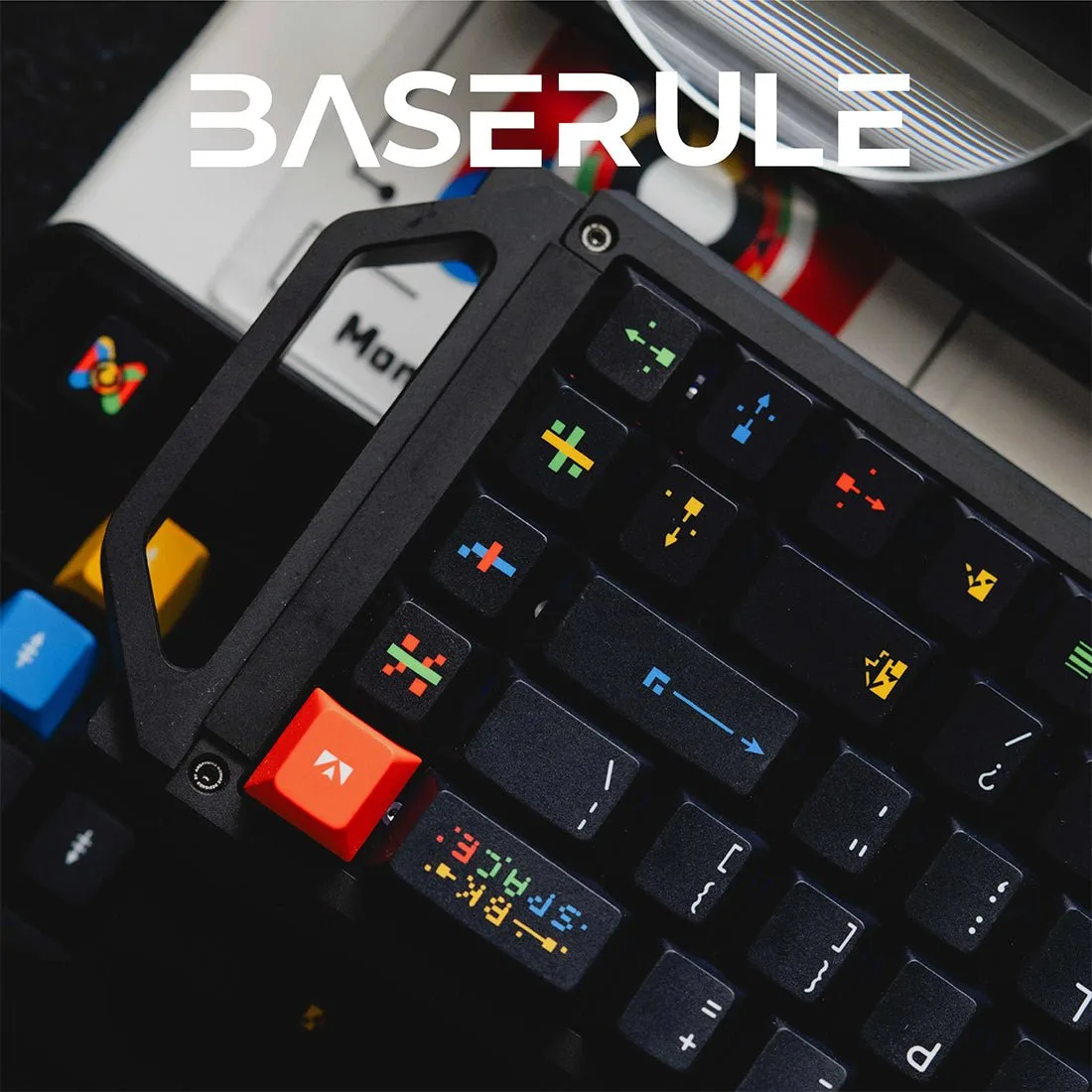
Basic Law 1.7mm Thick Dye-Sub PBT Original Magnetic Keycaps