Quick answer
Clean your silicone thumb grip caps every few weeks with mild soap and warm water, then air-dry them completely before reattaching. This simple routine removes dirt, prevents buildup, and keeps the silicone soft and grippy.
Why regular cleaning matters
Silicone thumb grip caps naturally collect dust, skin oils, and debris from your hands and environment. Over time, this buildup can make the surface feel tacky or slippery, reducing the enhanced grip they provide. Regular cleaning restores their texture and keeps them protecting your analog sticks from scratches and dirt.
The soft silicone material used in GeekShare caps is durable but porous enough to trap particles. A quick weekly wipe or a deeper monthly wash prevents that grime from becoming embedded, which is harder to remove later.
What not to use
Avoid harsh cleaners like bleach, alcohol wipes, or abrasive scrubbing pads. These can break down the silicone, causing it to become sticky, discolored, or brittle over time. Stick to mild dish soap or a gentle hand soap.
Also skip soaking the caps in hot water or leaving them in direct sunlight to dry. High heat can warp the silicone or make it lose its shape, affecting how snugly they fit on the joystick.
Step-by-step cleaning routine
- Remove the caps from your controller: Gently peel each thumb grip cap off the joystick. Turn it inside out if it's snug. Avoid pulling too hard, as the silicone is flexible but can tear if stretched sharply. Checkpoint: If a cap feels stuck, try twisting it gently rather than yanking straight up.
- Wash with mild soap and lukewarm water: Fill a small bowl with lukewarm water and add a drop of mild dish soap. Submerge the caps and gently rub them with your fingers for about 30 seconds, paying attention to any textured areas or crevices. Do not use a brush or sponge that could scratch the surface. Common mistake: Using hot water or too much soap can leave a residue that attracts more dirt.
- Rinse thoroughly and pat dry: Rinse each cap under cool running water until all soap is gone. Shake off excess water and place them on a clean, lint-free cloth. Pat dry gently, then let them air-dry completely for at least 2-3 hours. Do not use a hair dryer or place them on a radiator. Checkpoint: Make sure the caps are 100% dry inside before reattaching, or moisture can get trapped against the joystick.
- Reattach the caps to your controller: Once dry, turn each cap inside out, align it with the joystick, and press it into place until fully secured. Give it a gentle twist to ensure it sits evenly. If the cap feels loose, it may not be fully dry or seated correctly. Common mistake: Reattaching while still damp can cause the cap to slip during gameplay or trap moisture that leads to mildew.
Products that benefit from this care
-
GeekShare Flower-Heart Silicone Thumb Grip Caps: Original Flower-Heart Design – Add a cute decorative touch to your console with GeekShare’s Flower-Heart thumb grip caps. The intricate flower-heart shape has small crevices where dirt can hide, so regular cleaning keeps the design looking crisp and the silicone soft.
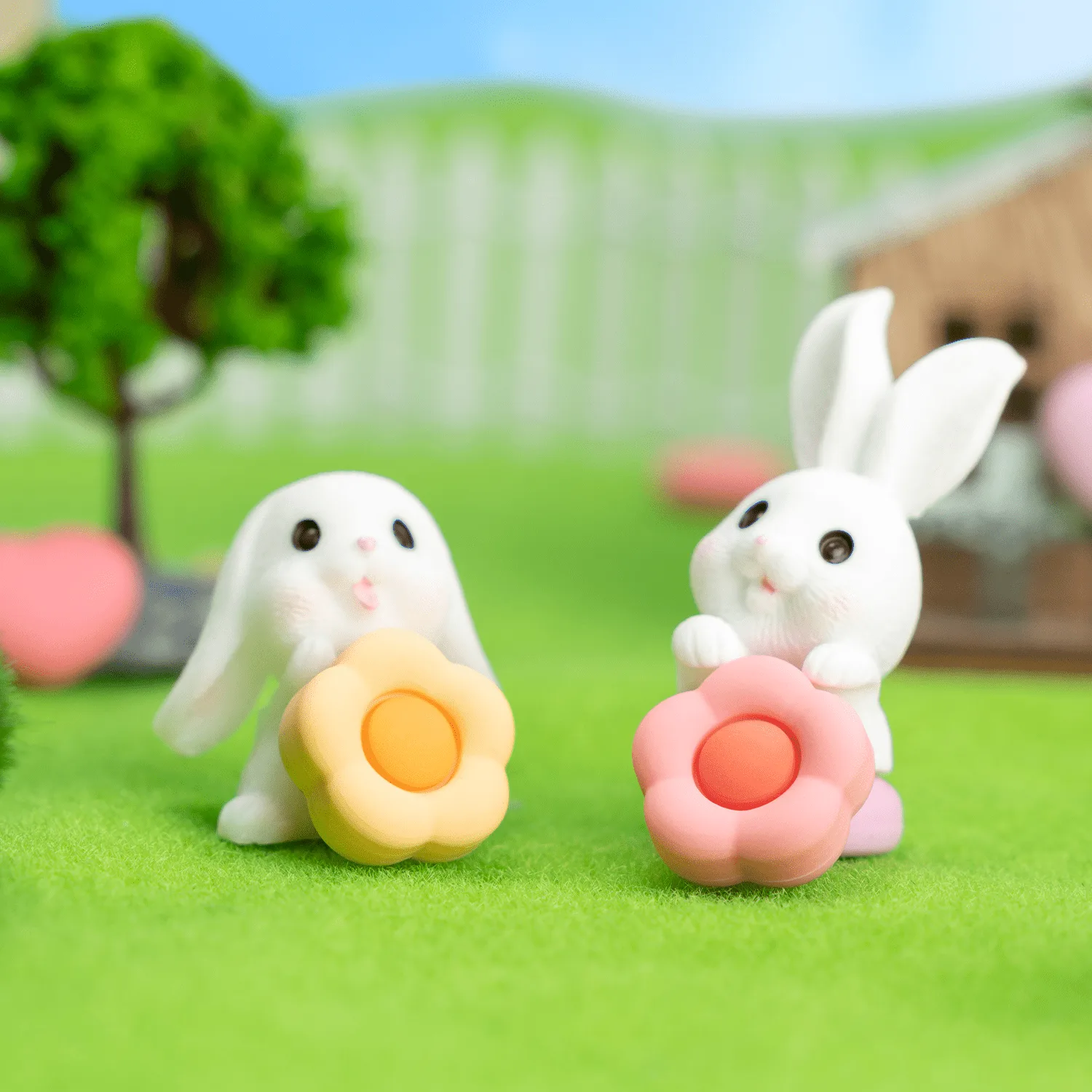
GeekShare Flower-Heart Silicone Thumb Grip Caps
-
GeekShare Dark Cream Heart Thumb Grip Caps: Dark Cream Heart Design – Features cute heart-inspired details with a soft dark cream color palette for a sweet and charming gaming look. Light-colored silicone shows dirt more easily; cleaning every few weeks prevents discoloration and keeps the dark cream finish looking fresh.
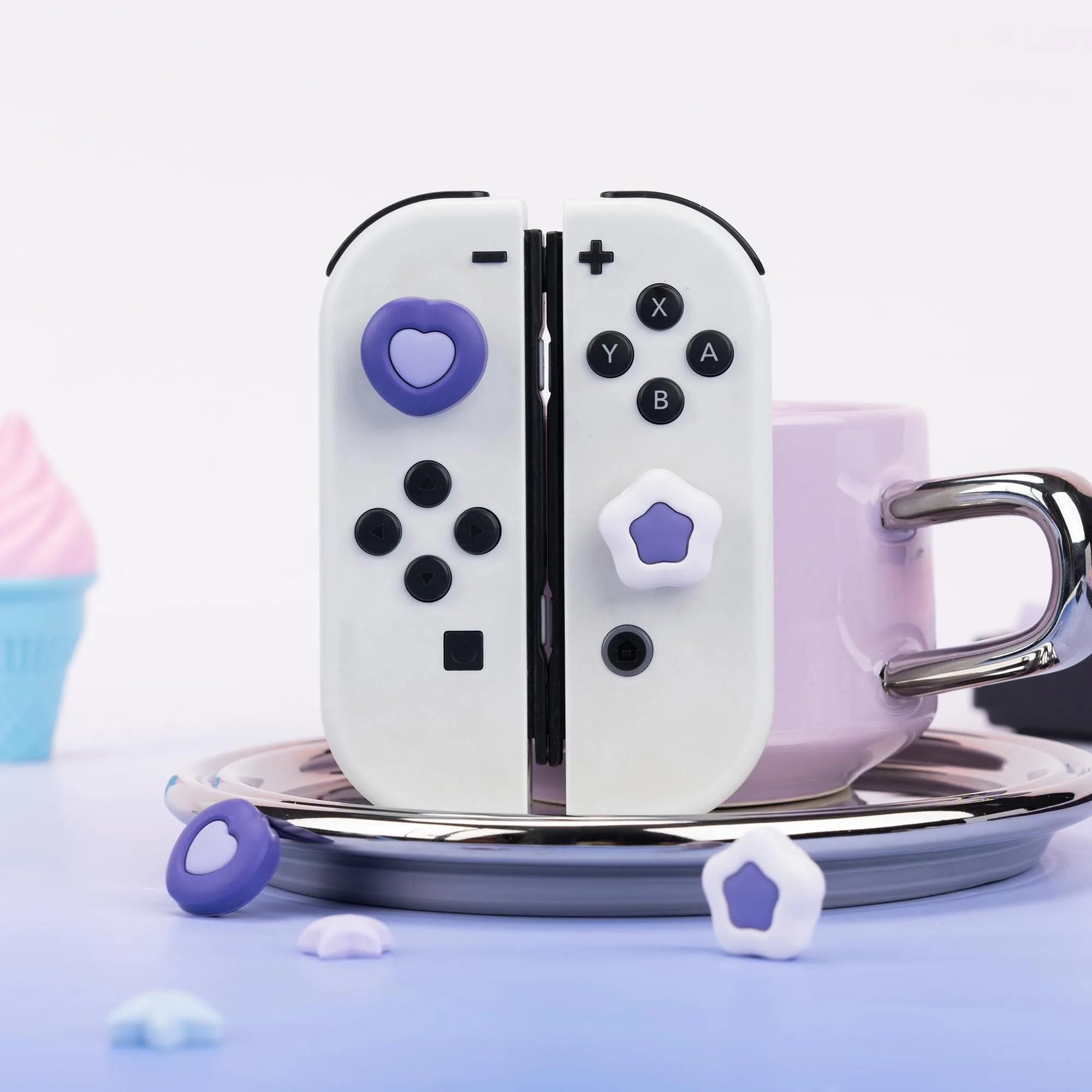
GeekShare Dark Cream Heart Thumb Grip Caps
-
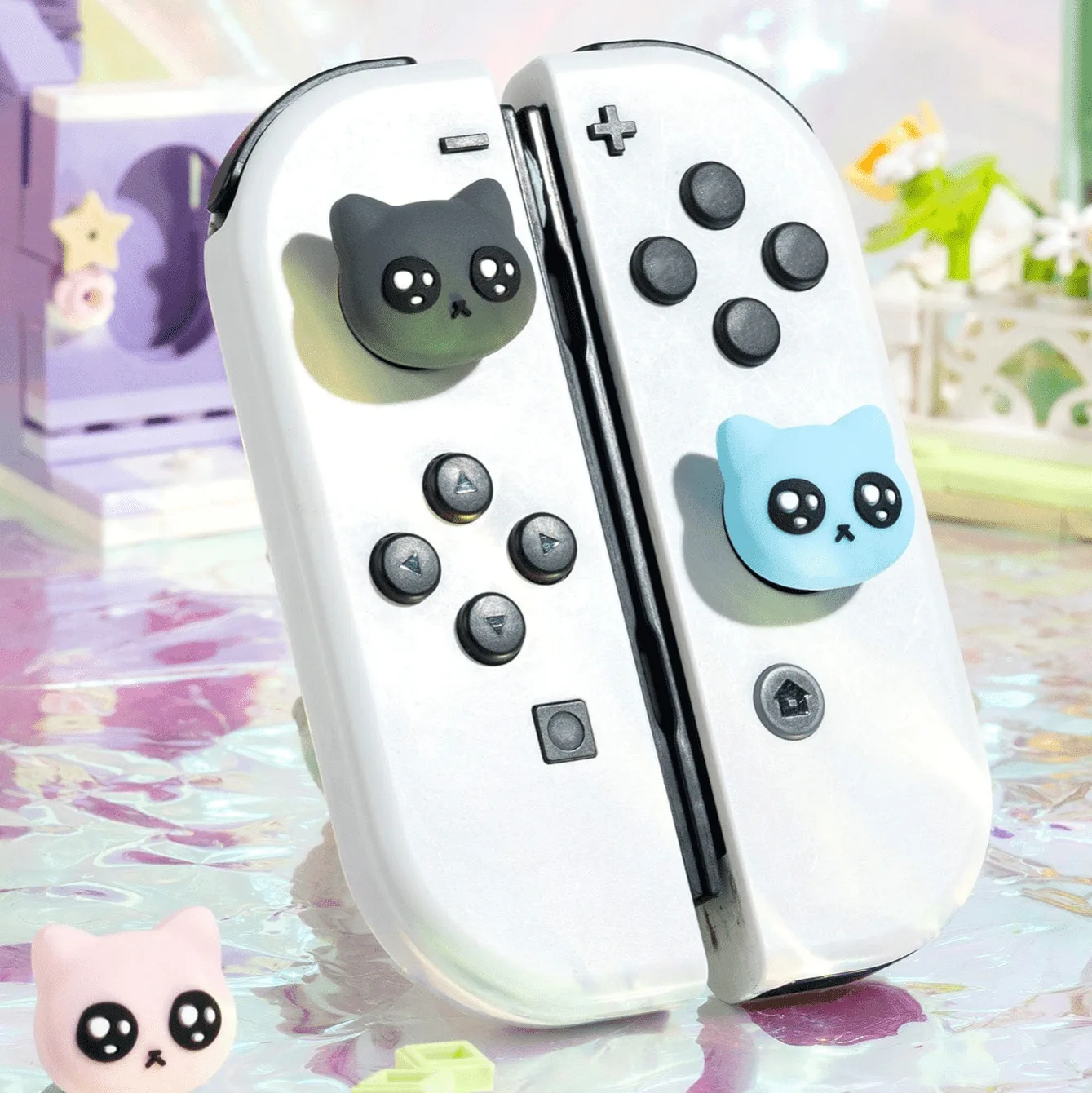
GeekShare Meme Cat Thumb Grip Caps: Meme Cat Design – Features cute meme cat-inspired expressions in soft blue, black, and white tones for a playful and funny gaming look. The multi-tone design means lighter areas can stain if not cleaned regularly, so a gentle wash preserves the contrast and playful look.