Why Cleaning Your DualSense Controller Matters
Regular cleaning keeps your DualSense wireless controller responsive and extends its lifespan. Dust, oils, and debris can build up on the shell, buttons, thumbsticks, and ports, potentially affecting performance. The controller's built-in microphone, speaker, and touchpad also benefit from occasional gentle cleaning to maintain clarity and sensitivity.
Before you start, power off the controller and disconnect it from your console or charging cable. Avoid using harsh chemicals or abrasive materials that could damage the finish.
Step-by-Step Cleaning Process
- Prepare your workspace: Turn off the controller, disconnect any cables, and remove it from the console. Work on a clean, flat surface with good lighting.
- Clean the exterior shell: Use a soft, lint-free cloth slightly dampened with water (if needed) to wipe the shell. For metallic finishes like Cobalt Blue, use a dry cloth to avoid streaks. Do not use window cleaners, alcohol, or abrasive pads.
- Clean the buttons and thumbsticks: Wipe the face buttons, D-pad, and thumbsticks with a dry cloth. For crevices around the buttons, use a dry cotton swab or a soft brush. Avoid getting moisture into the gaps.
- Clean the touchpad and microphone grille: Gently wipe the touchpad with a dry cloth. For the microphone grille near the mute button, use a dry cotton swab to remove dust. Do not poke the grille.
- Clean the USB-C port and 3.5mm jack: Use compressed air or a dry cotton swab to remove dust from the USB-C port and headphone jack. Do not insert metal objects. If using compressed air, hold the can upright and use short bursts.
Product-Specific Care Notes
-
DualSense® Wireless Controller - For PS5, PC, Mac & Mobile - Cobalt Blue (PS5): Metallic Cobalt Blue finish — part of the Deep Earth Collection The lustrous metallic sheen requires gentle cleaning with a dry cloth to avoid scratching or dulling the finish.
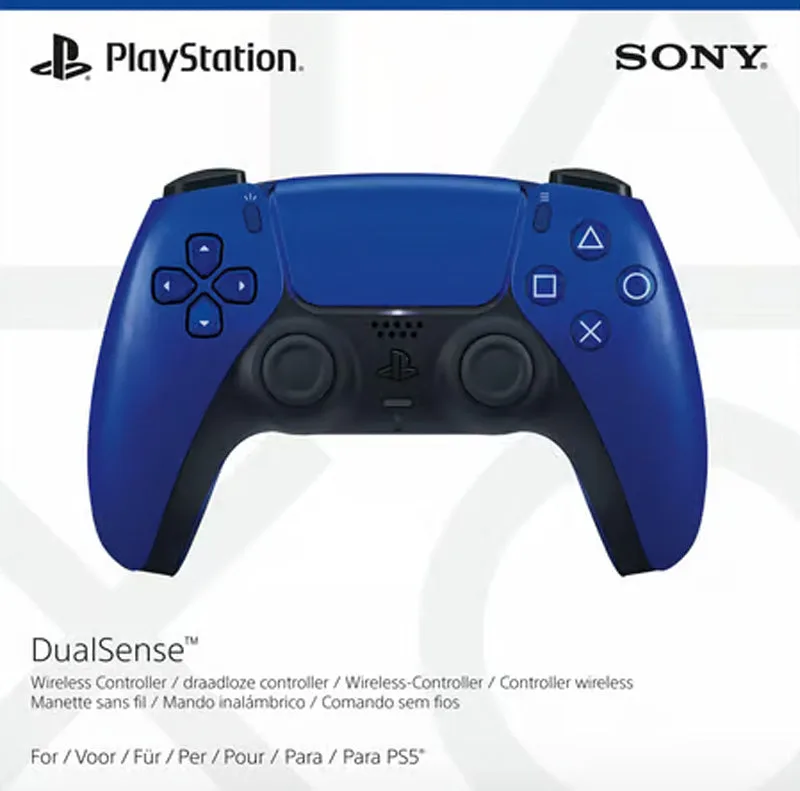
DualSense® Wireless Controller - For PS5, PC, Mac & Mobile - Cobalt Blue (PS5)
-
DualSense® Wireless Controller - For PS5, PC, Mac & Mobile - Midnight Black (PS5): Built-in microphone and dedicated mute button The microphone grille can accumulate dust; clean it gently with a dry cotton swab to maintain voice clarity.
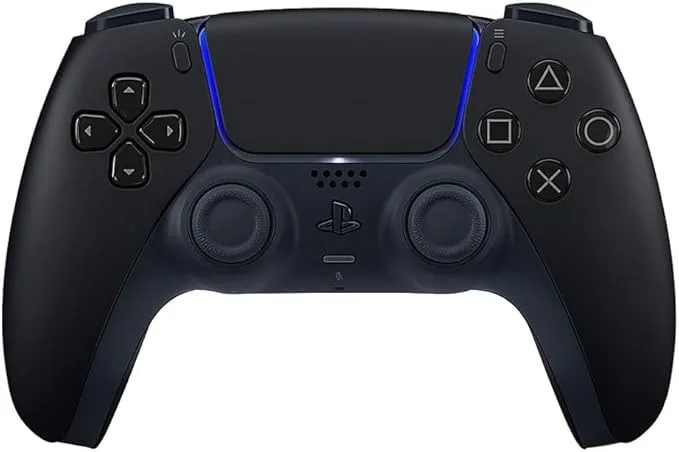
DualSense® Wireless Controller - For PS5, PC, Mac & Mobile - Midnight Black (PS5)
-
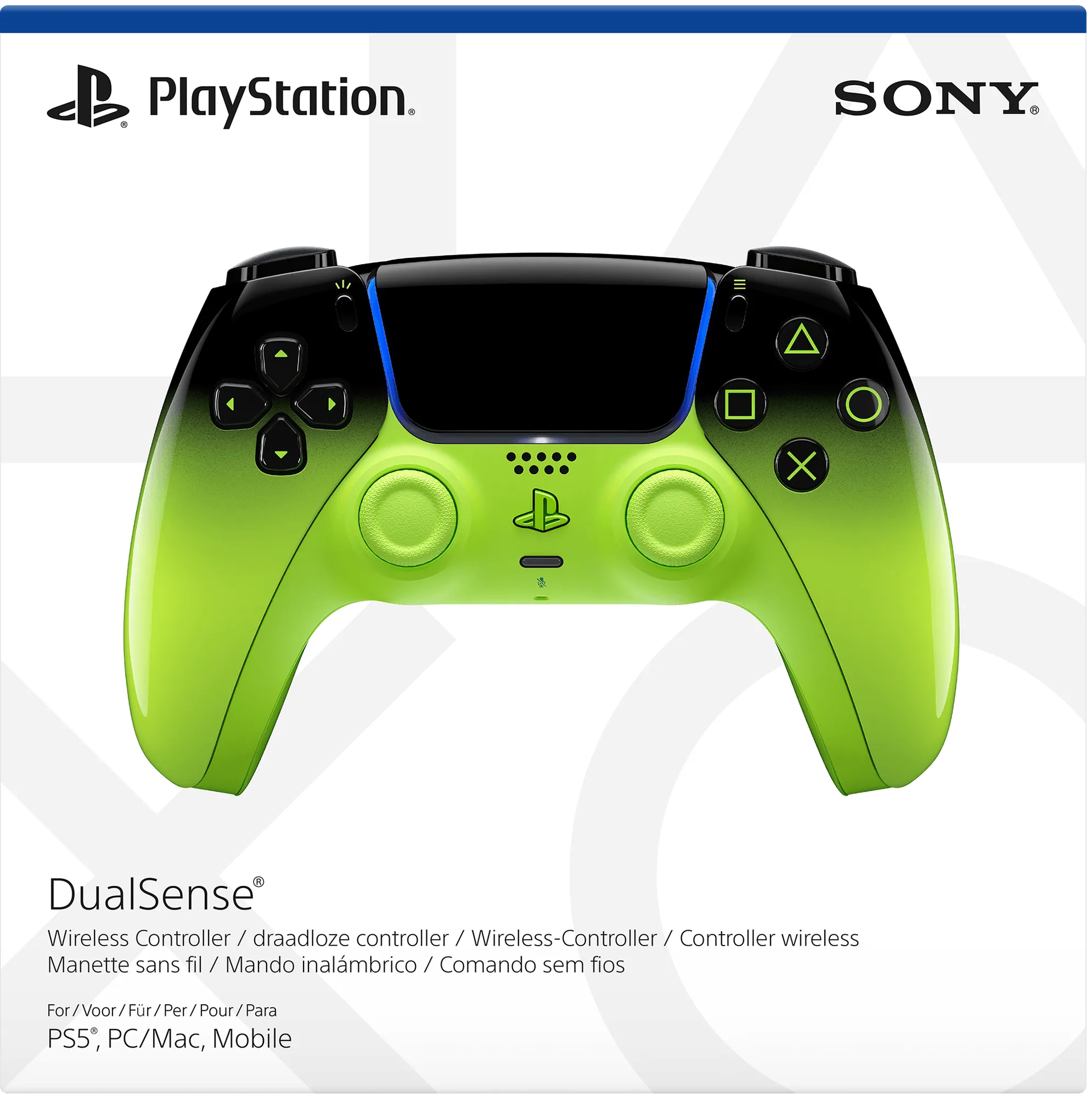
DualSense® Wireless Controller - For PS5, PC, Mac & Mobile - Remix Green (PS5): From deep gloss to in-your-face energy The glossy finish shows fingerprints and smudges easily; a microfiber cloth is recommended for regular wiping.
Addressing Stick Drift and Other Issues
Stick drift—where the controller registers movement without input—can sometimes be reduced by cleaning around the thumbstick base with compressed air or a dry cotton swab. However, if drift persists, the catalog does not provide DIY repair steps. In that case, consider contacting Sony support for service or replacing the controller. Regular cleaning may help prevent debris from causing drift in the first place.
General Maintenance Tips
Store your DualSense controller in a cool, dry place away from direct sunlight. Use a protective case when traveling. Keep liquids and food away from the controller. When charging, use the USB-C port and the cable supplied with your PS5 console (or a compatible USB-C cable). Always grip the connector, not the cable, when unplugging. Avoid extreme temperatures and humidity to protect the internal battery and electronics.