Quick answer
Use isopropyl alcohol (90% or higher), a soft cloth or cotton swab, and a clean, dry environment to safely clean GBA cartridge contacts and shells. Store cartridges in a cool, dry place away from direct sunlight to prevent corrosion and label damage.
Why cleaning matters for your GBA collection
Dust, grime, and oxidation on the metal contacts are the most common reasons a Gameboy Advance game won't load or saves get lost. A quick cleaning every few months keeps the connection reliable and extends the life of both the cartridge and your console. Dirty contacts can also transfer debris into your GBA slot, causing issues with other games.
What not to use on your cartridges
Avoid household cleaners, alcohol below 90%, water, and abrasive materials like paper towels or scrub pads. These can leave residue, damage the label, or corrode the pins. Stick to 90%+ isopropyl alcohol and lint-free cloths or cotton swabs. If a cartridge has a stubborn sticker or label, do not use adhesive removers—they can soak into the plastic and ruin the artwork.
Step-by-step cleaning and protection routine
- Step 1: Gather your supplies: Get 90% or higher isopropyl alcohol, cotton swabs, a soft lint-free cloth, and a small screwdriver if you plan to open the cartridge. Work on a clean, well-lit surface. Do not use rubbing alcohol below 90%—it contains too much water and can damage the contacts over time.
- Step 2: Clean the metal contacts: Dip a cotton swab in alcohol and gently rub the gold or silver pins on the back of the cartridge. Use light pressure and a side-to-side motion. Replace the swab when it gets dirty and repeat until no residue comes off. If the swab shows dark gray or green residue, the contacts are oxidizing—clean them thoroughly now to avoid future read errors.
- Step 3: Wipe the cartridge shell and label: Dampen a soft cloth with a tiny amount of alcohol and gently wipe the plastic shell. For the label, use a dry cloth only—alcohol can fade the ink. Let everything air dry for 5–10 minutes. Never soak the label or use any liquid on it. Even a slightly damp cloth can lift the adhesive and ruin the artwork.
- Step 4: Store cartridges properly: Place cleaned cartridges in a protective case or a dry drawer away from sunlight, heat, and humidity. Avoid stacking them loosely where they can get scratched or bent. A simple plastic storage box with dividers keeps dust off and prevents the pins from rubbing against other objects.
- Step 5: Test the game in your console: Insert the cleaned cartridge into your Gameboy Advance and power it on. If the game still doesn't load, repeat the contact cleaning or check for bent pins. If it works, you're all set. If the game loads but save data is missing, the internal battery may need replacement—this is a separate repair from contact cleaning.
Games that benefit from proper care
-
Pokémon Pinball: Ruby & Sapphire - GBA Game: Authentic Pokémon Pinball: Ruby & Sapphire – Game Boy Advance (GBA) Game Cartridge. Cleaned, tested, and guaranteed to work. A pre-owned cartridge like this one has been professionally cleaned, so you can see exactly how a well-maintained game should look and function.
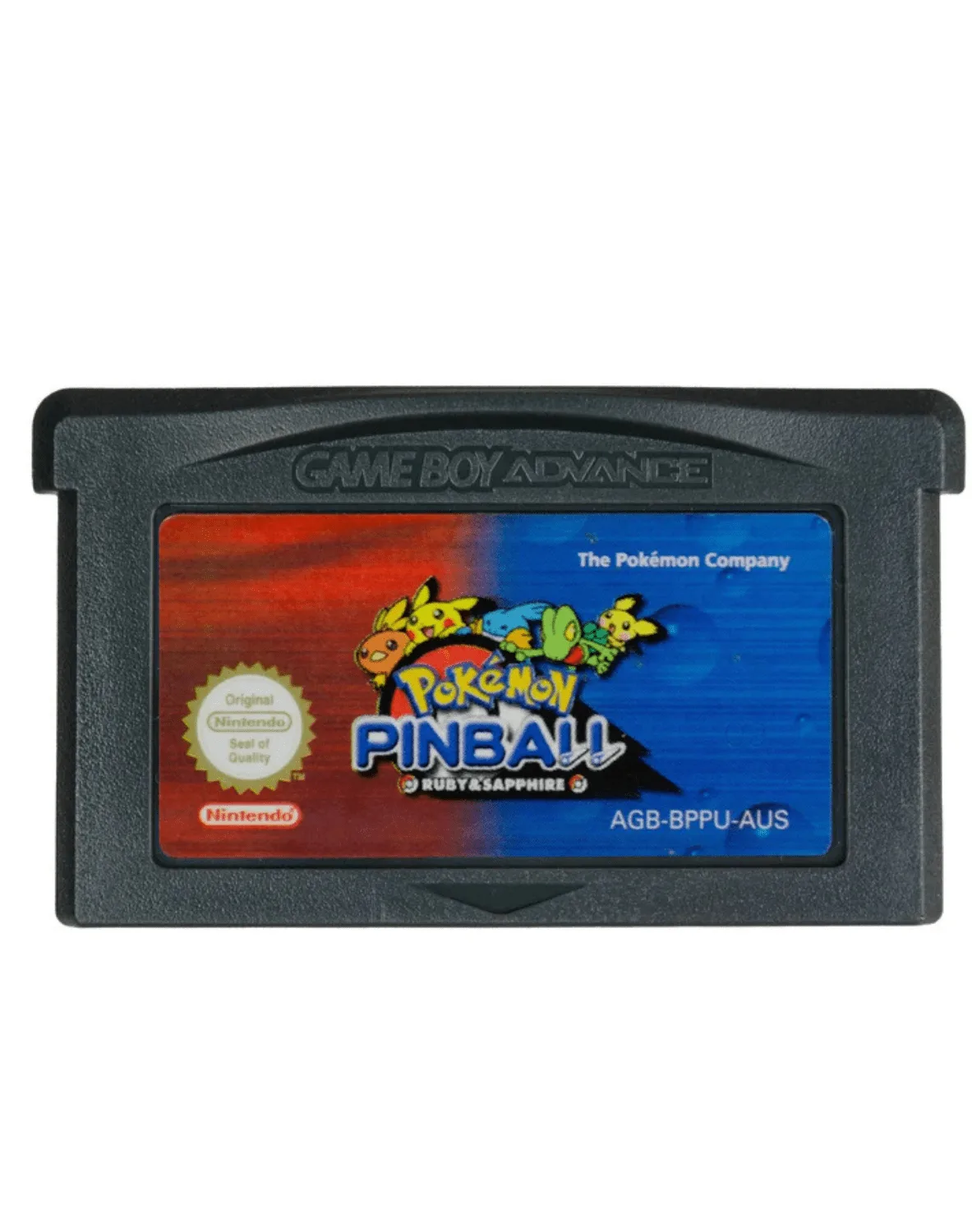
Pokémon Pinball: Ruby & Sapphire - GBA Game
-
Spirit Stallion of the Cimarron Search for Homeland - GBA Game: Spirit Stallion of the Cimarron Search for Homeland GBA Game Cartridge. Fully tested and guaranteed to work. Knowing the cartridge was tested gives you confidence that the contacts and internal board are in good condition—just like what you want after cleaning your own games.
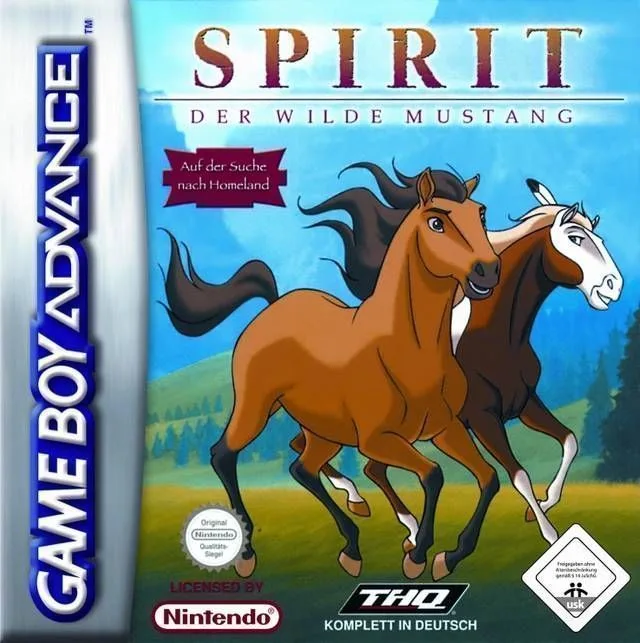
Spirit Stallion of the Cimarron Search for Homeland - GBA Game