Quick answer
Use the DUALPOWER-X Kit with MXD-100 Vswabs for a safe, streak-free wet clean of your full frame sensor. Follow the steps below to avoid damage and residue.
Why the DUALPOWER-X Kit is suited for full frame sensors
Full frame sensors are larger than APS-C or MFT, so they need a swab that covers the surface evenly in one pass. The MXD-100 Green Corner Swabs have a patented V-shape that improves maneuverability inside the camera chamber, and the mini-channels with contour deliver even solution saturation across the swab tip.
The DUALPOWER-X Regular Strength formula is designed to dissolve stubborn dust and oils without leaving streaks or pooling, which is critical on a large sensor where any residue is more visible.
Step-by-step sensor cleaning process
- Prepare the camera and environment: Set your camera to sensor cleaning mode (lock mirror up). Work in a dust-free area. Charge your camera battery fully so the shutter stays open. A low battery can cause the shutter to close mid-clean, damaging the shutter.
- Apply solution to the swab: Shake the DUALPOWER-X bottle. Place 2-3 drops on the swab tip, letting the mini-channels absorb it evenly. Do not soak the swab. Too much liquid can drip into the camera cavity; too little leaves streaks.
- Wipe the sensor in one continuous motion: Hold the MXD-100 Vswab at a 45-degree angle. Gently drag it across the sensor from one edge to the other in a single pass. Do not lift or reverse direction. Lifting mid-stroke can redeposit dust. If you miss a spot, use a fresh swab for a second pass.
- Inspect and repeat if necessary: Use a sensor loupe or take a test shot at f/22 against a white surface. Check for remaining dust or streaks. If you see streaks, repeat the process with a fresh swab. Never reuse a swab.
- Store the kit properly: Close the DUALPOWER-X bottle tightly and store swabs in their sealed pouch away from heat and sunlight. Exposure to air can evaporate the solution or contaminate the swabs.
Product facts
-
VisibleDust EZ Sensor Cleaning Kit DUALPOWER-X Regular Strength MXD-100 1.0x Green Vswabs: The patented mini-channels, with contour, provide an even saturation of the sensor cleaning swab surface. This prevents over-wetting or dry spots, reducing the chance of streaks on a full frame sensor.
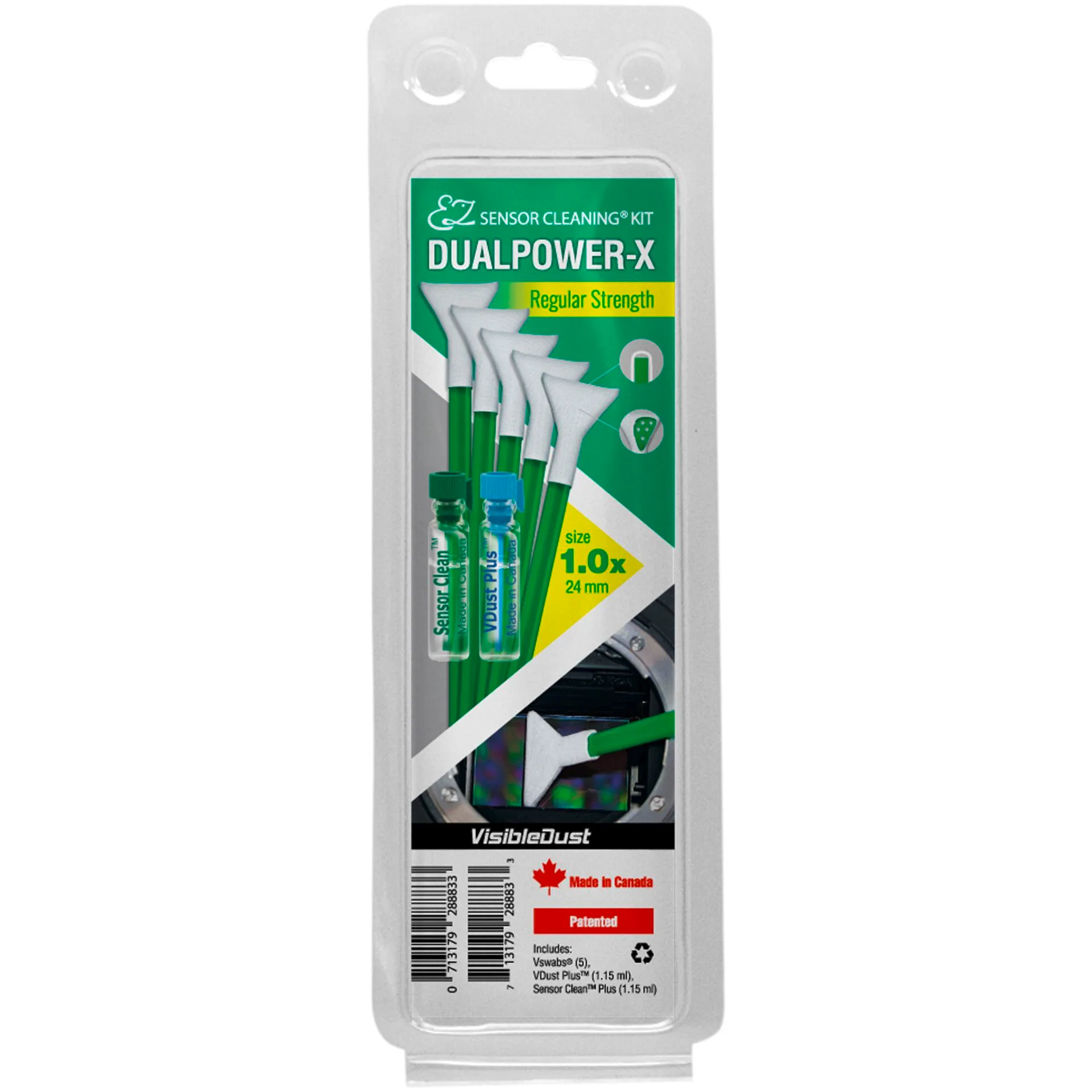
VisibleDust EZ Sensor Cleaning Kit DUALPOWER-X Regular Strength MXD-100 1.0x Green Vswabs