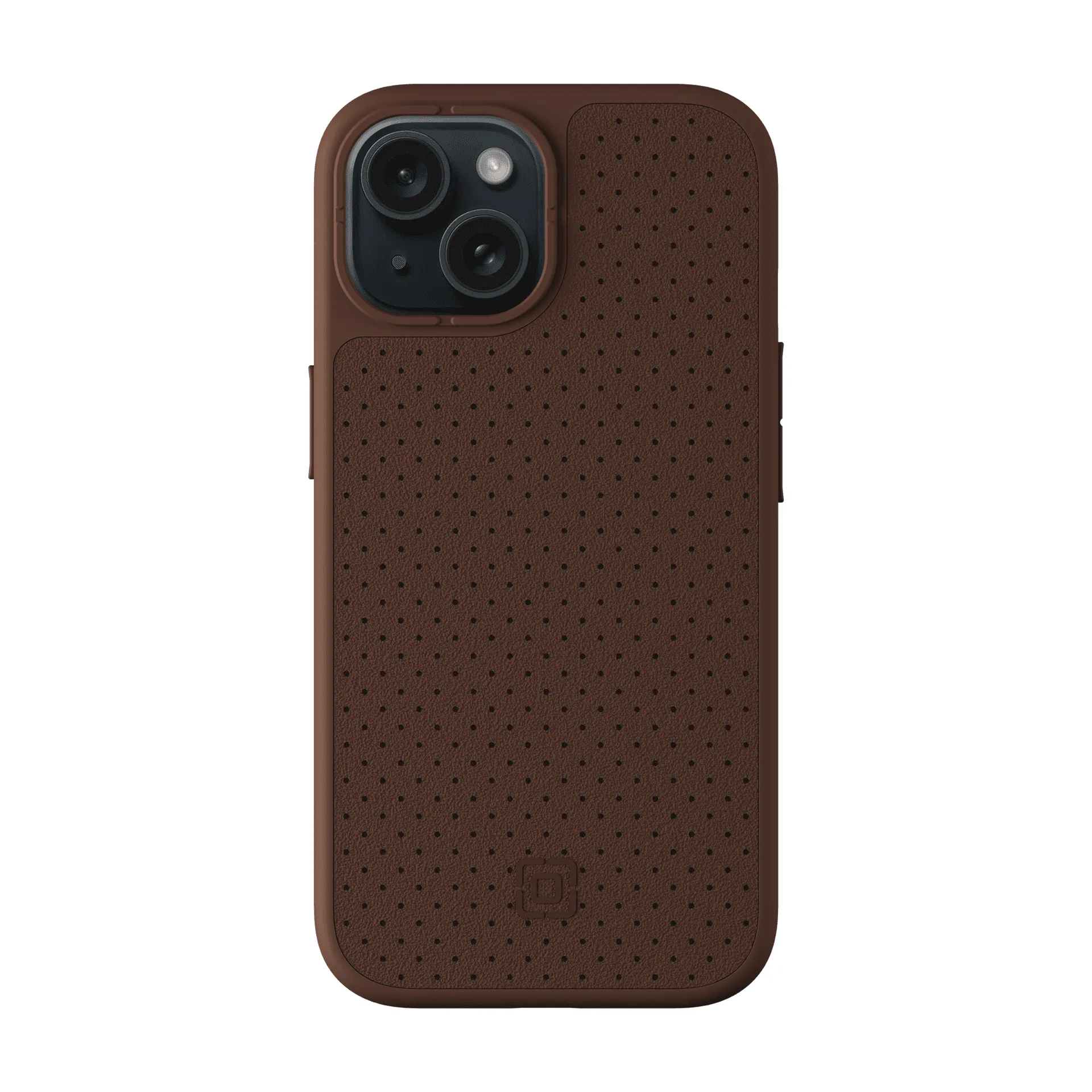
Your iPad folio case is more than just protection—it's an everyday companion that takes a beating from coffee spills, dust, and daily handling. Over time, dirt and grime can build up, making your case look worn and even affecting its fit. But with the right care, you can keep your folio looking fresh and functioning perfectly for years.
In this guide, we'll walk you through simple, effective methods to clean and maintain your folio case, whether it's a rugged model like the Survivor Rugged Folio for iPad 10.2-inch or a sleek keyboard folio like the TouchType Keyboard Folio for iPad Pro 11. We'll cover everything from daily wipes to deep cleaning, plus tips to prevent future stains.
Why Regular Cleaning Matters
Your folio case is constantly exposed to oils from your hands, dust in your bag, and accidental spills. Over time, these can cause discoloration, sticky surfaces, and even weaken the material. Regular cleaning not only keeps your case looking new but also prevents buildup that can scratch your iPad or interfere with the folio's closure.
For keyboard folios, debris can get lodged between keys, affecting performance. For rugged cases, dirt can accumulate in crevices, making them harder to clean later. By incorporating a quick cleaning routine, you'll extend the life of your case and keep it looking professional.
- Prevents discoloration and stains from becoming permanent.
- Maintains the tactile feel and grip of the case.
- Ensures the magnetic closure and stand functions work properly.
Daily and Weekly Care: Quick Wipes
For everyday maintenance, a soft, lint-free microfiber cloth is your best friend. Gently wipe the exterior and interior of the folio to remove dust and smudges. If you notice any sticky spots, lightly dampen the cloth with water or a mild soap solution (a drop of dish soap in a cup of water works well). Avoid soaking the case, especially if it has electronic components like a keyboard.
For folios with a keyboard, such as the TouchType Keyboard Folio for iPad Pro 11, use a dry cloth to wipe the keys and a soft brush (like a clean makeup brush) to dislodge crumbs. Do this weekly to keep the keys responsive. For non-keyboard folios, a quick wipe after each use is enough to keep them pristine.
- Use a microfiber cloth to avoid scratching the surface.
- For keyboard folios, turn them upside down and gently tap to remove loose debris.
- Avoid using alcohol-based cleaners as they can dry out the material.
Deep Cleaning: Removing Stubborn Stains
Occasionally, your folio may encounter tougher stains like ink, coffee, or food. For these, you'll need a more thorough approach. Start by mixing a small amount of mild detergent (like baby shampoo) with warm water. Dip a soft cloth into the solution, wring it out well, and gently blot the stained area. Do not rub aggressively, as this can spread the stain or damage the texture.
For stubborn marks, you can use a soft-bristled toothbrush dipped in the soapy water to gently scrub in circular motions. After cleaning, wipe the area with a damp cloth to remove any soap residue, then pat dry with a towel. Allow the case to air dry completely before reattaching it to your iPad. Avoid using a hairdryer or placing it in direct sunlight, as heat can warp the material.
- Test any cleaning solution on a small, hidden area first.
- For leather-like finishes, use a dedicated leather cleaner instead of soap.
- If the stain persists, consider using a magic eraser (melamine foam) gently.
Maintaining the Folio's Structure and Function
Beyond cleaning, proper maintenance ensures your folio continues to provide protection and functionality. Check the hinges, magnets, and closures regularly for wear. If the folio has a stand feature, ensure it folds flat and locks into place. For keyboard folios, test all keys and the connection to your iPad periodically.
When not in use, store your folio case in a cool, dry place. Avoid leaving it in a hot car or under heavy objects, as this can deform the case. If your folio gets wet, blot it dry immediately and let it air dry completely before using it again. For rugged cases like the Survivor Rugged Folio for iPad 10.2-inch, pay extra attention to the corners and edges where dirt tends to collect.
- Inspect the folio's stitching and edges for signs of wear.
- Keep the magnetic closure clean to ensure it snaps shut firmly.
- For keyboard folios, occasionally remove the iPad to clean the connector area.
Preventive Tips to Keep Your Folio Clean Longer
Prevention is better than cure. Simple habits can keep your folio case looking new for longer. Avoid placing your iPad on dirty surfaces, and use a protective sleeve when carrying it in a bag. If you eat or drink near your iPad, be extra cautious—consider using a spill-resistant cover.
For folios with a keyboard, avoid eating over the keys. Clean your hands before using your iPad to reduce oil transfer. Additionally, consider using a screen protector to minimize fingerprints on your iPad's screen, which can also transfer to the folio's interior. The 3-Pack Glass Screen Protector for iPhone Air is a great option for phone users, but for iPads, look for a compatible screen protector.
3-Pack Glass Screen Protector for iPhone Air
3-Pack Glass Screen Protector for iPhone Air
- Use a dedicated compartment in your bag to avoid scratching.
- Wipe your iPad's screen before closing the folio to prevent smudges on the interior.
- Rotate between two folio cases if you use your iPad heavily.
With these simple cleaning and maintenance tips, your iPad folio case will stay fresh, functional, and protective for years to come. Whether you're using a rugged folio for outdoor adventures or a sleek keyboard folio for productivity, consistent care makes all the difference. Remember, a well-maintained case not only looks great but also ensures your iPad remains safe. For top-quality folios that are easy to clean and built to last, explore the Survivor Rugged Folio for iPad 10.2-inch and the TouchType Keyboard Folio for iPad Pro 11 at Incipio.