Quick answer
Clean your Noble Audio IEMs after every few listening sessions with a dry microfibre cloth, a soft brush, and gentle wiping of the nozzles. Never let moisture, alcohol, or sharp tools touch the drivers. For cables, wipe them down, avoid tight bends at the connector, and store them loosely coiled. Replace ear tips when they lose shape or seal, and swap cables only when you need a different termination or a damaged connector.
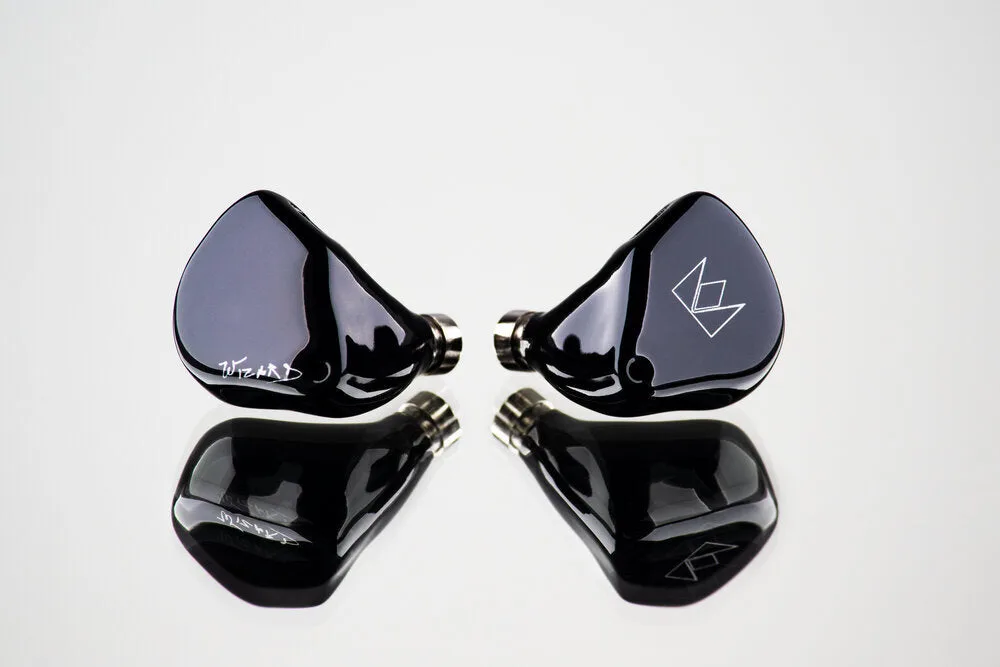
In-ear monitors are precision instruments, and the two parts that fail first are almost always the ear tips and the cable. The good news is that both are easy to maintain if you build a short, repeatable routine. This guide walks through the exact steps to clean IEM earphones, care for cables, and extend the lifespan of your Noble Audio gear without risking the drivers.
You do not need a lab bench or specialist chemicals. A microfibre cloth, a soft brush, and a few minutes after each session will keep sound consistent and prevent the slow build-up of wax and moisture that dulls treble and clogs nozzles. The steps below are ordered from daily habits to occasional deep cleans, with the common mistakes to avoid at each stage.
What you need before you start
Gather a dry microfibre cloth, a soft-bristled brush (a clean toothbrush works), and a small pick or the loop tool that came with your IEMs. If your model has removable cables, keep a spare set of ear tips nearby so you can swap immediately if a tip is worn. Avoid cotton swabs with loose fibres, paper towels, and any liquid cleaner unless the manufacturer explicitly says it is safe.
Work over a clean, well-lit surface with a small tray or dish to catch tips and small parts. If you wear hearing aids or have particularly oily skin, keep a second cloth specifically for the ear-facing parts. The goal is to remove wax and moisture without pushing either deeper into the nozzle or the connector.
- Use only dry tools on the nozzle and driver housing.
- Keep a spare set of ear tips on hand so you never delay a replacement.
- Never use alcohol, acetone, or household cleaners on acrylic or metal housings.
Daily wipe-down after listening
Before you put your IEMs away, wipe the outside of each housing and the cable with a dry microfibre cloth. This removes skin oils and moisture that otherwise sit against the connectors and the acrylic or metal finish. Pay attention to the area around the nozzle and the two-pin or MMCX connector, but do not push the cloth into the nozzle opening.
If you use foam tips, squeeze them gently to check they still expand and seal. Silicone tips can be wiped with the same cloth. This daily step takes under a minute and is the single most effective habit for extending IEM lifespan because it stops residue from hardening in place.
- Wipe the cable from the connector outward, not toward the plug.
- Check that the nozzle mesh or filter is clear and sitting flat.
- Do not pull on the cable to remove the IEMs; grip the housing instead.
Weekly ear tip cleaning and inspection
Once a week, remove the ear tips and inspect them under good light. Foam tips that have lost their spring, flattened, or started to crumble should be replaced. Silicone tips can be rinsed in lukewarm water only if the manufacturer allows it, then dried completely before refitting. If you are unsure, wipe them with a dry cloth instead and replace them when they no longer seal.
While the tips are off, use a soft brush to sweep debris away from the nozzle. Do not insert anything into the nozzle. If you see wax on the mesh, brush it gently from the side. A clogged mesh is a common cause of reduced output and uneven channel balance, and it is usually solved by brushing rather than by poking.
- Replace foam tips when they no longer expand or feel firm.
- Never soak the IEM housing or the cable in water.
- If one channel sounds quieter, check the mesh before assuming a driver fault.
Monthly cable care and connector check
Cables fail at the points where they bend most: the plug, the Y-split, and the connector housing. Once a month, run the cable through your fingers to feel for kinks, stiff spots, or exposed shielding. Wipe the cable with a dry cloth and check that the connector pins are straight and clean. If you use a cable with interchangeable termination, remove and refit the plug to confirm it still clicks securely.
Store cables loosely coiled in a pouch rather than wrapped tightly around your player or phone. A coil about the size of your palm is enough. Avoid hanging the cable by the plug or leaving it under tension, and keep it away from sharp edges in bags. These small habits prevent the intermittent channel dropouts that signal a failing connector.
- Do not pull the cable out by the wire; grip the plug body.
- Check interchangeable terminations for a firm, click-free fit.
- Replace a cable at the first sign of a short rather than waiting for a full failure.
Deep clean and storage routine
Every few months, or before storing your IEMs for a long period, do a full check. Remove the tips, brush the nozzles, wipe the housings and cable, and let everything air dry completely before reassembly. Store the IEMs in a hard case with a desiccant packet if you live in a humid climate. Humidity is the quiet enemy of both drivers and connectors, and a sealed case with a small moisture absorber makes a measurable difference over a year.
If you swap between multiple IEMs, keep each set in its own case with its own cable and tips. This prevents tips from being stretched onto the wrong nozzle and cables from being tangled together. Label cases if you own several models so you can grab the right set without pulling on connectors.
- Let all parts dry fully before reassembly; moisture trapped in a nozzle can damage a driver.
- Use a hard case and a desiccant packet in humid climates.
- Keep each IEM set with its own cable and tips to avoid mismatches.
Your step-by-step maintenance routine
- Step 1: Wipe after every session: Use a dry microfibre cloth on the housings and cable. Do not push cloth into the nozzle. Checkpoint: no visible oil or moisture on the housing or connector.
- Step 2: Remove and inspect tips weekly: Take tips off, check for flattening or tears, and brush debris away from the nozzle mesh. Mistake to avoid: poking the nozzle with a pin or toothpick.
- Step 3: Care for the cable monthly: Run the cable through your fingers, check for kinks and exposed shielding, and confirm the connector and any interchangeable plug seat firmly. Checkpoint: no crackle or channel dropout when you gently move the cable near the plug.
- Step 4: Deep clean and store correctly: Do a full tip-off clean every few months, let parts dry completely, and store in a hard case with a desiccant packet in humid conditions. Mistake to avoid: storing IEMs loose in a bag where cables bend sharply.
- Step 5: Replace worn parts promptly: Swap foam tips when they lose spring, and replace a cable at the first sign of a short. Keep model-specific spares such as Rex5 Eartips for the Rex5 TWS. Next step: order spare tips and a backup cable before you need them, not after a failure.
Noble Audio parts that make maintenance easier
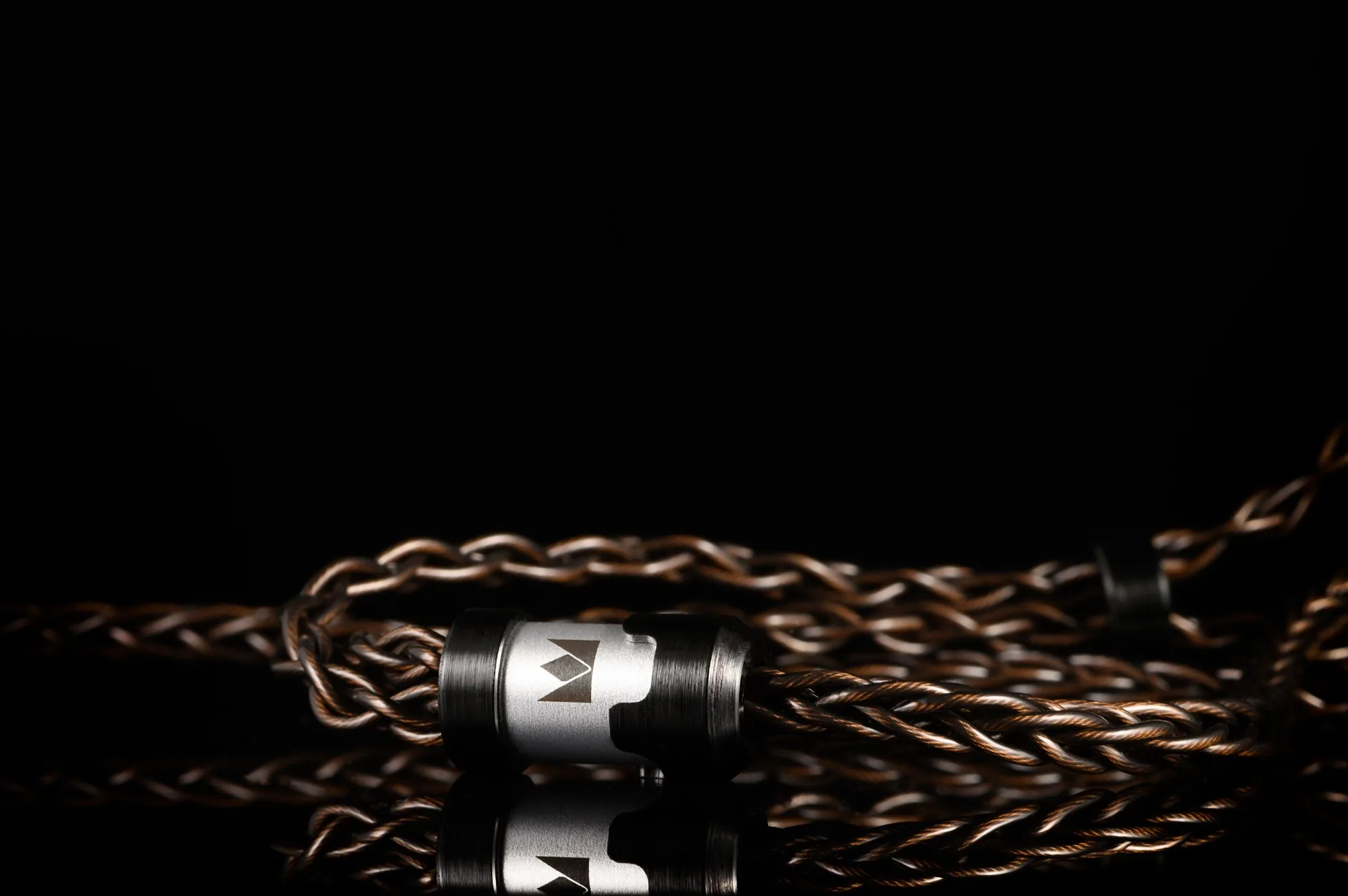
- Standard Cable with Interchangeable Termination (4.4mm, 3.5mm, 2.5mm): The Noble Standard cable is a shielded, silver-plated copper cable with aluminum fittings and interchangeable termination for 4.4mm, 3.5mm, and 2.5mm plugs. Because you can swap the plug instead of replacing the whole cable, you only need to care for one cable across different sources, which reduces wear at the connector and makes monthly cable checks simpler.
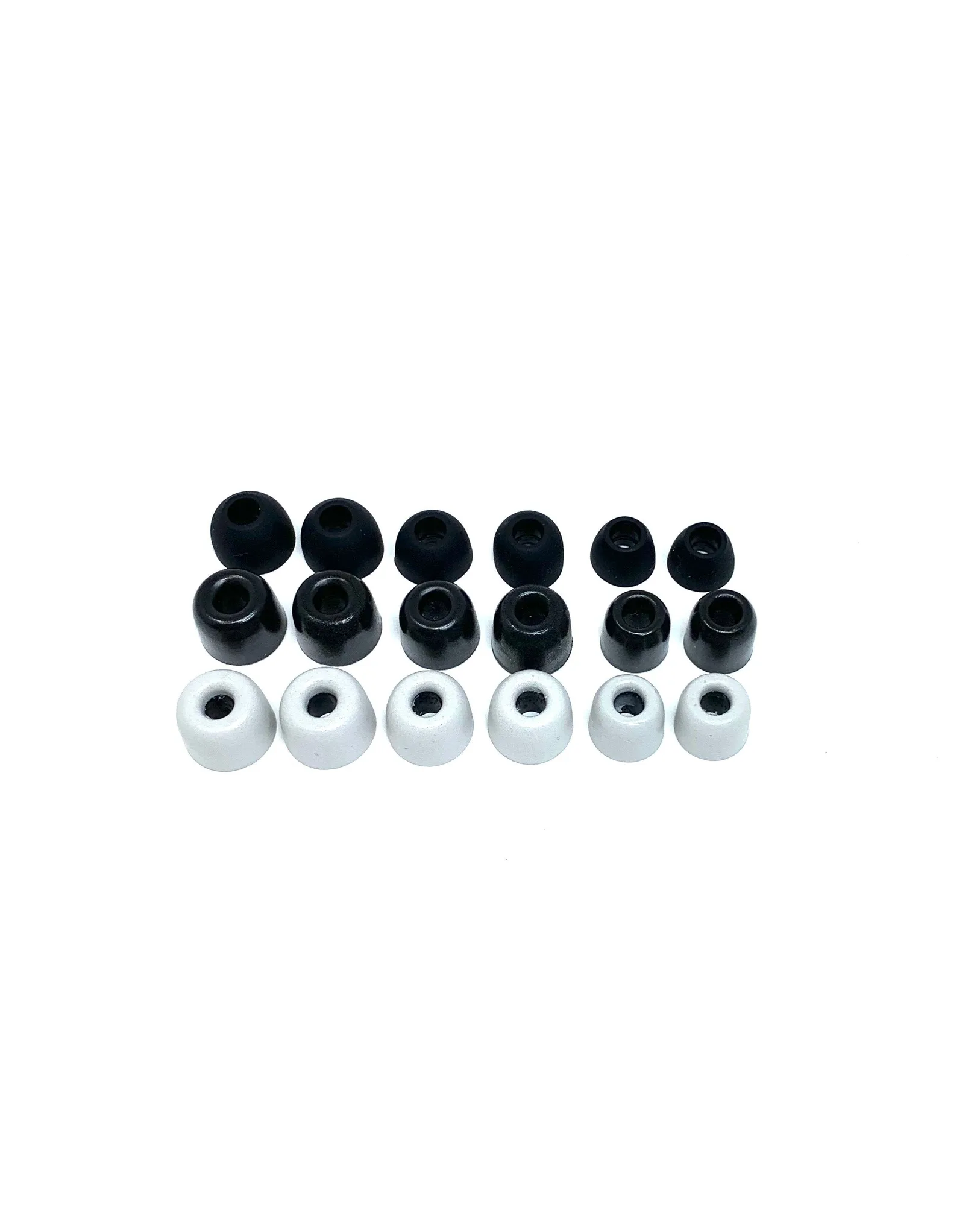
- Ear Tips (Khan type): These are the ear tips supplied with Noble's Khan, Tux 5, and Sultan IEMs, available in foam and silicone options in white or black, in small, medium, and large sizes, and also as a set of nine pairs. Keeping spare tips on hand means you can replace a worn or lost tip immediately instead of stretching a damaged one, which preserves the seal and protects the nozzle from excess pressure.
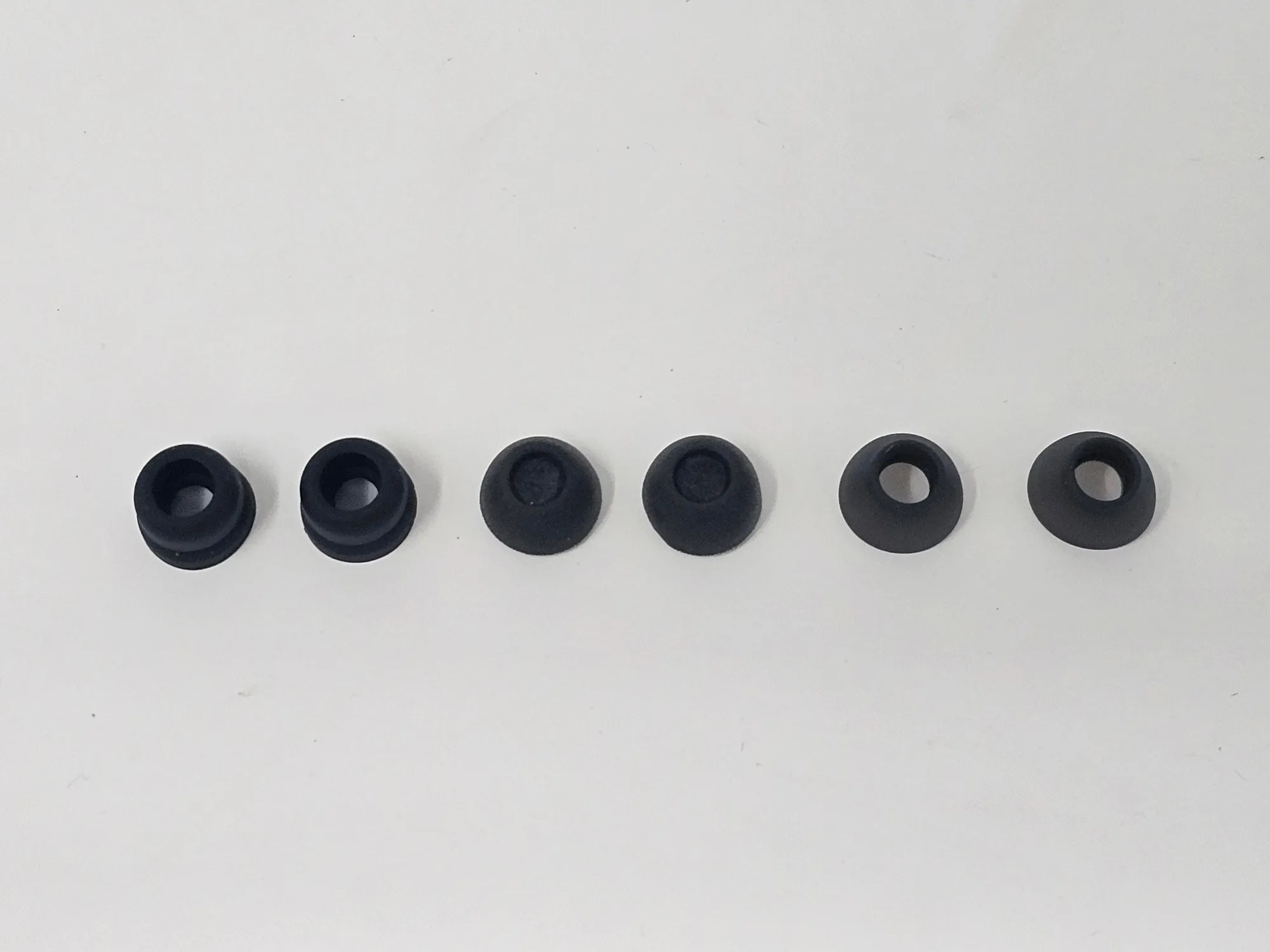
- Rex5 Eartips (Individual Sets): Rex5 Eartips are individual replacement sets for the Rex5 TWS and will not fit other TWS models in the Noble lineup, available in single flange, foam, and double flange styles. Model-specific tips prevent the common mistake of forcing a tip that does not fit, which can tear the tip and leave debris on the nozzle.
A consistent five-minute routine after each session and a deeper check once a month will keep your Noble Audio IEMs sounding the way they did on day one. The parts most likely to wear, the tips and the cable, are also the easiest to inspect and replace. Build the habit now, keep spares on hand, and your gear will reward you with years of reliable listening.