Quick Answer
For a pressurised pond filter with auto-cleaning, the regular cleaning routine is mostly hands-off: turn the dial to flush out sludge, then occasionally rinse the foams and check the UV clarifier. Here is the exact process.
Why Auto-Cleaning Doesn't Mean No Maintenance
Auto-cleaning pressurised filters, like the AllPondSolutions PFC range, use a dial to spin water through the filter body and flush trapped debris out to waste. This cuts down how often you need to open the unit, but it does not replace every maintenance task.
The foam pads still trap fine particles and beneficial bacteria live on them. Over time, foams can clog or become waterlogged, and the UV clarifier bulb needs an occasional check to keep killing algae. Knowing the difference between a quick dial flush and a deeper clean keeps the filter working efficiently.
When to Use the Dial vs. When to Open the Filter
The dial flush is for routine sludge removal – do it every one to two weeks, or when you notice reduced water flow from the return. It is quick and does not disturb the bacteria colony.
Open the filter for a deeper clean only when the dial flush no longer restores flow, or every few months. At that point, rinse the foams in dechlorinated water and inspect the bio-balls and UV window.
Step-by-Step Cleaning Process
- Turn off the pump: Switch off the pump before any cleaning to prevent air from entering the system and to avoid running the filter dry. Never run the filter without water – it can damage the pump and the UV bulb.
- Use the dial to flush sludge: Turn the dial on the filter head to the flush or cleaning position. This sends water through the foams and out the waste outlet, carrying loose debris with it. Let it run for 30–60 seconds or until the water runs clear. If the water does not run clear, the foams likely need a deeper clean.
- Open the filter and remove the foams: Unclip or unscrew the head to access the filter body. Lift out the filter foams one by one, keeping them in order if they have different densities. Rinse foams in a bucket of pond water or dechlorinated tap water – never use tap water directly on the filter, as chlorine kills beneficial bacteria.
- Rinse the foams gently: Squeeze and rinse each foam in the bucket until the water runs clear. Do not wring them dry or use soap, as this can damage the foam and remove the bacteria colony. If a foam is falling apart or permanently compressed, replace it with the correct size for your model.
- Check the bio-ball chamber: Inspect the caged bio-ball chamber for excessive debris. Rinse the bio-balls lightly in the same bucket of pond water to remove sludge without destroying the bacteria. Do not scrub bio-balls – a gentle rinse is enough.
- Inspect the UV clarifier: Check the UV window for algae or mineral buildup and wipe it clean. If the UV bulb is old or not working, replace it according to the manufacturer's schedule. A cloudy UV window reduces clarifier performance – keep it clear for effective algae control.
- Reassemble and restart: Place the foams back in the correct order, secure the head, and open any valves. Turn the pump back on and check for leaks around the lid and connections. If the filter does not prime, open the air bleed valve briefly to release trapped air.
Products That Make Cleaning Easier
-
AllPondSolutions Auto Cleaning Pressurised Pond Filter AUTO-PFC-12000: The AllPondSolutions PFC-12000 carries five filter foams and a caged bio-ball chamber, and services itself from a dial on the head. You get a large filtration area that is easy to maintain: the dial handles routine flushing, while the foams and bio-balls are accessible for occasional deep cleaning.
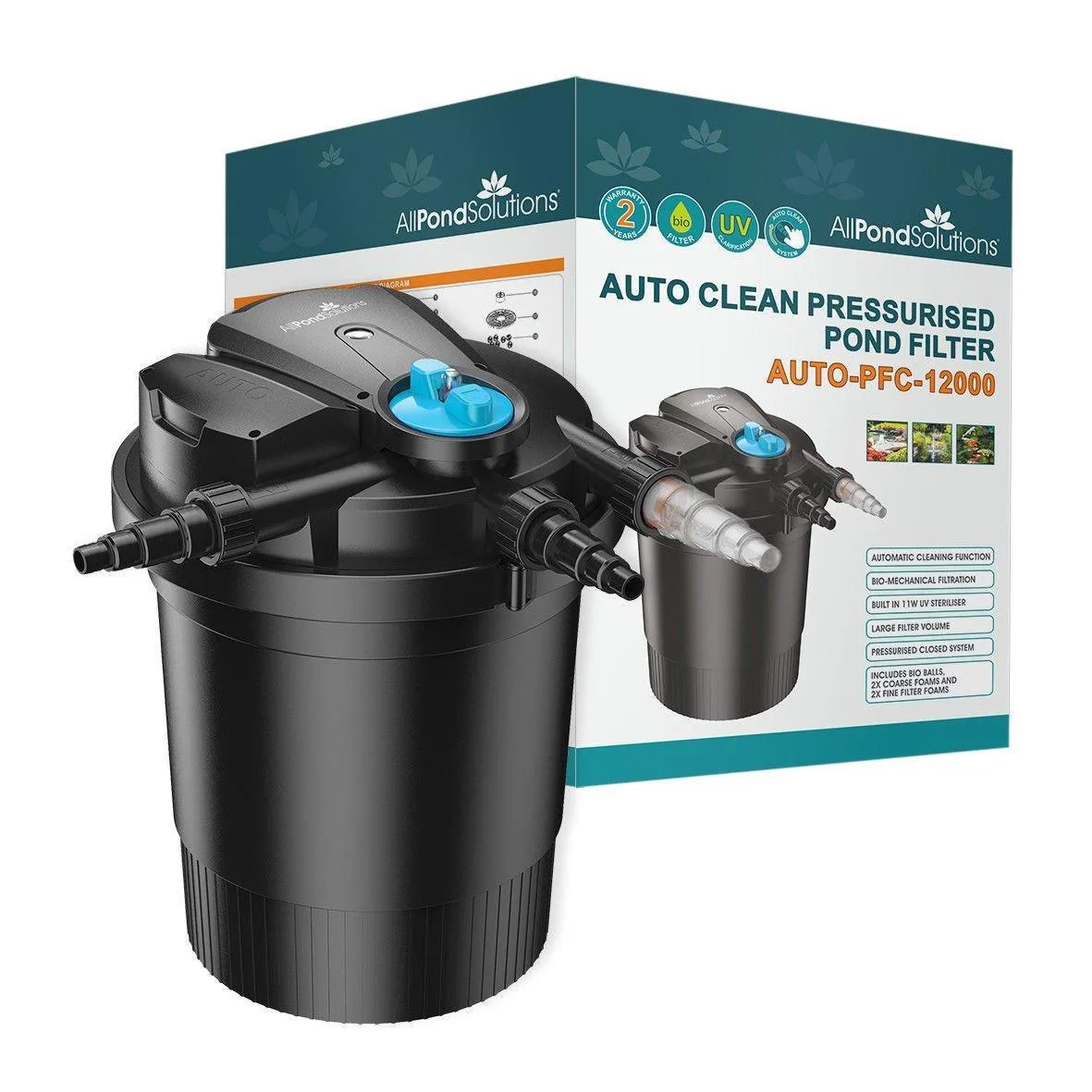
AllPondSolutions Auto Cleaning Pressurised Pond Filter AUTO-PFC-12000