Quick answer
To clean your Noble IEMs safely, use a soft dry brush and a gentle microfiber cloth, never insert anything into the nozzle, and wipe cables with a lightly dampened cloth while keeping connectors dry.
Why cleaning your IEMs matters
Earwax and debris don't just look unpleasant—they can clog the sound nozzle and reduce clarity. Over time, buildup can even affect the fit and comfort of your IEMs. Regular cleaning keeps the sound signature consistent and extends the life of your gear.
Cables collect oils and dirt from your hands and skin. While they may not affect sound immediately, grime can stiffen the cable and make it less flexible. A little routine care goes a long way.
What to avoid when cleaning
Never use water or liquid cleaners on the IEM body or nozzle. Moisture can seep into the drivers and damage them. Similarly, avoid inserting cotton swabs, toothpicks, or any hard object into the nozzle—this can push earwax deeper or damage the internal mesh.
For cables, avoid harsh solvents, alcohol wipes, or excessive pulling. These can degrade the insulation and weaken the connectors over time.
Step-by-step cleaning process
- Remove earwax from the nozzle: Use a soft, dry toothbrush or a dedicated IEM cleaning brush to gently sweep away earwax from the nozzle opening. Do not insert anything into the nozzle—only brush the surface. If you have removable ear tips, take them off first and clean them separately with mild soapy water, then dry completely before reattaching. Check the nozzle after each cleaning to ensure no debris remains.
- Wipe the IEM shells: Use a dry microfiber cloth to gently wipe the outer shells. For stubborn spots, lightly dampen the cloth with water (not the IEM) and wipe, then dry immediately. Avoid getting any moisture into the openings or seams. Never use alcohol or abrasive cleaners on the shells.
- Clean the cable: Disconnect the cable from the IEMs and any source. Wipe the cable with a slightly damp microfiber cloth, then dry it fully. Pay attention to the connectors and the splitter, but keep them dry to avoid corrosion. For cables with a microphone (like the Apollo Extended), avoid getting moisture near the mic pod. Inspect the cable for kinks or damage while cleaning; replace if you see exposed wire.
- Dry and store properly: After cleaning, allow all parts to air dry completely before reconnecting. Store your IEMs in a case with a desiccant pack to keep moisture away. Avoid wrapping the cable tightly; use a loose coil to prevent stress on the wires. A dry, tangle-free cable lasts longer and stays flexible.
Product facts
-
Apollo Extended 3.5mm Cable (1.88m, 74"): The Apollo Extended 3.5mm Cable is identical to the standard cable included with the Apollo, only longer, and is not a balanced cable. When cleaning this cable, avoid getting moisture into the extra microphone pole, and treat the 3.5mm plug gently to preserve its connection.
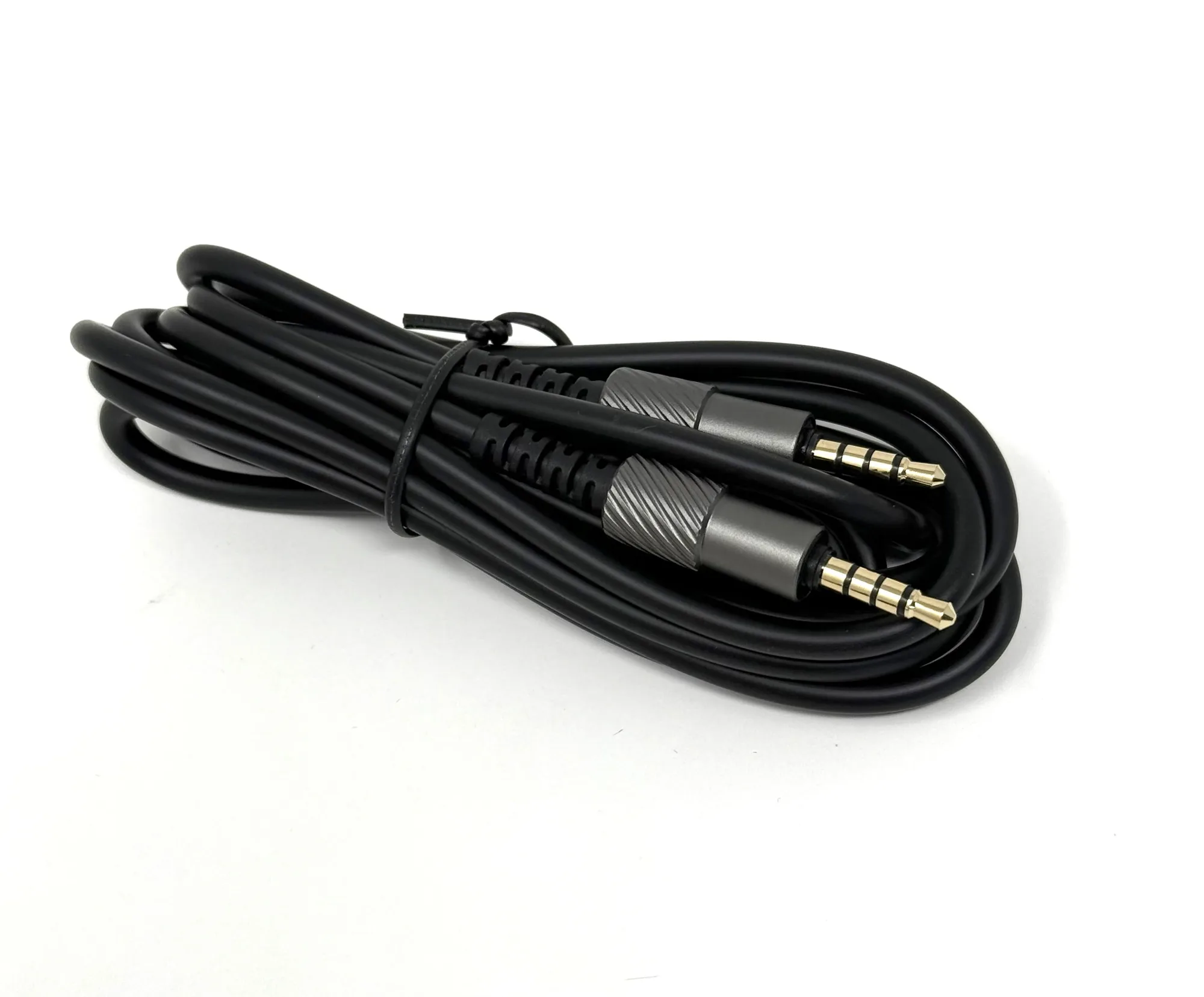
Apollo Extended 3.5mm Cable (1.88m, 74")