Quick answer
Connect the lead wire's pin connector to the electrode's tab, then snap the wire into the device port. Ensure a snug fit to avoid intermittent stimulation.
Why a secure connection matters
A loose lead wire connection can cause intermittent stimulation, reduce treatment effectiveness, and waste battery life. The pin-style connectors used in most TENS setups rely on a firm snap into the electrode tab. If the wire pulls out during use, you lose the circuit and the device may stop or pulse unevenly.
Step-by-step connection guide
- Step 1: Check the electrode tab: Make sure the electrode pad has a clean, dry tab. Do not touch the adhesive side. Peel the backing and place the pad on clean skin before attaching the wire. Dirty or oily tabs can prevent a secure snap connection.
- Step 2: Insert the pin connector: Hold the lead wire by the molded connector body. Push the metal pin straight into the electrode tab until you hear or feel a click. Avoid bending the pin. A bent pin can break the connection. If it does not click, try a different electrode.
- Step 3: Connect the wire to the device: Plug the other end of the lead wire into the TENS device port. Push firmly until it seats fully. Do not twist or force it. A partial insertion can cause the wire to fall out during movement.
- Step 4: Test the circuit: Turn on the device at a low intensity. If you feel no sensation or the device shows an error, check each connection. Re-seat the wire at the electrode and device. Intermittent buzzing or no output usually means a loose pin connection.
Lead wire options for your setup
-
Continuum Lead Wires, Pin Safety Lead Wires, each: Continuum Lead Wires from Chattanooga Group are pin safety lead wires sold individually for compatible electrotherapy setups. If you need a single replacement or a spare for your TENS unit, this individual wire lets you swap a damaged one without buying a pair.
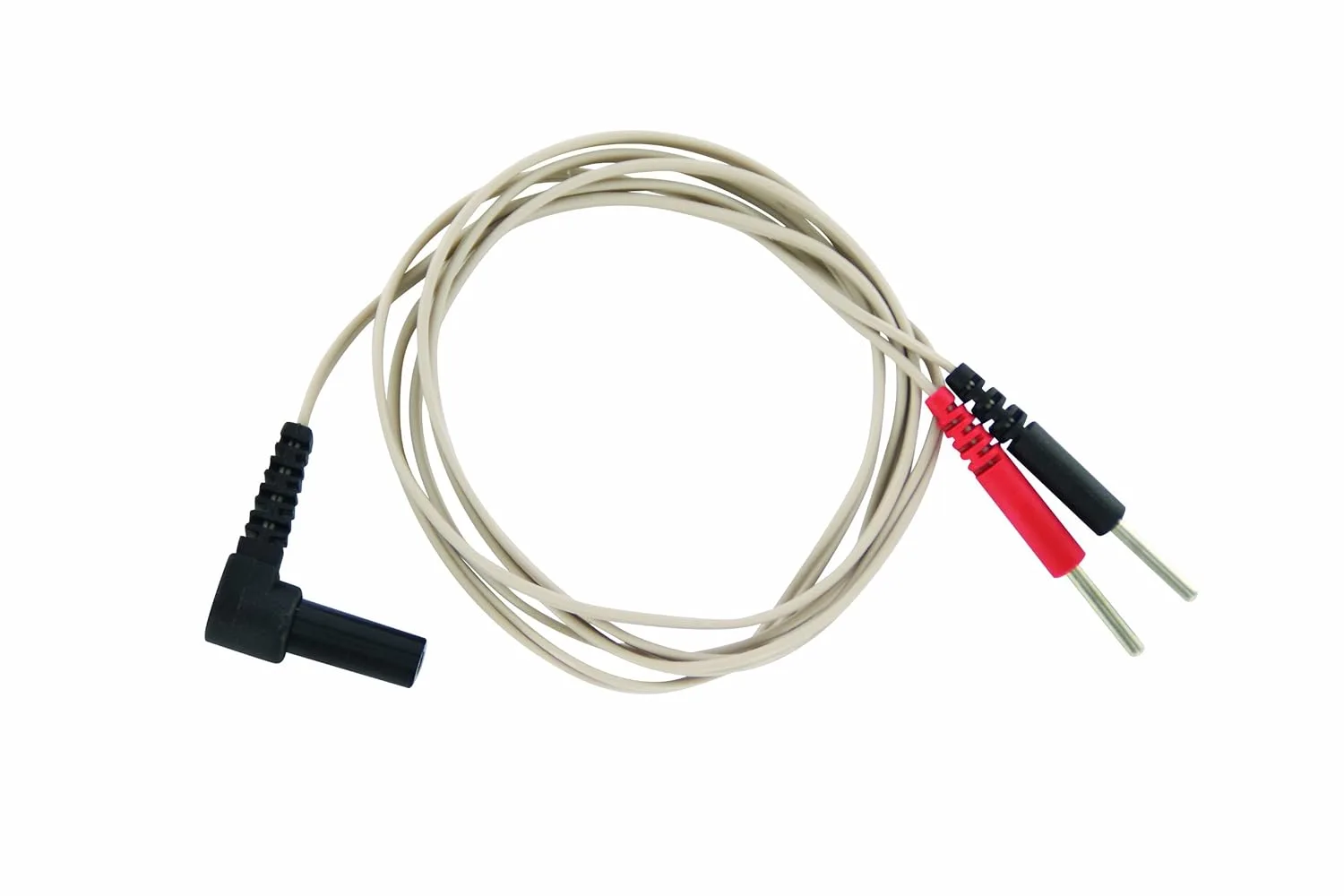
Continuum Lead Wires, Pin Safety Lead Wires, each