Pairing Your TILT 885 with Bluetooth Devices
The TILT 885 party speaker supports Bluetooth pairing with smartphones, tablets, and laptops. To connect, put the speaker in pairing mode by pressing the Bluetooth button on the control panel until the indicator flashes. On your device, select "TILT 885" from the Bluetooth menu. Once paired, audio from your device will play through the speaker. The speaker can remember multiple paired devices, so switching between them is straightforward.
Using the Auxiliary Input for Non-Bluetooth Sources
For devices without Bluetooth—such as older MP3 players, mixers, or laptops—use the auxiliary (AUX) input. Connect an audio cable from your device's headphone or line-out jack to the AUX IN port on the back of the TILT 885. The speaker automatically switches to AUX mode when a cable is inserted. This wired connection offers stable, low-latency audio ideal for live performances or when Bluetooth interference is a concern. Follow the product instructions for the correct cable type.
Playing Audio from USB Drives
The TILT 885 features a USB port that supports playback of MP3 files stored on a USB flash drive. Insert the drive into the USB port, then press the MODE button until USB playback is selected. Use the speaker's controls to navigate tracks. This is a convenient option for DJ sets, playlists, or when you want to keep your phone free.
TILT 885 Key Features for Multi-Device Connectivity
-
TILT 885: This TILT 885 8” speaker features WaveSync™ Technology(TWS), a 3D double-ring light, and a wireless mic for hands-free fun. WaveSync Technology enables True Wireless Stereo pairing with a second TILT 885 for left-right stereo separation, expanding your soundstage while still connecting to multiple source devices.
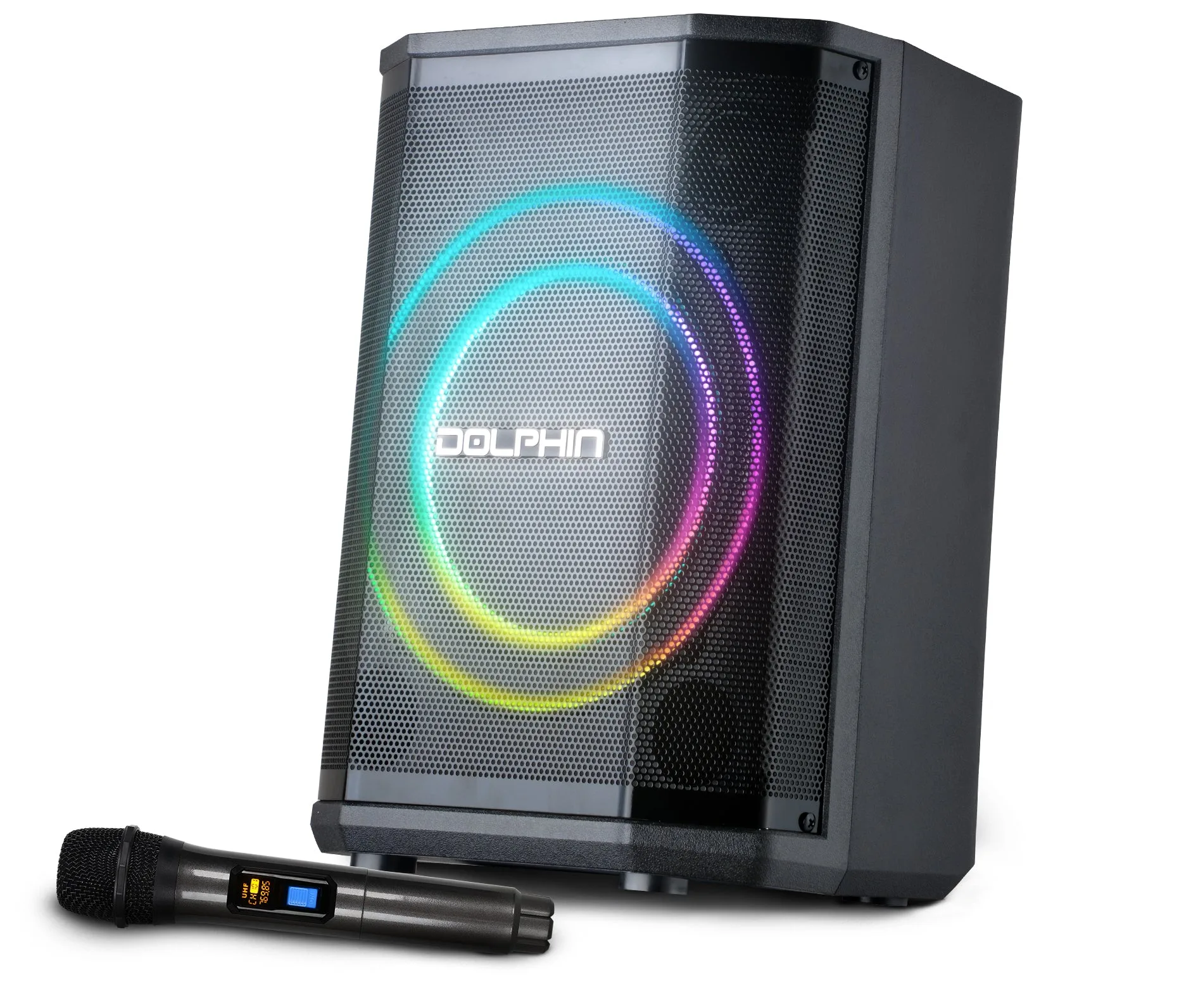
TILT 885
-
TILT 885: With versatile playback, tiltable design, and full sound controls, it's your pro-level party anywhere! The tiltable design lets you aim the speaker for optimal coverage, and the full sound controls (bass, treble, echo) let you tailor audio for different device sources or room acoustics.
Switching Between Connected Devices
The TILT 885 can handle multiple input sources simultaneously, but only one plays at a time. To switch, simply start playback on the desired device. For Bluetooth, ensure the speaker is in Bluetooth mode and your device is connected. For AUX, plugging in a cable overrides Bluetooth automatically. For USB, press MODE to select USB. The speaker prioritizes the last active source, so you can seamlessly move from a phone playlist to a laptop DJ set without unplugging.