Quick answer
Pick a spot with a nearby outlet and soft light, then build around one or two handhelds instead of a full arcade. A compact system like the GALAGA Pixel Pocket Pro or All-Star Sports Gamer Fun gives you a working retro gaming corner in an afternoon. Keep the layout simple: one display surface, one charging spot, and one rule for what stays out.
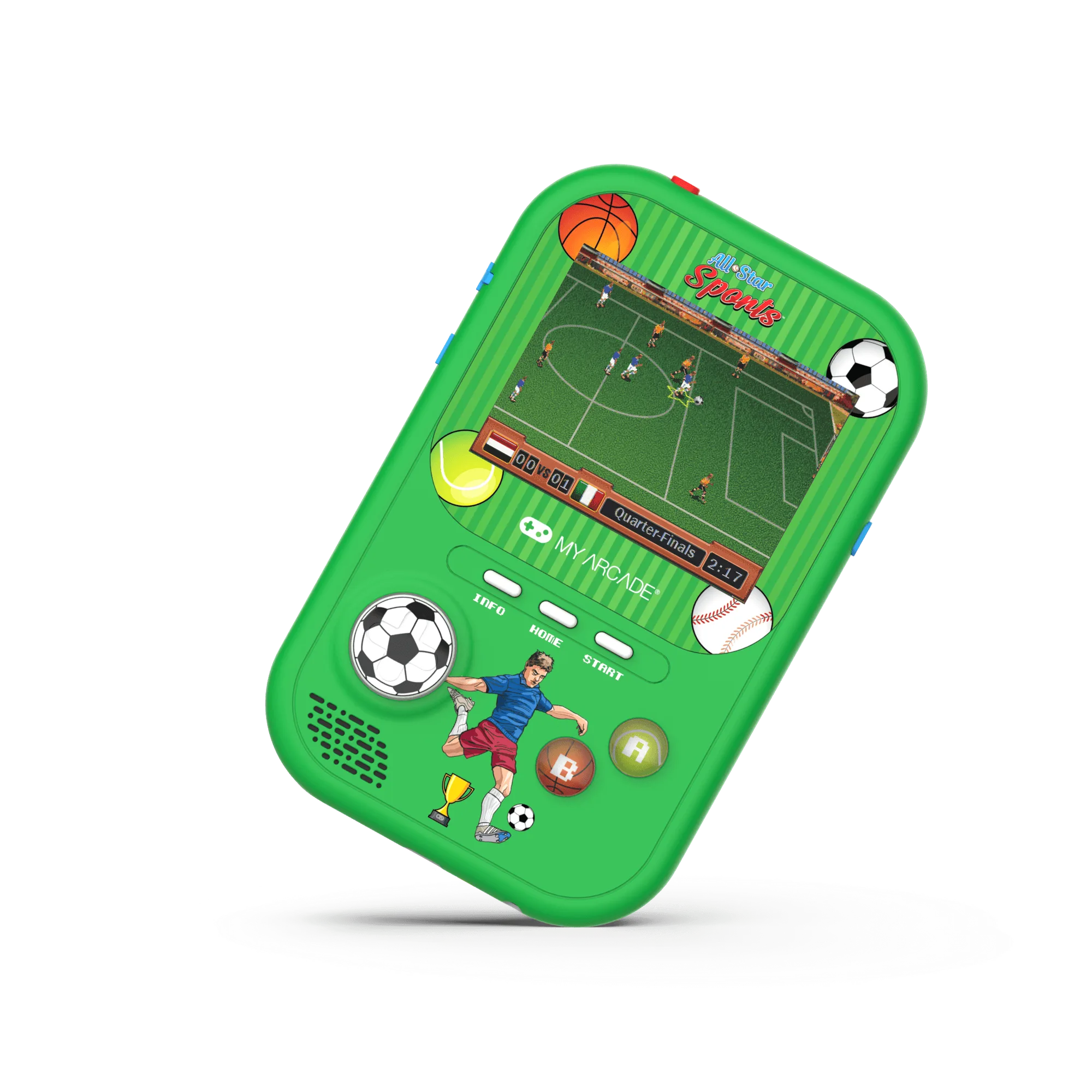
All-Star Sports Gamer Fun
A retro gaming corner works best when it fits the room you already have. You do not need a spare bedroom or a wall of cabinets. A side table, a shelf, or the end of a desk can hold a small collection and still feel intentional.
This guide walks through seven steps, from choosing the spot to keeping the corner usable. Along the way, you will see how specific handhelds and display trays solve common space problems. The goal is a corner you actually play in, not one you just photograph.
Start with the room, not the collection
Before you buy or move anything, walk through your home and look for a spot with three things: an outlet within reach, enough light to see a small screen without glare, and a surface that will not be needed for something else every day. A hallway console table or the corner of a home office often works better than a living room coffee table.
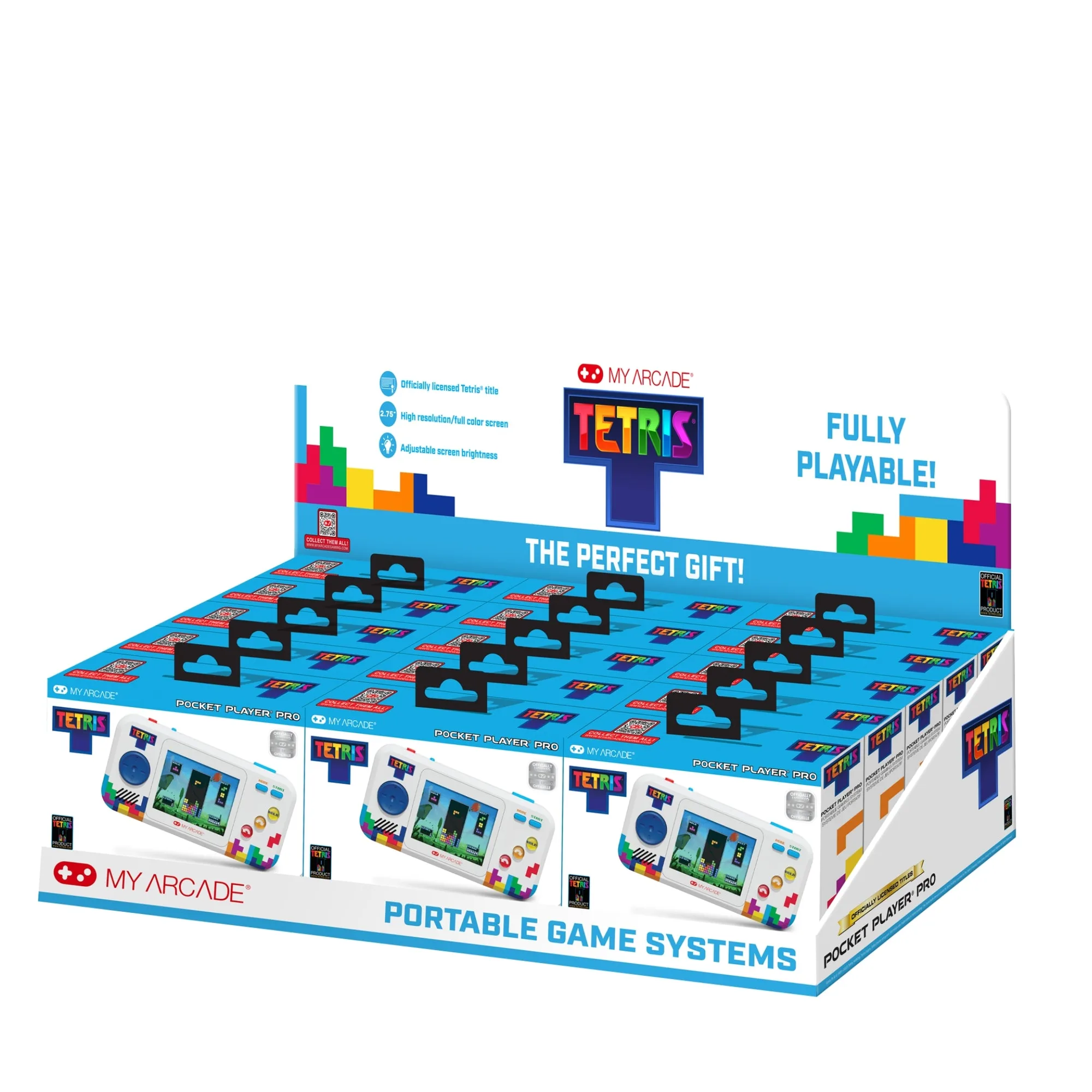
Measure the surface. Most handhelds are pocket-sized, so a 12-by-12-inch area can hold two or three devices plus a small stand. If you want a display tray, plan for a larger footprint. The GAMER V CLASSIC TRAY -12 PCS holds twelve units, so it needs a countertop or shelf wide enough for a retail-style layout, not a narrow nightstand.
- Checkpoint: if you have to move something every time you want to play, the spot is wrong.
Choose one anchor device
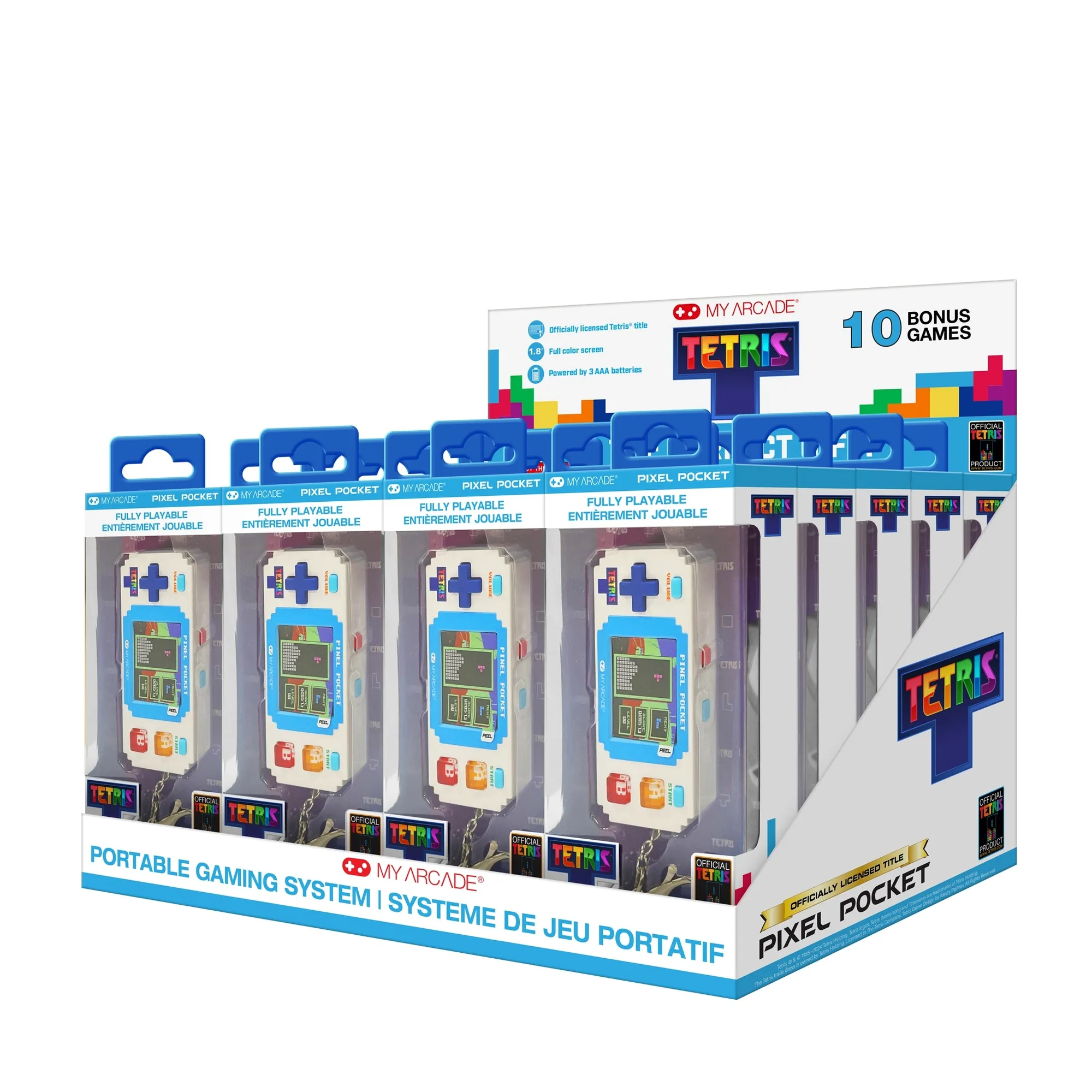
A corner feels cluttered when every device competes for attention. Pick one anchor system that matches how you like to play, then let the rest support it. If you want quick puzzle sessions, a keychain-style device such as the Tetris ® Pixel Pocket fits a small tray and stays visible. If you prefer arcade shooting, the SPACE INVADERS Nano Player Pro gives you a recognizable focal point.
The anchor device also sets your budget. The GAMER V CLASSIC Black/Red is a low-cost way to test whether the corner gets used before you add more. If it becomes a daily habit, you can expand later with a second handheld or a display tray.
- Common mistake: buying five devices at once and then discovering you only play one.
Plan the display surface and cable path
Decide where each device sits and where its cable goes before you set anything down. A rechargeable handheld like the All-Star Sports Gamer Fun needs a charging spot, so leave a small gap at the back of the surface for a cable. If you use a display tray, keep it near the outlet so you are not running a cord across the room.
Cable management matters more in a small corner than in a dedicated game room. A short USB cable and a single charging brick can serve several devices if you rotate them. Avoid stacking devices directly on top of each other, because that hides the screens and makes daily play less likely.
- Checkpoint: you should be able to reach every device without moving another one.
Add light and a background that reduce glare
Small color screens are easy to wash out. Place the corner so a lamp lights the wall behind it rather than the screen itself. A warm, diffused bulb at eye level or slightly above works better than a direct overhead light, especially for the 1.8-inch screen on the Tetris ® Pixel Pocket or the 3.5-inch screen on the All-Star Sports Gamer Fun.
If the corner sits against a bare wall, a poster, a shelf, or a simple fabric panel gives the eye a rest and makes the setup look deliberate. Keep the background darker than the device screens so the games stay readable.
- Common mistake: pointing a desk lamp straight at the screen, which creates glare and hides the game.
Set a simple storage and rotation rule
A retro gaming corner stays tidy when only a few devices are out at once. A practical rule is two devices on display, the rest stored in a drawer or box. Rotate them weekly or monthly so nothing sits unused for months. This also limits dust, which is the main long-term enemy of small screens and buttons.
If you collect several handhelds, a display tray can act as both storage and presentation. The GAMER V CLASSIC TRAY -12 PCS is designed as a countertop display, so it keeps units upright and visible instead of piled in a box. That makes rotation easier because you can see what you have.
- Checkpoint: if a device has not been played in a month, move it to storage and bring out something else.
Test the corner for a week before you buy more
Live with the setup for a week before adding anything. Notice whether you naturally stop there, whether the light is comfortable, and whether the cable is annoying. Small adjustments, like moving the corner six inches or swapping the lamp, often fix the problem without new purchases.
This test also tells you what to buy next. If you keep reaching for a sports game, the All-Star Sports Gamer Fun or a similar handheld makes sense. If you want a quick puzzle break, a compact keychain device is the better fit. Let your actual habits guide the second purchase.
- Common mistake: buying accessories for a corner you have not used yet.
Seven steps to build your retro gaming corner
- Pick a spot with power and soft light: Choose a surface near an outlet where a lamp can light the wall behind the screen instead of the screen itself. Measure the surface before you commit. Checkpoint: you can sit or stand comfortably and reach the outlet without an extension cord.
- Choose one anchor device: Match the anchor to how you actually play. A compact keychain device suits quick puzzle breaks, while a larger handheld suits longer sessions. Common mistake: buying several devices before you know which one you reach for.
- Set the display layout: Place the anchor device where it is easy to pick up, and leave a small gap behind it for a charging cable. Avoid stacking devices on top of each other. Checkpoint: every device is reachable without moving another one.
- Manage the cables: Use one short cable and one charging brick for devices you rotate. Route the cable behind the surface so it does not cross your play area. Common mistake: running a cable across the front of the corner, which makes the setup feel temporary.
- Control glare and background: Light the wall, not the screen. Add a poster, shelf, or fabric panel behind the corner so the small color screens stand out. Checkpoint: you can read the game clearly at your normal sitting or standing position.
- Set a rotation rule: Keep two devices out and store the rest. Rotate them weekly or monthly to limit dust and keep the corner from becoming a pile. Common mistake: leaving every device out until the surface is too crowded to use.
- Test for a week, then expand: Use the corner for seven days before buying anything else. Let your habits, not a wish list, decide the next device or accessory. Checkpoint: if you used it at least three times in a week, the corner is working and ready for a small addition.
Products that fit a small retro gaming corner
- GALAGA Pixel Pocket Pro: GALAGA is a classic arcade shoot-em-up where you defend your fleet from waves of attacking aliens, and the game is known for challenging reflexes and hand-eye coordination. A single-game handheld like this is an easy anchor for a corner because it needs no cartridge swapping and gives you a clear reason to stop and play.
- Tetris ® Pixel Pocket: This keychain gaming device has a 1.8-inch full-color screen, includes 10 bonus games, and is small enough to hang off a backpack or fit in a pocket. Its small size makes it ideal for a narrow shelf or tray where a larger console would not fit, and the bonus games add variety without extra hardware.
- All-Star Sports Gamer Fun: This officially licensed handheld has a 3.5-inch full-color screen, bonus games, and a rechargeable battery design. The larger screen and rechargeable battery suit a corner that gets regular use, and you can plan a permanent charging spot instead of swapping batteries.
- GAMER V CLASSIC TRAY -12 PCS: This countertop point-of-purchase retail display tray includes 4 units of the Gamer V Classic Red, 4 units of the Gamer V Classic Blue, and 4 units of the Gamer V Classic Purple, each packed with 220 built-in games and a full-color 2.5-inch screen. If you want a display that doubles as storage, this tray holds twelve units upright and visible, which makes rotation and dust control easier than storing handhelds in a box.
A retro gaming corner does not need much space or money. Pick a spot with power and soft light, anchor it with one handheld you will actually play, and keep the layout simple enough to use daily. Test it for a week before you expand, and the corner will earn its place in your home.