Quick answer
Build your custom sticker sheet by choosing a sheet size that matches your planner, arranging stickers with a consistent margin, test printing on plain paper, then printing on sticker paper and cutting with a sharp blade or scissors. The single biggest improvement is measuring your planner's column width before you design anything, because a sheet that fits the page gets used and a sheet that doesn't gets abandoned.
A custom sticker sheet is the difference between a drawer of loose stickers and a page you actually reach for on a Sunday night. If you already own stickers you love, you can group them into a sheet that matches how you plan: weekly spreads, habit trackers, or a monthly overview.
This process works whether you're arranging digital files before printing or laying out physical stickers on backing paper. The steps below are ordered so you catch sizing problems early, before you waste sticker paper.
Start with your planner's real measurements
Open your planner to a typical weekly spread and measure the width of one day column, the height of the writing area, and the margin. Write those numbers down. Every layout decision after this depends on them, and guessing is the most common reason a finished sheet feels unusable.
Then decide your sheet size. A 4 x 6 inch sheet fits most A5 and personal planners; a full letter sheet suits a desk planner or a shared family calendar. If you're printing at home, check your printer's minimum margin so your edge stickers don't get clipped.
- Checkpoint: if your day column is under 1.5 inches wide, plan for narrow stickers rather than square ones.
Choose a theme so the sheet gets used
A sheet with a clear job gets used faster than a sheet of random favorites. Common themes are a week of errands, a reading log, a mood tracker, or a single fandom you return to. Limit yourself to two or three sticker sizes per sheet so the layout stays readable.
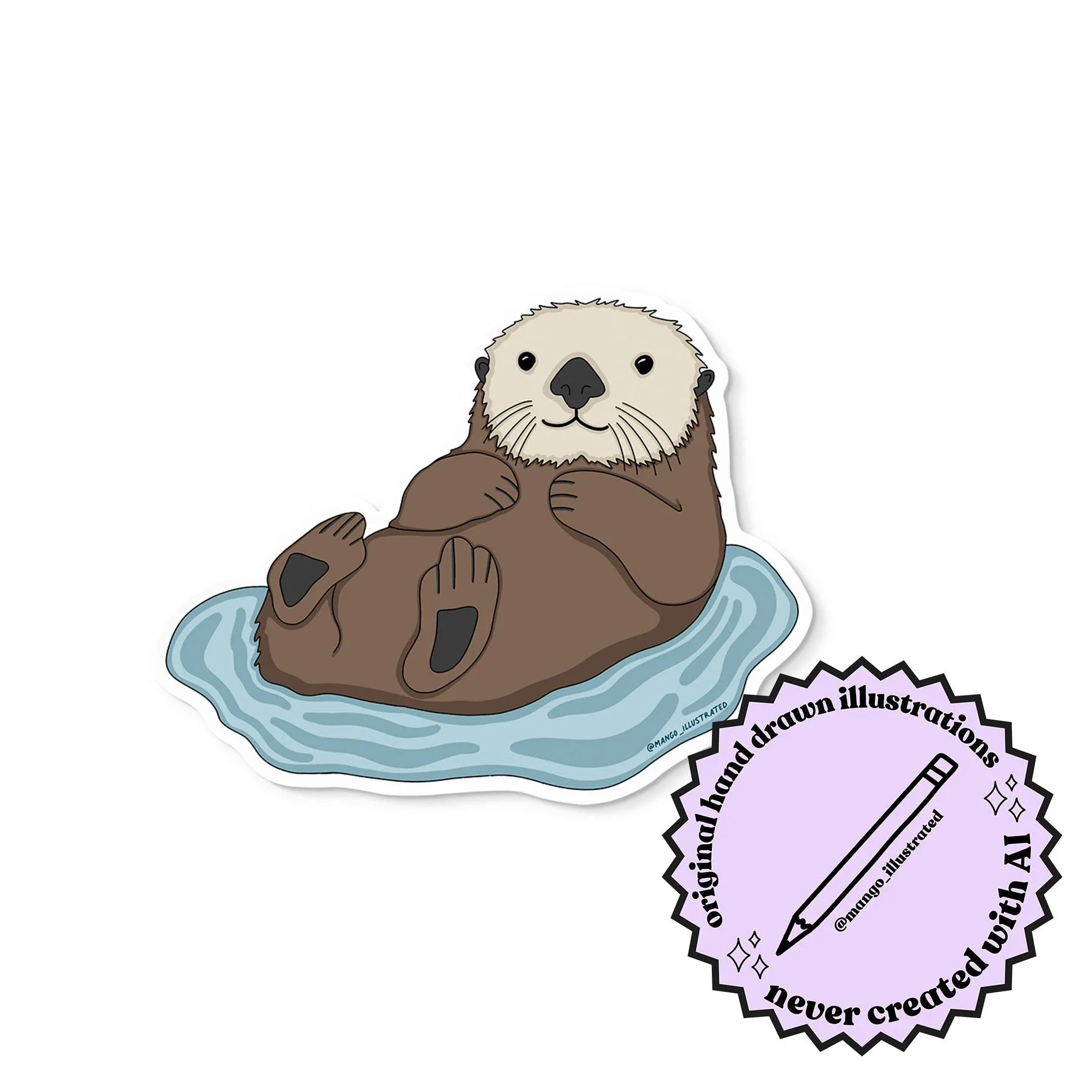
This is where planner sticker ideas matter more than quantity. One well-chosen otter floating on its back, for example, can anchor a whole self-care spread, while ten generic dots won't say anything. Pick stickers that carry a specific meaning for you and the sheet will earn its space.
- Mistake to avoid: mixing too many visual styles on one sheet, which makes the finished spread look cluttered.
Lay out the sheet with breathing room
Place your largest stickers first, then fill gaps with smaller ones. Leave at least an eighth of an inch between stickers so your cut lines don't overlap. If you're arranging digital files, keep everything inside a safe area and don't rotate stickers more than slightly, since angled cuts are harder to make cleanly.
Group similar stickers together rather than scattering them. A column of small icons, a row of larger focal stickers, and a corner of tiny accents is easier to cut and easier to use than a random scatter.
- Checkpoint: print the layout on plain paper first and hold it against your planner page before committing to sticker paper.
Test print, then print on sticker paper
The plain-paper test print is non-negotiable. It reveals scaling problems, clipped edges, and stickers that are bigger or smaller than you imagined. Compare the test print to your planner measurements and adjust once, not five times.
When the layout is right, print on your sticker paper following the manufacturer's settings. Give the ink a few minutes to set before you touch it, especially on glossy stock. If you're working with pre-made vinyl stickers rather than printing your own, you can skip printing and mount them on a fresh backing sheet instead.
- Mistake to avoid: printing a full sheet before confirming your printer isn't scaling to fit, which shrinks every sticker slightly.
Cut, store, and label the sheet
Cut with sharp scissors for curved shapes and a craft knife and ruler for straight lines. A dull blade drags and lifts the sticker edge, which is how peeling starts. Cut slightly outside the design rather than exactly on the line if you want a little wiggle room when placing.
Store finished sheets flat in a folder or sleeve, away from direct sun and heat. Label the sheet with its theme and the date you made it so you can find it later. If you make several sheets, keep a small index on the front of the folder.
- Checkpoint: if a sticker lifts at the corner after cutting, press it back down on a clean backing sheet rather than re-cutting it.
Your step-by-step sticker sheet checklist
- Measure your planner page: Record the day column width, writing area height, and margin before you design anything. Checkpoint: if your measurements don't match your sheet size, resize the sheet, not the stickers.
- Pick one theme and two or three sticker sizes: Choose stickers that share a purpose or a mood so the sheet has a clear job. Mistake to avoid: filling the sheet with unrelated favorites that never get used together.
- Lay out largest stickers first: Leave at least an eighth of an inch between stickers and group similar shapes together. Checkpoint: hold a plain-paper test print against your planner page before printing on sticker paper.
- Test print, then print on sticker paper: Confirm your printer isn't scaling to fit, then print and let the ink set. Mistake to avoid: skipping the test print and wasting a full sheet on a sizing error.
- Cut with a sharp blade and store flat: Use scissors for curves and a craft knife for straight lines, then store sheets away from heat and sun. Checkpoint: label each sheet with its theme and date so you can find it later.
Stickers that work well on a custom sheet
- Otter sticker: Approximately 3 in x 3 in, made from high-quality waterproof and weatherproof vinyl, and illustrated by Katie Valentine, the artist and founder of MangoIllustrated. The square format is easy to place in a grid layout, and the waterproof vinyl holds up if your planner travels in a bag.
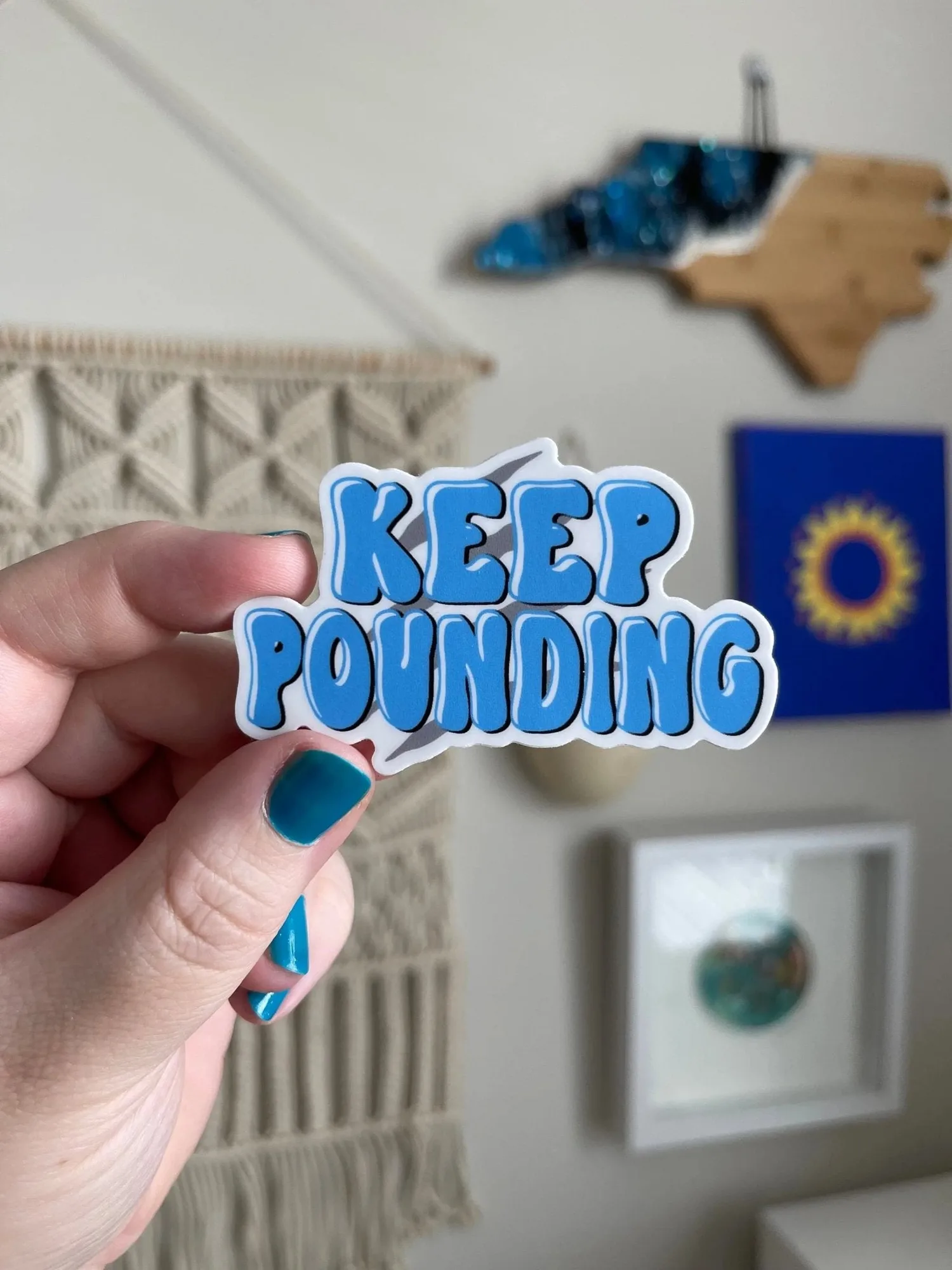
- Keep Pounding sticker: Approximately 3 in x 2.25 in, durable waterproof and weatherproof vinyl, illustrated by Katie Valentine. The slightly rectangular shape fills a wide column or header space better than a square sticker, which helps you use the full sheet.
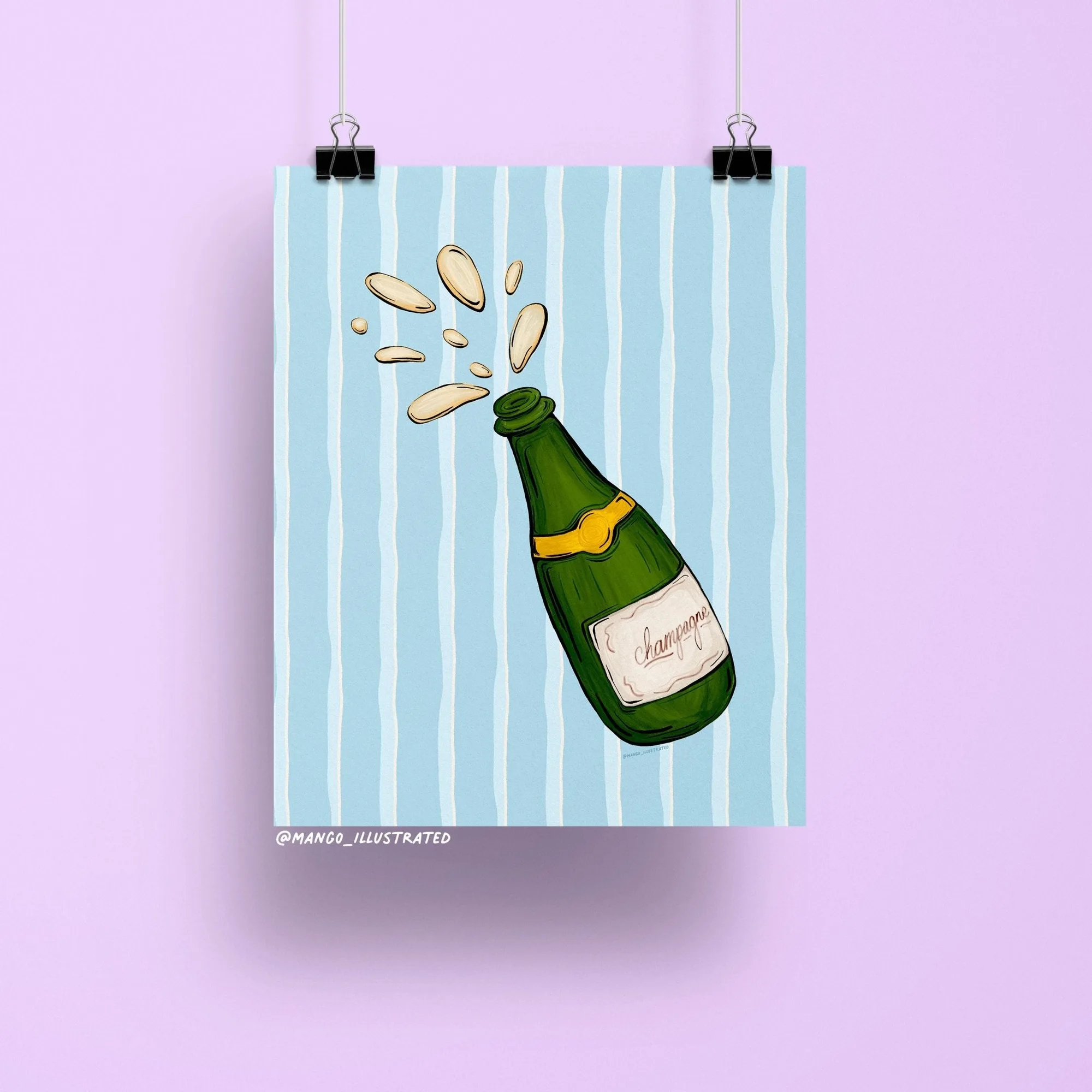
- That's Show Business sticker: Approximately 3 in x 3 in, high-quality waterproof and weatherproof vinyl, built for laptops, water bottles, planners, and journals. A larger focal sticker like this is a good anchor for the center of a sheet, with smaller accents arranged around it.
A custom sticker sheet works best when it's built around your actual planner measurements and one clear theme. Measure first, test print on plain paper, and keep your cuts sharp. If you'd rather start from stickers you already own, grouping a few square and rectangular vinyl stickers onto a fresh backing sheet is the fastest way to get a sheet you'll actually use.