Quick answer
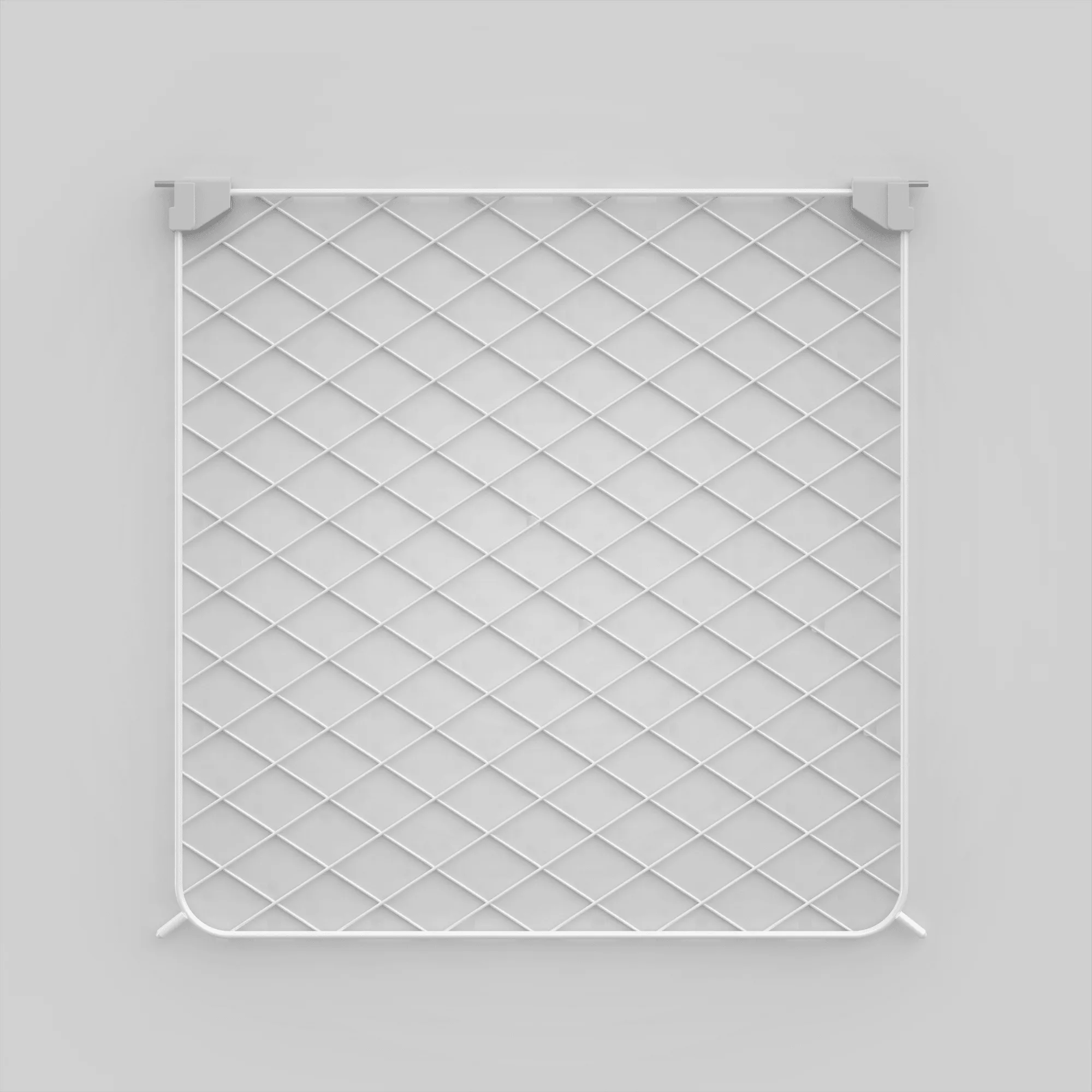
Customize your Diggs Evolv crate by adding doors and panels in sizes S, M, or L, choosing from front/rear door, side door, rear panel, or side panel configurations to match your dog's space and your home layout.
Why customize with add-on doors and panels?
The Evolv system is modular by design, so adding doors or panels lets you change access points or enclose sections without buying a whole new crate. This is especially useful if you move the crate to a different room or add a second crate for multi-dog households.
A common trade-off: more doors mean more entry points, which can be convenient for cleaning or letting your dog in and out, but may also reduce the crate's structural simplicity. Stick to the configurations you actually need to keep the setup clean.
Step-by-step customization guide
- Measure your Evolv crate: Use a tape measure to confirm your crate's size (S, M, or L). Diggs Evolv components are size-specific, so ordering the wrong size means the door or panel won't latch correctly. Write down your crate's size before browsing add-ons.
- Choose the configuration type: Decide whether you need a Front/Rear Door, Side Door, Rear Panel, or Side Panel. A door adds an entry point; a panel closes off an opening. If your crate already has a front door, adding a rear door creates a pass-through for easy cleaning. Only buy doors for sides you actually want to open. Panels are cheaper and better for permanent enclosures.
- Order the correct add-on: Select the Evolv Doors & Panels - Add-Ons product in your crate's size and chosen configuration. Double-check that the configuration matches the side you plan to install (front/rear vs. side). If you're unsure, start with one add-on. You can always add more later.
- Install the door or panel: Align the component with the crate's existing frame slots and press firmly until you hear it click. For doors, test the latch by opening and closing it a few times. For panels, ensure there are no gaps around the edges. A common mistake is forcing the component into the wrong slot. If it doesn't click easily, remove it and check the orientation.
- Test the setup with your dog: Let your dog explore the modified crate while you supervise. Watch for any loose parts or sharp edges. If the door doesn't close smoothly, recheck the alignment. Your dog should be able to enter and exit without hesitation. If they seem wary, give them treats near the new door to build positive association.
Product facts
-
Evolv Doors & Panels - Add-Ons: Available in three sizes: S, M, and L, to fit your Evolv crate dimensions. Choose from Front/Rear Door, Side Door, Rear Panel, or Side Panel configurations. Matching the size and configuration to your crate model ensures a snug fit and avoids gaps that could pinch paws or let your dog squeeze through.
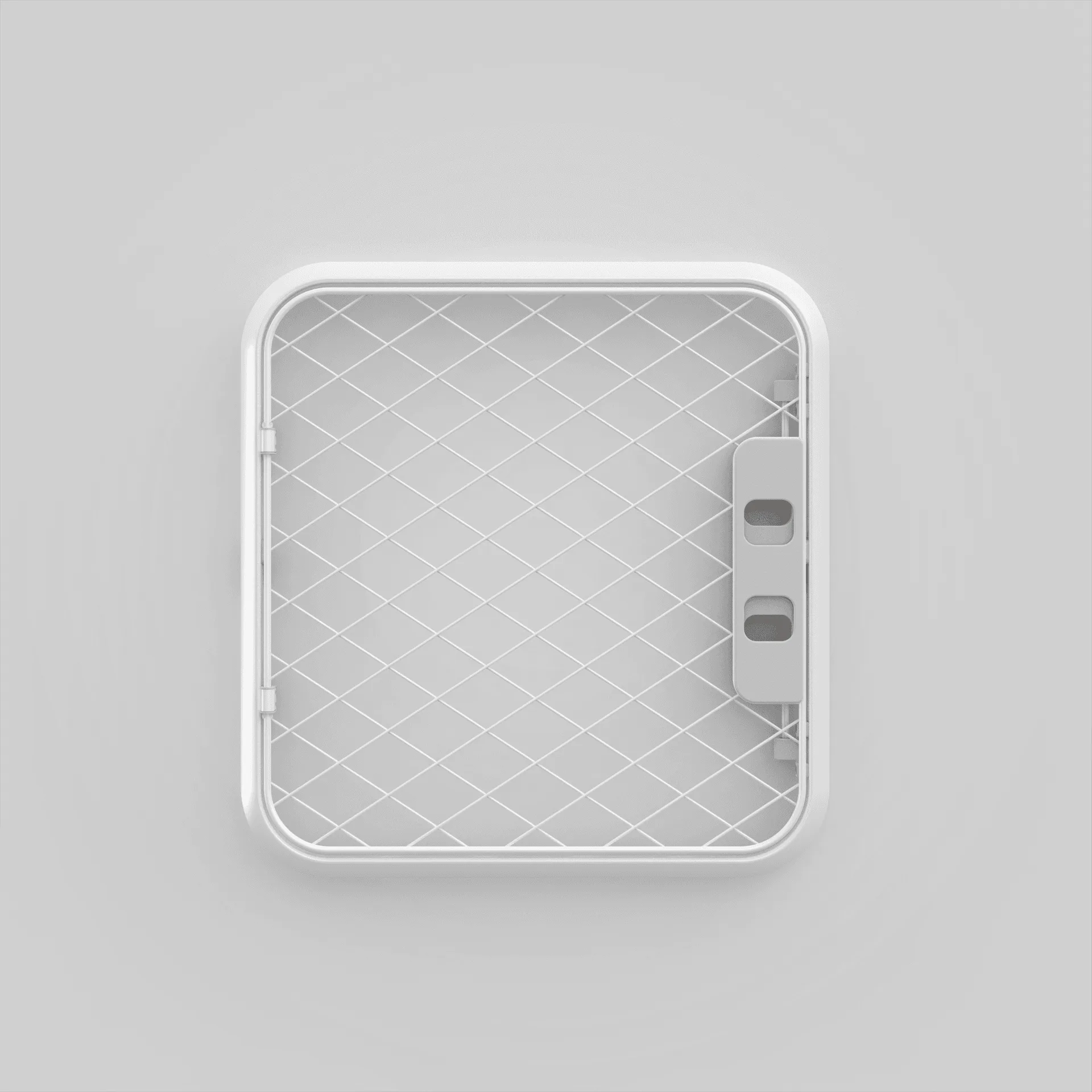
Evolv Doors & Panels - Add-Ons