Quick answer
Use a sticker album with removable pages and clear pockets to display postcards without adhesive damage. A reusable sticker album works well because you can position postcards securely and rearrange them anytime.
Why a sticker album works for postcards
Sticker albums are designed for repeated peeling and repositioning, which makes them ideal for displaying postcards that you may want to swap out seasonally or as your collection grows. The adhesive backing in reusable albums holds postcards in place without permanent damage, unlike traditional photo albums that can leave sticky residue.
A standard sticker album page measures 7x5 inches, so most standard postcards (4x6 inches or smaller) fit comfortably. Oversized or square postcards may need trimming or a dedicated pocket page, so check dimensions before committing to a layout.
Protecting delicate or valuable postcards
If your postcard is vintage, hand-drawn, or has a glossy finish, consider slipping it into a clear archival sleeve before placing it on the sticker page. This extra layer prevents the adhesive from reacting with the cardstock over time and makes handling safer. The sleeve also keeps the back of the postcard readable if you want to preserve handwritten messages or artist credits.
How to display postcards in your sticker album
- Choose the right album page: Select a clean, empty page in your sticker album. If the page has existing sticker residue, gently rub it off with a dry cloth or a soft eraser before placing a postcard. A fresh page ensures the postcard lies flat and stays secure. Common mistake: placing a postcard on a page with leftover adhesive can cause uneven sticking or residue transfer.
- Position the postcard on the page: Place the postcard face-up on the adhesive backing. Press gently from the center outward to remove air bubbles. If you want to see the back of the postcard, place it face-down instead. For a clean look, align the postcard with the page edges or leave a small margin on all sides. Check that the postcard does not extend beyond the page edge—overhang can cause bending when you close the album.
- Add a protective sleeve (optional): For valuable or glossy postcards, insert the card into a clear archival sleeve before placing it on the adhesive page. The sleeve keeps the postcard safe from fingerprints and adhesive while still allowing full visibility. Sleeves add thickness, so test that the album closes flat without straining the spine.
- Arrange multiple postcards per page: If your album page is large enough, you can display two or three smaller postcards on one page. Leave at least 0.5 inches between each card to avoid overlap and make removal easy. Overlapping postcards may stick to each other or tear when separated. Avoid crowding—too many postcards on one page can make the album bulge and damage the binding over time.
- Label or date your postcards: Write a small label with the date, location, or artist name on a sticky note or washi tape flag and place it next to the postcard. This keeps your collection organized and adds context without marking the postcard itself. Do not write directly on the album page with permanent markers—they may bleed through or leave marks that transfer to other pages.
Product recommendations
-
Strawberry Shortcake Reusable Sticker Album: This reusable sticker album has adhesive backing paper, round corners, measures 7x5 inches, and contains 10 pages. The adhesive backing lets you press postcards onto the page and peel them off repeatedly without damage, so you can reorganize your collection as it grows.
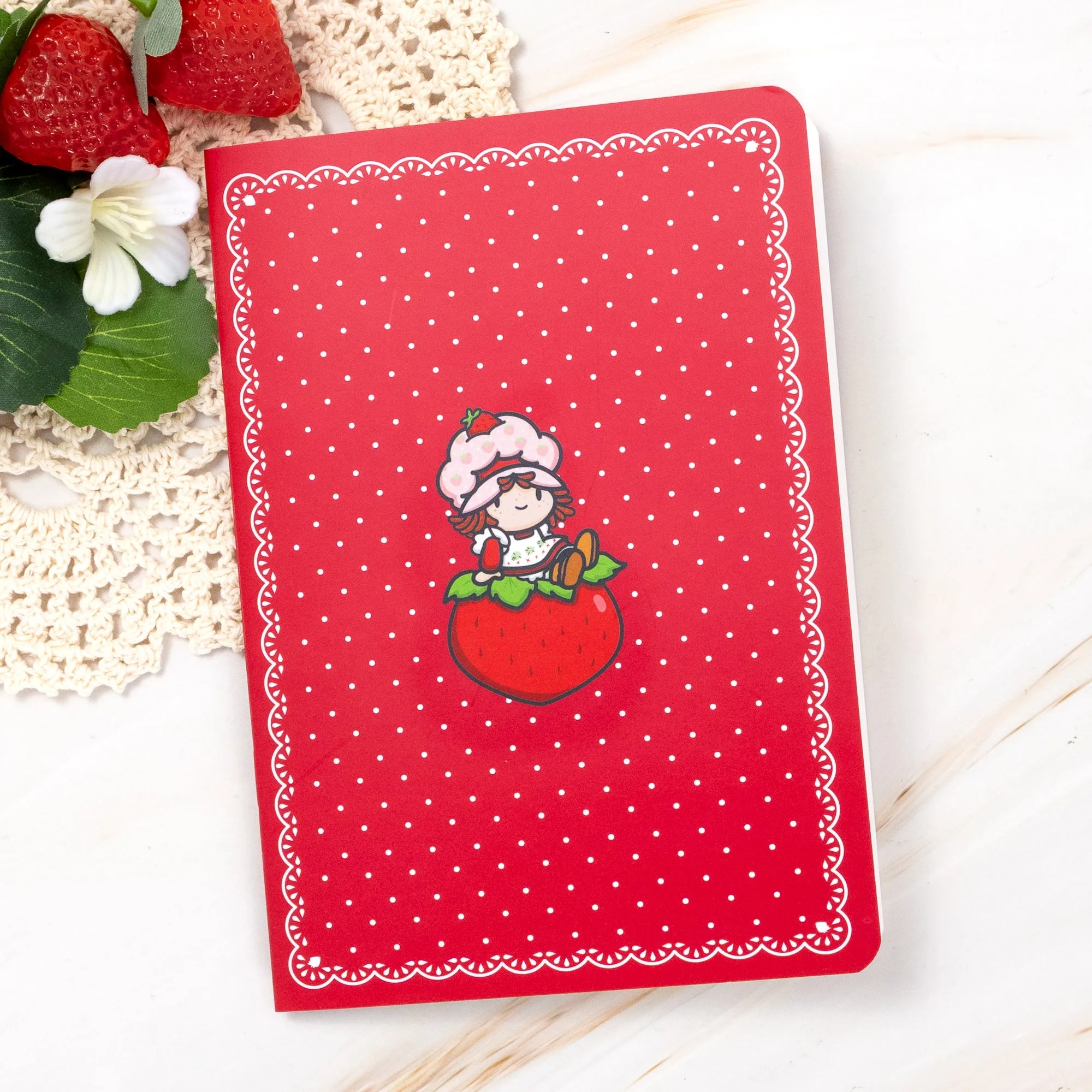
Strawberry Shortcake Reusable Sticker Album