Quick answer
To find the perfect waterproof sticker for your laptop, focus on vinyl material, a glossy finish, and a size that fits your device. Consider your style and the message you want to express, then apply it carefully for lasting results.
Why vinyl is the best choice for laptop stickers
Vinyl is the go-to material for laptop stickers because it's durable and waterproof. Unlike paper stickers, vinyl can handle spills, rain, and everyday wear without peeling or fading. This makes it ideal for a device you carry everywhere.
A glossy finish adds extra protection and makes the colors pop. It also resists scratches better than matte finishes, keeping your sticker looking new for longer.
Size and placement considerations
Laptop lids come in different sizes, so a 3-inch sticker is a safe, versatile choice. It fits well on most laptops without covering too much surface area or interfering with the device's look.
Think about where you want to place the sticker. The lid is the most common spot, but you can also decorate the palm rest or the area near the trackpad. Just make sure the surface is clean and smooth for best adhesion.
Matching your style and message
A laptop sticker is a personal statement. Whether you want to show your profession, share a positive reminder, or display your hobbies, there's a design that fits. Choose one that resonates with you and makes you smile every time you open your laptop.
Steps to find and apply your perfect laptop sticker
- Measure your laptop lid: Use a ruler to measure the width and height of your laptop lid. This helps you choose a sticker size that fits well without looking too large or too small. A 3-inch sticker is a good starting point for most laptops. Check the sticker dimensions before buying to avoid surprises.
- Choose vinyl material: Look for stickers made of vinyl, as they are waterproof and durable. Glossy finishes offer extra protection and make colors pop. Avoid paper stickers, which can peel and fade quickly. Vinyl is the best choice for longevity.
- Pick a design that reflects you: Select a design that matches your personality or interests. Whether it's a professional emblem, a motivational quote, or a fun illustration, make sure it's something you'll enjoy seeing every day. Your sticker should make you smile.
- Clean the surface before applying: Wipe the laptop lid with a microfiber cloth and a little water or rubbing alcohol to remove dust and oils. Let it dry completely before placing the sticker. This ensures strong adhesion and prevents bubbles. A clean surface is key to a smooth application.
- Apply carefully and smooth out bubbles: Peel the backing and place the sticker gently on the laptop. Use a credit card or your finger to smooth it from the center outward, pushing out any air bubbles. If you make a mistake, carefully peel and reposition within a few seconds. Work slowly to avoid wrinkles and bubbles.
Stickers that work well on laptops
-
Women in Medicine Waterproof Vinyl Sticker: This 3" die-cut vinyl sticker is glossy and waterproof, perfect for laptops, planners, water bottles, and notebooks. It's a durable option that can handle daily use and adds a professional touch to your laptop.

Women in Medicine Waterproof Vinyl Sticker
-
Enjoy the Now Little Reminder Waterproof Vinyl Sticker: This 3" vinyl die-cut sticker is glossy, waterproof, and designed to brighten up your laptop with cheerful smiley faces. It's a great pick-me-up that adds positivity to your workspace and withstands spills and scratches.
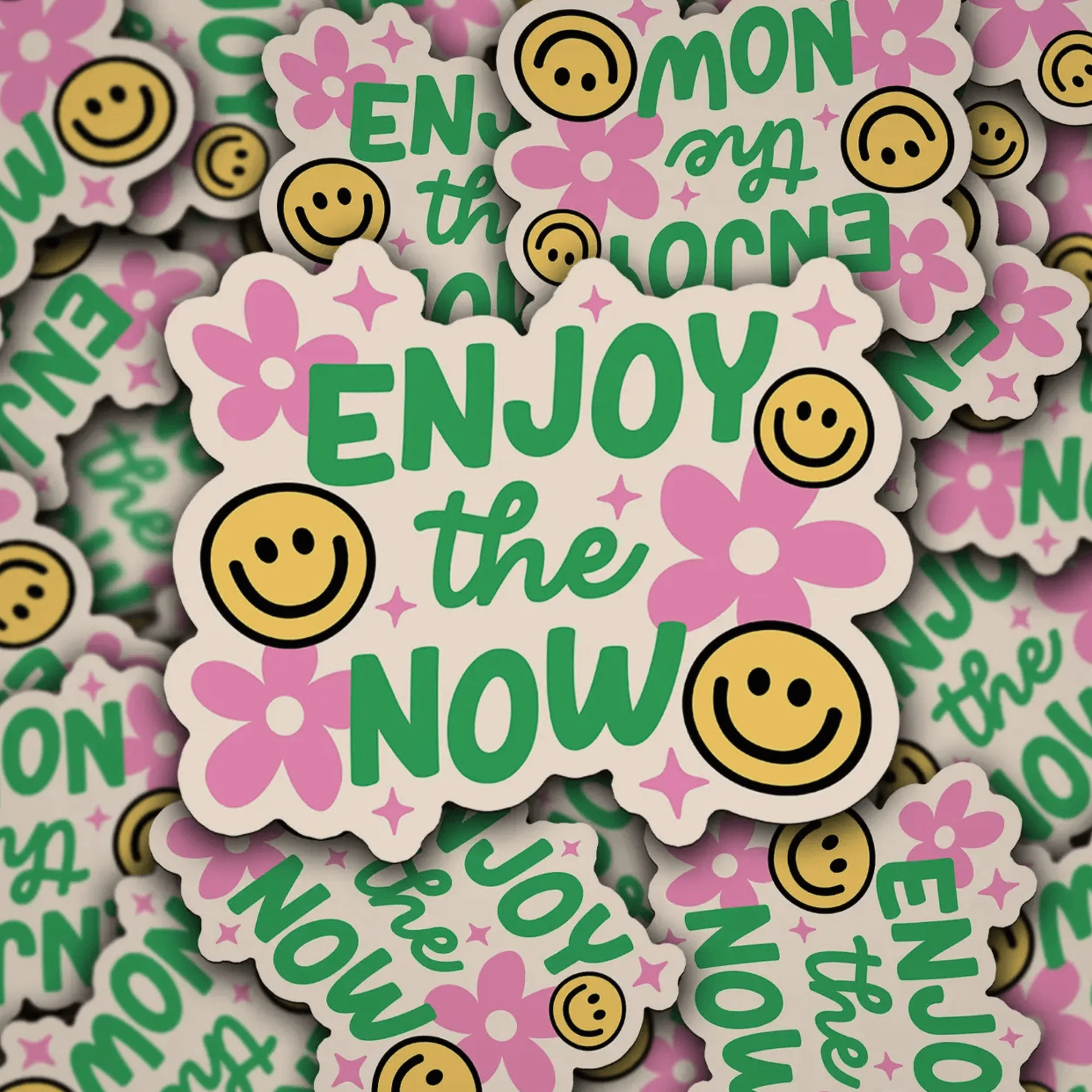
Enjoy the Now Little Reminder Waterproof Vinyl Sticker
-
Scrapbook Scientist Waterproof Vinyl Sticker: This 3" die-cut vinyl sticker is glossy, waterproof, and perfect for laptops, planners, and notebooks. Ideal for science lovers, it offers the same durability and style for your laptop.