Quick answer
Fit your 64 Audio Ear-gel by selecting the right size, inserting at a slight angle, and rotating gently until you feel a consistent seal. A proper fit blocks outside noise and stays comfortable for hours.
Why fit matters for Ear-gel
The 64 Audio Ear-gel is designed as a standard accessory for your in-ear monitors. Getting the fit right directly affects sound isolation and how long you can wear them without discomfort. A poor seal lets in ambient noise and can cause the IEM to feel loose or unbalanced.
Unlike foam tips that expand slowly, the Ear-gel relies on a snug insertion and the natural shape of your ear canal. The right technique makes the difference between an okay fit and a great one.
How to fit your Ear-gel step by step
- 1. Choose the right size: Start with the size that matches your usual ear tips. The Ear-gel should feel snug but not painful when you insert it. If it slides out or feels loose, try the next size up. If it causes pressure or aching, go down one size. Common mistake: using a size that is too large to force a seal. This can cause fatigue and poor isolation.
- 2. Insert at a slight upward angle: Hold the IEM so the nozzle points slightly upward and forward. Gently push the Ear-gel into your ear canal while pulling your earlobe back with your other hand. This straightens the canal and helps the tip seat properly. Checkpoint: you should feel the tip enter without resistance. If you need to force it, try a smaller size or adjust the angle.
- 3. Rotate and hold for the seal: Once the tip is in place, rotate the IEM gently backward until the cable rests over your ear. Hold it there for a few seconds while the Ear-gel conforms to your canal. You should hear a noticeable reduction in outside noise. Common mistake: releasing too early. The seal needs a moment to settle. If you still hear ambient sound, the tip may not be seated fully.
- 4. Check for comfort and stability: Walk around and talk normally. The IEM should stay in place without shifting. If it feels like it might fall out, the seal is not secure. If you feel pressure points, the tip is likely too large or inserted too deeply. Checkpoint: a proper fit means you forget you are wearing them. Adjust or resize if you notice any discomfort after a few minutes.
Product details
-
Ear-gel: Ear-gel is a 64 Audio accessory item offered under the Standard option. It's a direct replacement or spare part for your existing 64 Audio IEMs, so you can restore or customize your fit without changing the sound signature.
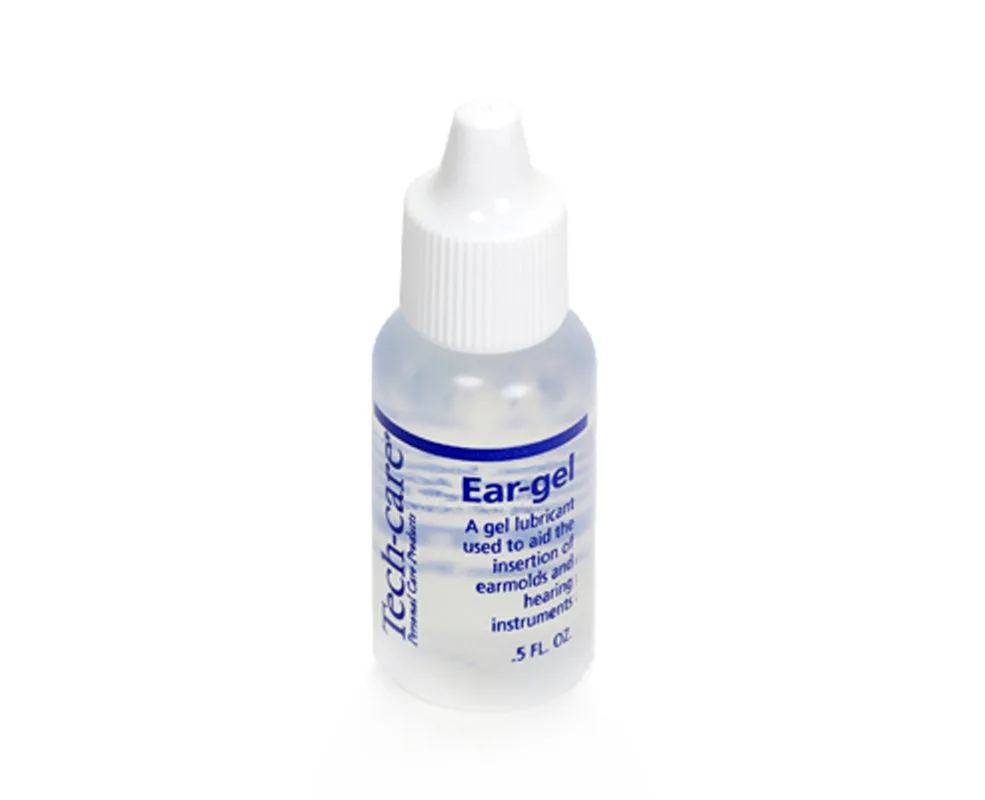
Ear-gel