Why the Front Pocket Makes Laptop Storage Easier
Packing a laptop in a carry-on usually means sacrificing interior space or digging through clothes at security. A pocket cabin carry-on solves this with a dedicated front pocket that keeps your tech separate from your main packing area, allowing quick access without unpacking your suitcase.
What the Icon Stripe Pocket Offers for Laptop Storage
-
Carry-on with Pocket Luggage in Black - Icon Stripe: The color matched front pocket is more than just an aesthetic feature; with a front opening design for effortless organisation, the tech-friendly inner compartments comfortably fit laptops up to 16” and can be opened for convenient access at security or on-the-go. This means you can slide your laptop into the front pocket without opening the main compartment, making security checks faster and keeping your clothes neatly packed.
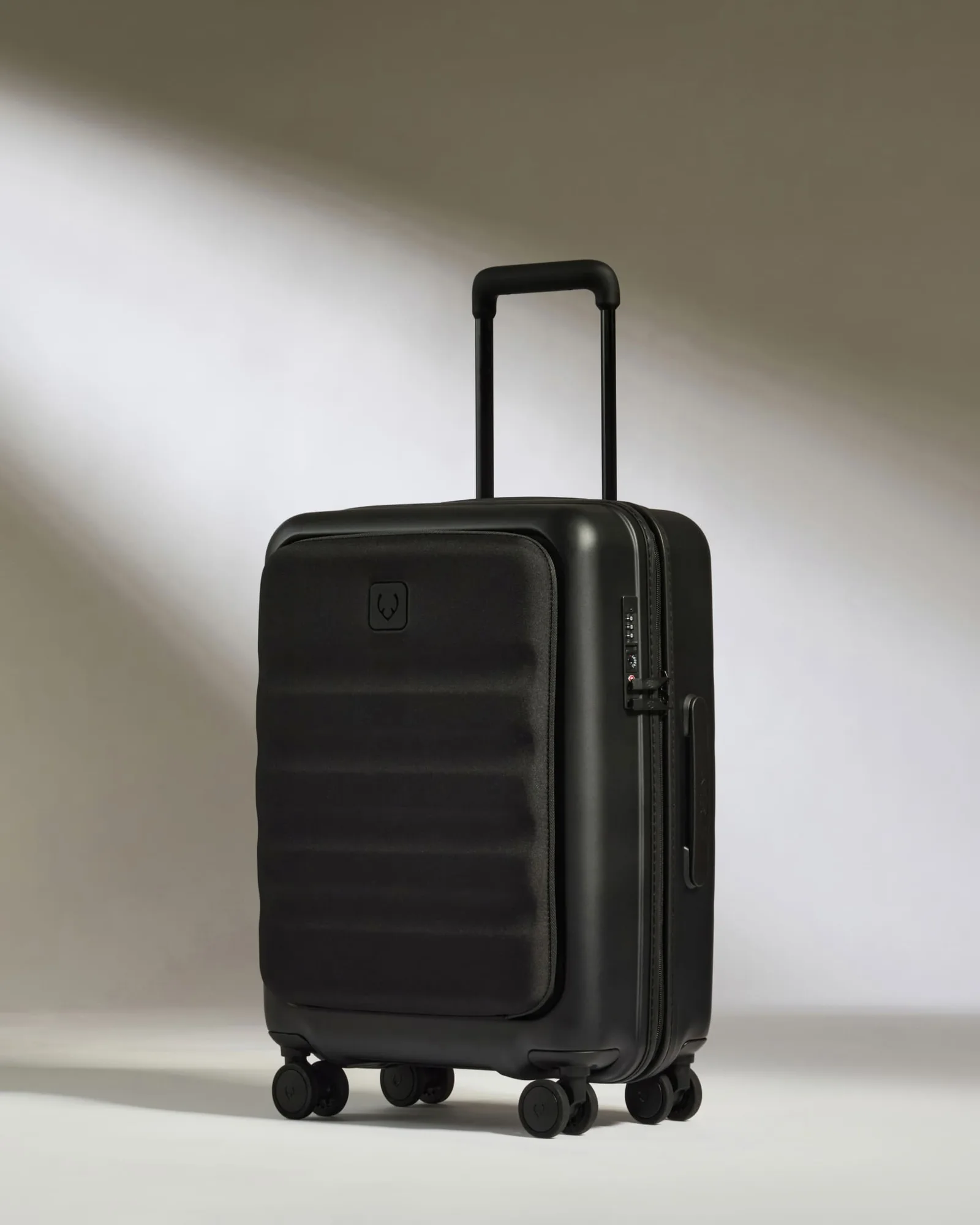
Carry-on with Pocket Luggage in Black - Icon Stripe
Using a Laptop Case for Extra Protection
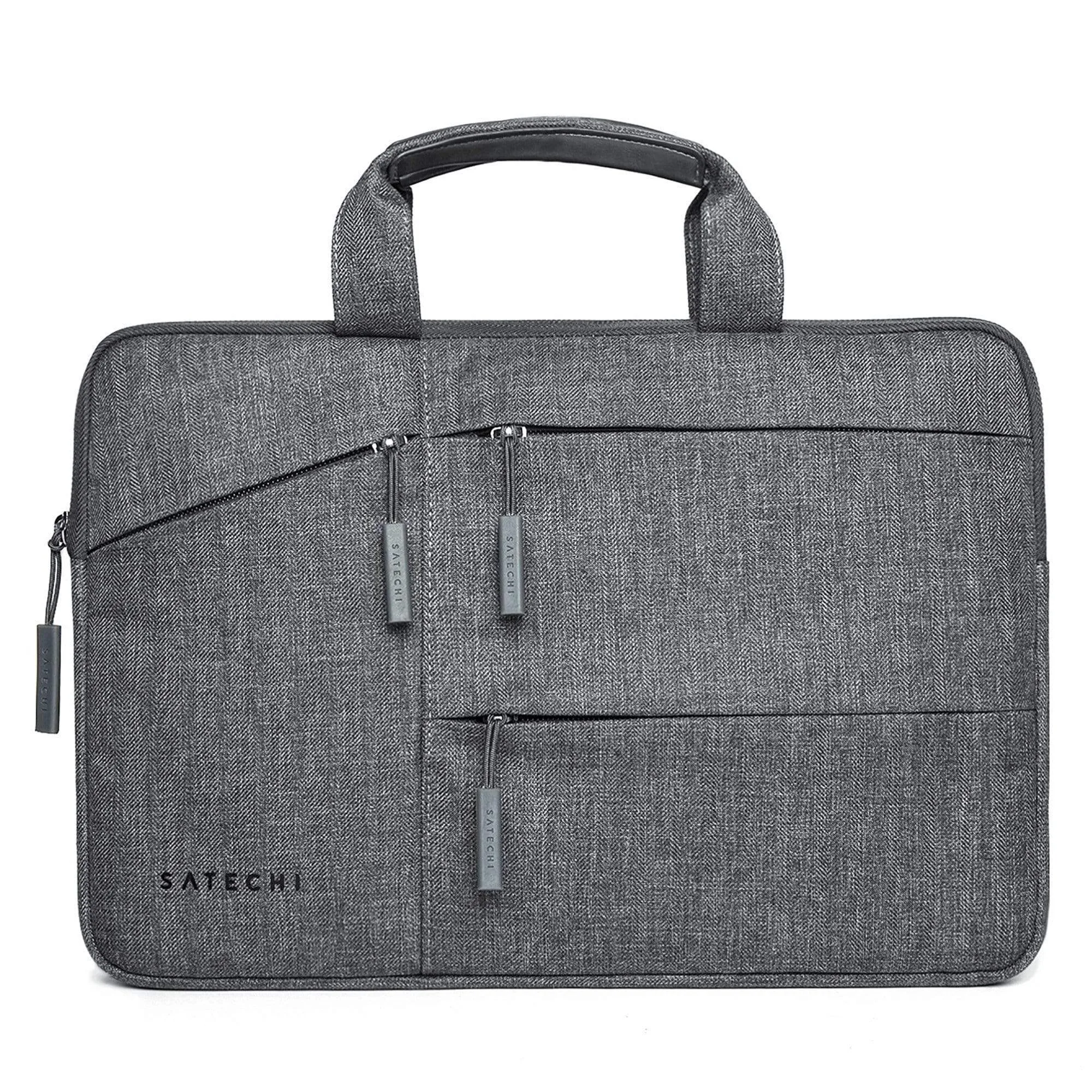
While the front pocket provides a padded space, adding a laptop case gives your device an extra layer of cushioning and helps organize cables and accessories. The Urban Light Laptop Case is designed to fit laptops and tablets up to 14”, with a padded sleeve that protects against bumps and drops during travel.
How the Laptop Case Complements the Carry-On
-
Laptop Case in Black - Urban Light: The padded interior is designed for protection, featuring a padded sleeve for laptops and tablets up to 14”. Sliding your laptop into this case before placing it in the front pocket adds shock absorption and keeps the device secure, especially when the carry-on is stored in an overhead bin.
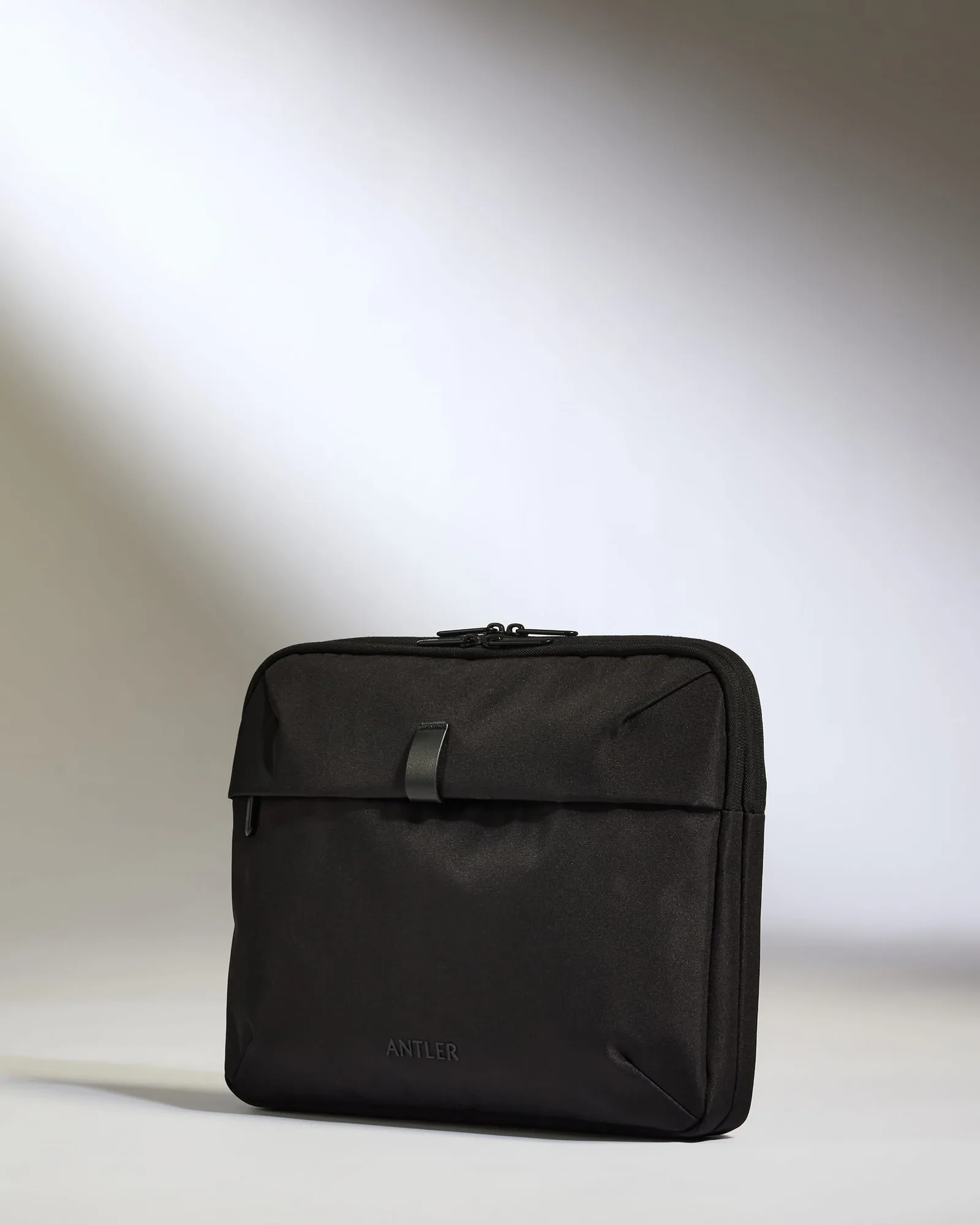
Laptop Case in Black - Urban Light
-
Laptop Case in Black - Urban Light: Eight internal pockets ensure cables, chargers, and documents are kept in place, while the front and back slip pockets mean you can access essentials on the move. You can store your charger, mouse, and documents in the same case, so everything you need for work or entertainment is together and easy to reach.
How to Pack Your Laptop in a Pocket Cabin Carry-On
Follow these steps to fit your laptop safely and access it quickly.
- Prepare your laptop case: Place your laptop in the padded sleeve of a laptop case like the Urban Light Laptop Case. Zip it closed to secure the device.
- Open the front pocket of the carry-on: Unzip the front pocket of your pocket cabin carry-on. The Icon Stripe Pocket has a front opening design for easy access.
- Insert the laptop case: Slide the laptop case into the front pocket. The compartment is designed to fit laptops up to 16”, so a case holding a 14” laptop will fit comfortably.
- Organize accessories: Use the internal pockets of the laptop case to store cables, chargers, and documents. Keep frequently used items in the slip pockets for quick access.
- Close and secure: Zip the front pocket closed. Your laptop is now separate from your main luggage, ready for security checks or in-flight use.
Tips for Traveling with a Laptop in Your Carry-On
The front pocket of a pocket cabin carry-on is designed to comply with major European airline size restrictions, so you can keep your laptop in the pocket during boarding. If you need to remove it for security, the front opening design lets you do so without opening the main compartment. For extra protection, choose a laptop case with a water-resistant outer shell, like the Urban Light Laptop Case, to shield against spills or rain.