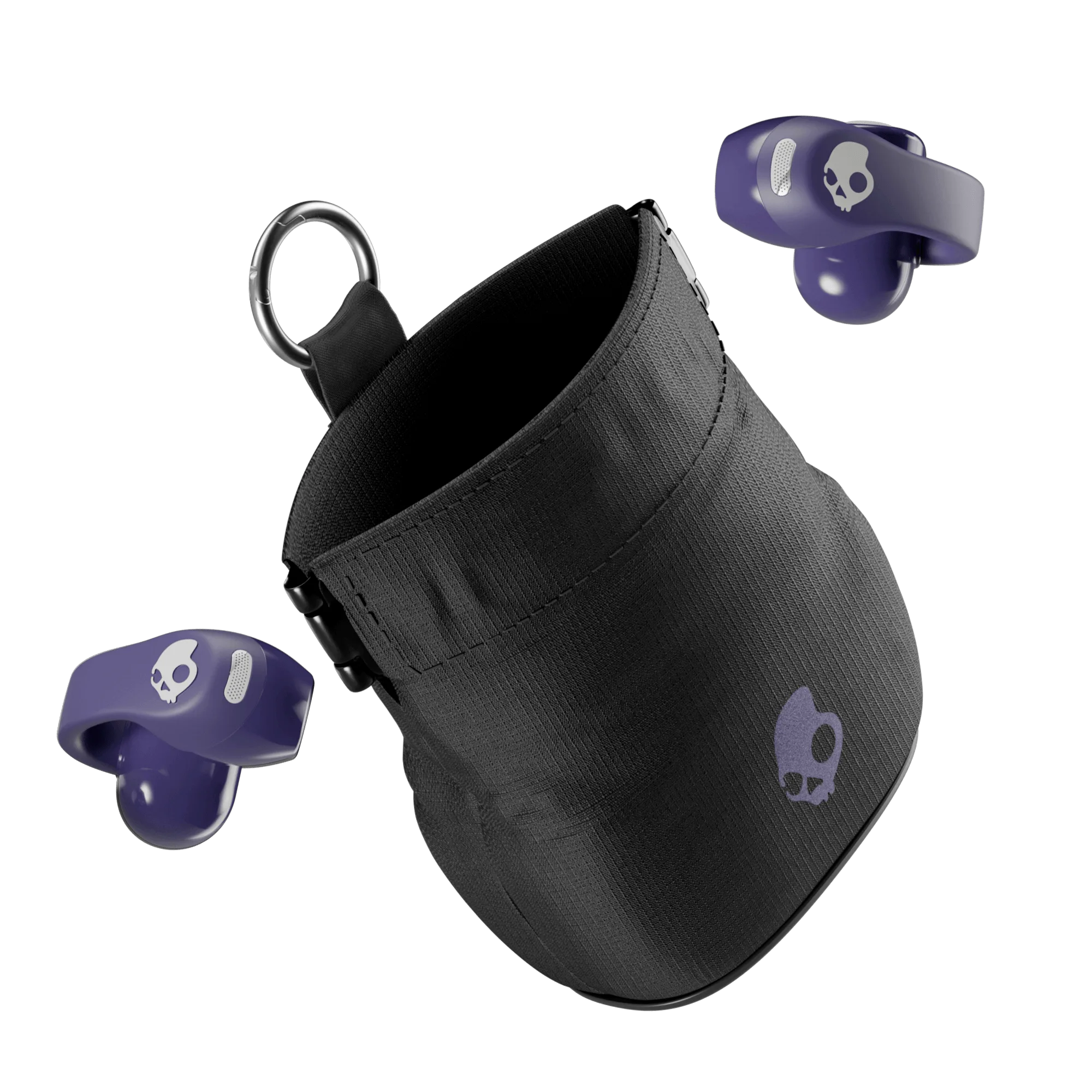
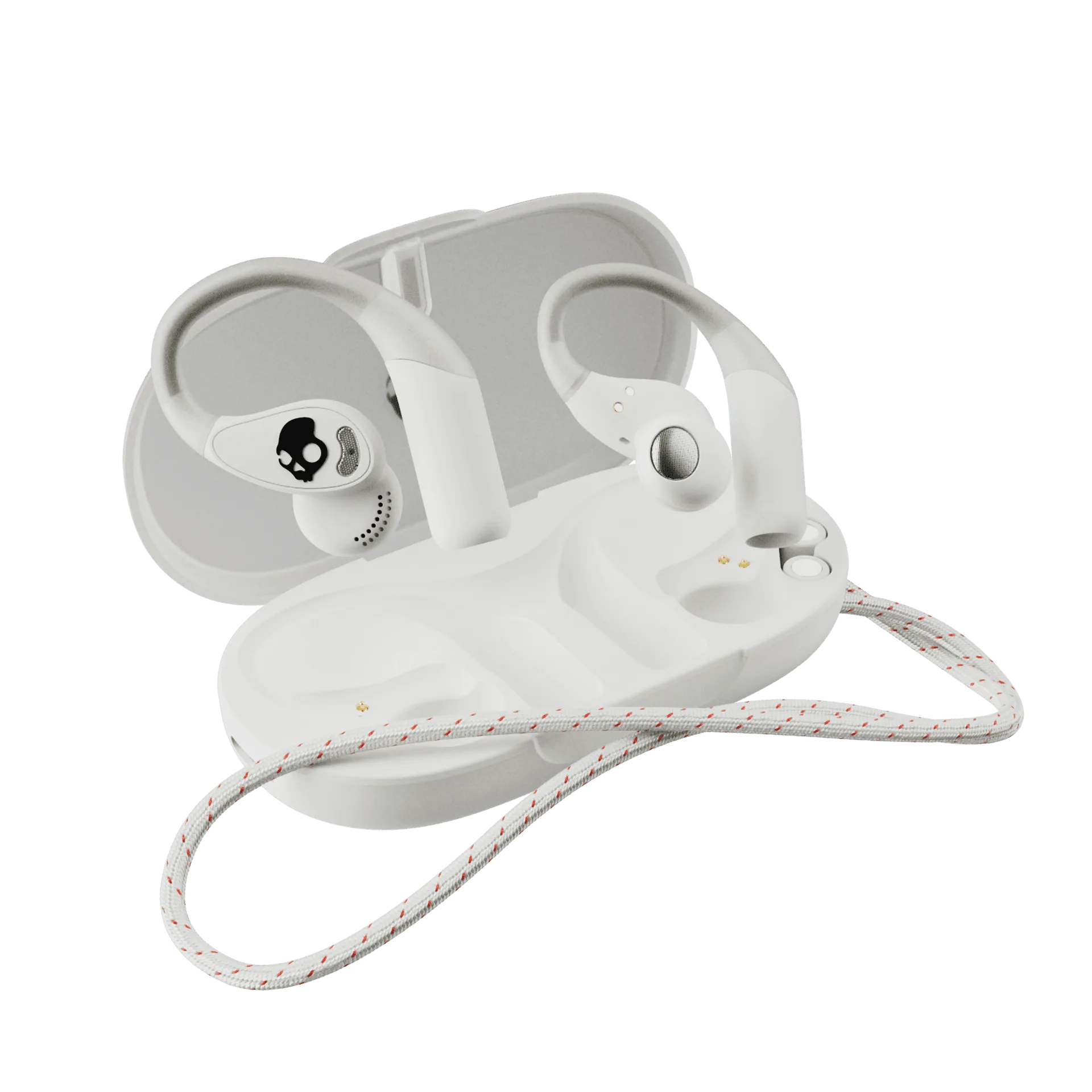
Start with what the OpenFit 2 is designed to do
The OpenFit 2 is an open-ear earbud, not an in-ear plug. Shokz describes it with an open-ear design for situational awareness, a secure fit, soft comfort, and dynamic audio. Those are the design goals you are trying to reproduce when you put them on, so the fit check below focuses on position, stability, and comfort rather than pushing the bud deeper into your ear.
Because the supplied record does not include nozzle sizes, ear-hook dimensions, or a step-by-step placement diagram, this guide sticks to what the product is confirmed to offer and to general fit logic that applies to open-ear earbuds. Where a specific measurement would help, I say so instead of guessing.
OpenFit 2 details that shape the fit
-
OpenFit 2: Open-ear design for situational awareness The bud should rest outside the ear canal so you can still hear traffic, teammates, and surroundings. If it feels plugged, it is sitting too far in.
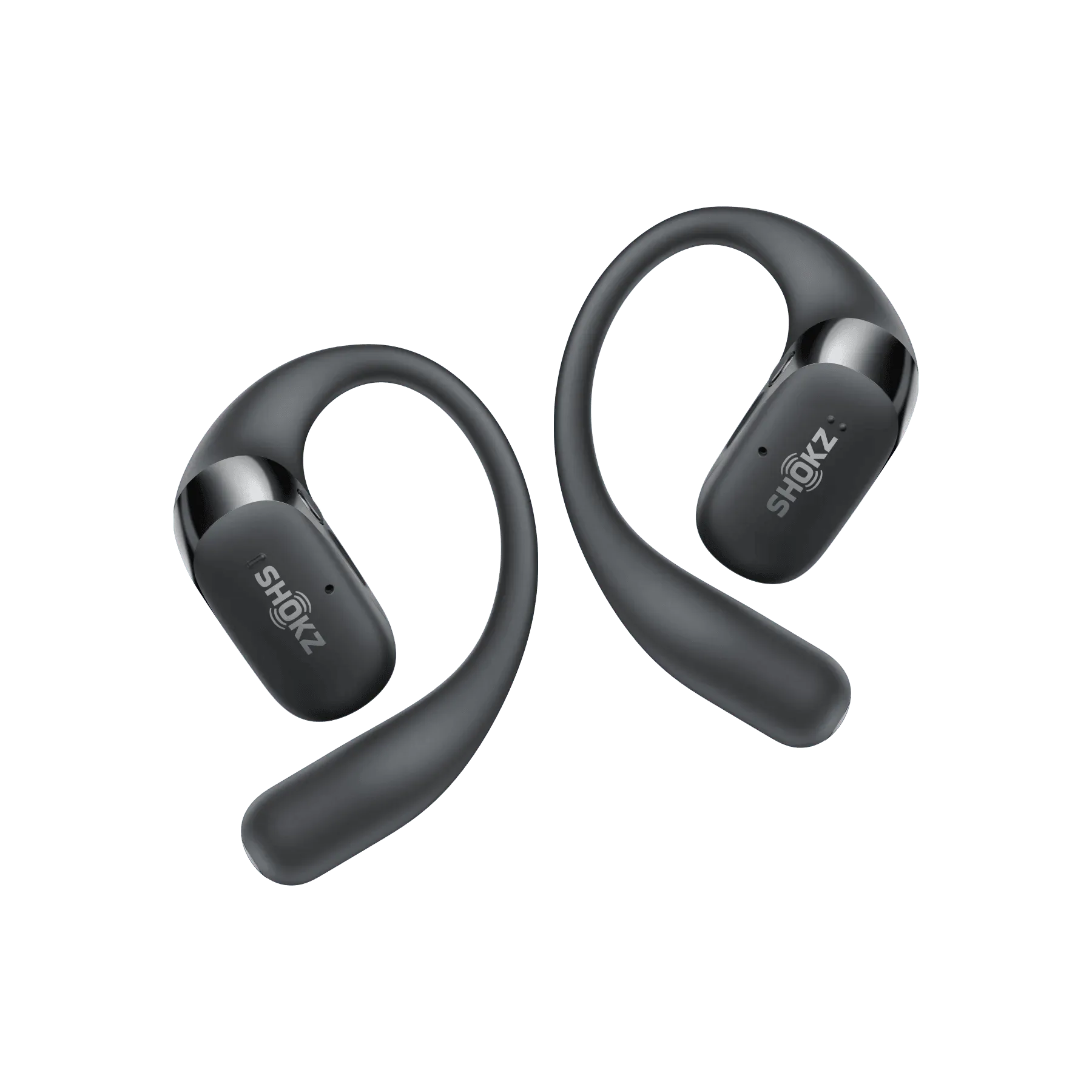
OpenFit 2
-
OpenFit 2: Secure fit and soft comfort These are the two fit goals to check before a run: does it stay put when you move, and does it feel comfortable enough to leave alone?
-
OpenFit 2: Available in Black and Beige Color is the only listed variant, so fit is not selected by size at checkout. You will adjust position on your ear rather than choosing a different fit option.
A practical pre-run fit check
Do this before you leave, ideally in front of a mirror the first time. The goal is a stable, comfortable open-ear position, not maximum insertion.
- Place the bud outside the canal: Set the OpenFit 2 so the audio outlet faces your ear opening without sealing it. You should still hear the room around you, which is the situational awareness the open-ear design is meant to provide.
- Settle the hook or band behind your ear: Let the flexible part rest naturally against the back of your ear. Avoid forcing it into a position that pinches; soft comfort is a stated design goal, so pressure is a sign to reposition.
- Check stability with a gentle head shake: Turn your head left and right and nod slowly. The bud should stay in place without you holding it. If it shifts, adjust the position rather than pushing harder.
- Test the ear you sleep on or wear glasses with: If you wear glasses or a hat, put them on after the earbuds and check that the arm of the glasses does not lift the bud away from your ear. Small conflicts here are common with open-ear designs.
- Do a short walk or jog before the real run: Move around for a few minutes. If the fit holds and feels comfortable, you are ready. If not, repeat the placement steps before adding distance or speed.
OpenFit 2 comfort tips for longer runs
Comfort is personal, but these adjustments address the usual causes of open-ear discomfort without relying on unconfirmed specifications.
- Loosen before you tighten: If the bud feels tight, try rotating it slightly rather than pressing it in. Open-ear comfort depends on resting lightly against the ear, not clamping.
- Keep hair and accessories clear: Long hair, headbands, and helmet straps can push the bud out of position. Route them above or behind the earbud so they do not press on it.
- Recheck after the first mile: Sweat and motion can change how the bud sits. A quick touch check early in the run catches small shifts before they become distractions.
- Take them off if pressure builds: Persistent pressure is not something to run through. Remove the bud, reposition it, and if the problem continues, treat it as a fit mismatch rather than a product fault.
What the OpenFit 2 record does and does not confirm
The supplied information confirms the open-ear design, secure fit and soft comfort claims, dynamic audio, up to 48 hours of listening with quick charge, and Black or Beige color options. It does not include ear-tip sizes, hook dimensions, water-resistance ratings, or model-specific placement instructions. That matters for runners: I cannot tell you a confirmed sweat rating or a precise angle to set the bud, and I will not invent one.
Treat the fit check above as a process you can repeat, not a manufacturer procedure. If a fit problem persists after several honest attempts, the useful next step is to compare the OpenFit 2 against another open-ear shape rather than forcing this one. The 48-hour listening claim and quick charge are relevant to long training blocks, but they say nothing about fit, so do not let battery life talk you out of a comfort problem.
When the OpenFit 2 fit is likely to work for you
Use these signals to decide whether to keep adjusting or to look at a different open-ear model.
- Likely a good fit: You want to hear your surroundings, the bud rests outside the canal without pressure, and it stays put through a gentle head shake and a short jog.
- Needs more adjustment: The bud shifts when you turn your head, or glasses and hats interfere. Reposition first; small changes often solve this.
- Probably the wrong shape: You feel pressure behind the ear or inside the canal no matter how you place it, or it will not stay put during normal running motion. At that point, a different open-ear design is a better question than more force.