Quick answer
If your Patch notebook insert feels loose, first check the binding and the cover's grip. In most cases, you can re-seat the insert and add a simple tension fix, but if the pages are tearing or the binding is broken, replace the refill.
Why inserts loosen over time
A loose insert is often the result of daily wear: opening and closing the notebook repeatedly, sliding it in and out of a bag, or pressing down while writing can stretch the binding or reduce friction. The Patch notebook's simple design relies on the cover's grip, so a little maintenance goes a long way.
Trade-off: DIY fixes vs. replacement
Quick fixes like adding a rubber band or repositioning the insert can work for a few weeks, but they aren't permanent. If the binding is damaged or the pages are already tearing, no fix will restore the original hold. In that case, replacing the insert is the honest, practical choice.
Diagnose and fix your loose insert
- Symptom: The insert slides out of the cover or pages feel like they might detach.
- Likely cause: The binding has stretched, or the cover's grip has worn down from repeated use. Check the cover's interior for wear or residue that reduces friction.
- Corrective action: Remove the insert, gently press the binding flat, and re-seat it firmly. Add a thin rubber band around the cover for extra tension if needed. Test the grip by holding the notebook upside down and gently shaking.
- When to stop or choose another option: If pages are already tearing or the binding is visibly broken, stop attempting fixes and replace the insert with a new one. Keep a spare insert on hand so you can swap it out before the problem worsens.
Products mentioned in this guide
-
Patch: The Papier Patch is a standard-size insert designed for everyday note-taking and page marking. Knowing the standard size helps you confirm the insert fits your cover and that a replacement will match your current system.
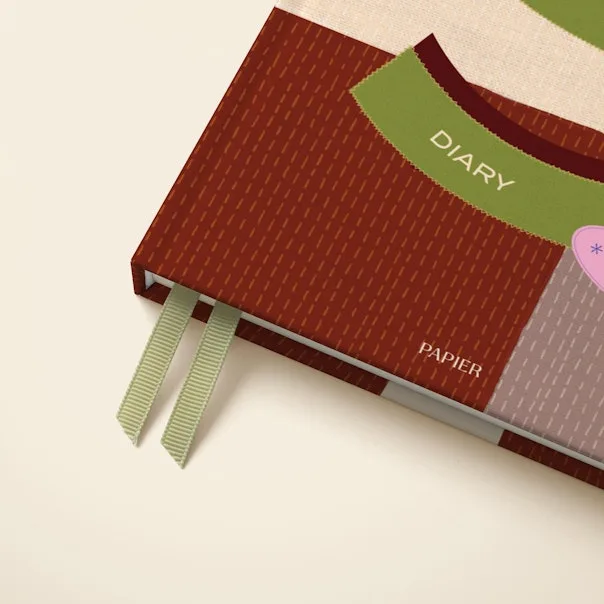
Patch