Quick answer
If a sticker looks too big, first check whether the sheet size or the individual sticker size is the real problem. Most fixes come down to trimming the sticker down, layering it across a spread, or switching to a smaller sheet format. Only resize or trim after you have confirmed the sticker is not a functional element you need intact.
You peel a sticker, place it on the page, and immediately see the problem: it swallows the whole column. The spread feels crowded, your handwriting has nowhere to go, and you start second-guessing the sticker instead of the layout. This is one of the most common planner sticker sizing problems, and it rarely means you bought the wrong product. It usually means the sticker and the space were not matched before peeling.
This guide separates the symptom from the cause so you can fix the page without wrecking the sticker. You will learn when to trim planner stickers, when to layer them, and when to stop and choose a different sheet size or format entirely. The goal is not to force every sticker to fit, but to know quickly whether it can fit well.
Symptom: the sticker covers text, boxes, or your writing space
The most obvious sign is coverage. A sticker that overlaps a date box, a habit tracker, or the lines you write on is too large for that specific spot, even if it fits the page overall. This is common with decorative accents and large illustrated pieces that were designed for a full spread rather than a single daily column.
Before you trim, decide what the sticker is doing. If it is purely decorative, trimming is low risk. If it carries information you need to read later, such as a label or a functional icon, trimming may remove the part that matters. Separate the two roles first, then act.
- Place the sticker on the page without peeling the backing to test coverage.
- Mark the overlap with a pencil dot, then move the sticker slightly and check again.
- If the sticker covers a functional box, treat it as a layering problem, not a trimming problem.
Likely cause: sheet size and sticker size are different things
A sticker sheet can be small while the individual stickers on it are large, and the reverse is also true. PaperDollzCo lists sheet dimensions for several products, such as the Outfit Shopping Lady Boss PaperDollzCo Planner Stickers at 2.3 inches by 4.9 inches, and Mini and Big sizes for sets like Mystical B Halloween Planner Sticker and PaperDollzCo Spring Planner Sticker at 3.5 by 4.9 inches and 4.5 by 6.3 inches. Those numbers describe the sheet, not each sticker.
That distinction matters because two sheets with the same footprint can contain very different sticker sizes. If you are judging fit from the product photo alone, you are guessing. A quick measurement of the actual sticker you plan to use, against the space you plan to fill, prevents most of these problems before the backing comes off.
- Measure the target space first, then measure the sticker.
- Keep a scrap sheet of backing paper to test placement without committing.
- When in doubt, choose the Mini sheet over the Big sheet for dense weekly layouts.
Corrective action: trim, split, or layer the sticker
Trimming is the fastest fix when the sticker is decorative. Cut along the inside of the kiss cut line rather than the outer edge, and remove the part that overlaps your writing area. Matte sticker paper is writable, so a trimmed edge blends more easily than you might expect, especially when you press it down firmly after cutting.
If trimming would destroy the design, split it instead. Cut the sticker into two or three pieces and place them apart on the spread so the eye still reads them as one motif. Layering is the third option: place the large sticker first, then add smaller accents or washi tape over the part that crowds your text. This keeps the full design visible while restoring usable space.
- Trim decorative stickers; split or layer functional ones.
- Press trimmed edges down with a fingernail or bone folder to prevent lifting.
- If a sticker will not lie flat after trimming, it was not a trim problem.
When to stop trimming and choose another option
Stop when trimming starts removing information you need, when the sticker curls or lifts at the cut edge, or when you have cut so much that the design no longer reads. At that point the sticker is the wrong format for the page, and forcing it will cost you more time than switching. Choose a smaller sheet size, a different sticker type, or a layout with more open space.
A practical checkpoint: if you have trimmed more than one-third of the sticker and it still crowds the spread, stop. Move it to a weekly overview page, a dashboard, or a journal page where it has room. Then use a smaller accent or a functional icon in the original spot.
- Stop if trimming removes label text or a functional symbol.
- Stop if the trimmed sticker will not stay flat.
- Switch to Mini sheets or individual accent stickers for tight daily columns.
Prevention: match the sheet to the layout before you buy
The easiest fix happens before purchase. Decide whether you plan mostly in daily columns, weekly spreads, or monthly overviews, then choose sheet sizes that match. Mini sheets at 3.5 by 4.9 inches suit dense weekly and daily layouts, while Big sheets at 4.5 by 6.3 inches give you more decorative range for monthly or journal pages.
Also check material options. Premium matte vinyl is described as thinner with more vibrant colors, which helps when you layer multiple stickers in a small space. Sticker paper is matte, writable, and has a blue backing, which is useful when you need to write over a trimmed piece. Neither material changes the sticker's dimensions, so sizing still comes first.
- Buy Mini for daily columns and Big for monthly or journal spreads.
- Choose writable sticker paper when you plan to trim and write over the edge.
- Keep one small sheet on hand for last-minute fixes.
Quick diagnosis: symptom, cause, action, stop point
- Symptom: sticker covers your writing lines: The sticker is larger than the usable space in that column or box, even if it fits the page overall. Test placement without peeling before you commit.
- Likely cause: sheet size mistaken for sticker size: Product listings describe the sheet, not each individual sticker, so two sheets with the same dimensions can contain very different sticker sizes. Measure the target space and the sticker before peeling.
- Corrective action: trim, split, or layer: Trim decorative stickers along the inside of the kiss cut line, split a design into pieces across the spread, or layer smaller accents over the crowded area. Press trimmed edges flat to prevent lifting.
- Stop point: trimming removes meaning or the sticker lifts: If you have cut more than one-third of the sticker and it still crowds the page, or if trimming removes label text, stop. Move the sticker to a monthly or journal page and use a smaller accent in the original spot.
Product facts that help with sizing
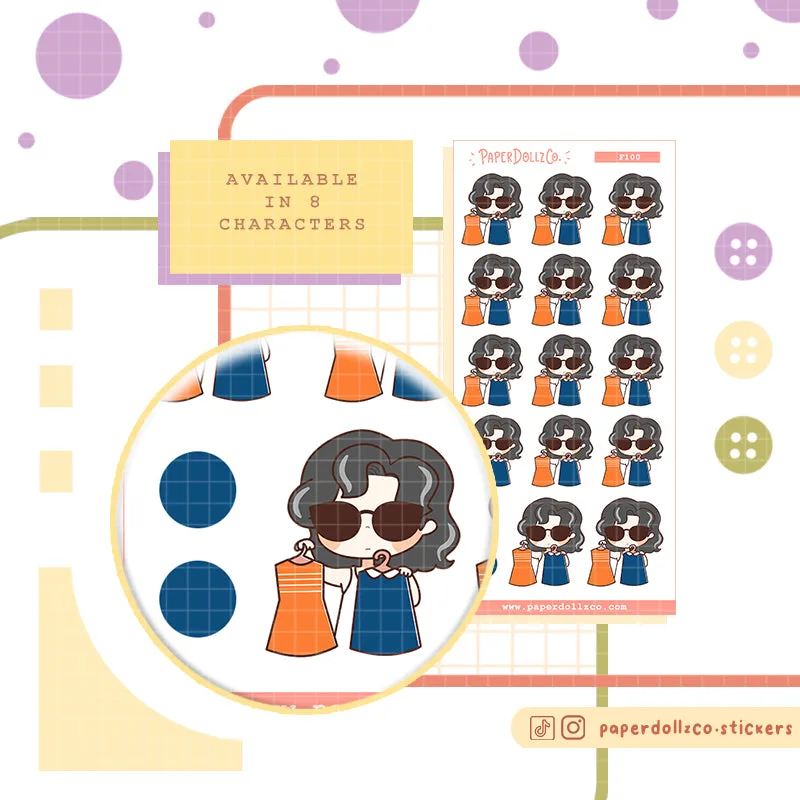
- Outfit Shopping Lady Boss PaperDollzCo Planner Stickers | f100: Sticker sheet size is 2.3 inches by 4.9 inches, with material options including sticker paper (matte, writable, blue backing) and premium matte vinyl. A compact sheet like this is a good candidate for tight daily columns, and the writable paper option means you can trim an edge and still write over it.
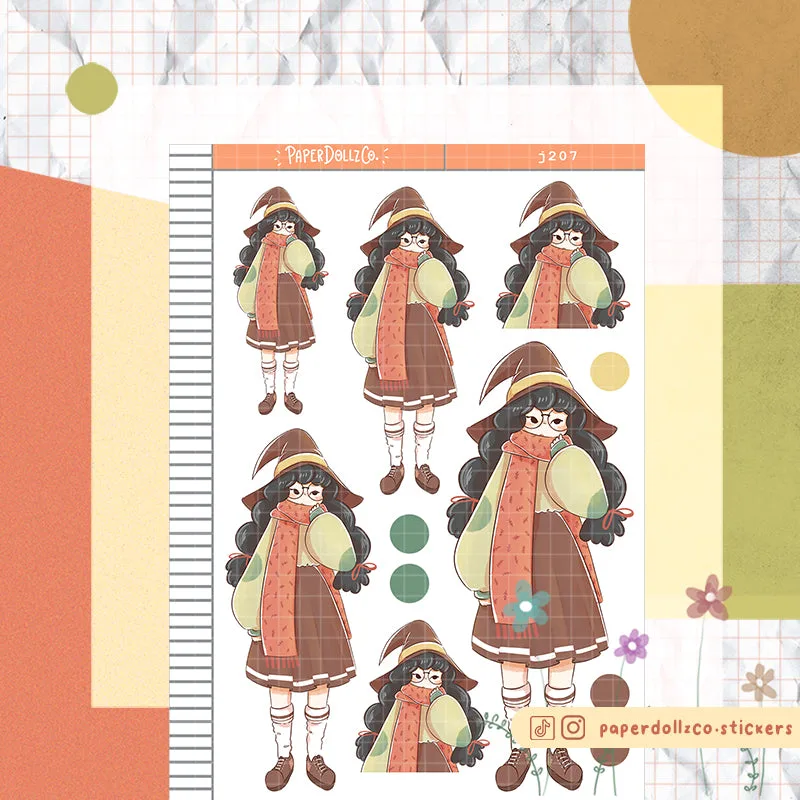
- Mystical B Halloween Planner Sticker | J207: Available in Mini (3.5 by 4.9 inches) and Big (4.5 by 6.3 inches) sizes, with sticker paper and premium matte vinyl material options. Choosing Mini instead of Big is the simplest way to avoid oversized stickers in a dense weekly spread without changing your layout.
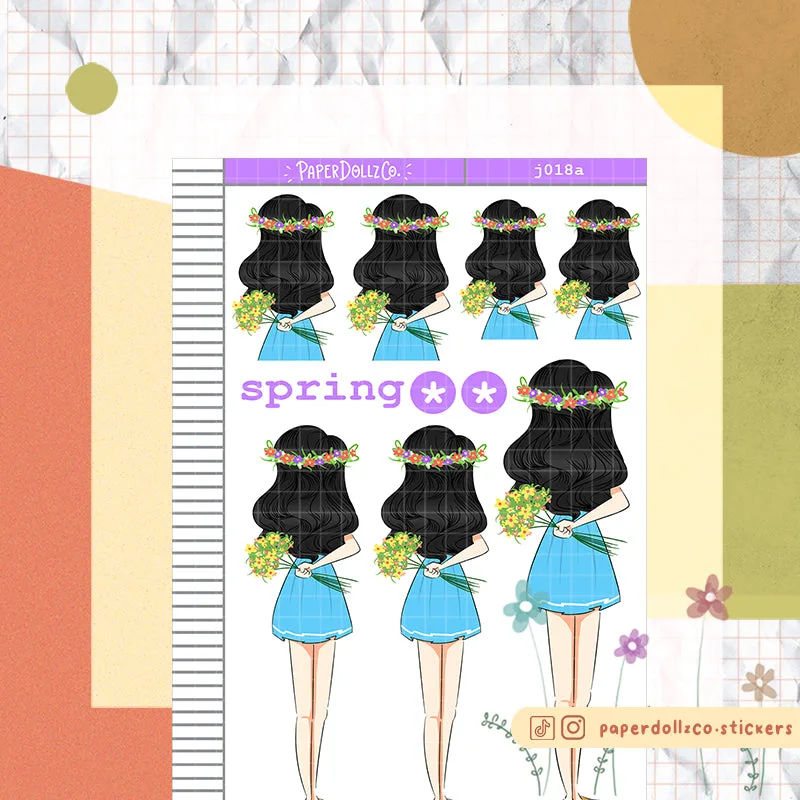
- PaperDollzCo Spring Planner Sticker | J018a: Kiss cut dolly stickers available in Mini (3.5 by 4.9 inches) and Big (4.5 by 6.3 inches) sizes, with sticker paper and premium matte vinyl options. Kiss cut stickers can be trimmed along the cut line, which makes them easier to resize for a specific box or column.
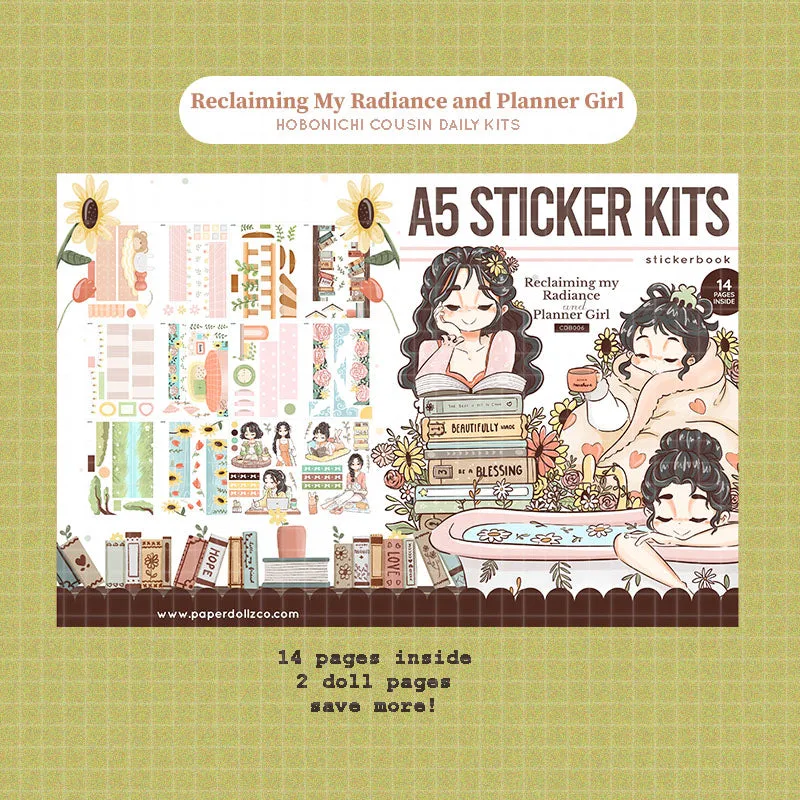
- Reclaiming My Radiance and Planner Girl | A5 Kits Sticker Book | CDB006: Sticker sheet size is 7 by 5 inches, with premium matte vinyl and sticker paper material options and multiple doll choices. A larger 7 by 5 inch sheet is better suited to monthly spreads or journal pages than to narrow daily columns, so match it to the right layout.
Oversized stickers are usually a matching problem, not a product flaw. Measure first, trim only decorative pieces, and switch to Mini sheets or a different format when trimming starts costing you the design. That way your layout stays usable and your stickers stay worth using.