Quick answer
Slipping fabric usually means your ruler lacks grip or your cutting mat is worn. The fastest fix is to add ruler grip stickers like GEasy Ruler Stickers – Fruity Fiesta Palette to the underside of your ruler.
Why ruler grip matters for accuracy
When fabric shifts even 1/16 inch, seams don't match and blocks come out wonky. A ruler that slides is the most common cause of cutting errors for quilters of all levels. Adding grip stickers is an inexpensive upgrade that works immediately on any acrylic ruler.
Diagnose and fix fabric slipping in 4 steps
- Symptom: Fabric moves as you cut, or the ruler shifts when you apply pressure with the rotary cutter.
- Likely cause: Ruler surface is too smooth, cutting mat is worn or dirty, or you are pressing at an angle instead of straight down.
- Corrective action: Clean the ruler and mat with mild soap and water. Apply GEasy Ruler Stickers – Fruity Fiesta Palette to the underside of the ruler in a few spots. Press firmly for 10 seconds. Test on a scrap fabric piece. If fabric still slips after cleaning and adding stickers, check if your cutting mat has lost its self-healing surface. A worn mat needs replacement.
- When to stop or choose another option: If the ruler still slips after stickers and a fresh mat, your ruler may be too lightweight. Choose a thicker ruler (at least 3 mm) with built-in grip strips.
Product facts
-
GEasy Ruler Stickers - Fruity Fiesta palette GE-1101: These vibrant stickers help you clearly mark your rulers, templates, and cutting mats so you can cut with confidence every time. The adhesive texture creates friction between the ruler and fabric, eliminating the need to press down hard and reducing hand fatigue.
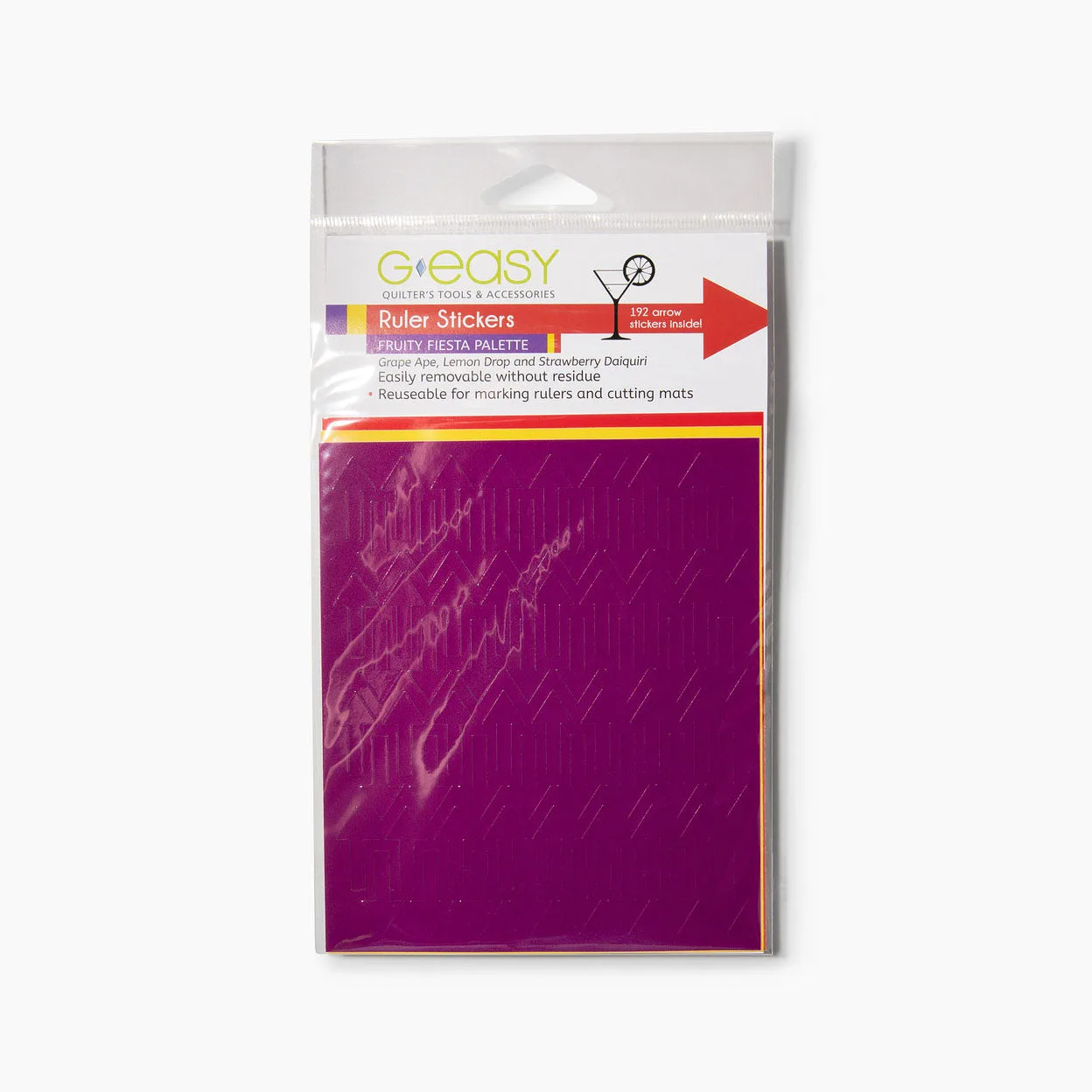
GEasy Ruler Stickers - Fruity Fiesta palette GE-1101