Quick Answer
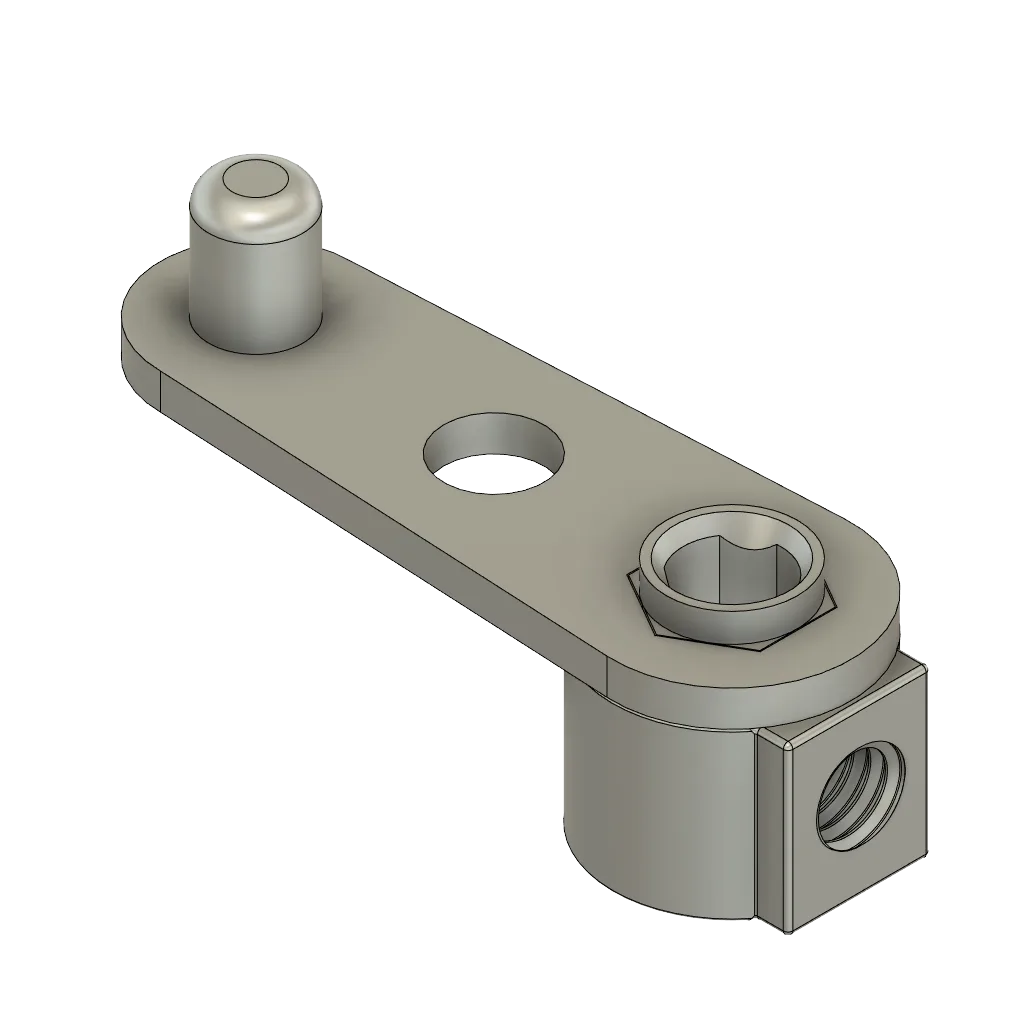
A stuck eitech https://eitecheg.com/products/kurbellenkung-e19a61a0b9deea6095479fb3-1569068crank steering mechanism is almost always caused by one of three things: a bent or misaligned axle, a screw tightened so far that it pinches the steering arm, or a steering linkage that has shifted out of its hole. Loosen the screws around the crank by a quarter turn first and test the movement. If it still will not turn, remove the steering arm and check the axle for bends. Only replace parts after you have ruled out all three causes.
You built the model, the steering worked fine, and then at some point the crank stopped turning. Maybe it happened after a crash, maybe after a rebuild, or maybe it was stiff from the start and gradually locked up. Whatever the cause, a stuck crank steering mechanism on an eitech model is rarely a broken part. In most cases it is a tension or alignment problem that you can correct with the tools you already have.
This guide walks through the three most common causes in order of how often they occur, with a specific check for each one. Work through them one at a time rather than dismantling the whole steering assembly at once. That way you will know exactly what fixed the problem, and you will be able to spot it faster the next time.
Start With Screw Tension Before You Take Anything Apart
The most common reason an eitech crank steering mechanism stops turning is that one or more screws around the steering arm or crank mount have been tightened too far. eitech parts are metal, and metal does not compress, so an over-tightened screw pulls the two plates together and pinches whatever sits between them. The crank may still move by hand with force, but it will feel gritty or not return to center. Before you remove anything, identify every screw that passes near the crank pivot and the steering arm. Loosen each one by a quarter turn, then test the steering. If it frees up, tighten each screw again just until it stops, then back off slightly.
A useful habit is to test the steering after every few screws during a build rather than at the end. If the crank turns freely at step five but locks at step seven, you know the problem was introduced in those two steps. This is much faster than hunting through a finished model. Keep a small screwdriver on hand and check the movement whenever you add a part that connects to the steering linkage.
- Loosen screws a quarter turn at a time, not a full turn, so you do not lose the plate alignment.
- Test the crank after each adjustment instead of loosening everything at once.
- If a screw spins freely without tightening, the thread may be stripped; replace it rather than forcing it.
Check the Axle for Bends and the Steering Arm for Misalignment
If screw tension is not the issue, the next likely cause is a bent axle or a steering arm that has shifted out of its mounting hole. Remove the steering arm from the crank and set it aside. Then roll the axle on a flat surface. A straight axle rolls smoothly; a bent one wobbles or catches. Even a slight bend is enough to bind the steering, because the axle passes through several plates and any deviation increases friction at each one. If the axle is bent, replace it. Do not try to straighten it by force, as this weakens the metal and it will bend again in the same place.
With the axle out, look at the steering arm and the holes it sits in. If the arm is not seated fully in its hole, or if the hole has become oval from repeated stress, the arm will bind against the plate instead of rotating freely. Reseat the arm and check that it moves without sideways play. If the hole is worn, you may need to replace the plate or move the steering arm to a different mounting position if your model allows it.
- Roll the axle on a flat table to check for bends; do not rely on a visual inspection alone.
- A steering arm that wobbles sideways in its hole will bind under load even if it turns freely by hand.
- If a mounting hole is oval, note it and check whether the model has an alternative steering position.
When to Stop and Choose a Different Approach
There is a point where continuing to force a stuck crank steering mechanism causes more damage than it solves. If you have loosened the screws, checked the axle, reseated the steering arm, and the crank still will not turn, stop. Do not apply more force to the crank or the steering arm. Continuing to push will bend the axle further, strip screw threads, or enlarge the mounting holes. At this stage, the problem is likely a combination of small misalignments across the whole steering assembly rather than a single fault.
Your best option is to partially dismantle the steering section and rebuild it on a flat surface, checking the movement at each step. If the model is a complex one with a long steering linkage, consider simplifying the route or adding a support plate to reduce flex. If the steering has never worked smoothly since you built it, the issue may be a design limitation of that particular model rather than a fault you introduced. In that case, accept a stiffer steering action or use the model for display rather than active play.
- Stop if the crank requires noticeable force to move; forcing it will cause secondary damage.
- Rebuild the steering section on a flat surface with the model supported, not held in your hand.
- If the steering was never smooth, it may be a design characteristic rather than a repairable fault.
Steering Diagnosis Checklist
- Crank turns with force but feels gritty: This points to over-tightened screws pinching the steering arm or crank mount. Loosen the screws around the pivot by a quarter turn and test again. If it frees up, retighten just until snug and stop.
- Crank will not turn at all and the axle wobbles: Remove the axle and roll it on a flat surface. A wobble means the axle is bent and is binding inside the plates. Replace the axle; do not try to straighten it.
- Crank moves sideways as well as forward: The steering arm is not seated fully in its hole, or the hole has worn oval. Reseat the arm and check for sideways play. If the hole is worn, replace the plate or move the steering arm to an alternative position.
- Nothing works and you are applying more force: Stop. Forcing the mechanism will bend the axle further or strip threads. Partially dismantle the steering section and rebuild it on a flat surface. If the steering was never smooth, it may be a design limitation; use the model for display instead.
Parts That Help With Steering Repairs
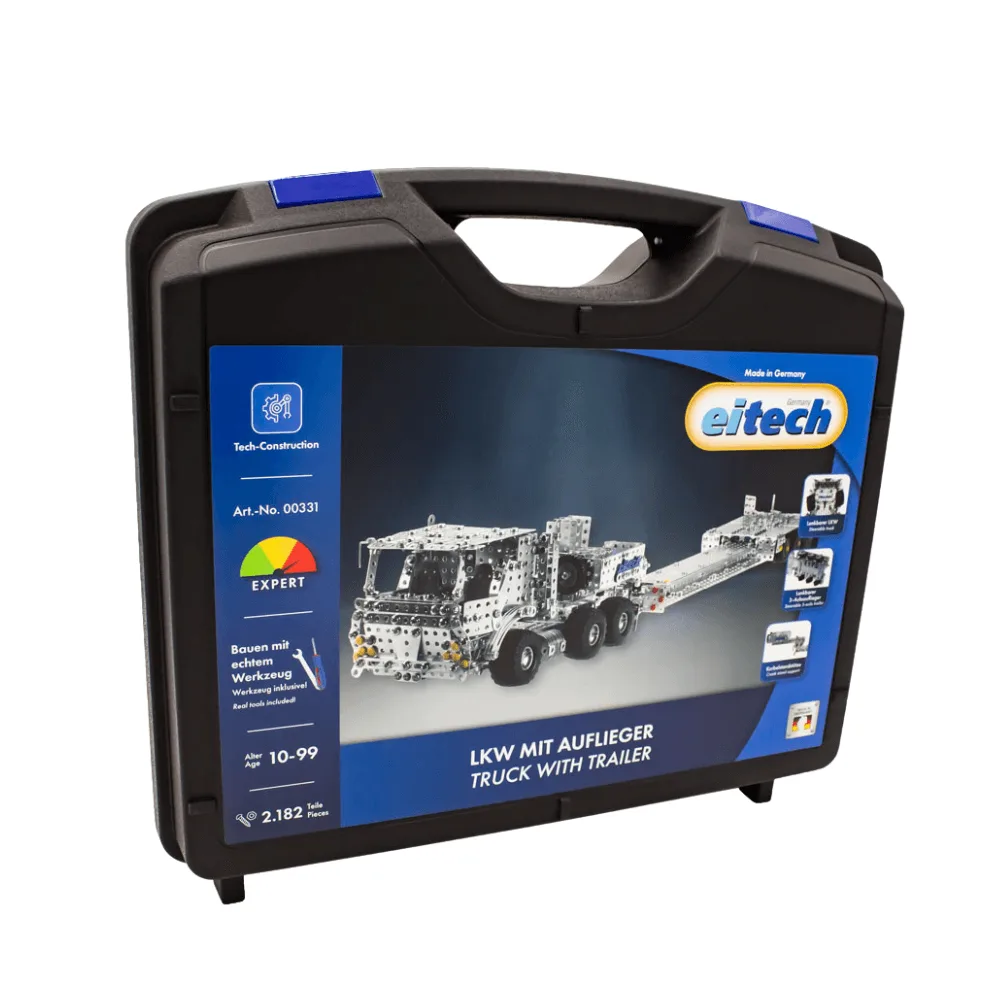
- Truck with low loader: The eitech low loader can be steered using an extension behind the cab, and it is designed to transport the eitech wheel loader. If you are repairing steering on a large model, this truck shows how eitech handles steering extensions. The same principle of keeping the linkage straight and free of tension applies to any crank steering mechanism.
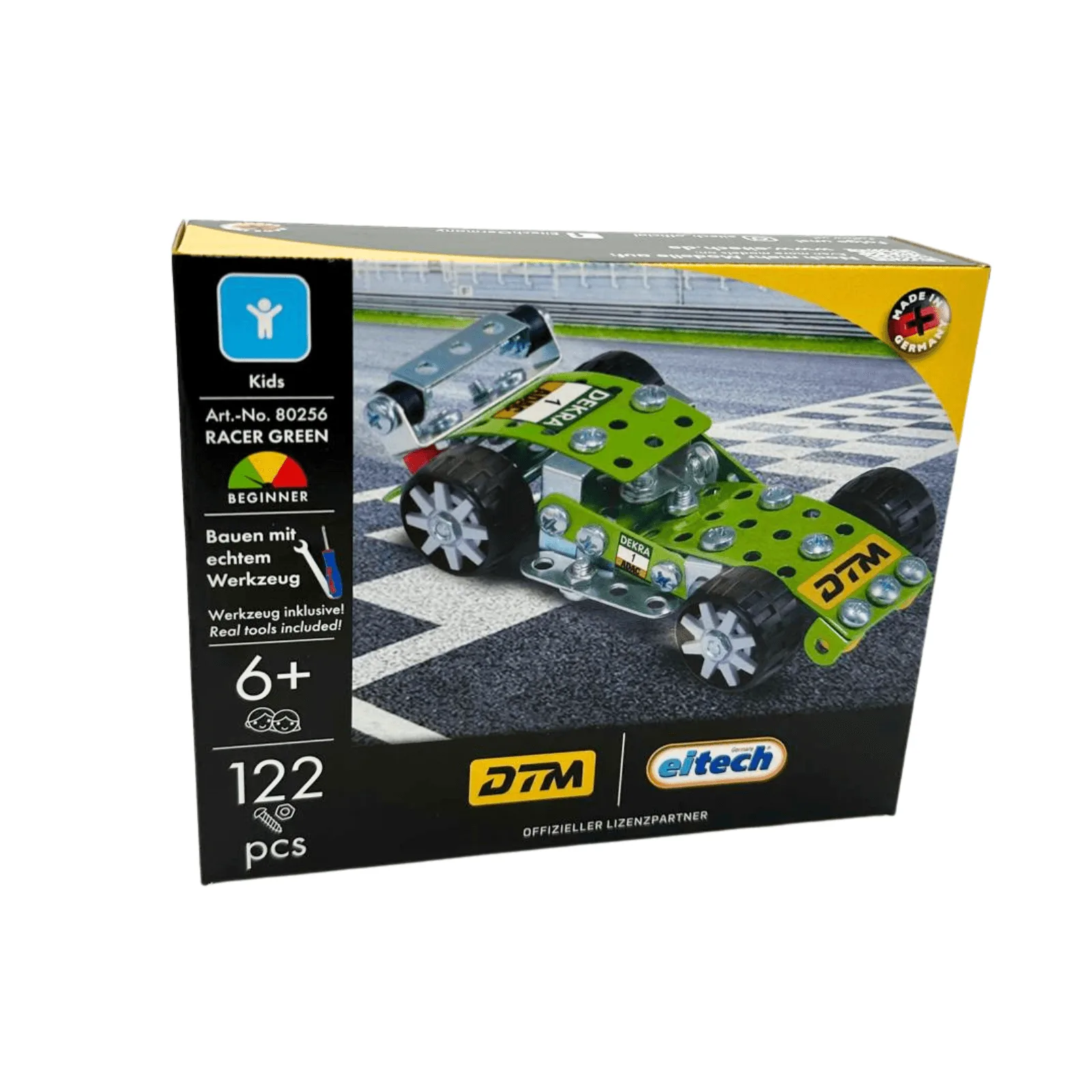
- DTM Racer Green: This 122-part set is recommended for children aged 6 and up and is described as easy to assemble, making it suitable for beginners. Smaller, simpler models like this are a good way to practice steering assembly and screw tension before working on a larger model with a more complex linkage.
- Solar cell 1V/0.4A: This is a compact solar cell component with a rated output of 1V, 0.4A, offered under SKU 01632. If your model uses a solar cell near the steering assembly, check that its wiring is not catching on the crank or steering arm. A snagged wire can feel exactly like a mechanical bind.
A stuck eitech crank steering mechanism is usually a tension or alignment problem, not a broken part. Work through screw tension, axle condition, and steering arm seating in that order, and test the movement after each change. If the crank still will not turn freely after all three checks, stop forcing it and rebuild the steering section on a flat surface. That approach protects your parts and usually solves the problem for good.