Quick answer
Start by checking the tip size and seal, then adjust the ear clip or headband tension, and finally route the cable so it does not tug. If your earbuds keep falling out, the problem is usually one of those three, not the headphones themselves.
Earbuds and ear clip headphones only sound as good as they fit. A loose seal leaks bass and lets outside noise in, while an over-tight clip or ear hook creates pressure that makes you take them off after 20 minutes.
This earbud fit guide walks through a simple order of adjustments. You will test the seal, set the clip tension, route the cable, and know when a different style is the smarter choice.
Why fit matters more than specs
A headphone can measure well and still sound thin if the tip does not seal. In-ear models rely on a soft seal to hold low frequencies; break that seal and you lose bass and clarity. Ear clip and on-ear designs depend on the driver sitting at a consistent angle, so a loose clip changes both volume and tone.
Comfort is the other half. Pressure points on the ear cartilage or inside the canal show up after 30 to 60 minutes, not in the first minute. Fit is a two-part job: seal for sound, tension for comfort.
- Check fit with the headphones on for a full song, not five seconds.
- If one side feels different, fix that side first before changing anything else.
Step 1: Find the right tip size and seal
For in-ear models, try the sizes you have, starting with the middle option. Insert gently and twist slightly so the tip sits in the canal opening, not pressed against the wall. A good seal feels snug but not painful, and it should slightly muffle outside sound when you press play on nothing.
The common mistake is going bigger for a tighter feel. Oversized tips seal unevenly, pop out when you talk or chew, and cause soreness. If the largest tip hurts and the middle one leaks, the shape, not the size, is the issue.
- Test the seal by cupping your hands over your ears; if bass increases noticeably, the seal is weak.
Step 2: Adjust ear clip tension and angle
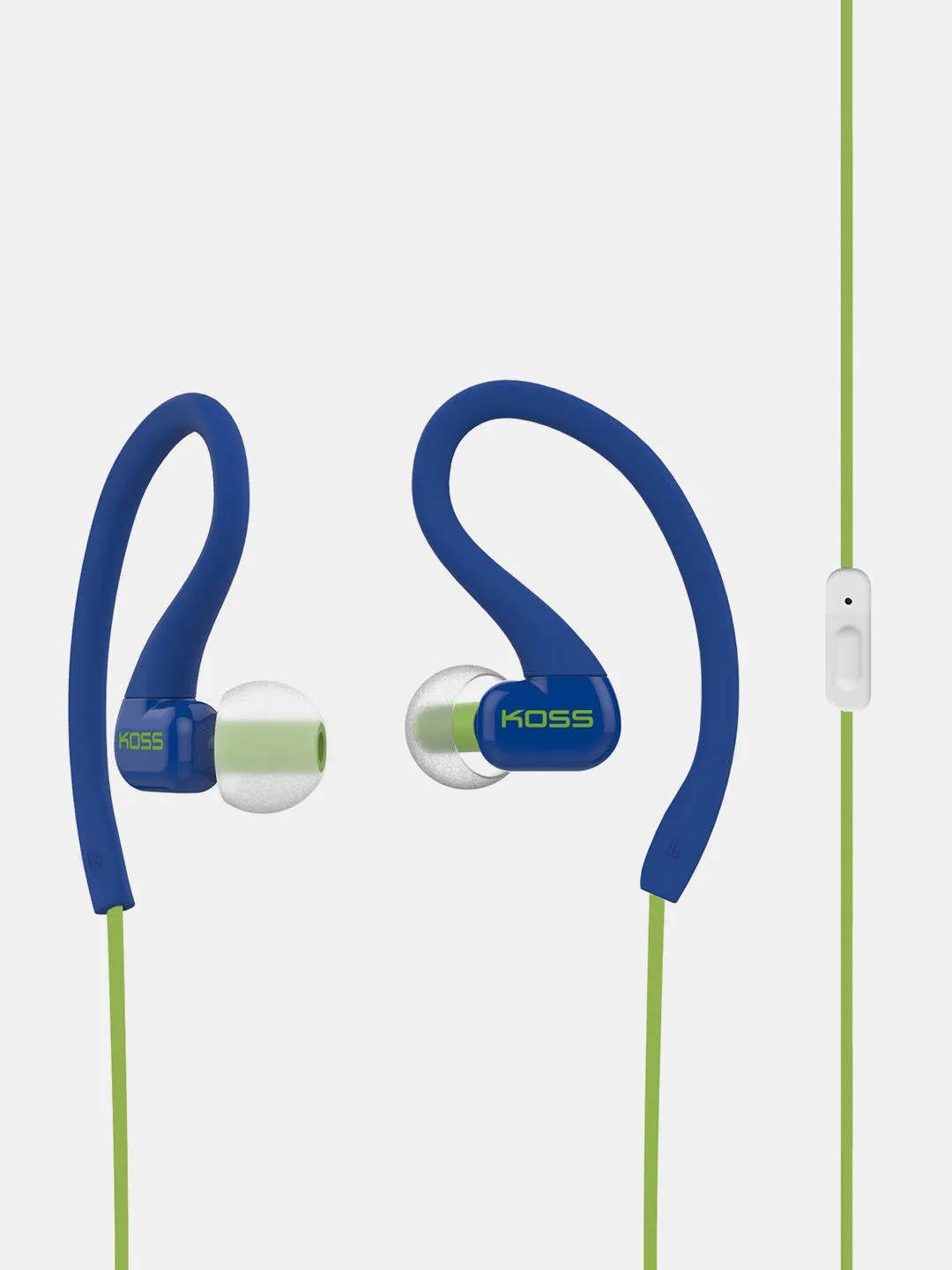
Ear clip headphones hang on the outer ear, so the clip arm should follow the curve of your ear without pinching. Bend the arm in small increments, test, and repeat. Most clips tolerate gentle shaping, but sharp bends or repeated back-and-forth flexing can crack the plastic or loosen the spring.
Angle matters as much as tension. Rotate the driver so it points into the ear canal opening rather than sitting flat against the ear. If the clip slides forward when you smile or talk, it is too loose; if the top of your ear aches after 15 minutes, it is too tight.
- Adjust one side at a time and compare before moving on.
- Stop bending if you feel the clip resist sharply.
Step 3: Route the cable and reduce tug
Cable tug is the most overlooked cause of earbuds falling out. Run the cable over your ear or under your chin, then clip it to your collar so movement in the cable does not pull on the earpieces. A loose loop near the ear absorbs motion better than a straight, tight line.
If you are active, route the cable inside your shirt. This keeps it from catching on bag straps and reduces the sawing motion that works earbuds loose over a walk or commute.
- Leave a small slack loop below the chin or behind the neck.
- Avoid wrapping the cable tight around the earpiece; it stresses the joint.
Step 4: Check fit during real movement
Fit problems often show up only when you move. Turn your head side to side, tilt it down, and talk for a minute. If the earpiece shifts or the seal breaks, go back to tip size or clip tension rather than pushing it back in repeatedly.
Do this test before you commit to a long session. Two minutes of movement testing saves an hour of adjusting later.
- Test on the side you sleep on or the ear that usually feels loose.
- If only one side fails, the two ears may need different tip sizes.
When to switch styles instead of adjusting
Some ears simply do not hold certain shapes. If in-ear tips keep slipping no matter the size, an ear clip or on-ear design may stay put better because it anchors on the outer ear rather than inside the canal. The reverse is also true: if clips press on a sensitive ear, an in-ear model with a light seal may be more comfortable.
The practical move is to match the style to your ear anatomy and use case. Commuters and light activity often do well with ear clips; focused listening in a quiet room usually favors a sealed in-ear fit.
- Try a different style before assuming your ears are the problem.
- Keep one pair for movement and one for quiet listening if you use both.
Your fit checklist
- Seal first: Try each tip size and confirm bass increases when you cup your ears. If bass does not change, the seal is still leaking.
- Set clip tension: Bend the ear clip arm in small increments until it follows your ear without pinching. Stop if the clip resists sharply; that is a sign you are at the limit.
- Route the cable: Loop the cable over your ear or under your chin and clip it to your collar. Cable tug is the most common cause of earbuds falling out during movement.
- Test in motion: Turn your head, tilt down, and talk for one minute before settling in. If one side fails, try a different tip size on that ear only.
Koss models that fit this guide
- CL3i: In-ear design with an in-line OneTouch remote for call and music controls. The remote adds a small weight on the cable, so route the cable to reduce tug and keep the seal stable.
- KTXPRO1: Plush foam cushions and an adjustable headband with a soft, flexible head sling. The head sling and headband let you set tension across the top of your head instead of pinching the ears.
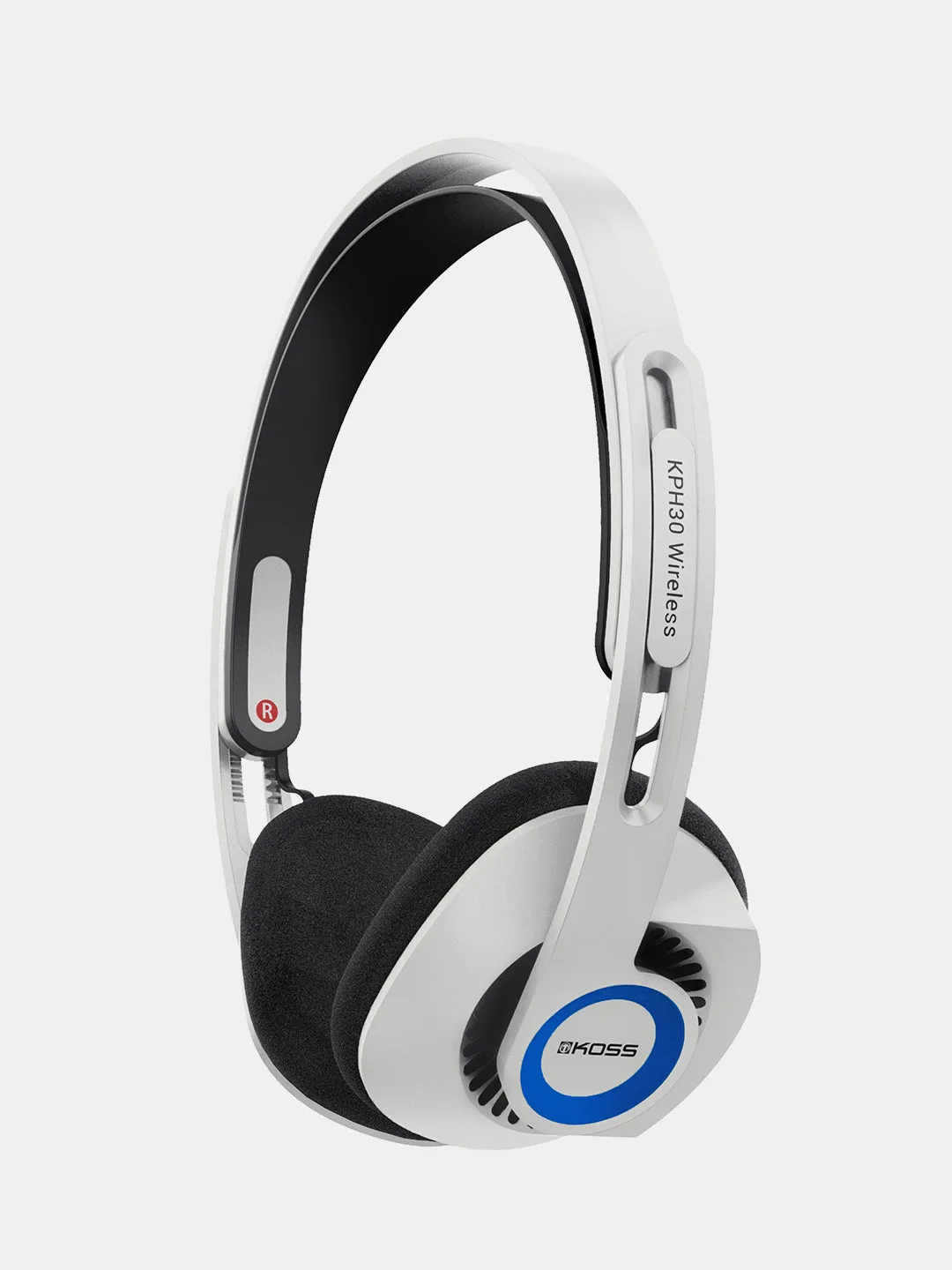
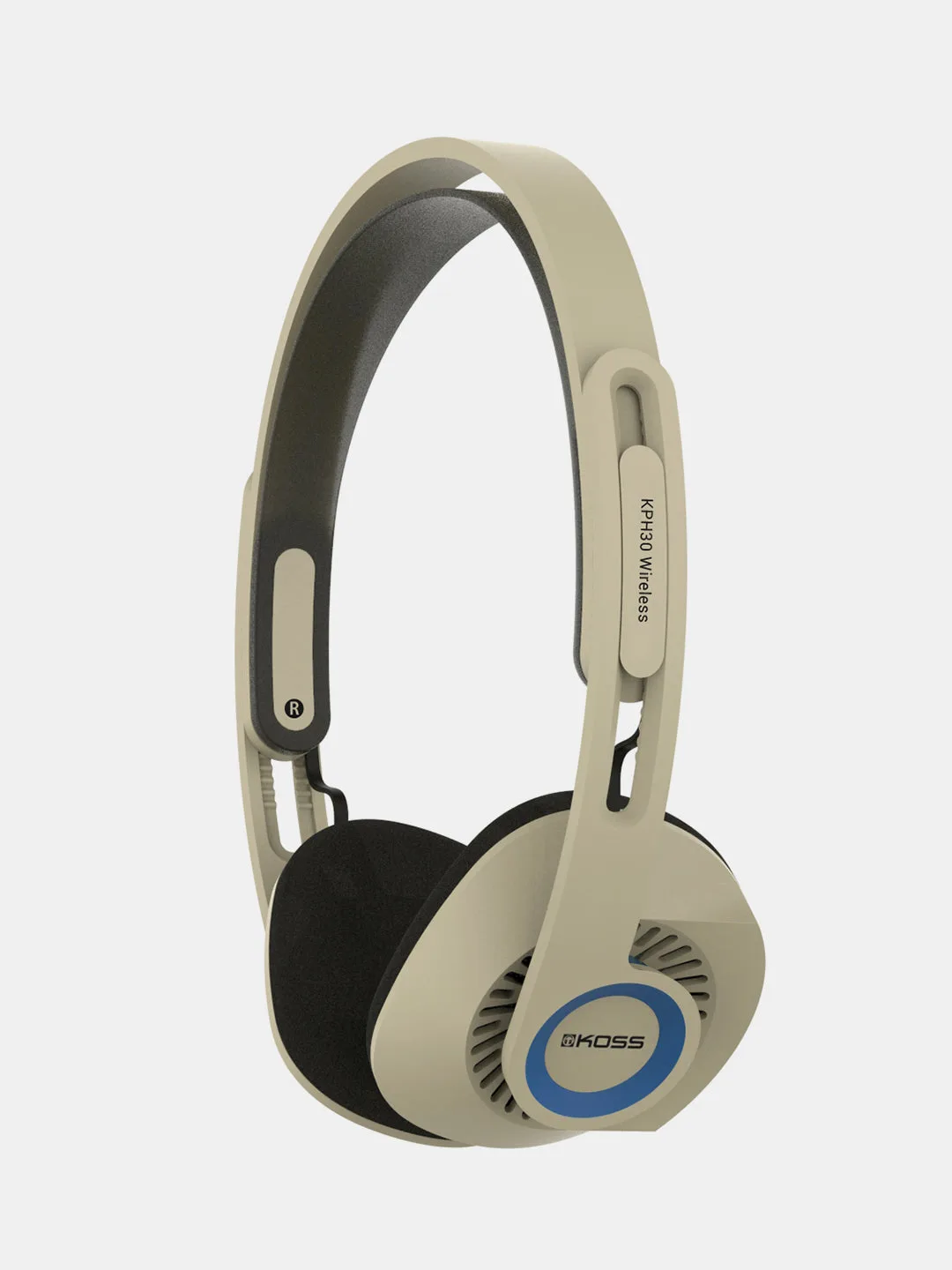
- https://technicsyd.com/products/kph30-wireless-orbital-white-9b4431dce9996b1c4c8331ee-1668966KPH30 Wireless Orbital White: Redesigned headband and patent-pending suspension. The suspension spreads pressure, which helps if standard on-ear fit feels tight after long sessions.
A better earbud fit comes from three small adjustments: seal, tension, and cable routing. Work through them in order, test while moving, and switch styles only after you have tried the basics. Your ears will tell you quickly whether the fit is right.