Quick answer
Most 64 Audio fit problems come from the wrong ear tip size, a shallow insertion angle, or a seal that breaks when you move. Start by trying all three sizes of Silicone Ear Tips and re-seating the monitor with a slight twist. If the shell still slips, feels painful, or the seal fails after those steps, stop forcing it and consider a repair or remold service.
Silicone Ear Tips
A good seal is the difference between hearing your in-ear monitors and fighting them. When the fit is off, bass disappears, outside noise creeps in, and you keep pushing the monitor back in. That is frustrating, but it is also fixable.
This guide separates the symptom from the likely cause so you can take the right corrective action. It covers ear tip sizing, insertion technique, and the point where a service option makes more sense than another round of adjustments.
Start with the seal, not the sound
Before you change cables, sources, or settings, check the seal. A broken seal is the most common cause of thin bass, harsh treble, and the feeling that one monitor is quieter than the other. Press gently on both monitors while music plays. If the low end returns when you press, the issue is fit, not the monitor.
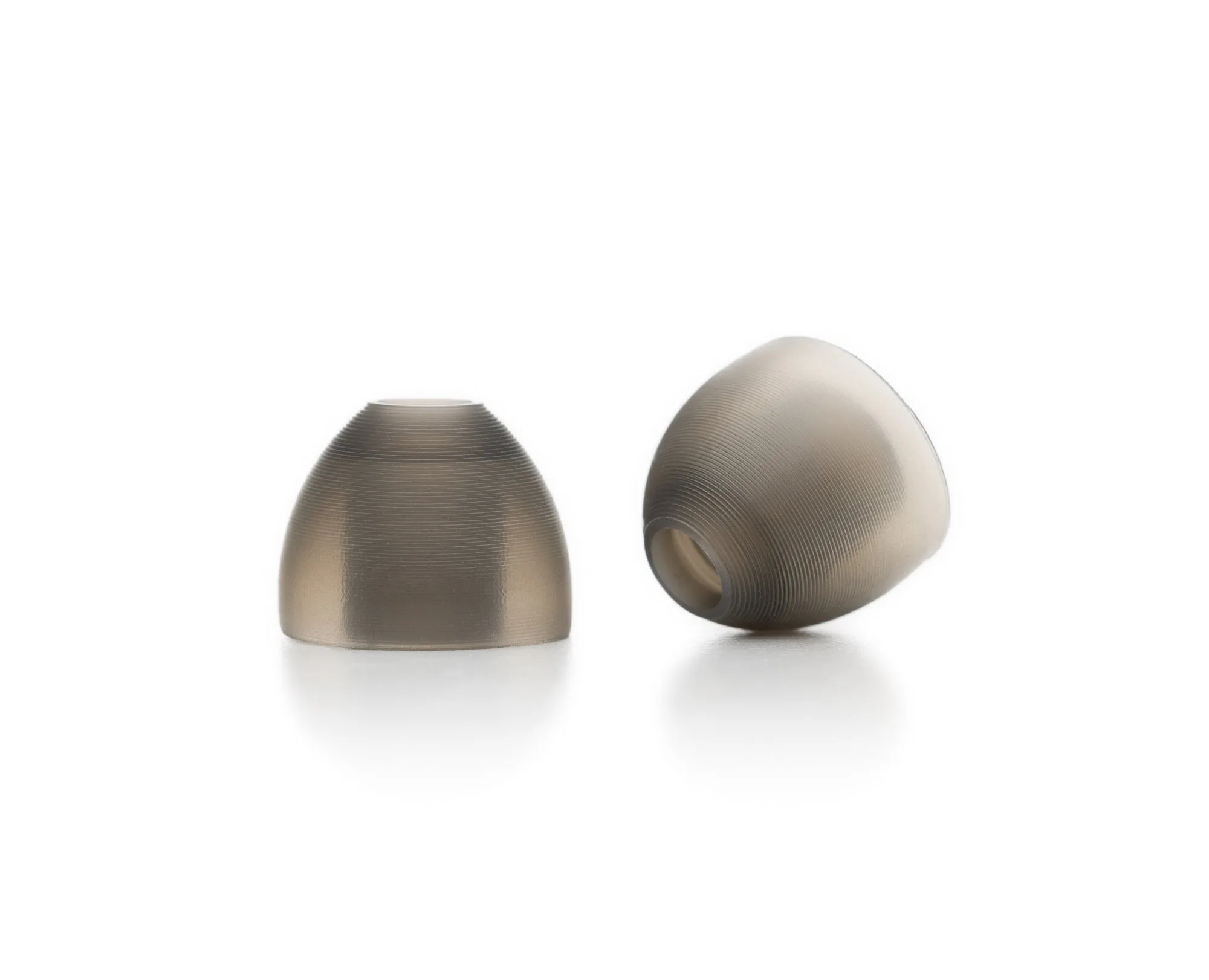
Silicone Ear Tips from 64 Audio are replacement ear tips offered in three sizes so you can choose the fit that suits you. Each size is sold under its own product code: Small 2600-5201, Medium 2600-5202, and Large 2600-5203. Because size is the only option type, the fastest diagnosis is to test all three sizes in both ears rather than assuming both ears take the same size.
- Test each size in each ear separately; ears are often asymmetrical.
- A correct seal feels snug but not painful, and it should not require constant pushing.
- If you hear a hollow or distant sound, break the seal and re-seat before judging the monitor.
Insertion angle and depth
Many IEM fit problems come from inserting the monitor straight in rather than following the natural angle of your ear canal. Pull the top of your ear up and slightly back, then guide the tip in with a gentle twist. The goal is a consistent depth on both sides, not the deepest possible insertion.
If the monitor feels loose immediately after insertion, try a smaller or larger tip before changing anything else. A tip that is too small will not seal; a tip that is too large can sit shallow and break the seal when you talk or chew. Small changes in depth often solve in-ear monitor seal tips issues faster than any accessory change.
- Open your mouth slightly during insertion to relax the jaw and widen the canal.
- After insertion, hold the monitor in place for a few seconds to let the tip settle.
- If the seal breaks when you smile or speak, the tip size or depth needs adjustment.
When the problem is the shell, not the tip
Universal monitors rely on ear tips, but custom or remolded shells rely on the shell itself. If you have a custom-fit product and it slips, hurts, or loses seal after a few minutes, tip changes will not fix it. That is the point to stop adjusting and look at a service option.
For universal models, if you have tried all three silicone sizes and still cannot get a stable seal, the issue may be the shell shape for your ear. In that case, an in-ear monitor fit adjustment service or a remold is the practical next step rather than continuing to buy accessories.

fit adjustment
- Do not sand, heat, or bend a shell to force a fit.
- If one side seals and the other does not, note which side and how it fails before contacting support.
- Persistent pain or numbness is a stop signal, not a break-in period.
Keep the fit working with basic care
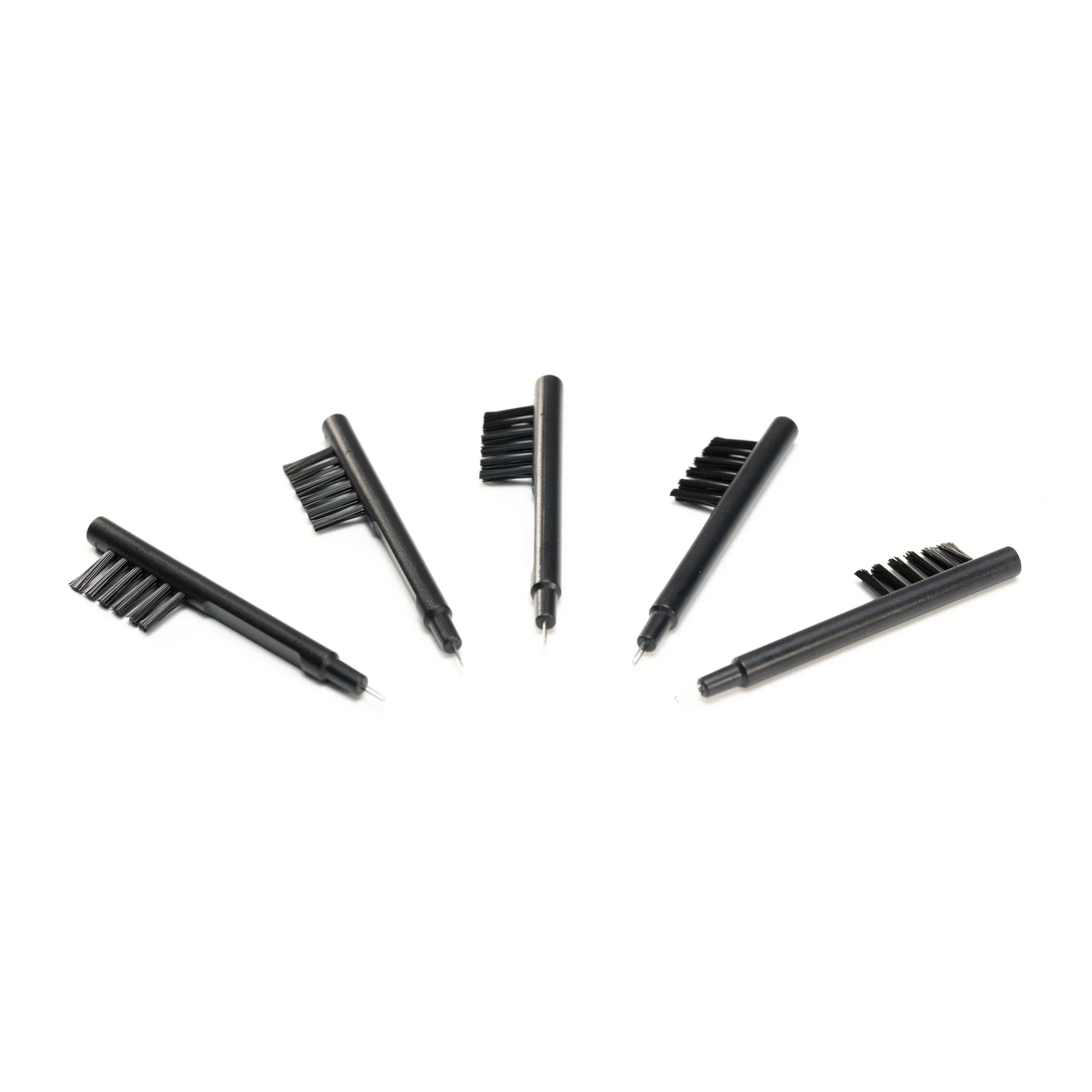
Ear tips and nozzles collect earwax and skin oils, and that buildup changes how the tip seals. The IEM Cleaning Tool fits comfortably in personalized cases or can be stuck to a magnetic surface using the round magnet by the tip of the brush end. The package comes with five of the cleaning tools, so you can keep one with each case or listening station.
Clean the tip and nozzle before you judge the fit again. A dirty tip can feel slippery and slide out, which looks like a sizing problem but is really a maintenance problem. Replace silicone tips when they become stiff, torn, or permanently deformed.
- Wipe tips after every session and deep-clean weekly.
- Store monitors in a case so the tips keep their shape.
- Replace tips at the first sign of cracking or loss of elasticity.
Fit problem diagnosis: symptom, cause, action, stop point
- Symptom: Bass disappears and outside noise leaks in: Likely cause: broken or shallow seal from the wrong tip size. Corrective action: test Small, Medium, and Large Silicone Ear Tips in each ear, then re-insert with a gentle twist and hold for a few seconds. If the seal holds for a full song without pushing, you have solved it. If not, move to the next row.
- Symptom: Monitor slips out when you talk, chew, or walk: Likely cause: tip too large or too small, or insertion depth inconsistent between sides. Corrective action: try the next size down or up, and compare insertion depth left versus right in a mirror. Stop adjusting if the shell itself feels loose in your ear; that points to a shell-fit issue, not a tip issue.
- Symptom: Pain, numbness, or a hot spot after 20-30 minutes: Likely cause: pressure from a shell that does not match your ear shape. Corrective action: remove the monitor, switch to a smaller tip if you use universals, and do not try to break in a painful fit. For custom or remolded products, stop and choose a service option such as Repair Tier 1 or Remold Tier 2 rather than continuing to adjust.
- Symptom: Crushed, cracked, or shattered shell: Likely cause: physical damage, not a fit problem. Corrective action: do not insert it. Contact [email protected] as directed for Repair Tier 1. This is a hard stop for DIY fit adjustment; service is the only safe path.
Product facts that affect fit
- Silicone Ear Tips: Silicone Ear Tips from 64 Audio are replacement ear tips for your in-ear monitors, offered in three sizes so you can choose the fit that suits you. Each size is sold under its own product code: Small 2600-5201, Medium 2600-5202, Large 2600-5203. Having three distinct sizes lets you test each ear independently and find the seal that holds during movement, which is the first fix for most fit problems.
- IEM Cleaning Tool 5-Pack: The IEM Cleaning Tool fits comfortably in personalized cases or can be stuck to a magnetic surface using the round magnet by the tip of the brush end. The package comes with five of the cleaning tools. Clean tips and nozzles seal more consistently, so routine cleaning prevents the slippage that looks like a sizing failure.
- Repair Tier 1: Repair Tier 1 includes sound/damage assessment and fixes, and covers A2, A2e V2, A3, A3e V3, Qi, High Fidelity Earplugs, and Aspire Series models. Crushed or shattered shells should be directed to [email protected]. If your fit problem is actually physical damage to the shell, this is the correct path instead of more tip experiments.
- Remold Tier 2: Remold Tier 2 is a service for sending in your IEMs, with the RMA address provided at checkout. When a custom shell no longer matches your ear after weight change, aging, or discomfort, a remold is the durable fix rather than repeated adjustments.
Most 64 Audio fit issues resolve with the right ear tip size, a consistent insertion angle, and clean tips. When they do not, the problem is usually the shell or damage, and the honest move is to stop adjusting and use a repair or remold service.