Quick answer
Hide TV cables behind a TV bench by planning the route first, bundling cables by device, then routing them down the back of the bench and anchoring them with clips or a channel. Leave slack at both ends, keep power and signal cables separated where possible, and check ventilation before you close anything in. The whole job usually takes an hour or two and needs no drilling if you use adhesive clips and a plug-in cord set.
A wall of loose cables behind a TV bench is the fastest way to make an otherwise calm living room feel unfinished. The good news is that you do not need to cut walls or hire an electrician to fix it. With a plan, a few clips and a bit of patience, you can hide TV cables behind almost any bench or media unit in an afternoon.
This guide walks through the process in order, from planning the route to the final tidy-up. It also covers the mistakes that cause cables to sag, overheat or come loose later, and points out where a simple cord set or a well-placed bench makes the job easier.
Start with a plan, not a cable tie
Before you touch a single cable, sketch the back of your TV bench on paper. Mark where the TV stands, where the power outlet is, and where each device (streaming box, console, router, soundbar) will live. This sounds fussy, but it stops the most common mistake: bundling everything together and then discovering the router needs to sit somewhere else for Wi-Fi coverage.
Decide on one main vertical drop point behind the bench. All cables will travel down that line before fanning out to their devices. A single drop point is what makes TV bench cable management look intentional rather than improvised, and it makes future changes much easier.
- Measure the distance from the outlet to the bench before buying clips or channels.
- Check whether your bench has an open back, a shelf, or a solid panel, as this changes the route.
Unplug, label and separate cables by type
Unplug everything and lay the cables flat on the floor. Label each one with a sticker or a wrap of masking tape: TV, console, router, soundbar, power. This is the step most people skip, and it is the reason cable tidy ideas fail six months later when nobody remembers which black cable does what.
Separate power cables from signal cables (HDMI, coaxial, ethernet) into two loose groups. Power cables can introduce interference, and keeping them apart also makes the bundle easier to trace. If your cables are wildly different lengths, note which ones need to be coiled rather than folded.
- Never bend an HDMI or coaxial cable sharply; gentle loops protect the internal conductors.
- Photograph the back of the TV before unplugging so you can reconnect ports correctly.
Bundle each device's cables, then combine
Group the cables belonging to one device and wrap them together with Velcro ties or reusable cable ties, leaving a service loop of about 15 to 20 cm near the plug. Velcro is better than zip ties here because you will need to open the bundle when you add or replace a device. Do this for each device before combining anything.
Once each device bundle is tidy, run them along the single vertical drop point you chose earlier and combine them loosely with one or two more ties. Keep the bundle loose enough to slide a finger underneath. Tight bundles trap heat and make it hard to spot a damaged cable.
- Leave slack at the TV end so you can pull the TV forward for cleaning.
- If a cable is far too long, coil the excess in a figure-eight rather than a tight circle.
Route cables down and anchor them
Run the combined bundle down the back of the bench, following the leg or the rear panel. Adhesive cable clips, a self-adhesive channel, or a fabric sleeve all work; choose based on whether you rent and whether the back of the bench is visible from the side. Press adhesive clips onto a clean, dry surface and wait an hour before loading them.
Anchor the bundle at three points: just below the TV, midway down, and near the floor. Three anchors stop the cables from swinging when you move the bench. This is the step that separates a tidy TV stand cable setup from one that slowly unravels.
- Avoid routing cables across the top of a heat-generating device.
- If you cannot drill, adhesive clips and a plug-in cord set are the renter-friendly route.
Conceal the last stretch and check ventilation
The final stretch from the bench to the wall outlet is usually the most visible. A short length of cable channel, a fabric sleeve, or a piece of furniture placed in front of the outlet will hide it. If the bench sits against the wall, push it back slowly and check that no cable is pinched between the bench and the skirting board.
Before you call the job done, confirm that vents on your TV, console or router are not blocked by the bundle or by the bench's back panel. Cables should never run directly over ventilation slots. If your media unit has a closed back, consider leaving the back panel off or drilling a generous opening.
- Run your hand along the bundle to feel for sharp edges or heat.
- Tug each plug gently to confirm it is fully seated.
Test everything, then label the final setup
Plug everything back in and test each device one at a time. If the Wi-Fi drops or the picture flickers, the likely cause is a pinched cable or a power and signal cable running too close together. Fix the route before you tidy the bundle again, because troubleshooting is much harder once everything is clipped down.
Finally, add a small label near the outlet listing what each cable does. Future you, or anyone helping you move the bench, will thank you. A tidy setup is only useful if it can be maintained without guesswork.
- Test the TV, soundbar and router before pushing the bench fully back.
- Keep spare Velcro ties in a drawer near the media unit.
The cable-hiding sequence at a glance
- Plan the route: Sketch the back of the bench, mark the outlet and devices, and choose one vertical drop point for all cables. Checkpoint: you should be able to point to the exact line the cables will follow.
- Unplug and label: Lay cables flat, label each one, and separate power cables from signal cables into two groups. Checkpoint: every cable has a label before it goes back in.
- Bundle by device: Wrap each device's cables with Velcro ties, leaving a 15 to 20 cm service loop near the plug. Checkpoint: the bundle should be loose enough to slide a finger under.
- Route and anchor: Run the bundle down the back of the bench and anchor it at three points: below the TV, midway, and near the floor. Checkpoint: the bundle does not swing when you nudge the bench.
- Conceal and ventilate: Hide the last stretch to the outlet, then confirm no cable blocks a vent or is pinched against the wall. Checkpoint: run a hand along the bundle for heat or sharp edges.
- Test and label the setup: Plug in one device at a time, fix any interference or pinching, then add a small label near the outlet. Next step: keep spare Velcro ties nearby for future additions.
Products that make cable hiding easier
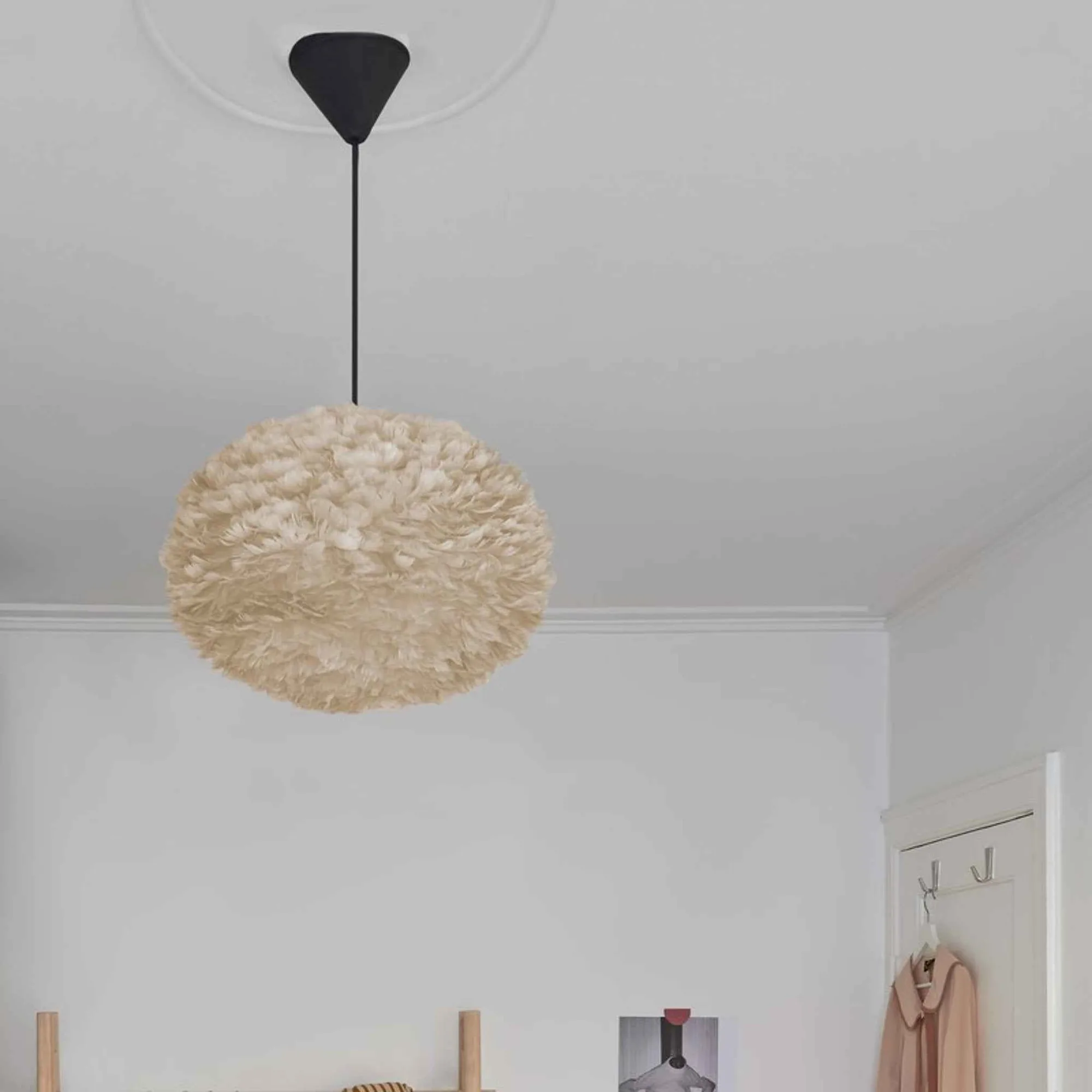
- Cord Set | cord set: This modern and minimal cord set consists of 2.1 meters of textile cord, a canopy and an E27 socket, available in a black or white finish. Bulb not included. A plug-in cord set lets you add a pendant or wall light near the TV bench without chasing cables into the wall, and the textile cord looks intentional rather than temporary.
- Together Sleek Rectangle | coffee table: The Together coffee tables are made from oak, with a shelf in venetian cane. The legs are withdrawn from the edges of the tabletop, and the shelf underneath provides space to store magazines, books, or a laptop. A lower shelf gives you a place to tuck a small streaming box or router while keeping the top clear, which reduces the number of cables that need to travel up to the TV.
- Paff | side table: Paff is a multi-use table with a wooden base in solid oak and a variety of tops to suit your needs, designed to work in rooms from the children's room to the living room. If your TV bench has no shelf, a compact side table beside it can hold a router or console, shortening the cable run and keeping the bench itself uncluttered.
Hiding cables behind a TV bench comes down to order: plan the route, label and separate, bundle by device, anchor in three places, then check ventilation before you push the bench back. Do it once properly and your media unit stays calm, safe and easy to change when the next device arrives.