Quick Answer
To install a 3D printed case on your TRIMUI BRICK, align the case with the console's edges, press evenly around the corners, and check that all ports and buttons remain accessible. This guide walks you through each step and common pitfalls.
Why a 3D Printed Case Fits Differently
Unlike mass-produced silicone covers, a 3D printed case is rigid and made to match the exact contours of the TRIMUI BRICK and BRICK HAMMER. That means it won't stretch or bend, so correct alignment matters more than force. Pressing too hard in the wrong spot can crack the case or scratch your console.
The material used is PLA, which is strong but slightly flexible under pressure. It protects against drops and impacts, but it won't absorb shock the way rubber or TPU does. Keep that in mind when you're handling the case during installation.
Installation Steps
- Clean and inspect your TRIMUI BRICK: Wipe the console with a soft, dry cloth to remove dust or oils. Check that the case is free of debris or 3D printing residue. A clean surface helps the case seat properly and avoids scratches. Any grit left on the console can scratch the finish when you slide the case on.
- Identify the top and bottom of the case: Look for cutouts for the screen, buttons, and ports. The case has a specific orientation; aligning these openings with the console's features is essential. If it doesn't line up, flip the case over. Most fitting problems come from trying to install the case upside down.
- Slide the case onto one edge first: Start by fitting the side with the most cutouts (usually the top or bottom). Gently slide that edge into place, then work the rest of the case around the console. Avoid pressing on the screen area. Starting with the wrong edge can make the case feel too tight and risk cracking.
- Press evenly around the corners: Use your thumbs to press the case down around each corner, applying even pressure. You should hear or feel a slight click as the case seats. Do not use tools or excessive force. If a corner won't snap in, lift the case slightly and realign rather than pushing harder.
- Test all buttons, ports, and the screen: After installation, press every button and check that the charging port, headphone jack, and any other openings are accessible. The case should not block the screen or interfere with the controls. If any opening is misaligned, remove the case and start again; don't leave it partially fitted.
Product Facts
-
3D Printed Protective Case for TRIMUI BRICK/BRICK HAMMER: Custom-designed for the TRIMUI BRICK/BRICK HAMMER, ensuring a snug and secure fit. The precise fit means you should not need to force the case; if it doesn't align easily, you're probably positioning it wrong.
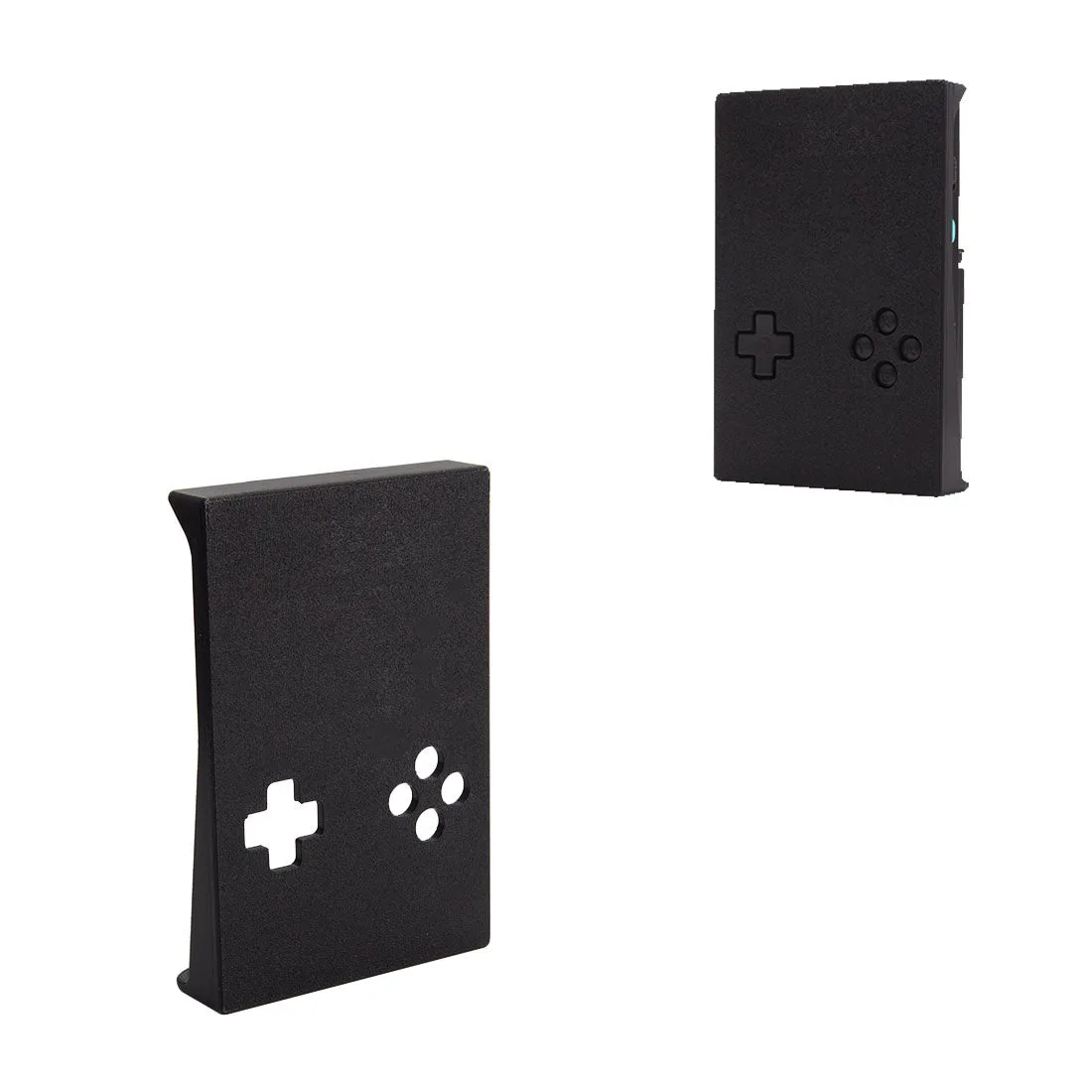
3D Printed Protective Case for TRIMUI BRICK/BRICK HAMMER
-
3D Printed Protective Case for TRIMUI BRICK/BRICK HAMMER: Durable PLA material that is strong yet flexible, protecting against drops and impacts. PLA gives solid protection, but because it's not rubbery, you should avoid bending the case too far during installation to prevent stress marks.