Quick answer
Installing a 52-inch ceiling fan with light is a straightforward DIY project if you have basic wiring knowledge and a helper for the heavy lifting. Always turn off power at the breaker before starting.
Before you start: What you need to know about a 52-inch fan
A 52-inch ceiling fan is a common size for medium to large rooms (up to 400 sq ft). Because it's larger and heavier than a typical 42-inch fan, you must ensure your ceiling electrical box is rated to support a ceiling fan (not just a light fixture). Most retrofit boxes are labeled 'fan-rated' and can hold 50 lbs or more.
Also, the blades have a longer reach, so make sure you have at least 18 inches of clearance from walls or furniture for safe airflow and to avoid damage.
Wiring considerations for a fan with light
If your fan includes a light kit (like the Sofucor 52'' Ceiling Fan with LED Lights), you may need a separate wall switch for the light and fan, or you can use the included remote control. The wiring is similar to a standard fan: connect the green ground wire, white neutral, black fan motor wire, and blue light wire (if separate).
If your existing wiring only has a single hot wire, you can still install the fan and use the remote to control both light and fan independently.
Installation steps
- 1. Turn off power and remove old fixture: Switch off the circuit breaker for the room. Remove the existing light fixture or fan. Disconnect wires and remove the old mounting bracket. If you see more than one set of wires (e.g., from a switch loop), take a photo for reference. Common mistake: Forgetting to turn off the breaker. Always double-check with a non-contact voltage tester.
- 2. Install a fan-rated electrical box: If your current box is not rated for ceiling fans, replace it with a fan-rated box that can support at least 50 lbs. For a 52-inch fan, a metal box with a brace is recommended. Follow the manufacturer's instructions for your ceiling type (joist, retrofit, or old work). Checkpoint: The box must be securely anchored to a ceiling joist or use a rated brace. A loose box can cause the fan to wobble or fall.
- 3. Assemble the fan motor and mount the bracket: Attach the fan blades to the motor (if not pre-assembled) following the manual. Then, screw the mounting bracket to the electrical box. For a 52-inch fan, you may need a helper to hold the motor while you connect wires. Common mistake: Installing the blades upside down or overtightening screws, which can strip threads.
- 4. Wire the fan and light: Connect the wires: green (ground) to the box or ground wire, white (neutral) to white, black (fan motor) to the hot wire from the switch, and blue (light) to the same hot wire if you want both controlled by one switch, or to a separate hot wire for independent control. Use wire nuts and wrap with electrical tape. Common mistake: Mixing up the blue and black wires. If your fan has separate wires, connect both to the same hot wire unless you have a separate switch for the light.
- 5. Hang the fan and secure it: Lift the fan motor onto the mounting bracket, aligning the slots. Rotate it until it locks into place. Tighten all screws. Then attach the light kit (if separate) and any decorative covers. Checkpoint: Make sure the fan is level. Use a spirit level on the motor housing. An uneven fan causes wobble.
- 6. Install the remote receiver and test: If your fan uses a remote (like the Sofucor model), install the receiver inside the canopy according to the manual. Restore power at the breaker. Use the remote to test each speed, light color, and brightness. If the fan doesn't work, turn off power and check wire connections. Common mistake: Forgetting to pair the remote with the receiver. Some models require a pairing sequence (e.g., press and hold a button). Refer to the manual.
- 7. Balance the blades (if needed): Turn on the fan at low speed. If you notice wobbling, use a balancing kit (usually included) to attach weights to the top of the blades. Alternatively, swap blade positions or tighten screws. Checkpoint: A slight wobble is normal for the first few minutes as the fan settles. If it persists, balance the blades.
Product facts
-
Sofucor 52'' Ceiling Fan with LED Lights: The Sofucor 52'' Ceiling Fan with LED Lights includes a remote control that manages 6 wind speeds, 3 light color temperatures (3000K/4000K/6000K), and 0-100% brightness adjustment. This means you don't need separate wall switches for light and fan—the remote handles everything, simplifying installation and daily use.
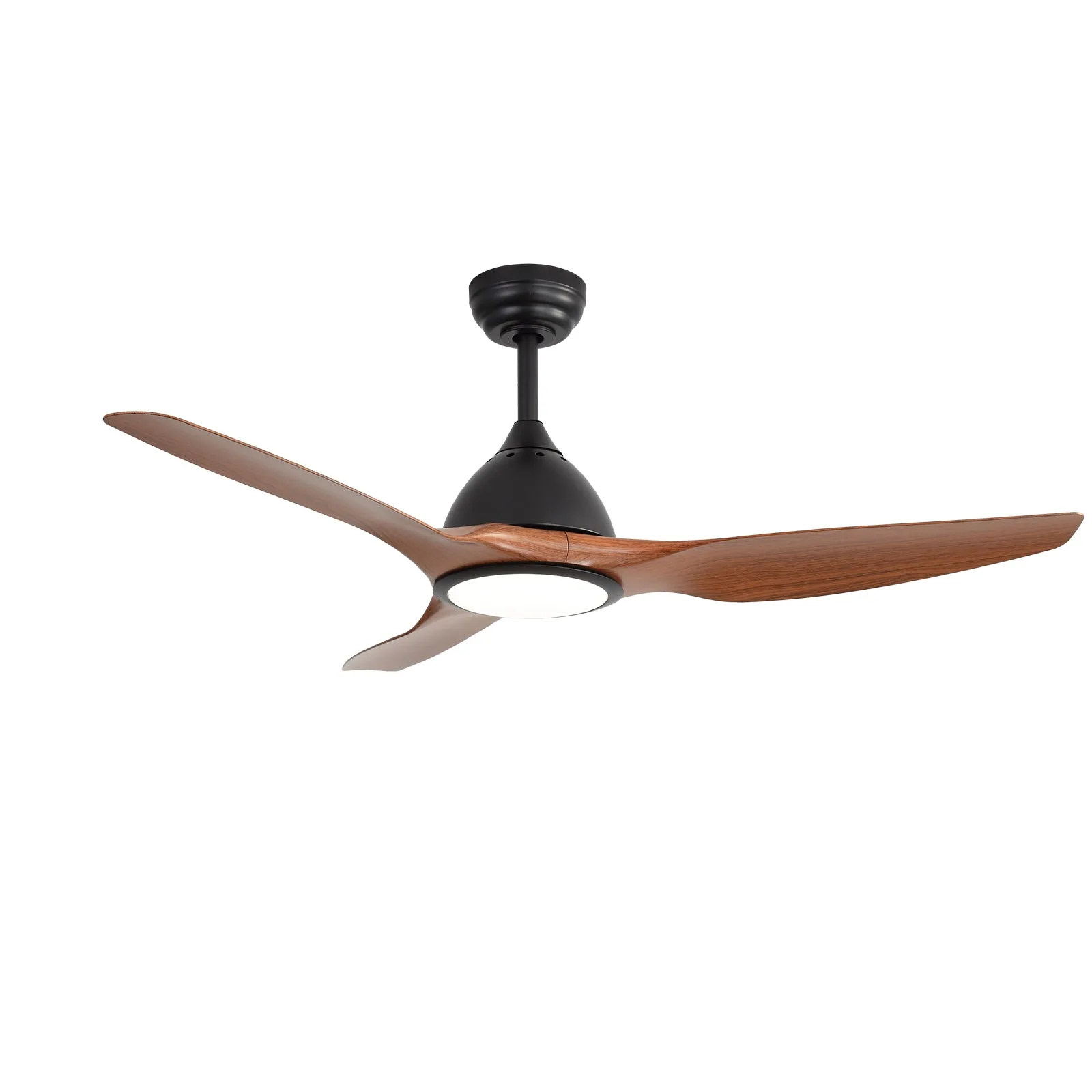
Sofucor 52'' Ceiling Fan with LED Lights