What the Center Post Does
The Sim-Lab Center Post is designed to support center-mounted flight sticks or yokes, giving you a sturdy, ergonomic base for immersive flight simulation. It blends seamlessly with your cockpit, offering rock-solid stability and adjustability for different heights. Installing it correctly ensures you get the most out of your flight sim gear.
Center Post Key Features
-
Center Post: The Center Post supports center-mounted flight sticks or yokes, offering a sturdy, ergonomic base for immersive flight simulation. This confirms the post is built for flight sim hardware, not just a generic bracket.
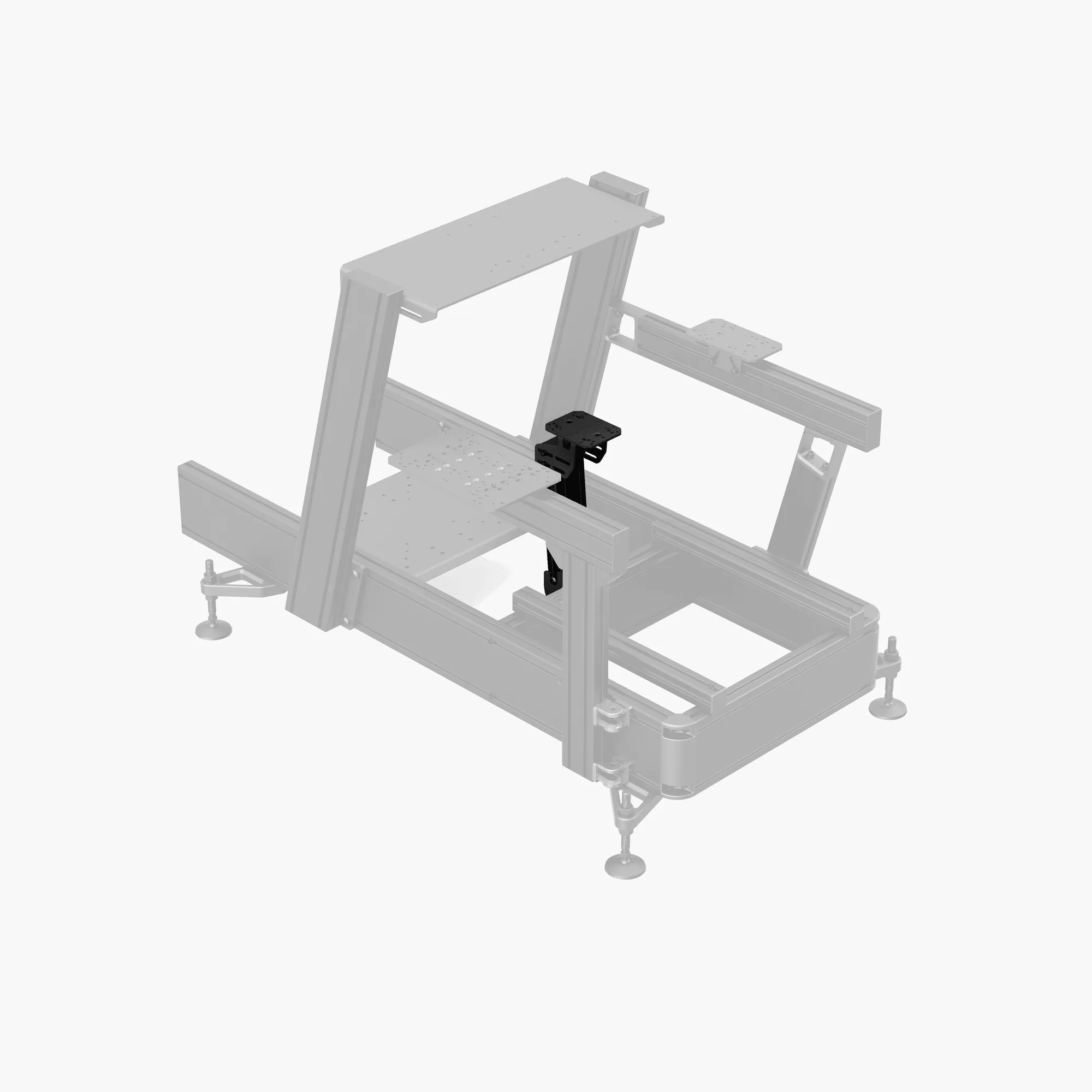
Center Post
-
Center Post: Ergonomic Central Positioning, Rock-Solid Stability, Adjustable for All Heights, Seamless Cockpit Integration. These features mean the post can be tuned to your seating position and cockpit frame without wobble.
Installation Steps
The following steps outline a general process for mounting the Center Post to a compatible sim racing cockpit. Since specific cockpit profiles vary, always check your cockpit's manual for exact slot sizes and hardware requirements.
- 1. Prepare Your Cockpit Frame: Clear the area where the center post will attach. Identify the cross members or mounting points on your cockpit that align with the post's base. The post is designed to integrate seamlessly, so it should line up with standard profile slots. Follow the supplied product instructions for specific measurements and alignment.
- 2. Position the Center Post: Place the Center Post in the desired central position. Adjust it forward or backward to suit your reach and the length of your flight stick or yoke. The adjustable height feature lets you fine-tune the ergonomics later.
- 3. Secure the Base: Use the supplied T-nuts and bolts (not included with the post itself – refer to your cockpit's hardware kit) to fasten the post's base to the profile channels. Tighten evenly to ensure rock-solid stability. Do not overtighten; snug is sufficient to avoid stripping threads.
- 4. Mount Your Flight Stick or Yoke: Attach your flight stick or yoke to the top plate of the Center Post using the appropriate mounting holes. The post is designed for center-mounted hardware, so the mounting pattern should align with common flight sim peripherals.
- 5. Adjust Height and Angle: Loosen the height adjustment mechanism, set the post to your preferred height, and retighten. Test the range of motion of your flight controls to ensure there is no interference with the cockpit frame.
What to Keep in Mind
The Center Post is built for stability, but its performance depends on a solid cockpit foundation. If your cockpit uses narrower profiles or lighter materials, the post may still work, but verify that the mounting slots are compatible. The supplied evidence does not include specific torque values or hardware sizes, so use standard M6 or M8 T-nuts and bolts that match your cockpit's profile system.
For flight simulation enthusiasts who already have a sim racing cockpit, adding the Center Post is a straightforward upgrade that brings dedicated flight control positioning without needing a separate rig.