Quick answer
Turn off power, remove the existing switch, connect the MAXWELL module wires to your load and line, then mount the module behind your chosen plate.
Why choose the MAXWELL Auto Detect Dimmer Module
The MAXWELL module uses auto-detect technology to work with most dimmable LED and incandescent loads, so you do not need to adjust a trim pot or select a load type. Its compact design fits behind standard single-gang and multi-gang plates, and the antique brass finish keeps the visible detail consistent with other Plank Hardware fixtures.
Installation steps
- 1. Turn off power and verify it is off: Switch off the circuit breaker for the room. Use a non-contact voltage tester on the existing switch wires to confirm zero voltage before touching anything. A common mistake is trusting the wall switch alone; always test with a voltage tester.
- 2. Remove the existing switch and identify wires: Unscrew the faceplate and switch, then pull the switch out gently. Identify the line (hot) wire, load (light) wire, and neutral (if present). Label them with tape. If your box has no neutral wire, the MAXWELL module may still work with incandescent loads but check compatibility with LED loads first.
- 3. Connect the MAXWELL module wires: Match the module’s black wire to line, red wire to load, and white wire to neutral (if available). Use wire nuts and ensure no copper is exposed. Tuck connections neatly into the box. Reversing line and load is a common error that prevents dimming; double-check your labels before connecting.
- 4. Mount the module and attach the plate: Push the module body into the electrical box, ensuring wires are not pinched. Screw the module bracket to the box, then attach your chosen switch plate over the module’s front detail. Over-tightening the plate screws can crack the finish; snug them finger-tight plus a quarter turn.
- 5. Restore power and test the dimmer: Turn the breaker back on. Press the dimmer knob or touch control to test on/off function, then rotate or slide to confirm smooth dimming across the range. If the light flickers, the load may be non-dimmable or the module may need a minimum load; swap a bulb to check.
Product facts
-
MAXWELL Auto Detect Dimmer Detail with Module - Antique Brass: The Maxwell Auto Detect Dimmer Detail in Antique Brass offers a refined, minimalist solution for controlling light levels. Its smooth brass construction and warm antique finish blend seamlessly with a variety of plate styles. The antique brass finish matches many existing switch plates, so you can upgrade to dimming without mismatched hardware.
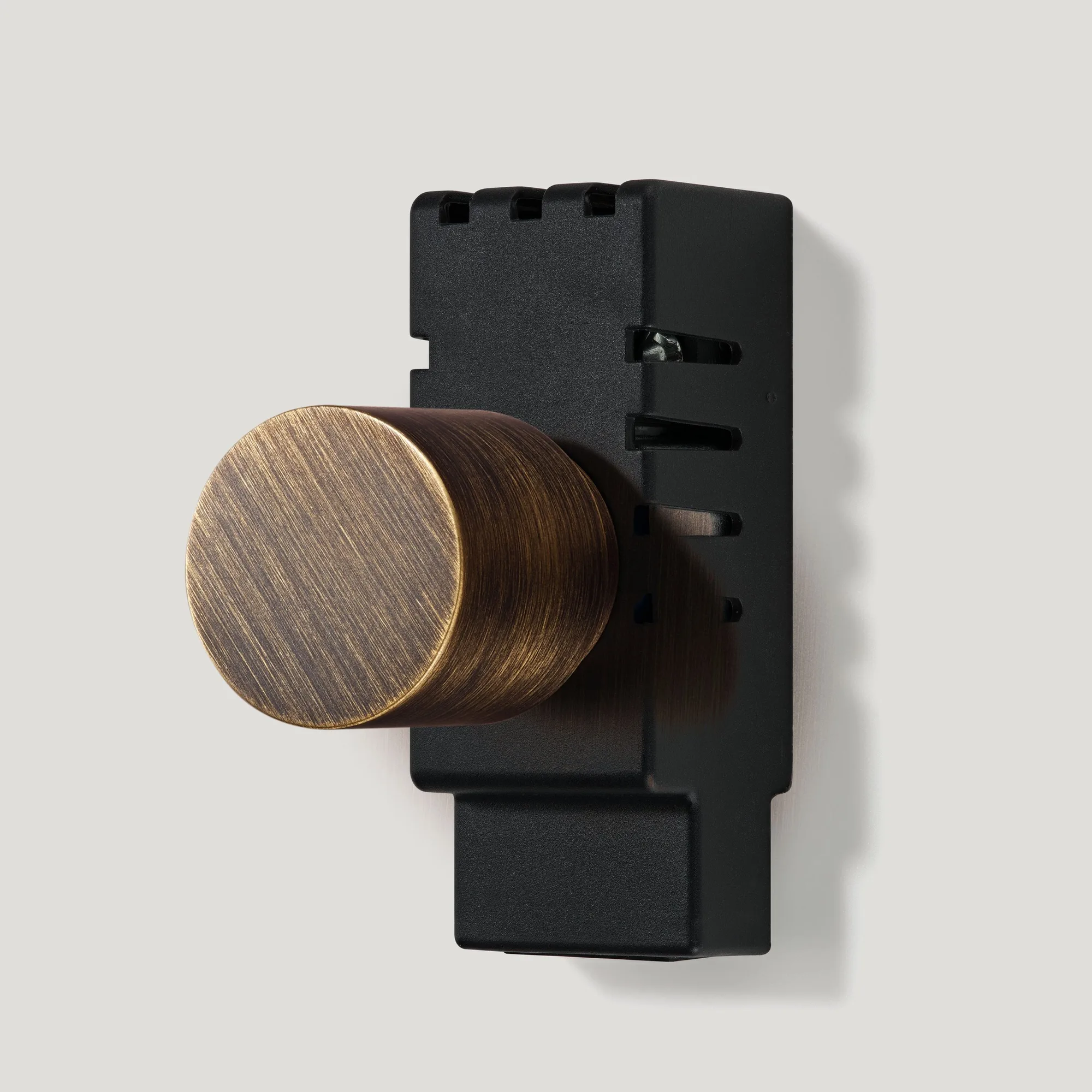
MAXWELL Auto Detect Dimmer Detail with Module - Antique Brass