Quick answer
Clean the wall with isopropyl alcohol, press the adhesive mount firmly for 30 seconds, and wait at least 6 hours before adding your device. This damage-free method works for security cameras and Wi-Fi routers, and you can remove the mount later by heating the adhesive with a hair dryer and prying gently.
Why adhesive mounts are a smart choice for renters
Adhesive wall mounts let you position security cameras and Wi-Fi routers high on a wall without drilling holes, which is ideal for rental friendly wall mount setups. They also avoid the mess of drywall dust and the need for tools. The trade-off is that adhesive performance depends on surface type and prep: glossy paint, tile, and glass hold well, while textured wallpaper or unfinished brick may not provide a reliable bond. Always test on a small hidden area first.
Prep the wall surface for a lasting bond
Before sticking anything, wipe the area with isopropyl alcohol and let it dry completely. This removes oils and dust that weaken the adhesive. Avoid cleaning products with moisturizers or citrus, which can leave residue. If the wall is freshly painted, wait at least 7 days for the paint to cure. For best results, install when room temperature is between 50°F and 85°F (10°C–29°C); extreme cold or heat reduces initial tack.
Position the mount for optimal performance
Place the mount high and angled slightly downward for cameras, or high and unobstructed for routers. For Wi-Fi, higher placement improves signal range. Use a pencil to mark the spot lightly, then hold the mount in place for 30 seconds with firm, even pressure. Don't press the device into the mount yet—the adhesive needs time to cure. If you're mounting on a corner, ensure the mount sits flush and doesn't rock.
Wait before adding your device
Most adhesive mounts require a 6-hour cure time before you insert the camera or router. This waiting period lets the adhesive reach full strength. Rushing it is the most common mistake and can lead to a fall. Set a timer and avoid touching the mount during this window. If the room is humid, extend the wait to 12 hours.
How to remove an adhesive mount safely
To remove the mount without damaging paint, warm the adhesive with a hair dryer on low for 30–60 seconds. Then slide a plastic card or dental floss behind the mount and gently pry it away. Never pull straight off—that can tear paint or drywall. Any residue can be rolled off with your thumb or cleaned with a bit of isopropyl alcohol. If you plan to reuse the mount, replace the adhesive tape with a fresh strip.
Step-by-step installation checklist
- Clean the wall: Wipe with isopropyl alcohol and let dry. Avoid oily or citrus-based cleaners. Checkpoint: surface must be dry and free of residue.
- Mark and position: Hold the mount in the desired spot for 30 seconds with firm pressure. Do not insert device yet. Common mistake: pressing too lightly or rushing this step.
- Wait 6 hours: Let the adhesive cure fully before adding weight. Extend to 12 hours in humid conditions. Checkpoint: no touching or hanging items during cure time.
- Insert your device: Slide the camera or router into the mount according to the product instructions. Common mistake: forcing the device if it doesn't fit easily.
- Remove safely when needed: Warm with a hair dryer, then pry off with a plastic card. Clean residue with alcohol. Checkpoint: never pull straight off to avoid paint damage.
Products that use this installation method
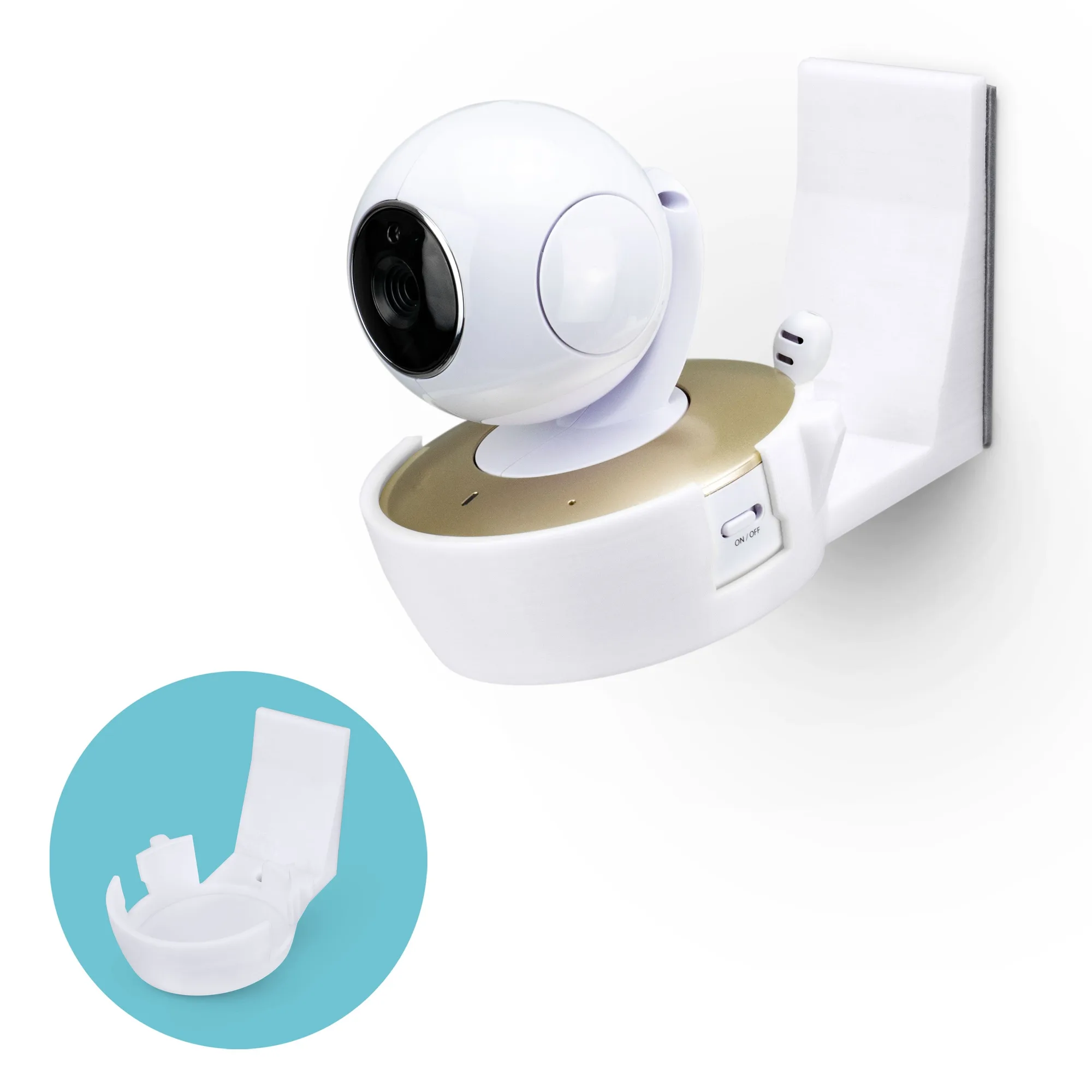
- Motorola MBP50-G Adhesive Wall Mount - Tilted Shelf for Better View Angles, Easy to Install: Motorola MBP50-G Adhesive Wall Mount - Tilted Shelf for Better View Angles, Easy to Install. Simply remove the safety tape cover from the back of the holder, and place it high up in the corner of a room, let it sit there for at least 6 hours then push your camera into the holder. Follow the 6-hour cure time before inserting the camera to ensure the mount stays secure.
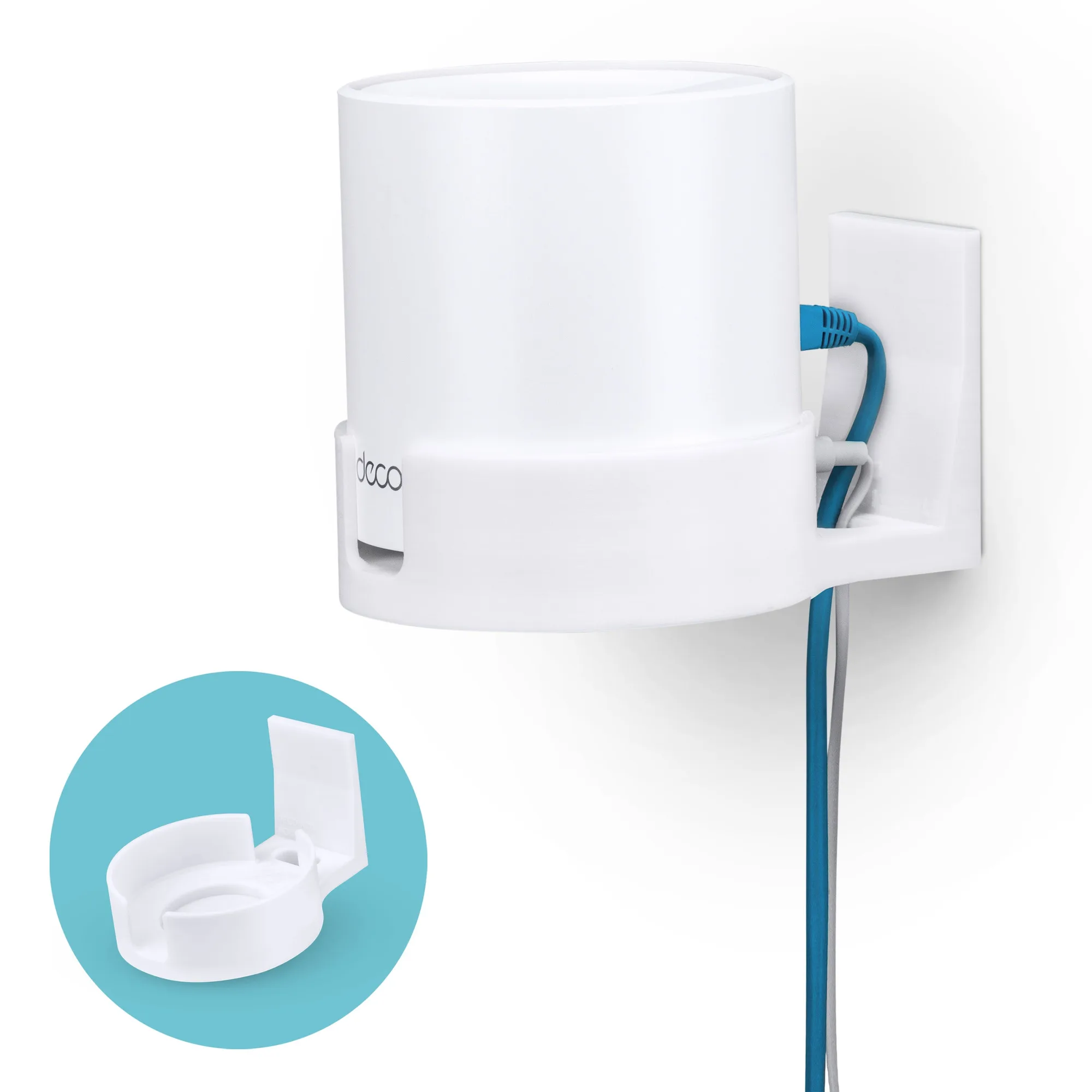
- TP-Link Deco X15, X20, X50, X55 & X60 Adhesive Wall Mount Holder - Easy To Install: TP-Link Deco X15, X20, X50, X55 & X60 Adhesive Wall Mount Holder - Easy To Install. Get the most from our TP-Link Deco Mesh WiFi system by placing it higher up on your wall with our wall bracket mount, safe, secure and better for maximum range and reception. Wall mounting your router can improve Wi-Fi coverage, and the adhesive installation avoids drilling.
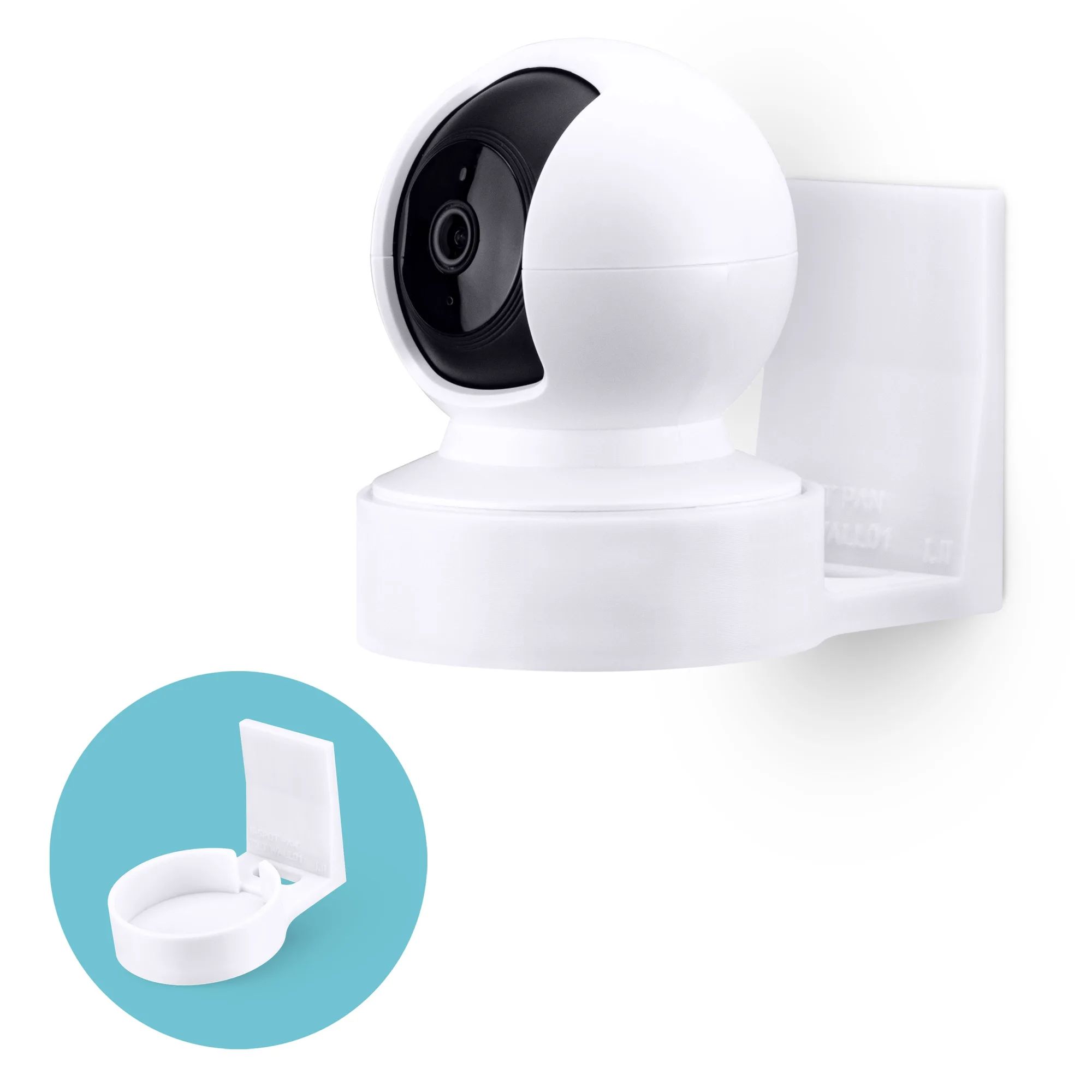
- Wall Mount for Kasa EC70 Spot & 2K Indoor Pan/Tilt, Adhesive Holder for TP Link Spot Smart Security Cameras, Installs in Minutes, No Mess Hanger Bracket: Wall Mount for Kasa EC70 Spot & 2K Indoor Pan/Tilt, Adhesive Holder for TP Link Spot Smart Security Cameras, Installs in Minutes, No Mess Hanger Bracket. Simply remove the safety tape cover from the back of the holder, and place it high up in the corner of a room, let it sit there for at least 6 hours then push your camera into the holder. The drop-in design requires the same 6-hour wait, so plan your installation accordingly.