Quick Answer
To install the mounting plate for your August Smart Lock 3rd Gen, align it on the inside of your door, secure it with the provided screws, and then attach the lock. Follow the steps below to do it correctly the first time.
Why the Mounting Plate Matters
The mounting plate is the backbone of your August Smart Lock 3rd Gen installation. It holds the lock securely against the door, ensuring that the latch engages properly every time. A loose or misaligned plate can cause the lock to jam or fail to communicate with the deadbolt.
If you're replacing a worn or damaged plate, the process is the same as a fresh install. The Mounting Plate for August Smart Lock 3rd Gen is designed specifically for this model, so you don't need to worry about compatibility with other August locks.
Tools You'll Need
You'll need a Phillips-head screwdriver and the screws that came with your mounting plate (or the ones from your original installation). No special tools are required, but a level can help ensure the plate is perfectly aligned.
If you're reusing an existing plate, check that the screws are in good condition and not stripped. Using damaged screws can lead to a loose fit.
Step-by-Step Installation Guide
- Remove the existing lock: If you're replacing an old lock, remove it from the door. Keep the screws and any other hardware in a safe place. Check that the deadbolt is centered and operates smoothly before proceeding.
- Align the mounting plate: Hold the mounting plate against the inside of the door, aligning the screw holes with the existing holes from your deadbolt. Ensure the plate is level. Use a level to avoid a tilted plate, which can cause the lock to bind.
- Secure the plate with screws: Insert the screws and tighten them with a Phillips-head screwdriver. Do not overtighten, as this can strip the screw holes. The plate should feel snug but not so tight that the door material is compressed.
- Attach the August Smart Lock 3rd Gen: Follow the lock's instructions to mount it onto the plate. Ensure the lock's tailpiece engages with the deadbolt correctly. Test the lock manually before closing the door to confirm the latch moves freely.
- Test the lock and calibrate: Close the door and use the lock's app to run a calibration or test cycle. Verify that the lock locks and unlocks smoothly. If the lock struggles, recheck the plate alignment and screw tightness.
Product Facts
-
Mounting Plate for August Smart Lock 3rd Gen: The Mounting Plate for August Smart Lock 3rd Gen is a replacement part designed to attach to the inside of your door and hold the August Smart Lock 3rd Gen in place. This ensures you get a precise fit that keeps your lock secure and functioning reliably.
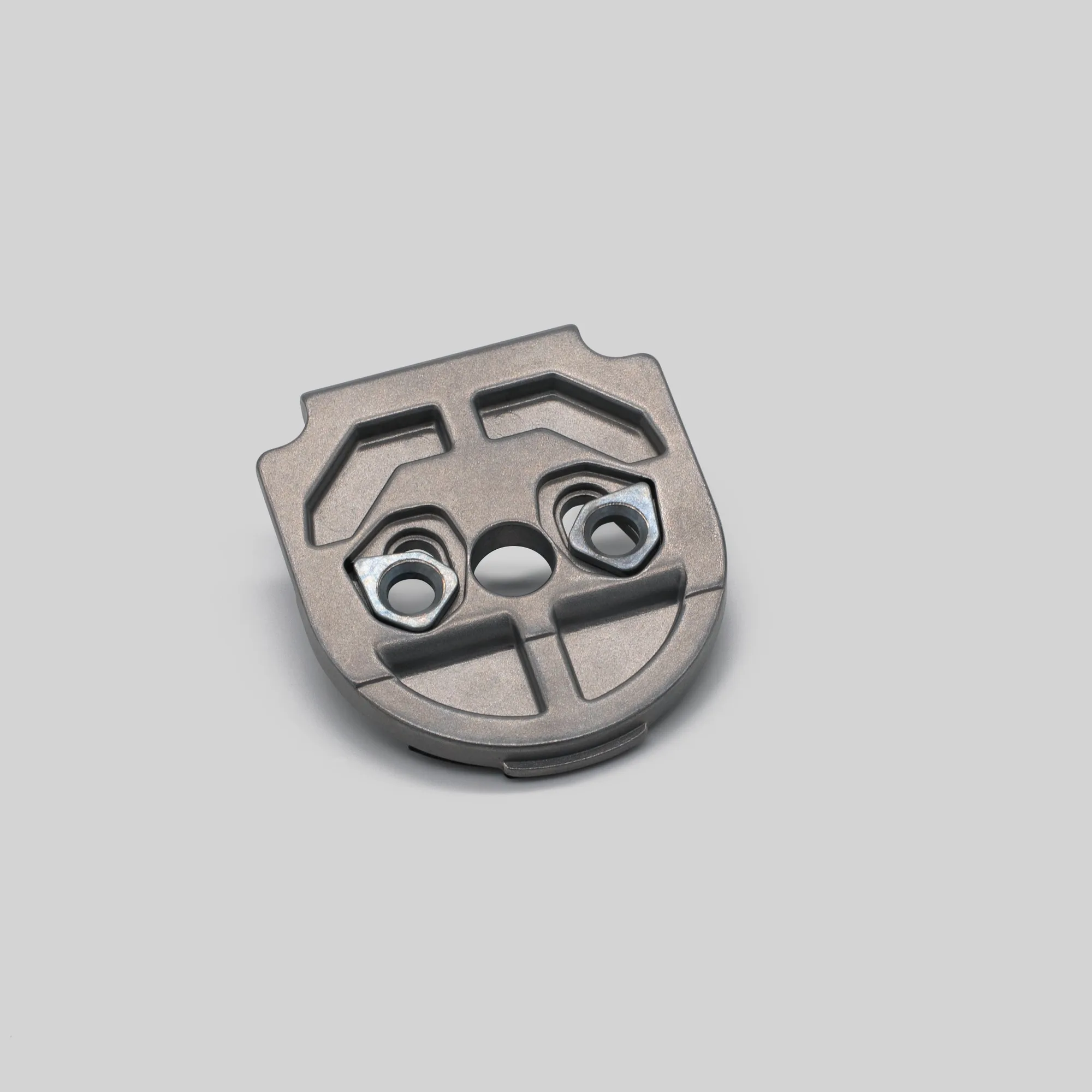
Mounting Plate for August Smart Lock 3rd Gen