Quick answer
Install the BCP62 marine Bluetooth receiver by disconnecting the battery, mounting the unit, connecting wiring, and testing before finalizing. This guide walks you through each step.
Before you start: What you need
The BCP62 is a true double-DIN marine receiver with a 6.2-inch capacitive touchscreen, Apple CarPlay, Bluetooth hands-free, and an AM/FM tuner. You’ll need basic tools: wire strippers, crimp connectors, a drill for mounting screws, and a marine-grade wiring kit. Ensure your boat’s electrical system is 12V DC and that you have a clear, dry workspace.
Installation steps
- Step 1: Disconnect the battery: Always disconnect the negative battery terminal before starting any marine electrical work. This prevents shorts and protects the receiver’s electronics. Common mistake: leaving the battery connected can blow fuses or damage the unit.
- Step 2: Mount the BCP62: Use the included mounting bracket or a standard double-DIN sleeve. Secure the unit with corrosion-resistant screws. Ensure the area is dry and provides airflow for cooling. Check that the mounting depth (about 6 inches) is clear of obstructions behind the dash.
- Step 3: Connect power and ground: Connect the red wire to a 12V positive source (fused at 15A recommended) and the black wire to a clean ground point. Use crimp connectors and heat shrink for water resistance. Common mistake: using a poor ground can cause intermittent power loss or noise.
- Step 4: Wire the speakers: The BCP62 has 4 channels at 80 watts each. Connect speaker wires to the correct terminals: left/right front and rear. Use 14-16 gauge marine wire for best performance. Double-check polarity: reversed wires cause phase cancellation and poor sound.
- Step 5: Connect antenna and accessories: Attach the AM/FM antenna to the designated port. If using the steering wheel control input, connect the optional interface (not included). For Apple CarPlay, use a USB cable to your device. Common mistake: forgetting the antenna connection limits radio reception severely.
- Step 6: Test before final assembly: Reconnect the battery and power on the unit. Test all functions: Bluetooth pairing, radio tuning, touchscreen response, and speaker output. If everything works, secure all cables and close the dash. If no sound, check speaker wiring and source selection. If no power, verify fuse and connections.
Product facts
-
BCP62: True double-DIN fit with 6.2-inch capacitive touchscreen This means the BCP62 fits standard double-DIN openings without adapters, and the touchscreen is responsive even with wet fingers.
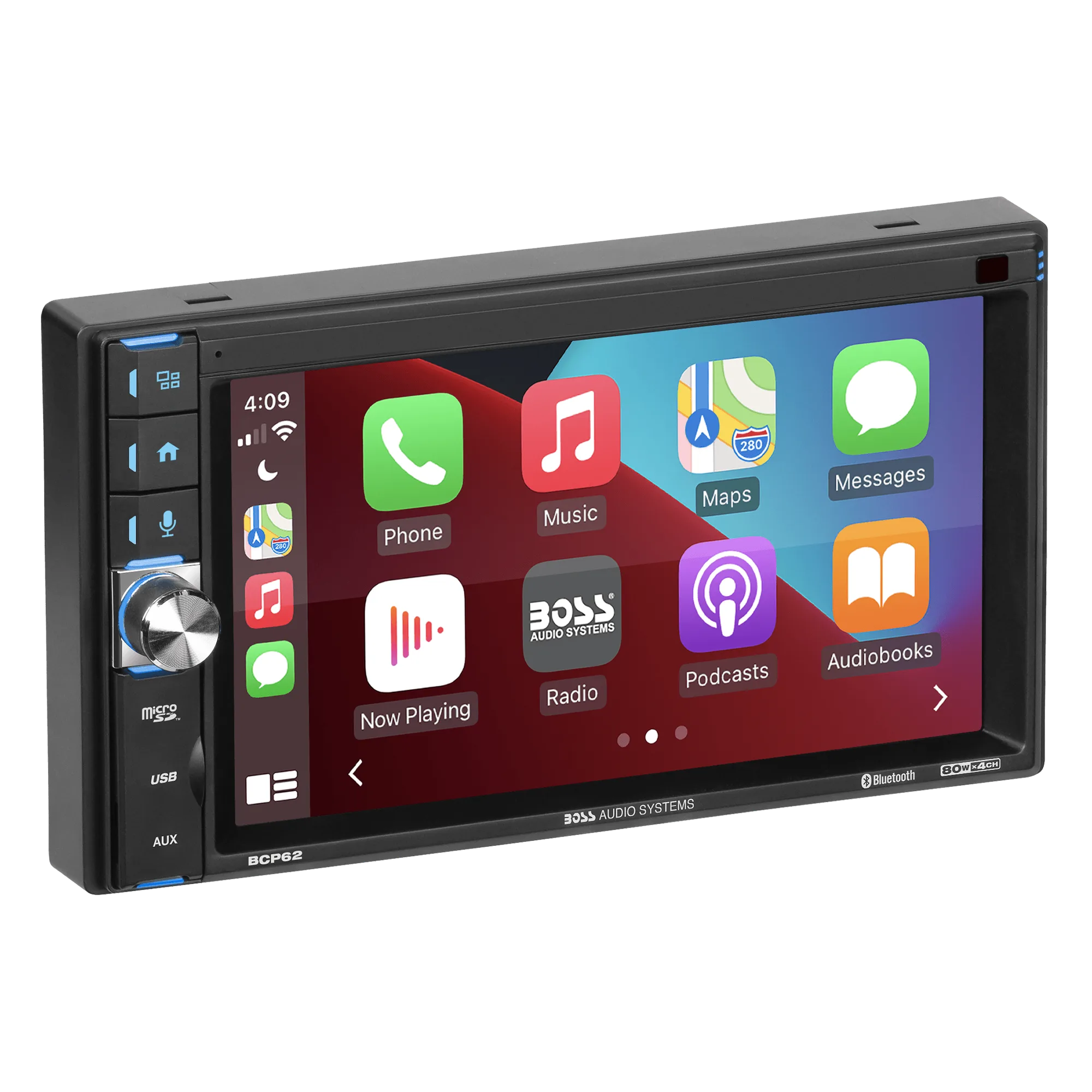
BCP62
-
BCP62: Bluetooth hands-free and Apple CarPlay (wired) You can stream music and take calls without touching the unit, but CarPlay requires a USB cable connection for full functionality.