Quick Answer
To install a freestanding triple monitor stand, assemble the base and vertical supports, then mount each monitor using the correct VESA pattern, and finish by leveling and managing cables.
Why Choose a Freestanding Triple Monitor Stand?
A freestanding triple monitor stand is a popular choice for sim racers because it does not attach to your desk or rig, giving you more flexibility in positioning. It also provides a stable platform for heavy ultrawide monitors, which can be challenging to mount on integrated stands.
Before you start, make sure you have enough floor space and that your monitors are within the weight and size limits of the stand. Check the VESA compatibility of your monitors—most stands support 100x100 or 200x200 patterns, but some ultrawide models may require a different size.
Tools and Preparation
Gather the tools you'll need: a Phillips screwdriver, an Allen wrench (often included), a level, and a measuring tape. Having a second person to help lift heavy monitors is highly recommended.
Clear the area where you plan to place the stand. Ensure the floor is level; if not, use shims to adjust the feet after assembly.
Installation Steps
- Step 1: Unbox and Inventory: Lay out all parts and verify you have the base, vertical supports, crossbeams, VESA plates, and hardware. Check the manual for a parts list. Missing parts? Contact support before starting.
- Step 2: Assemble the Base: Connect the base legs to the central column using the provided bolts. Tighten finger-tight first, then fully secure once the stand is upright. Do not over-tighten; you may need to adjust later.
- Step 3: Attach Vertical Supports: Slide the vertical supports onto the base column and secure them with the locking pins or bolts. Ensure they are evenly spaced for your monitor width. Use a measuring tape to keep spacing symmetrical.
- Step 4: Mount VESA Plates: Attach the VESA plates to the back of each monitor. Use the correct screws for your monitor's VESA pattern (e.g., 100x100 or 200x200). Hand-tighten first; do not force screws into wrong holes.
- Step 5: Lift Monitors onto Stand: With a helper, lift each monitor and align the VESA plate with the stand's mounting bracket. Secure the plate to the bracket using the provided bolts. Always have a second person for heavy ultrawide monitors.
- Step 6: Level and Adjust: Use a level to check each monitor. Adjust the tilt and height as needed, then tighten all bolts securely. Re-check level after tightening; bolts can shift alignment.
- Step 7: Manage Cables: Route cables along the stand's crossbeams and use cable ties or clips to keep them tidy. Leave enough slack for monitor adjustments. Tidy cables now to avoid tangles later.
Product Highlights
-
Freestanding Triple TV & Monitor Stand [Up to 50" TV or 45" Ultrawide]: This stand supports monitors up to 45" ultrawide (21:9) and TVs up to 50" (16:9), with 3" x 1.5" North American sourced aluminum beams. The sturdy aluminum beams ensure the stand can handle heavy ultrawide monitors without flexing, giving you a stable setup.
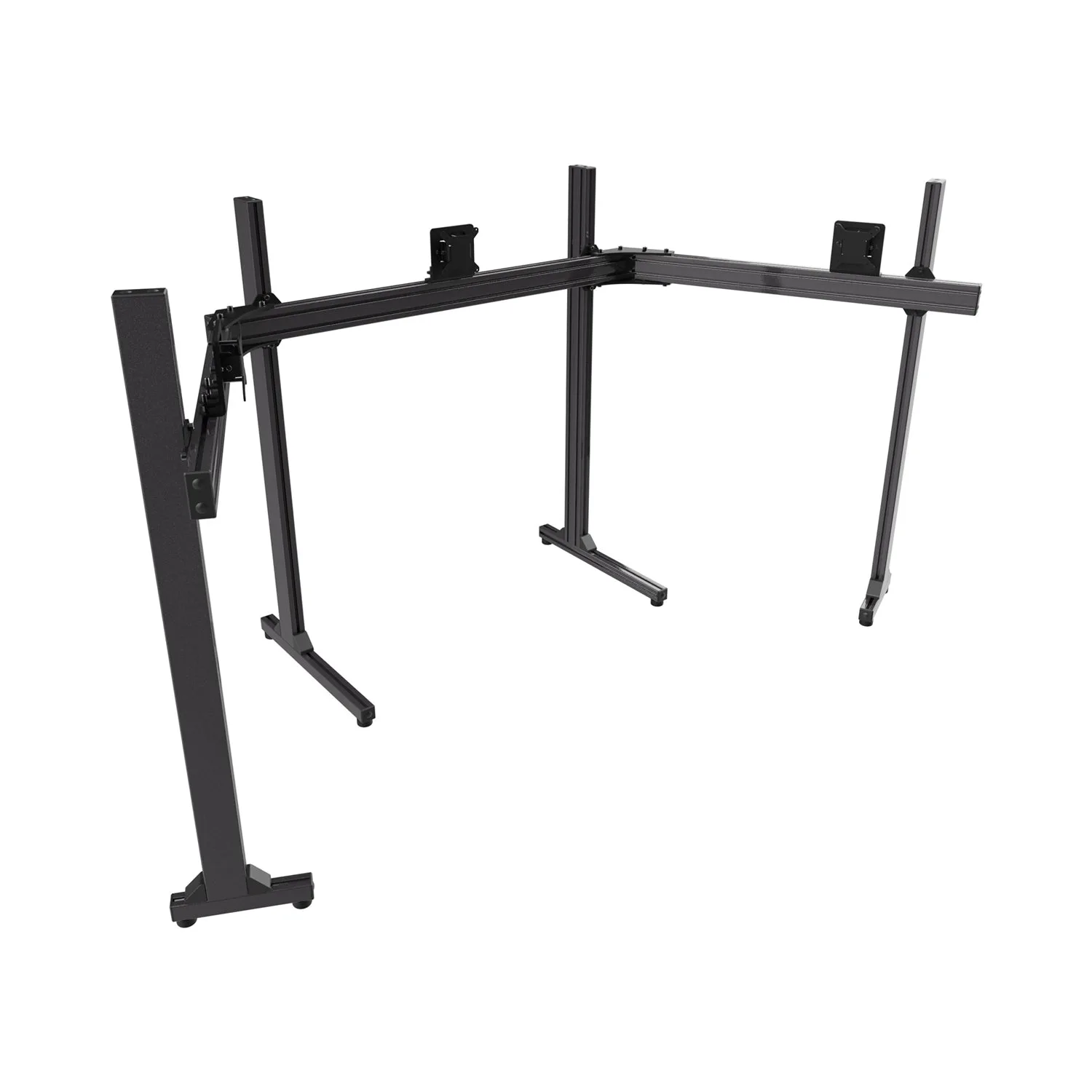
Freestanding Triple TV & Monitor Stand [Up to 50" TV or 45" Ultrawide]