Quick answer
Install the Future Stem Comp by removing the old stem, transferring or fitting the correct spacers and top cap, then torquing the steerer clamp and bar clamp to the values printed on the stem. Work in small increments and check headset preload before you ride.
Why this stem is not a universal fit
The Future Stem Comp is built for bikes with a Future Shock, so it is the right choice when you are replacing the stem on a compatible model rather than adapting a standard road setup. If your bike uses a conventional steerer and headset, this stem is not the correct part and you should use a standard road stem instead.
This is also where a road bike stem upgrade gets interesting: because the stem is Future Shock-optimized, it is designed to work with the accessory mount and the existing cockpit layout rather than forcing you to re-cable the front end.
Tools and preparation
You will need a torque wrench that reads in the range of your stem bolts, a set of hex keys, and a way to hold the front wheel steady while you work. Before you start, note your current stem length and angle so you can reproduce your fit or make a deliberate change.
Clean the steerer and the bar clamping area before fitting new parts. Grease or assembly compound should only go where the manufacturer specifies; do not grease carbon clamping surfaces unless the bar or steerer instructions call for it.
Torque and angle choices
The Future Stem Comp comes in 6-degree angles and in 60, 70, 80, 90, 100, 110, and 120mm lengths, so you can fine-tune reach and bar height without changing the rest of the cockpit. A shorter stem quickens steering and reduces reach; a longer stem slows steering and extends reach.
Use the torque values printed on the stem itself. If a value is not visible, stop and check the stem documentation rather than guessing, because over-torquing a lightweight alloy stem can damage the steerer or the bar.
Installation steps
- Remove the old stem: Loosen the bar clamp bolts and the steerer clamp bolts, then slide the old stem off the steerer. Support the bar so it does not hang from the cables. Keep the old stem and its bolts together in case you need to revert the fit.
- Transfer spacers and top cap: Move the headset spacers and top cap to the new stem in the same order, or adjust the stack height deliberately. The top cap must sit on the stem or a spacer, never directly on bare steerer. If the top cap bottoms out on the steerer, add a spacer rather than forcing it.
- Fit the Future Stem Comp: Slide the stem onto the steerer, set the angle and length position, and hand-tighten the steerer clamp bolts just enough to hold it. Do not fully torque yet. Check that the stem sits square on the steerer before tightening.
- Set headset preload: Tighten the top cap bolt until the headset has no play but the bar still turns freely. Test by rocking the bike with the front brake locked. If the headset binds or still rocks, stop and re-check spacer order before riding.
- Torque the steerer clamp: Using a torque wrench, tighten the steerer clamp bolts to the value printed on the stem, alternating in small increments. Do not exceed the printed value; alloy stems can crush a steerer if over-tightened.
- Mount and align the bar: Fit the handlebar into the bar clamp, set the bar angle and lever position, and tighten the bar clamp bolts to the printed torque in an even cross pattern. Confirm the bar is centered and the brake hoods are level before final tightening.
- Final check and adjust road bike stem position: With the bike on the ground, check that the front wheel tracks straight, the headset has no play, and the stem does not move when you push down on the bar. Make small angle or spacer changes only after this check. Re-check torque after the first ride, since new clamps can settle.
Product facts
-
Future Stem Comp: 3D-forged and CNC-machined from 6061 aluminum and optimized for use with all Future Shocks. It is a direct fit on Future Shock-equipped road bikes, so you avoid adapters and keep the intended cockpit geometry.
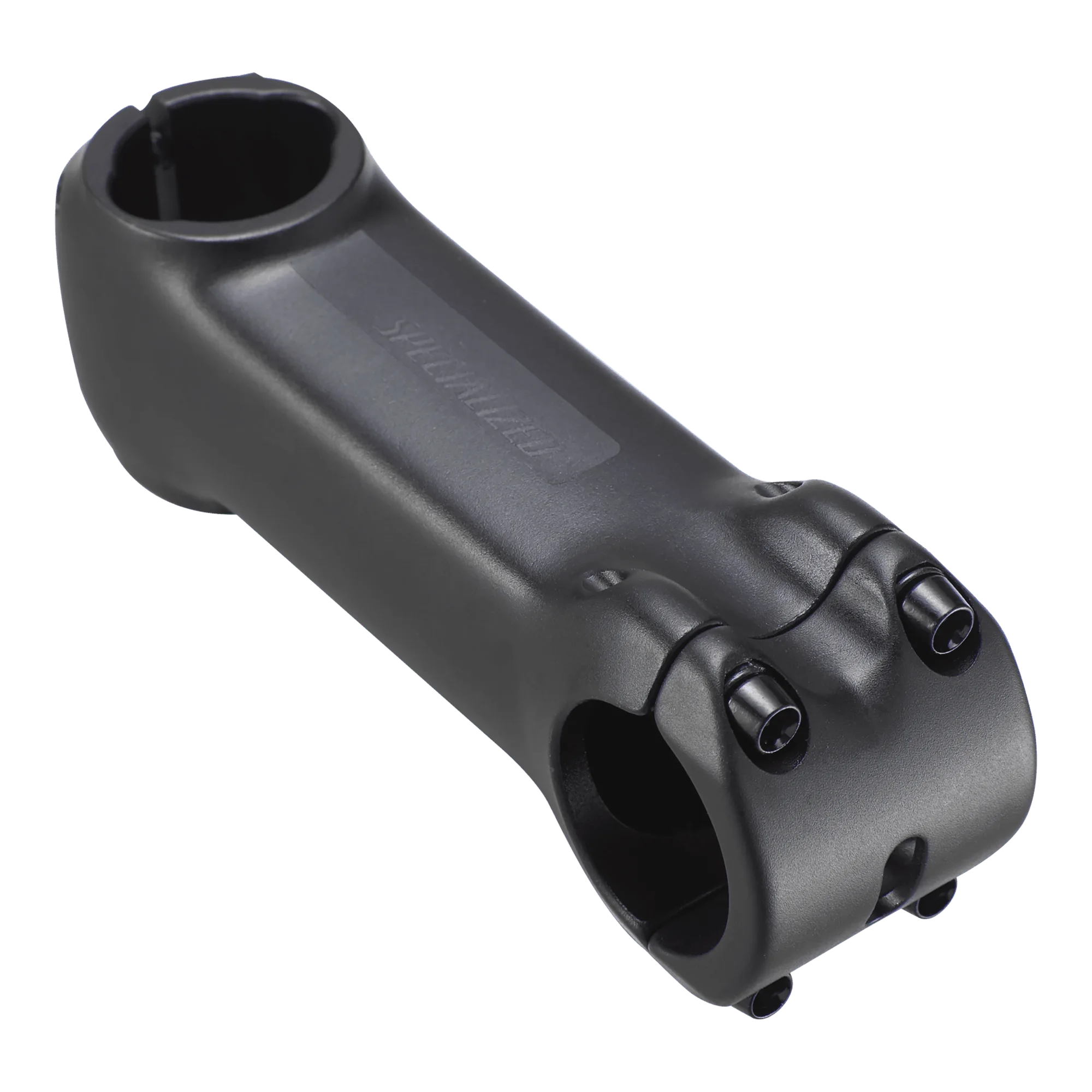
Future Stem Comp
-
Future Stem Comp: Compatible with the Specialized accessory mount. You can keep your existing mount and accessories in the same position instead of reworking the front end.