Quick answer
Installing a hardwired 2-conductor power cord requires turning off power, stripping the cable ends, connecting to the terminal block (line, neutral, ground), and securing the strain relief. The key is to verify polarity and torque connections correctly to avoid hum or safety hazards.
Why use a hardwired power cord?
A hardwired connection eliminates the weak link of a detachable IEC connector, reducing resistance and potential points of failure. This is especially beneficial for high-current components like amplifiers and powered subwoofers in music and film systems.
The Hardwired 2-Conductor Power Cord is designed for Basic and Upgraded Basic systems, offering a significant upgrade from standard power cords while maintaining compatibility with other Trans Audio companions.
Safety first: electrical work precautions
Always disconnect the component from AC mains before starting. Use a voltage tester to confirm zero voltage at the terminal block. If you are not comfortable working with live circuits, hire a qualified electrician.
The cord uses a 2-conductor plus ground configuration. Do not substitute a 2-wire cord without ground, as this violates electrical code and compromises safety.
Installation steps
- 1. Disconnect power and access the terminal block: Unplug the component from the wall. Remove the chassis cover or access panel to reach the AC input terminal block. Use a voltage tester to confirm no voltage is present. Common mistake: Forgetting to test for residual voltage in capacitors. Wait 60 seconds after unplugging.
- 2. Strip the cable ends to the correct length: Strip 1/2 inch (12 mm) of insulation from each conductor (line, neutral, ground). Twist the stranded wire ends tightly to prevent fraying. Do not tin with solder; bare wire makes a better mechanical connection. Common mistake: Stripping too much insulation can expose bare wire outside the terminal, risking shorts.
- 3. Connect conductors to the terminal block: Attach the black (line) wire to the L terminal, white (neutral) to N, and green or bare (ground) to the ground terminal. Tighten screws to the manufacturer's torque spec (typically 0.5–0.6 Nm). Common mistake: Reversing line and neutral will still power the device but may cause hum or safety issues. Double-check polarity.
- 4. Secure the strain relief: Tighten the cable gland or clamp so the cord cannot be pulled out. Leave a small service loop inside the chassis to avoid tension on the terminals. Common mistake: Overtightening the gland can crush the cable insulation; snug is enough.
- 5. Reassemble and test: Replace the cover, plug the component in, and power it on. Listen for hum or buzz. Use a multimeter to verify voltage between line and neutral (115–120 VAC in North America). Common mistake: If the device does not power on, check for a blown fuse or loose connection at the terminal block.
Product facts
-
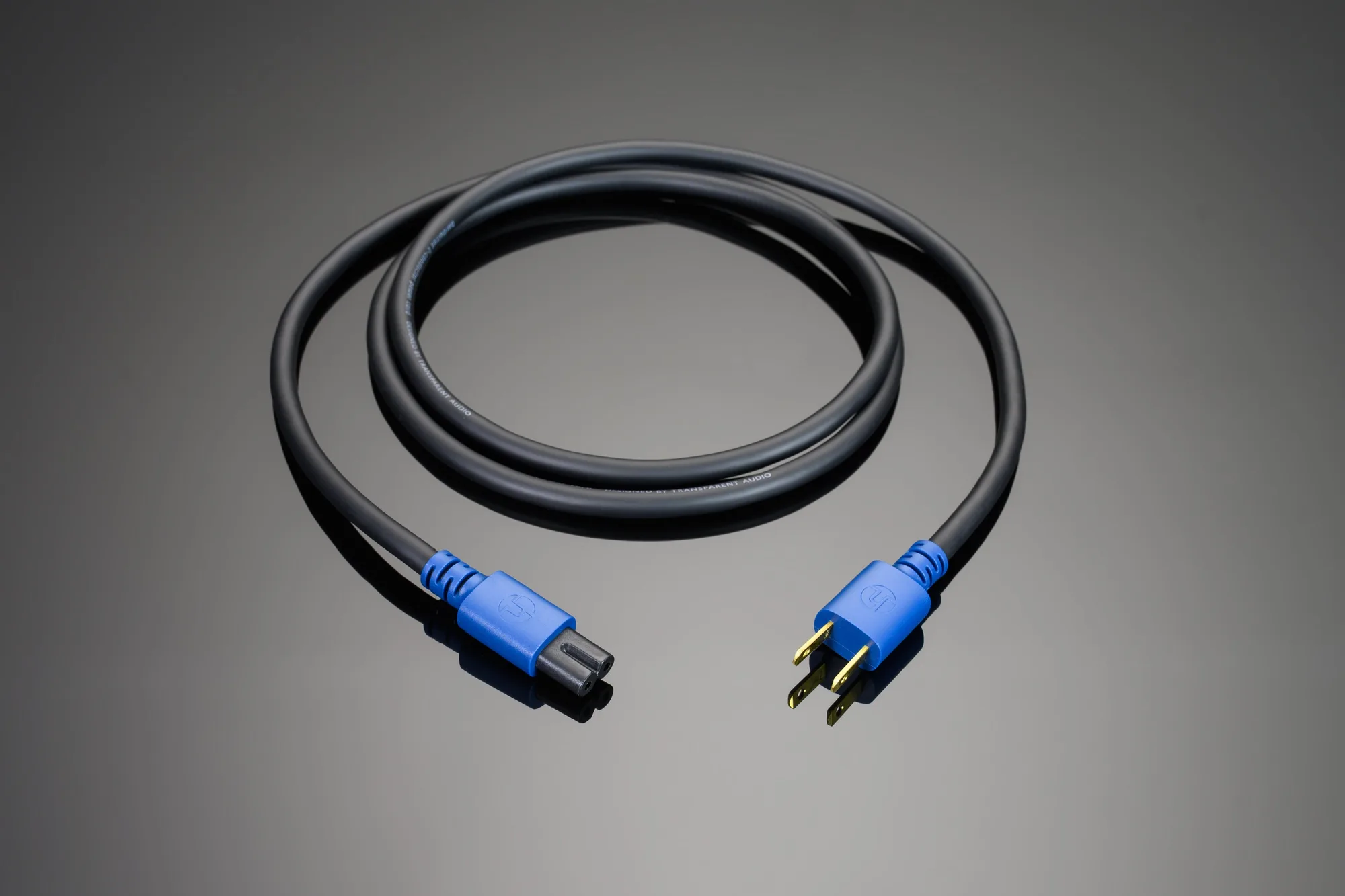
Hardwired 2-Conductor Power Cord: Hardwired 2-Conductor Power Cord is the perfect high-current power connection solution for Basic and Upgraded Basic music and film systems. It ensures a stable, low-resistance power path that can improve clarity and dynamics compared to a standard detachable cord.
Hardwired 2-Conductor Power Cord