Quick answer
To install the LensCoat RainCoat RS Medium, slide it over your lens and camera body, align the access openings with your controls, then secure the drawstrings and Velcro flaps. The Medium size fits camera bodies with lenses up to 15 inches long.
Why choose the RainCoat RS Medium
The RainCoat RS Medium is designed for camera bodies with lenses up to 15 inches long, making it a good fit for many telephoto and zoom lenses. It protects against rain, snow, salt spray, dirt, sand, and dust while still giving you access to camera and lens controls.
One trade-off: the Medium size may feel snug on larger camera bodies with battery grips or L-brackets. If your setup is close to the 15-inch limit, test the fit before heading out.
Installation steps
- 1. Prepare your gear: Remove any lens hood or filter that might snag the cover. Have your camera and lens ready with the lens cap off (if you plan to shoot). A common mistake is leaving the hood on; it can stretch or tear the cover.
- 2. Slide the RainCoat over the lens: Hold the RainCoat by the open end and slide it over the front of the lens, working it back toward the camera body. The drawstring end should face the front of the lens. If the cover feels tight, check that the lens is not wider than the opening; the Medium fits lenses up to 15 inches.
- 3. Position the camera body opening: Pull the cover so the large opening aligns with the back of the camera body. Make sure the access flaps for the viewfinder, buttons, and LCD screen are roughly centered. Misaligned openings can block the viewfinder or make controls hard to reach.
- 4. Secure the drawstring at the front: Pull the drawstring around the front of the lens (or lens hood if you reinstalled it) and tighten it gently. Do not overtighten—leave a little slack to avoid stressing the cover material. Overtightening can tear the drawstring channel or compress the lens barrel.
- 5. Close the rear Velcro flap: Wrap the Velcro flap around the camera body behind the lens mount. Press it firmly to seal the opening. Ensure the flap does not cover the battery door or memory card slot. A loose flap lets in moisture; a flap covering the battery door prevents quick battery changes.
- 6. Adjust access openings: Open the Velcro access panels for the viewfinder, top controls, and side ports as needed. Use the clear window over the LCD screen if your model has one. Forgetting to open a panel before shooting can cause fogging or missed shots.
- 7. Test the fit and controls: Operate the shutter, zoom ring, focus ring, and buttons to confirm they are unobstructed. Make small adjustments to the cover position if needed. A cover that looks fine but restricts zoom movement can ruin a shot in the field.
Product facts
-
LensCoat® RainCoat RS Medium: The RainCoat RS comes in three sizes: Small (up to 10"), Medium (up to 15"), and Large (up to 21"). Choosing the correct size ensures the cover fits snugly without blocking controls or leaving gaps for moisture.
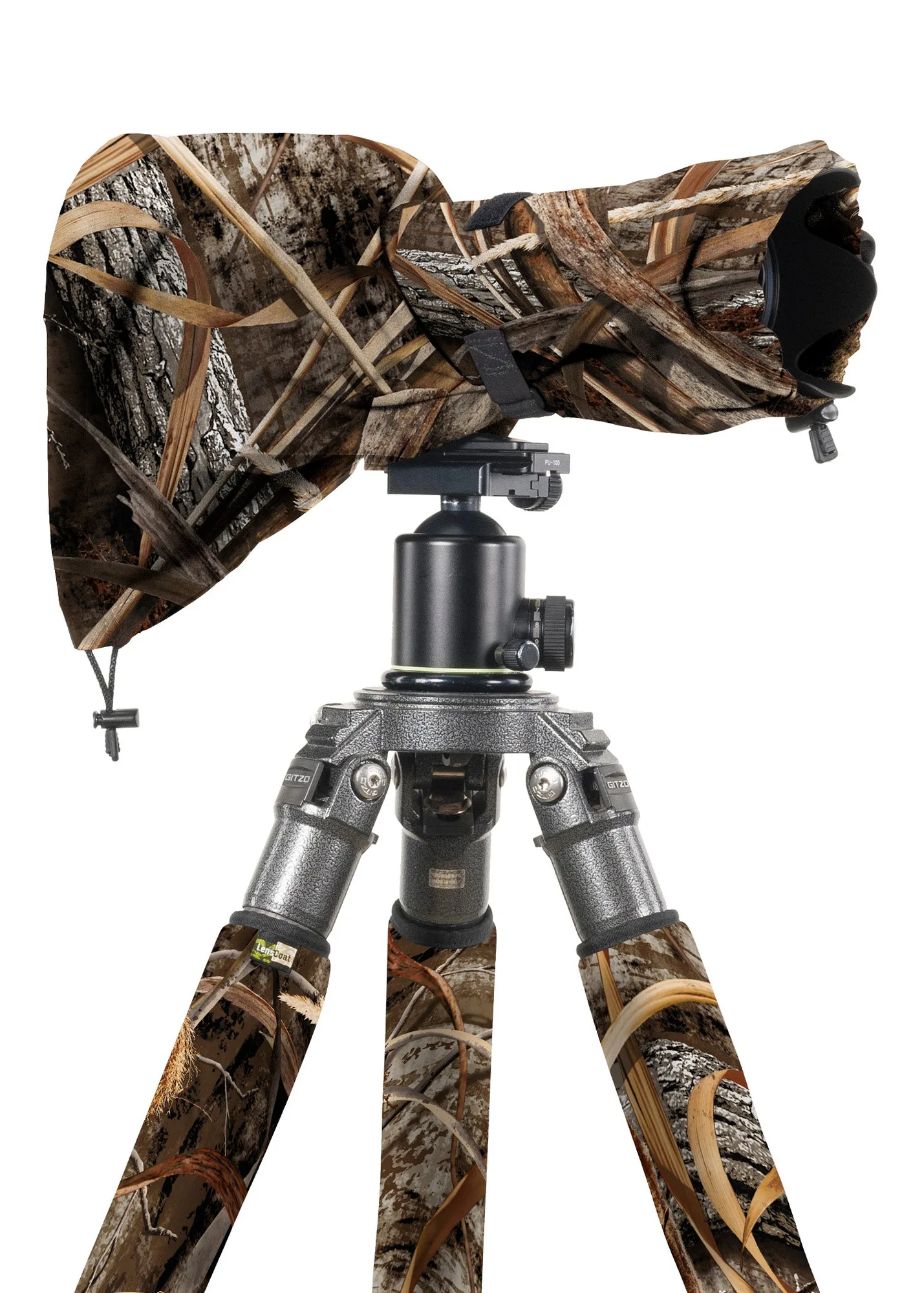
LensCoat® RainCoat RS Medium