Quick answer
Installing a Pedal Commander on a Hyundai is a plug-and-play job you can finish in about 15 to 30 minutes with no cutting or splicing. You unplug the factory connector at the accelerator pedal, plug the Pedal Commander harness inline between the pedal and the factory wiring, then route the control unit somewhere reachable. After that, start the car, confirm the unit powers up, and set a mild mode for your first drive.

Pedal Commander
Most Hyundai owners notice the same thing: you press the gas, and the car takes a moment to decide what to do about it. That delay is built into the factory pedal mapping, not a mechanical fault. A throttle response controller sits between the accelerator pedal and the vehicle's wiring and changes how quickly that signal is delivered.
throttle response controller
The install itself is genuinely simple, but the details matter. The connector location varies by model and year, the pedal sensor is fragile, and the first drive should always start in a conservative setting. This walkthrough covers the full process, the checkpoints that tell you it worked, and the mistakes that cause most first-time installers to backtrack.
Before you start: what to confirm
Fitment is the one thing you cannot fix later. Pedal Commander units are vehicle-specific, and a Hyundai listing usually asks you to select your exact model and generation before checkout, because the same nameplate can use different connectors across generations. If your listing has an option selector, use it rather than assuming your model year is close enough.
You also want the engine off, the key out of the ignition or the car fully powered down, and a few minutes of cool-down time if the car was just driven. The pedal area on most Hyundais is tight but accessible from the driver's seat with the door open. A phone flashlight and a small flathead screwdriver are usually the only tools you need, and often not even the screwdriver.
- Confirm your exact model, generation, and engine before ordering, not after
- Work with the ignition off and the vehicle fully asleep
- Have your phone ready if you plan to use the Bluetooth app
Step 1: Find the accelerator pedal connector
The connector sits at the top of the accelerator pedal assembly, tucked up under the dash. On most Hyundais you will need to lie on your back in the footwell or reach up from the driver's seat with the seat pushed all the way back. Look for a plastic plug clipped into the pedal housing with a short run of wiring disappearing into the harness.
Do not pull on the wires to identify it. Trace the pedal arm upward until you reach the sensor housing, and the connector will be the only plug attached to it. If you cannot see it clearly, take a photo with your phone and look at that instead of contorting yourself further.
- Checkpoint: you should see exactly one connector attached to the pedal sensor housing
Step 2: Release the factory connector
Every Hyundai pedal connector has a locking tab or slide clip, and it will not come off until you release it. Press or slide the tab while pulling the connector straight out. If it resists, stop and look again rather than adding force, because the plastic housing on the pedal sensor is the part most likely to break.
The most common mistake here is prying at the connector with a screwdriver before releasing the lock. That cracks tabs and leaves you with a connector that will not seat properly afterward. Fingernails or a plastic trim tool are safer than metal.
- Common mistake: forcing the plug out without fully releasing the lock tab
Step 3: Connect the Pedal Commander harness inline
The Pedal Commander harness has two matching ends: one plugs into the pedal sensor, and the other plugs into the factory connector you just removed. Connect the vehicle side first, then the pedal side, and press each until you feel or hear the lock engage. There is only one way each end fits, so if it does not seat easily, you have the wrong end.
This is the whole electrical job. Nothing is cut, spliced, or tapped. That is also why the install reverses cleanly if you sell the car, and why the 2-year product warranty on Pedal Commander units is not affected by a normal plug-and-play install.
- Checkpoint: tug gently on each connection; neither should move
Step 4: Route and mount the control unit
Feed the harness cable so it stays clear of the brake pedal, the steering column, and anything that moves when you drive. Zip-tie or tuck it along existing factory wiring. The control unit itself needs to be somewhere you can reach while seated, but not somewhere it will be kicked or snagged getting in and out.
Popular spots are the lower dash panel, the side of the center console, or a small bracket near the kick panel. Avoid leaving the unit loose in the footwell. If you plan to control it mainly from your phone, mounting it out of the way is fine, but you still want the cable secured.
- Common mistake: leaving slack cable where it can catch on the brake or clutch pedal
Step 5: Power up and set your first mode
Start the car and check that the Pedal Commander powers on. If you have a Bluetooth version, pair it with the app on Google Play or the App Store, which gives you the same 36 sensitivity settings as the physical buttons in a cleaner interface. Then set the unit to a low setting in a mild mode for your first drive.
Drive normally for a few minutes before changing anything. You are checking for a dead pedal, a check engine light, or a throttle that feels stuck or unresponsive, all of which usually mean a connector is not fully seated. Once everything behaves, step up through the settings until the Hyundai accelerator response feels right to you.
- Checkpoint: no warning lights, no dead pedal, and a clean idle before you tune further
Hyundai install checkpoints at a glance
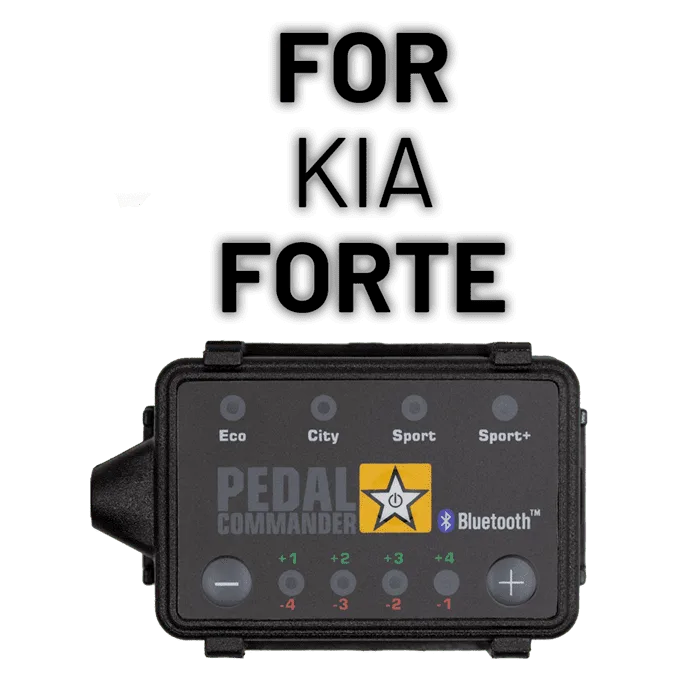
- Confirm fitment before you touch anything: Match your Hyundai's model, generation, and engine to the option selector on the listing, the same way Pedal Commander splits the Kia Forte across PC17, PC24, and PC71 by generation and displacement. Wrong-generation unit means the connector will not seat, and no amount of force fixes that.
- Release the lock tab, then pull: Press or slide the locking clip on the factory pedal connector and pull straight out. Keep metal tools away from the plastic housing. If it will not budge, you have not found the release, not a connector that needs more muscle.
- Seat both harness ends fully: Vehicle side first, pedal side second, pressing until each locks. Then tug each connection gently to prove it. A partially seated connector is the number one cause of a dead pedal or warning light after install.
- Secure the cable away from pedals: Route the harness along factory wiring and mount the control unit somewhere reachable but out of the way of your feet and the brake pedal. Loose cable in the footwell is a safety issue, not just a tidiness one.
- Start mild, then tune: Power up, pair the app if you have the Bluetooth version, and drive in a low setting before stepping up through the 36 available sensitivity settings. No warning lights and no dead pedal on the first drive means the install is done.
Products and facts worth knowing
- Pedal Commander for Kia Forte: This listing shows how Pedal Commander splits one nameplate across generations and engines, with PC17 for the TD (2010-2013) 2.0L-2.4L, PC24 for the 2nd Gen (2014-2018) 1.6L-1.8L-2.0L, and PC71 for the 3rd Gen (2019-2024) 1.6L, plus a trim list covering EX, LX, S, SX, GT, GT-Line and others. Hyundai listings work the same way, so the option selector is doing real work. Picking by model year alone without checking generation and engine is how people end up with a connector that does not fit.
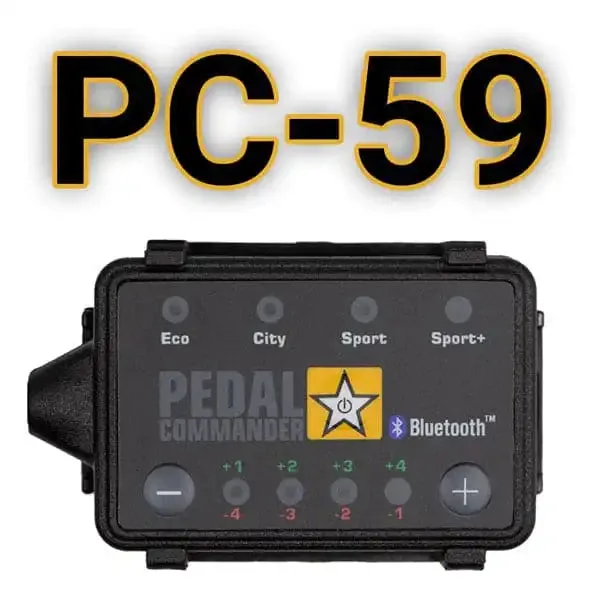
- Pedal Commander PC59-UK: This unit eliminates the gas pedal's response delay, installs plug and play, offers 36 sensitivity settings, works with the Google Play and App Store app over Bluetooth, and carries a 2-year product warranty. Those are the same core features you get across the Pedal Commander line, so if you understand this unit you understand what the Hyundai-specific version will and will not do for you.
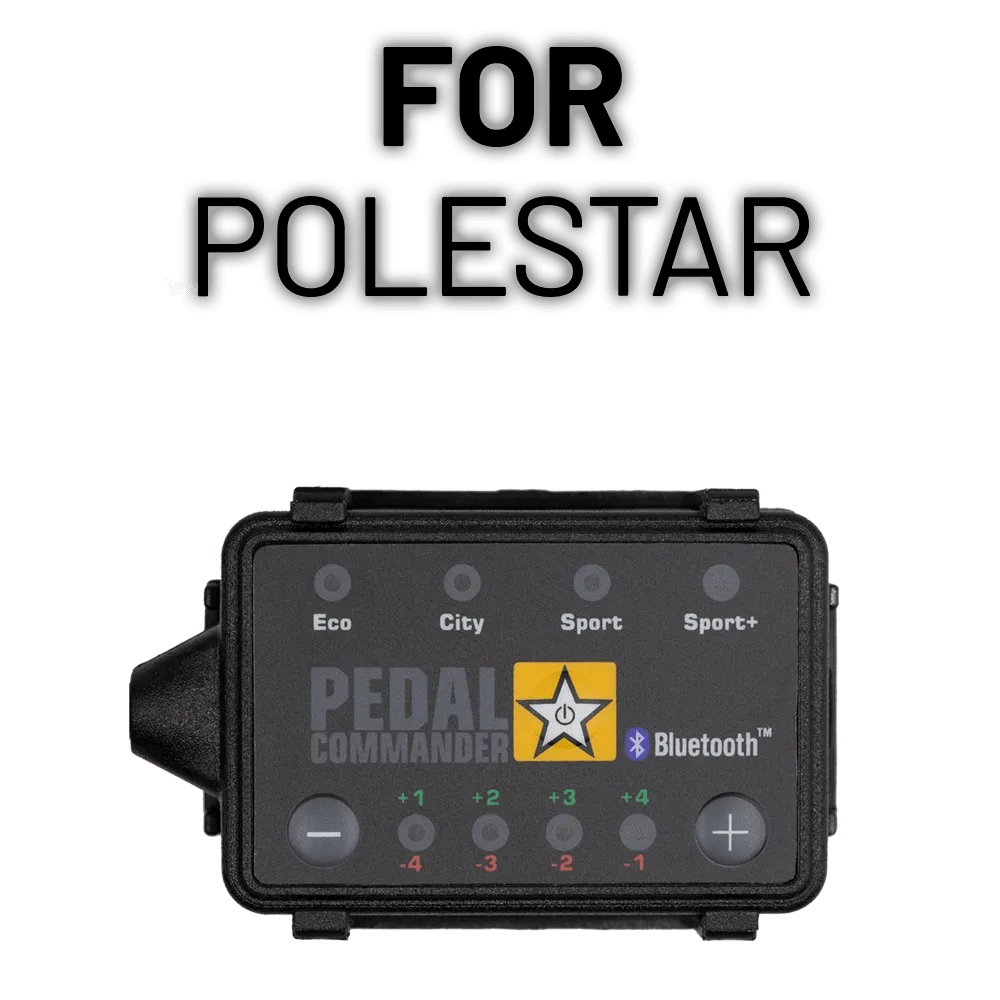
- Pedal Commander for Polestar 4: This listing is built for the Polestar 4 1st Gen (2026-2027) Electric and still requires the buyer to select the matching option for their vehicle. Even on a brand-new, single-generation EV, Pedal Commander asks you to confirm the exact vehicle. Treat that selector as a required step, not a formality.
A Hyundai throttle controller install is one of the few performance upgrades you can finish in a driveway with no tools and no permanent changes to the car. Confirm fitment first, take your time on the connector lock, secure the cable, and start in a low setting. If the pedal feels dead or a light comes on, reseat the connectors before assuming anything is wrong with the unit.